Leaderboard

Popular Content
Showing content with the highest reputation on 04/13/2026 in Posts
-
Jill, I agree, something wrong with changing/adding first keyframe and scale of the timeline. Please wait, we'll improve the code.1 point
-
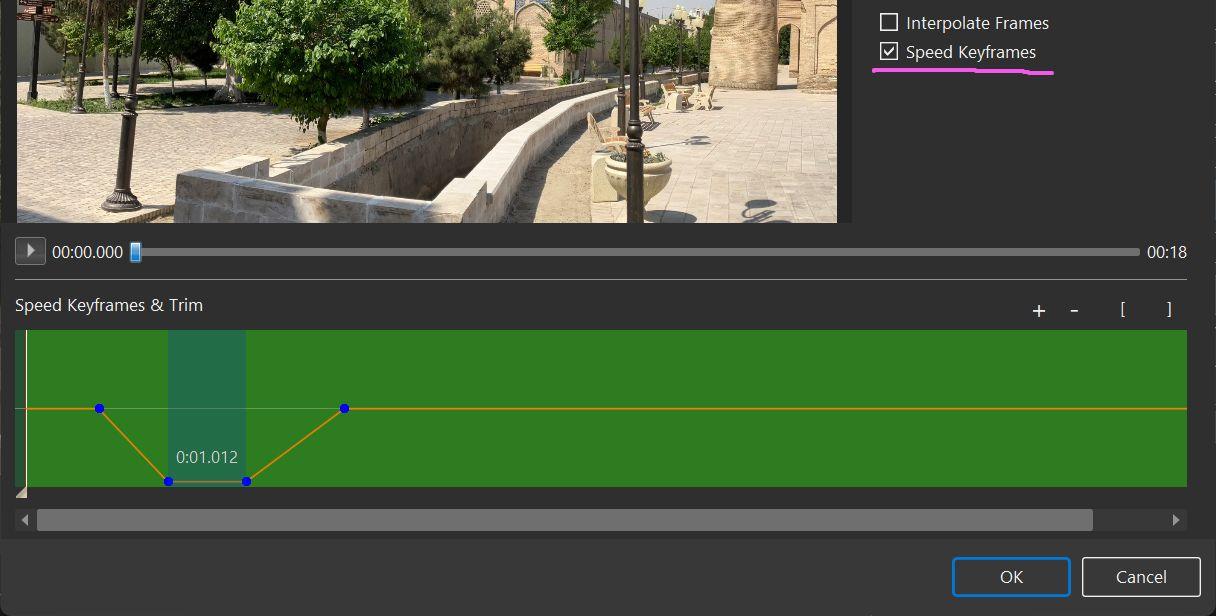
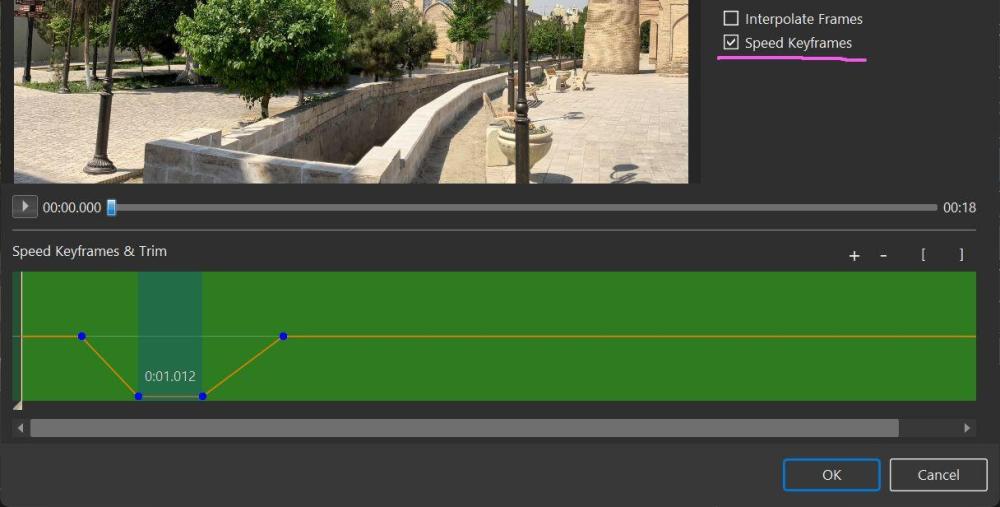
Please try a simple idea - create a smooth video slowdown, a pause (1 s), and then a smooth resume of playback. I showed how to do this in the screenshot below. First, make sure you are using the new version - Beta 9. 1. Tick "Speed keypoints" option. 2. Add 4 keypoints, as shown on the screenshot. 3 Click the OK button to save the result. Check the preview in the Objects and animation editor and the Mini player in the main window.
 1 point