Leaderboard




Popular Content
Showing content with the highest reputation on 06/01/2026 in Posts
-
Hi everybody. I saw a video with a heron from Digital and decided to offer this kind of design for such files. It is not necessary to use the entire project. You can apply one or more slides. All text blocks are editable. The slide duration can be extended for easier reading of the text. The slide movements are edited by the overall frame. Due to the lack of layer overlay modes in the program, the file with the crumpled paper effect is superimposed with a change in the opacity of the layer, adjust it yourself if necessary. Information about the project and the download link in the description of the video on YouTube. https://youtu.be/DUej61T06rU2 points
-
Hello all... I'm very new to this program - in fact, I just purchased it today as of this writing. I saw enough to fall in love with the program, but I do have one initial question that I couldn't find in the user guide. I've just created a slide show for a friend, but with the photos and everything, the total slide show came to 140 Megabytes. How can I save the project in a smaller format - or do I have to save it in a compressed format? Is there a way to compress or make smaller prior to saving the project? Thanks, Bernd Herrmann1 point
-
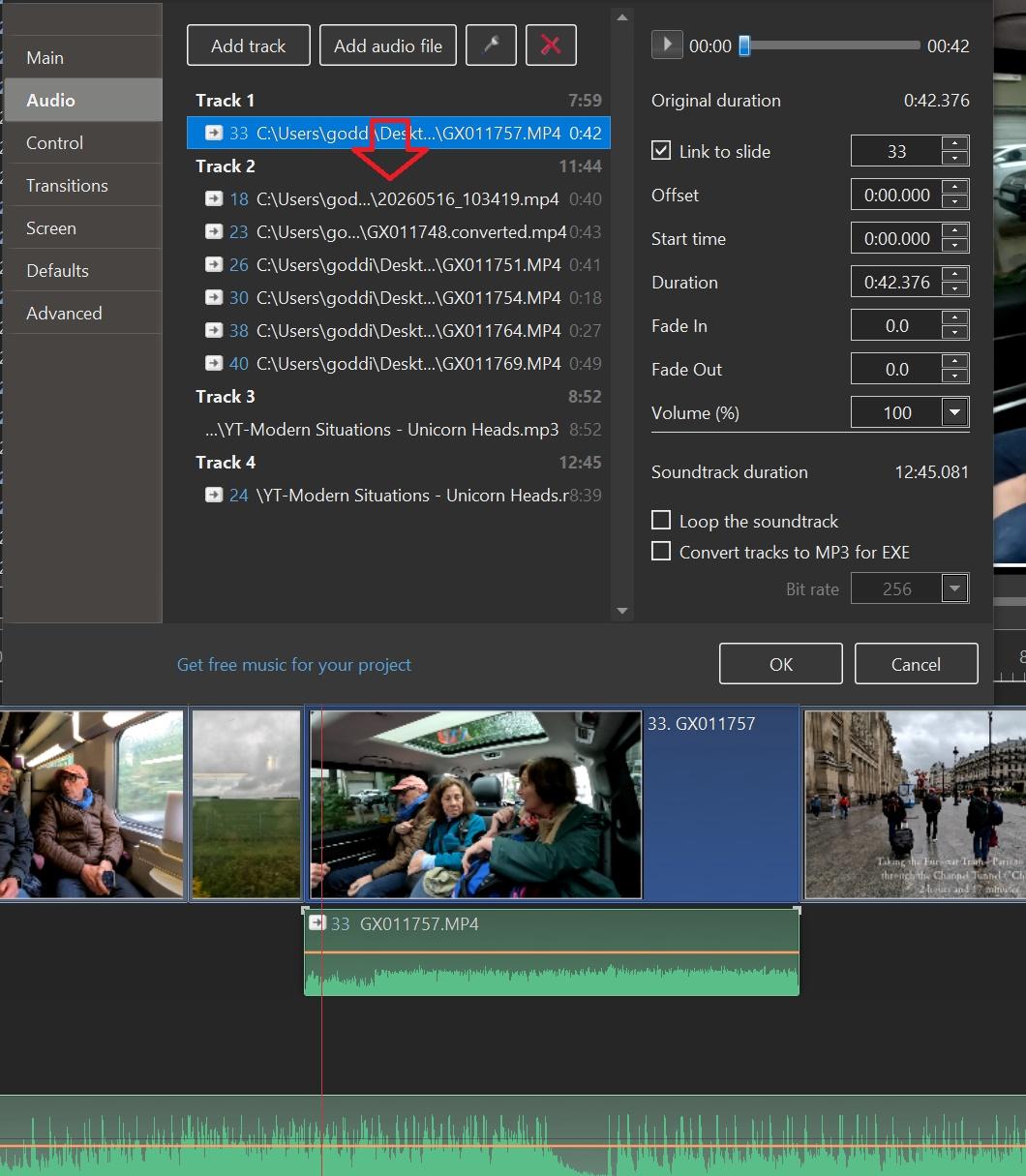
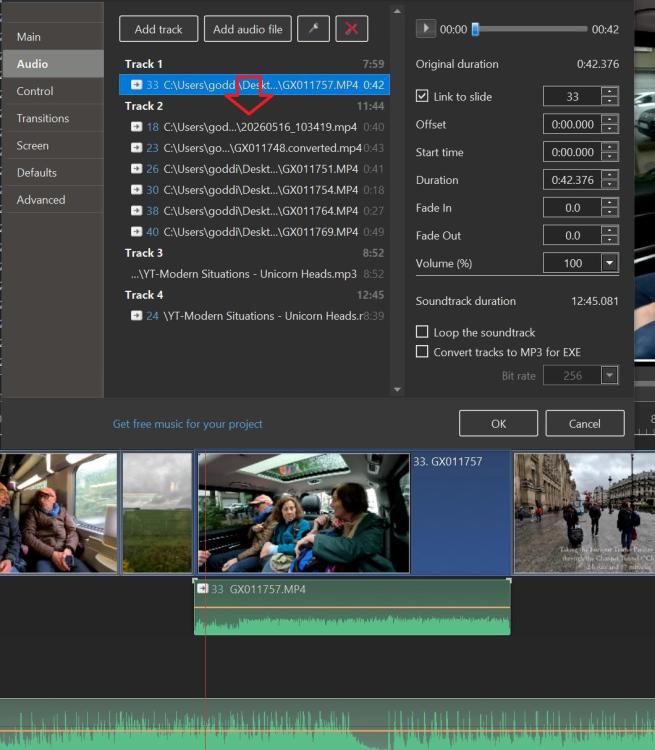
Greetings, Thanks, I like the way of left-clicking on the Audio Clip in the Timeline and all the Tracks show up. I, then, can just drag down the separated audio clip in Track 1 down into Track 2. And then delete the empty Track 1. This helps to consolidate the audio clips. When you Separate Audio from Video, it puts the audio clip in its own Track and that can become messy when you do a lot of them. Thanks for the tip, Gary
 1 point
 -
Thanks for sharing. I am glad the original post gave you some inspiration to create this. My idea was initially just to create a simple text for a single image AV when posting on social platforms, but this is next level. Regards Mark1 point
-
Bernd: Congrats on creating the AV show. Re the user guide, did you look at the Online help at: https://docs.pteavstudio.com/en-us/11.0/main1 point