Leaderboard

Popular Content
Showing content with the highest reputation on 07/24/2026 in all areas
-
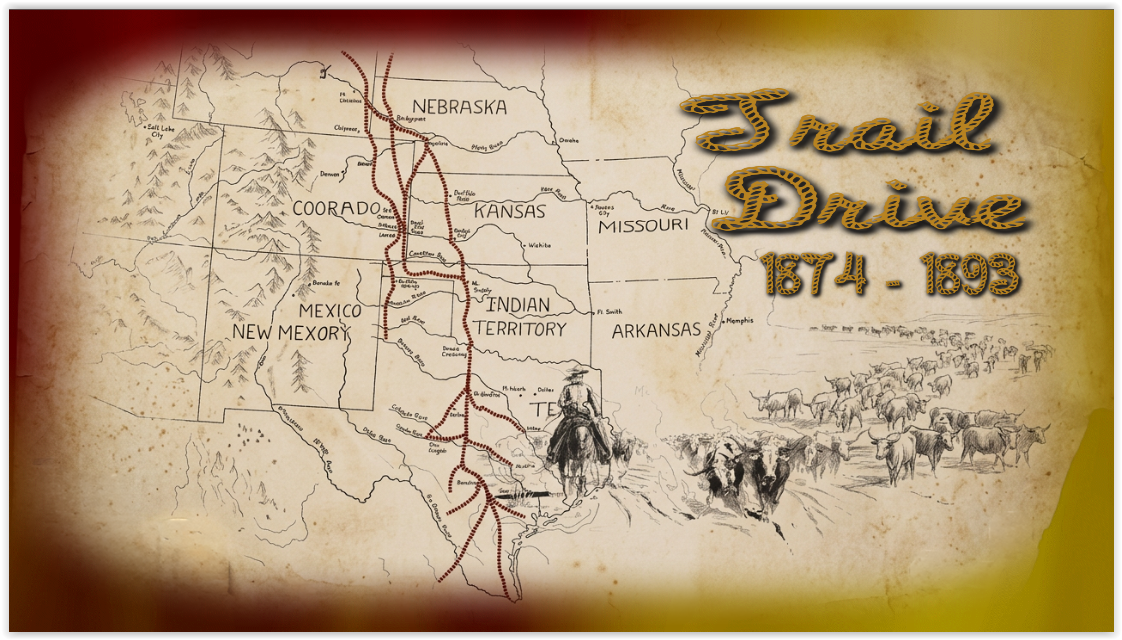
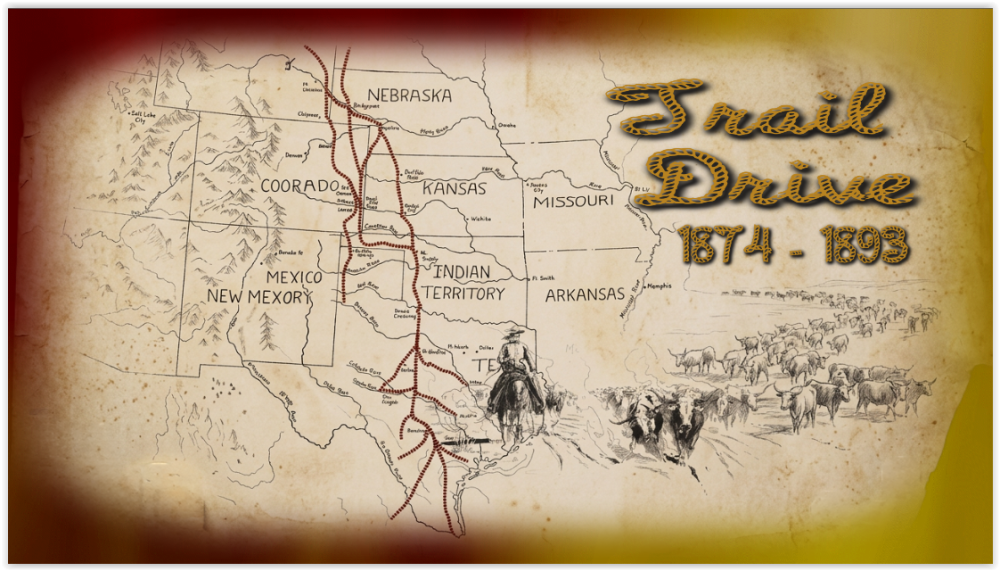
Trail Drive From 1874 - 1893, Hope you enjoy the show. Here is the web link to my web site: Trail Drive From 1874 - 1893 Show. Trail Drive From 1874 - 1893 Show Link: https://www.pnwhiker.org/TrailDrive/TrailDriveShow.htm
 2 points
 -
1) In Object and Animation, when you move a Keypoint, it snaps to the end and the beginning of the slide, and to the other 2 points that represent the Transition/In and Out points , -- and that's PERFECT. BUT when dragging the cursor along the existing Keyframes, it would be very useful and nice, IF the cursor would snap to the Keyframes and In/Out points too. At the moment it just flashes when upon the keyframe, but no snap/ lock to that point/keyframe. 2) Also in the same Object and Animation window, on the right side: please set the height of Properties and Animation tabs around 75% of the screen height AS DEFAULT, and the bottom section, where the created elements are listed, would then take the rest of 25%. For the moment, I always need to adjust the height of those sections too see all the settings and thats very frustrating. 3) Can you please make more variations of "Spots" transtion? Or creating various settings for changing/ varying the existing one ? Like blur margins, liquify margins, vary the pattern of holes, etc We need some more transitions, specially organic/random-shaped ones. Best regards, L.B.1 point