Mike2003
-
Posts
26 -
Joined
-
Last visited
Mike2003's Achievements

Junior Member (2/6)
-
Hi Mark, I actually use ON1 Photo RAW with Affinity (the Canva version). TBH I was a user of LR for many years but objected to the subscription model that Adobe went to so jumped ship and after a lot of research found that ON1 worked for me, especially since I could import the LR edits. Have been with ON1 since way before Covid. So no technical reason for moving away from Adobe eco system. Having said that I am perfectly happy with ON1 and Affinity. Both are stable with my Windows 11 system and do what I want. Mike
-
Apologies for not replying sooner after the prompt replies. Yes, I could create a cut out using PS etc. but I was hoping to be able to do this easily from within PTE . But you are right, in the absence of PTE, then its PS (actually for me it'll be Affinity but that's a point of detail).
-
It would be useful if it were possible to drop simple labels under the time-line rather like the Audacity editor allows you to do. I sometimes add blank slides with text inserts but a label or some sort of flag would be useful.
-
Hi Jill, thanks for reply, that's what have been doing and have been tearing my hair out, its very much trial and error as you say and its still not quite right. I was wondering if had missed a more elegant and user friendly option. Mike
-
I would like to add a mask to an image but would like to pull each corner of the mask into a point on the image which whilst rectangular is asymmetric. Can this be done? I have looked in the help file and the forum, maybe I have searched using the wrong term. Any suggestions would be helpful. I want to map a video image onto a building where the building is asymmetrical partly because I have used a wide angle lens.
-
Given that streaming channels all have different loudness requirements and use specific LUFS settings, a way of setting the overall mix in PTE to a specific LUFS value would be useful. A global volume control (as in one that affects all the mix ) would be helpful and I guess this could be part of a LUFS setting option. I know you can set your sound tracks in Audacity, for example, to a specific LUFS setting but I do most of my final mixing and editing in PTE. I have been also looking at the free packages, Youlean and Orban for measuring LUFS - perhaps these tools could somehow be interfaced to PTE?
-
That sounds like a better way of doing it.
-
Ah I missed that key point. But it still seemed to work my long winded way!
-
Started experimenting following Jills post and my first experiment in the previous post. It looks as if you have to do a replace audio file for each segment. Seems to work but a bit long winded, especially if you have a lot of segments as I do in this particular AV..
-
Hi rosy. Not ignoring you but wanted to explore Jills suggestion.
-
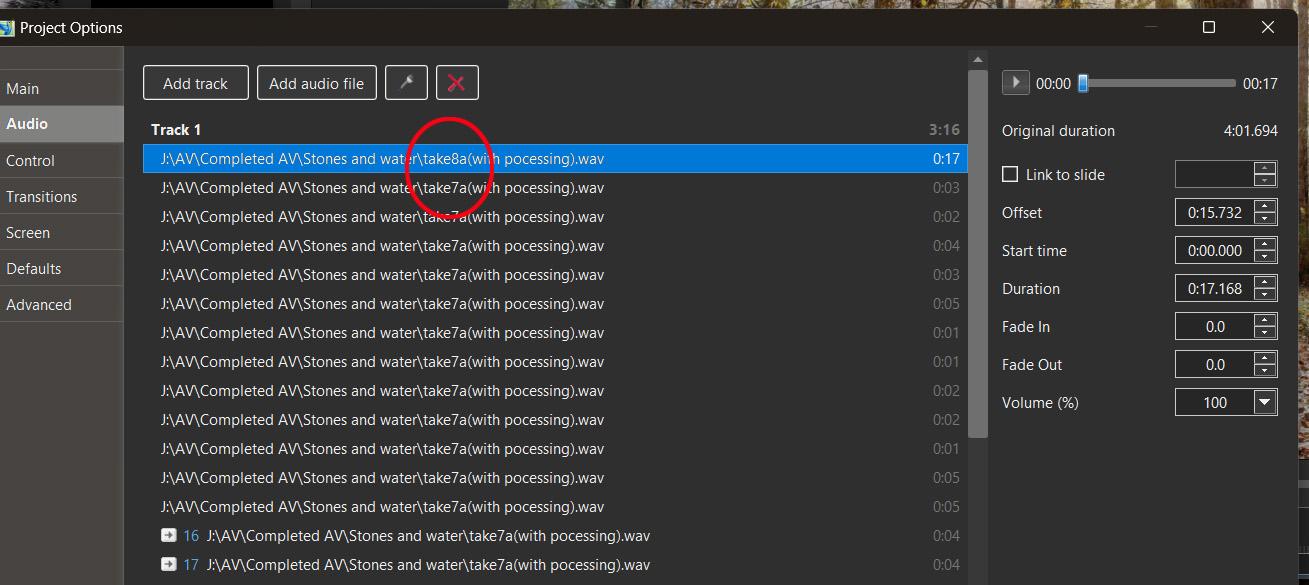
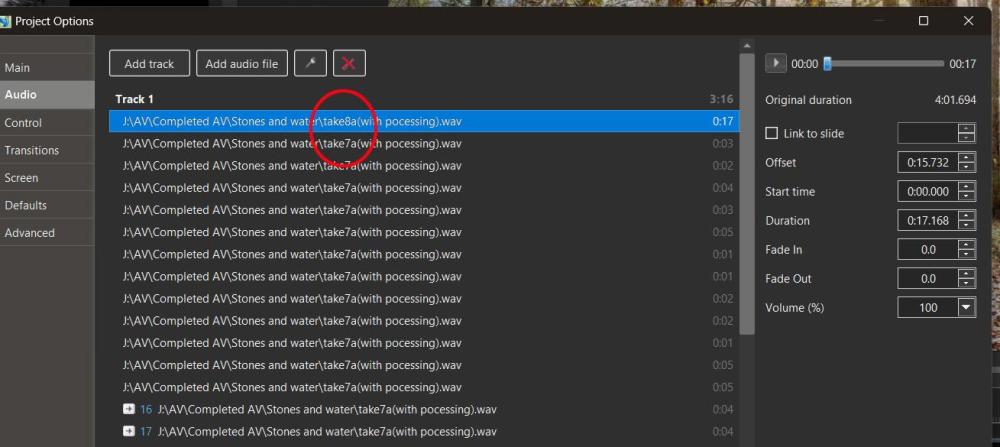
It doesn't seem to work. I select the first segment and do the 'replace' track. It just seems to change the first segment. I have attached the screen shot. You can see PTE has changed the first segment but left the other segments un touched. Mike
-
Thanks Jill. I'll try that out . Watch this space.
-
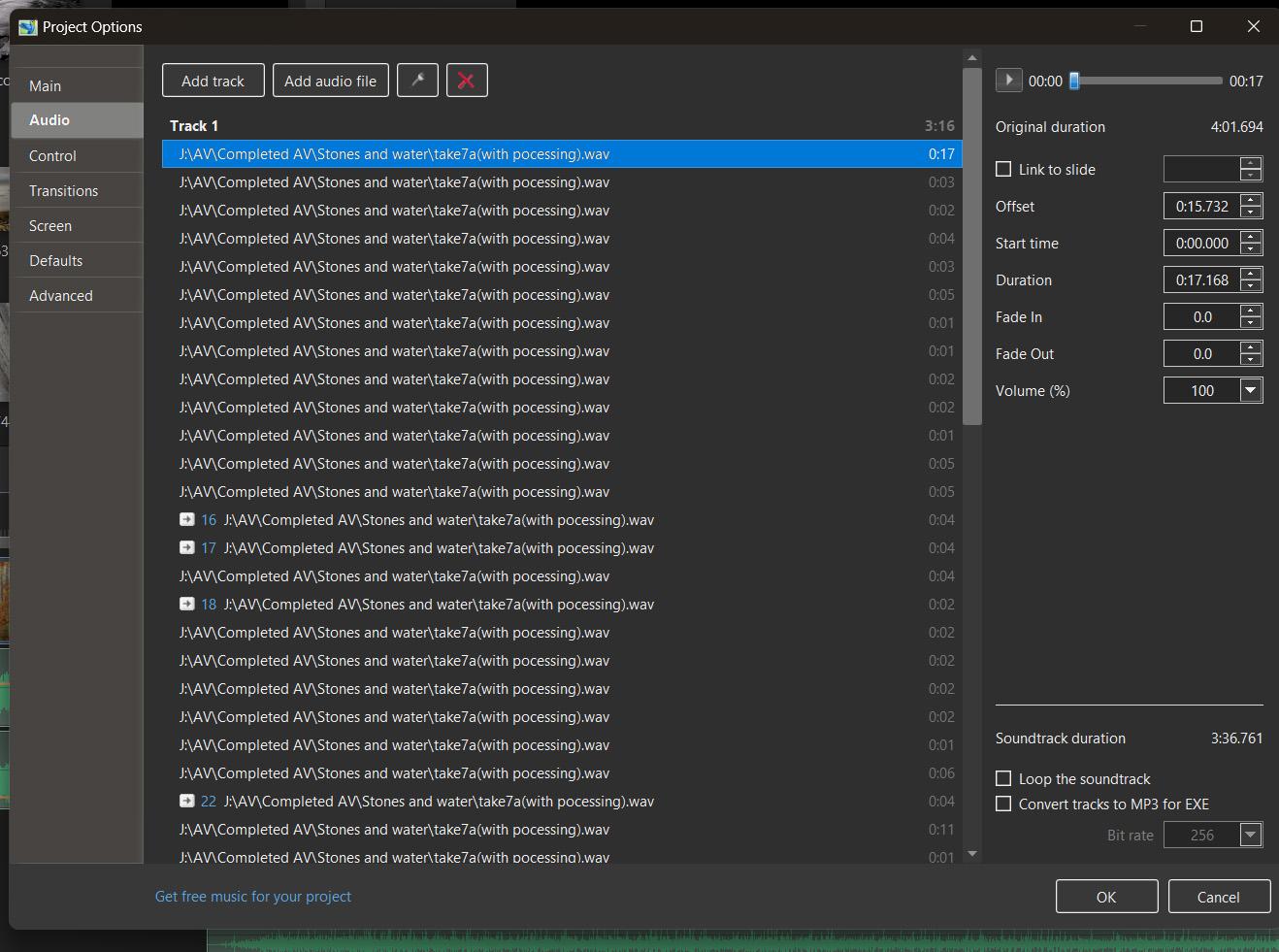
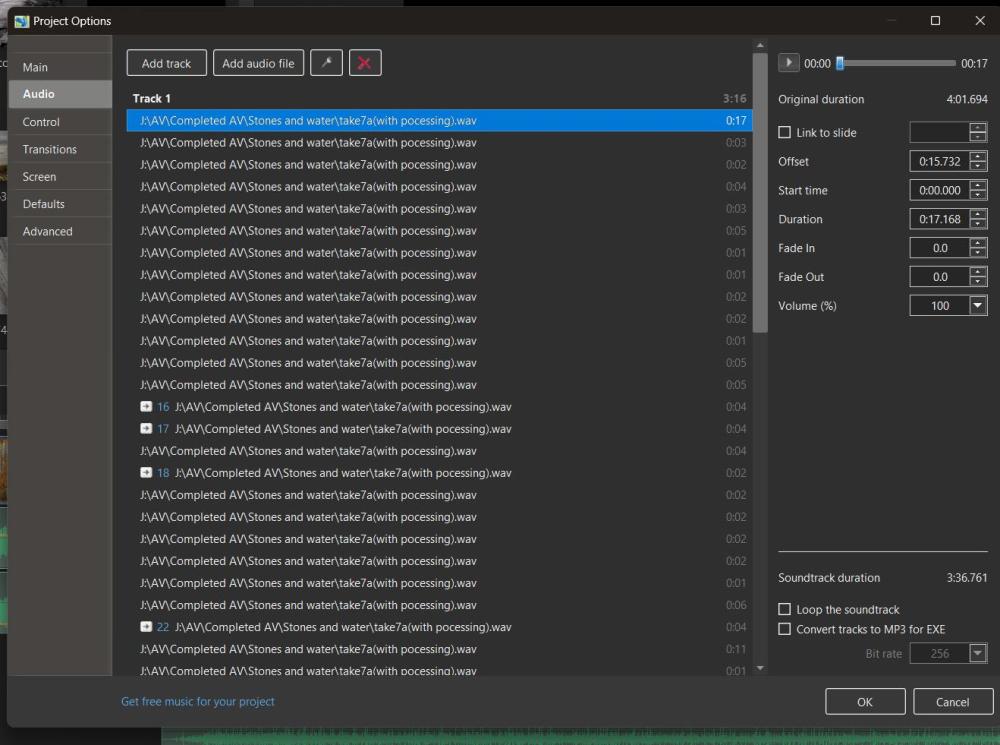
Thanks for the feedback. I would like to be able to apply the new equalisation to the voice track only. Not the fx or music tracks. Is it possible to export just a specific track, my example the track I use for the voice over? I have looked and cannot see how. As for modifying the original track in Audacity, yes I could do that with master voice track but I cannot see how it can then be dropped back into PTE to replace an audio track which has been split into segments as part of the editing process. I have attached a screen shot showing how my voice track is split into segments by editing in PTE.
-
One one of my AV's I want to change the equalisation on my voice over. If my voice track was one continuous track it would be easy. I'd take it back into Audacity and re-equalise the sound and drop it back into PTE, but as a result of editing in PTE my sound track is split into many, many segments and in some cases I have removed words and sentences. As well as altering relative sound levels. Is there any way I can do this without starting again in Audacity and repeating the whole editing process in PTE?
-
Hi Tom, Thanks for your suggestion. As usual there are many ways of achieving the same result! It will be interesting to see if my solution still works when Affinity next produce an update and change the version number. Mike