Leaderboard


Popular Content
Showing content with the highest reputation on 12/30/2025 in Posts
-
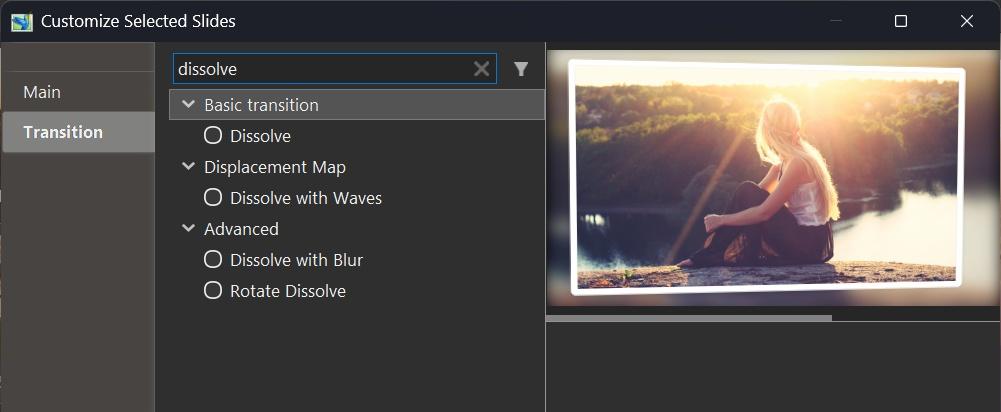
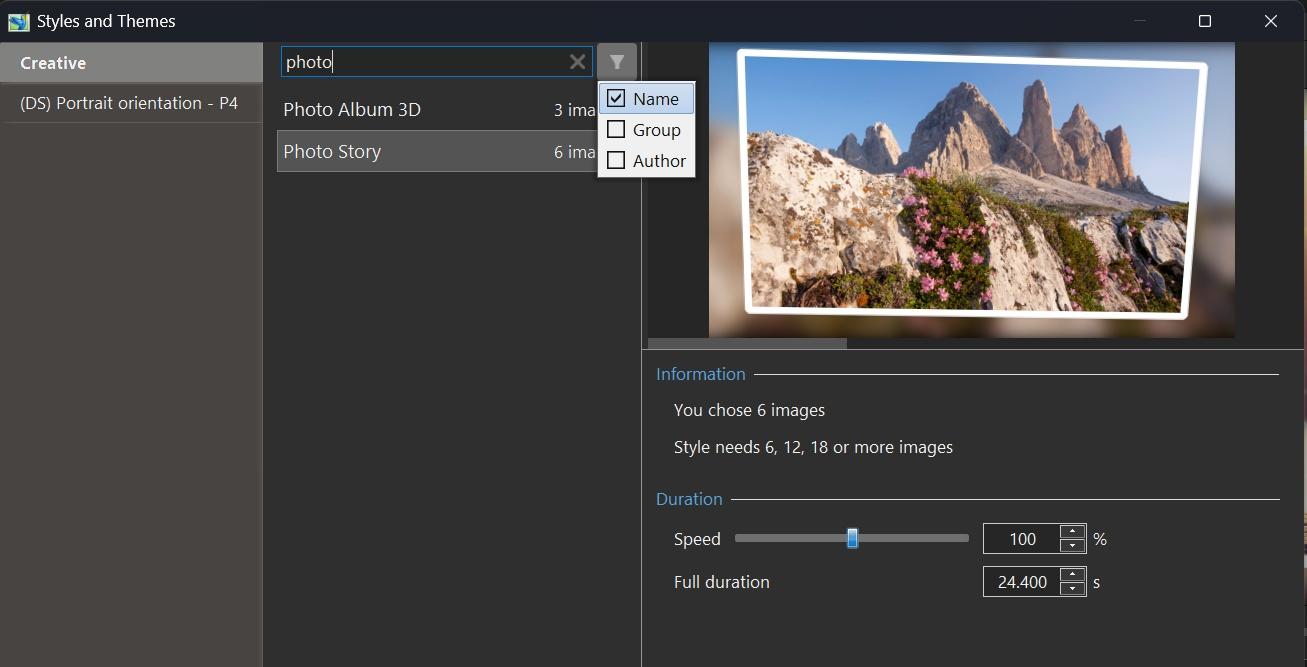
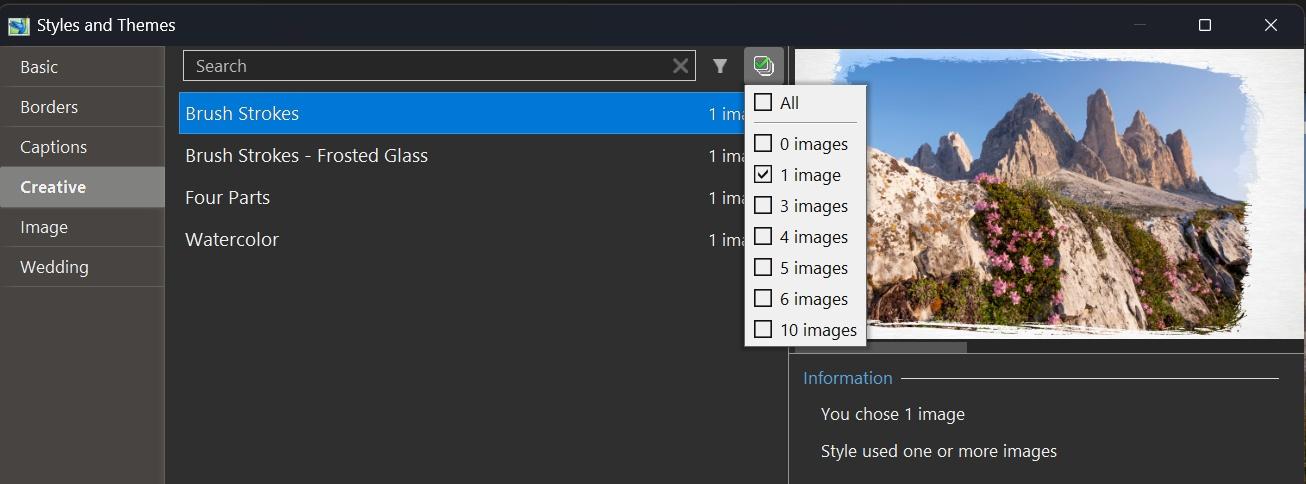
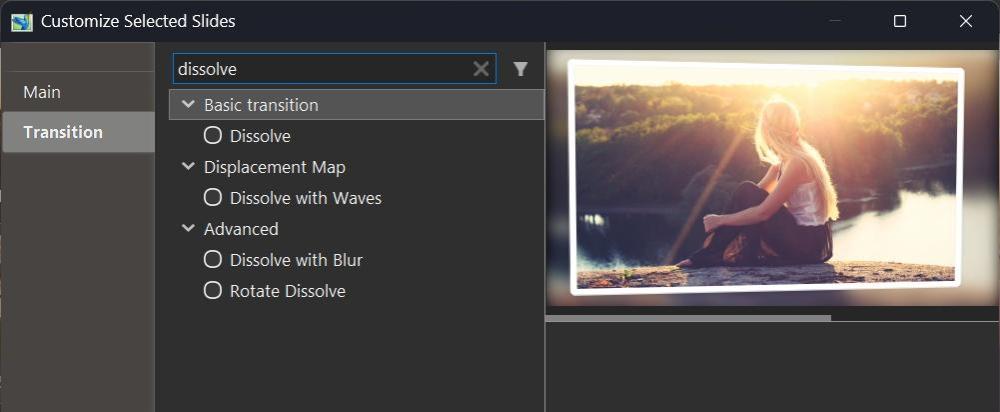
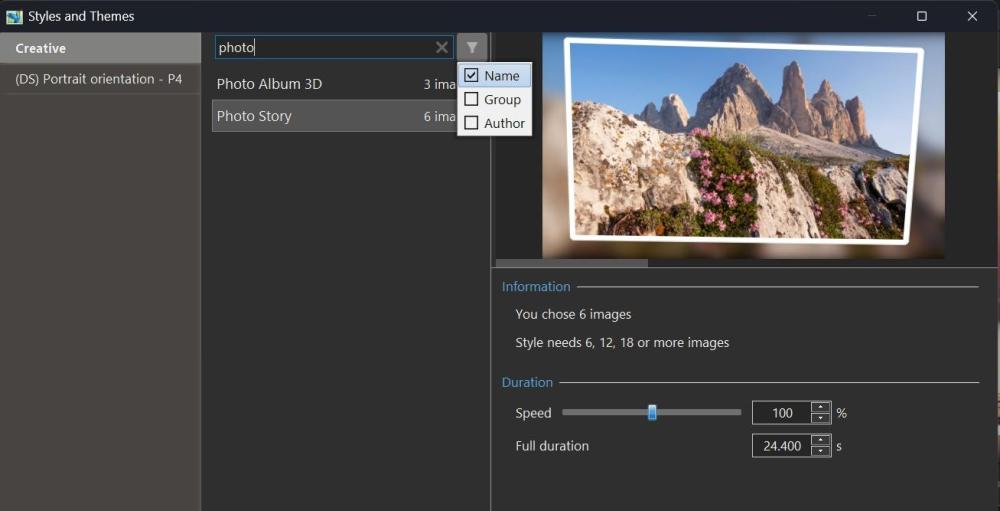
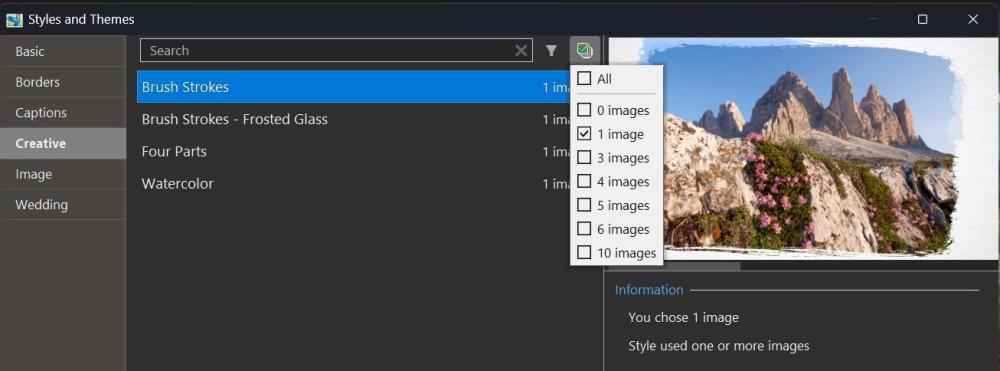
Hi, In PTE AV Studio 12, we've included a new function - Quick Search in the Slide Styles window and Transitions window. This allows you to quickly find or filter the desired transition or style by name, category, or author name. You can also filter slide styles by the number of images they require, making it easy to find styles that match your current selection. PTE AV Studio remembers your choice during the current session, independently for styles and transitions. You can hide the Quick Search bar in Preferences > Templates tab by unticking the "Search in styles and transitions" option.
 1 point
 -
Tested and the problem is solved, thank you.1 point
-
Beta 2 is available See the download links above. Updated Dutch, French, and Spanish translations. Added full support for dead keys (^, `, ´, ¨, ~) on international keyboard layouts - French, Spanish, German, Portuguese, Italian, Dutch, and others (Mac) Fixed an issue with sound objects being duplicated in custom transitions with multiple variants. Fixed an issue where Custom width and height fields were not visible in the New project window.1 point
-
Hello all I’ve just tested this new feature in version 12, and it effectively replaces what I had probably somewhat clumsily called the “threshold effect.” This effect is based on the opacity of an image mask representing a grayscale pattern, where the opacity depends on the adjustment of black point and white point levels. The main drawback was that it required creating a key point for each gray value — up to 255 in order to cover the full range of shades. Several examples have been provided by different members on this forum (I’m probably not being exhaustive), for example: With the Gradient Map effect in v12, it is no longer necessary to create a large number of key points, since everything can now be controlled through the opacity parameter. This offers much greater flexibility in the adjustments, notably by allowing the use of animation speed settings, inverting the pattern (negative) to reverse the animation, and more. Below is an example of a transition made with the Gradient Map effect in version 12. Flying squares.pteeff Gradient map.mp4 Pascal.1 point