Leaderboard



Popular Content
Showing content with the highest reputation on 11/04/2026 in Posts
-
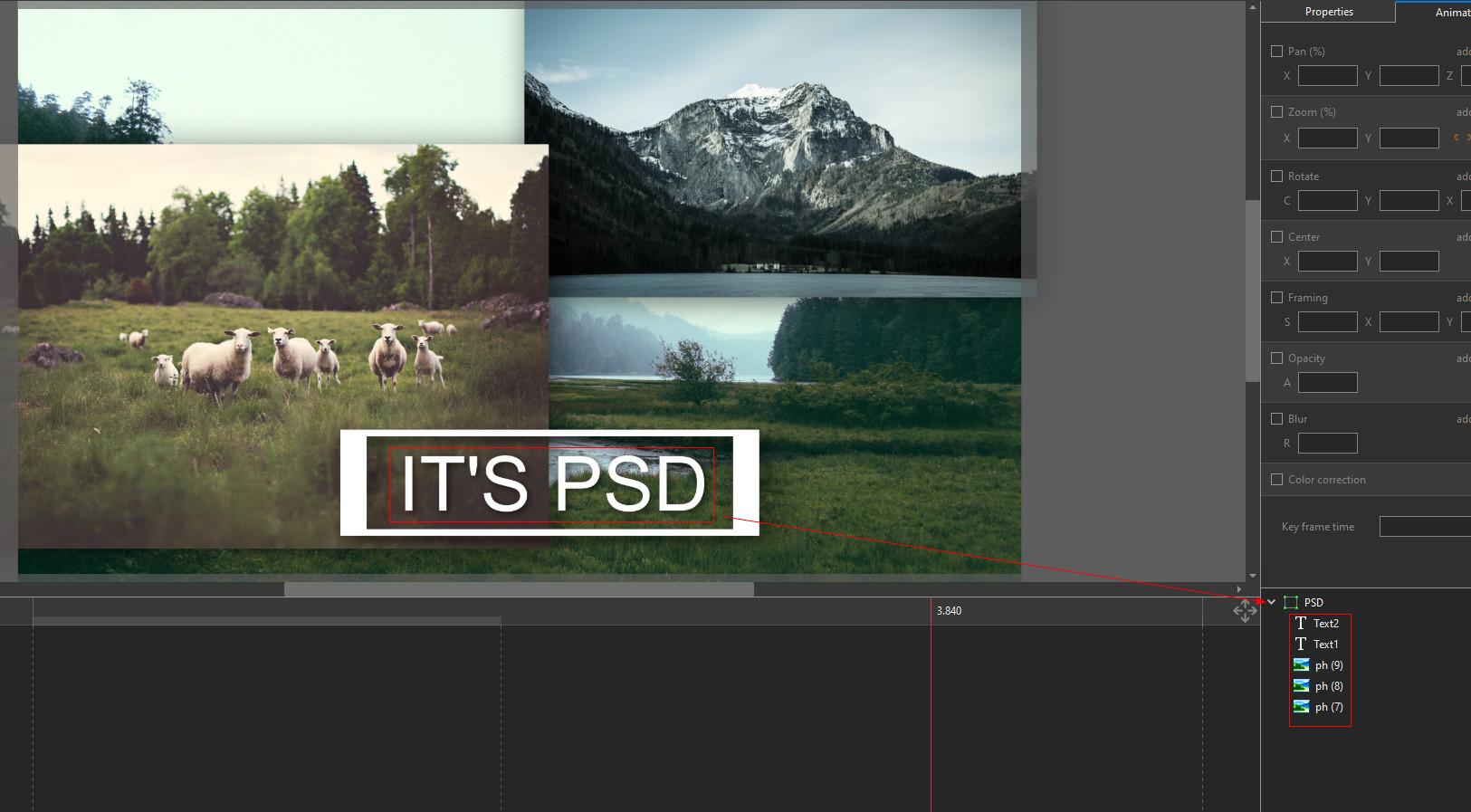
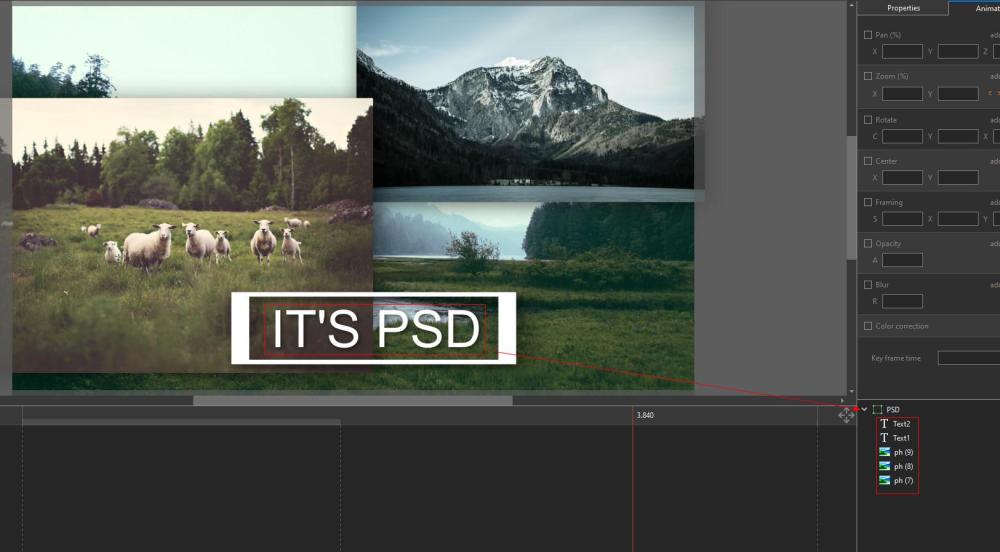
Ghulya, A frame in PTE is essentially a PSD in its primitive form. PSD is a PhotoShop Document containing multiple layers, including text layers. When you open a PSD in the program, you can edit each layer. In PTE, you can actually only open a PSD with the layers merged into one. You won’t be able to edit the layers. That’s all I wanted to say. And where is the mention of video files here?
 1 point
-
I think it’s just as you say; it’s not about using PSD files for everything from now on, but if someone wants to share a project—for instance, one with a complex title—and allow others to edit it, I think this is a good solution. I honestly don’t understand why anyone would object to having more options. As for the drawback that PSD files are larger, I don’t think an extra few megabytes is going to cause any real trouble for anyone these days.1 point
-
JPEG and PNG are definitely the best formats for images, and we recommend to use them in PTE AV Studio projects. IMHO, I've found an interesting use for the PSD format - creating text titles with complex visual decoration. Photoshop offers many great tools for styling an decorating text. If you add a PSD file with a transparent background to a slide, you can easily edit the text at any time. The changes will be updated automatically in PTE. The PSD file will also be automatically included in the project backup ZIP archive. The only downside is that PSD files are much larger than PNG files. P.S. It's always better to have more options than limited choice.1 point
-
If anyone is interested, there’s a free program called Patchy Image Editor for editing photos and PSD files — it’s similar to Photoshop, but it has nothing to do with Adobe. Link: https://github.com/SethRobinson/Patchy A PSD file makes sense precisely because of its separate layers, and in PTE it can only be used by importing it layer by layer into a PNG with alpha.1 point