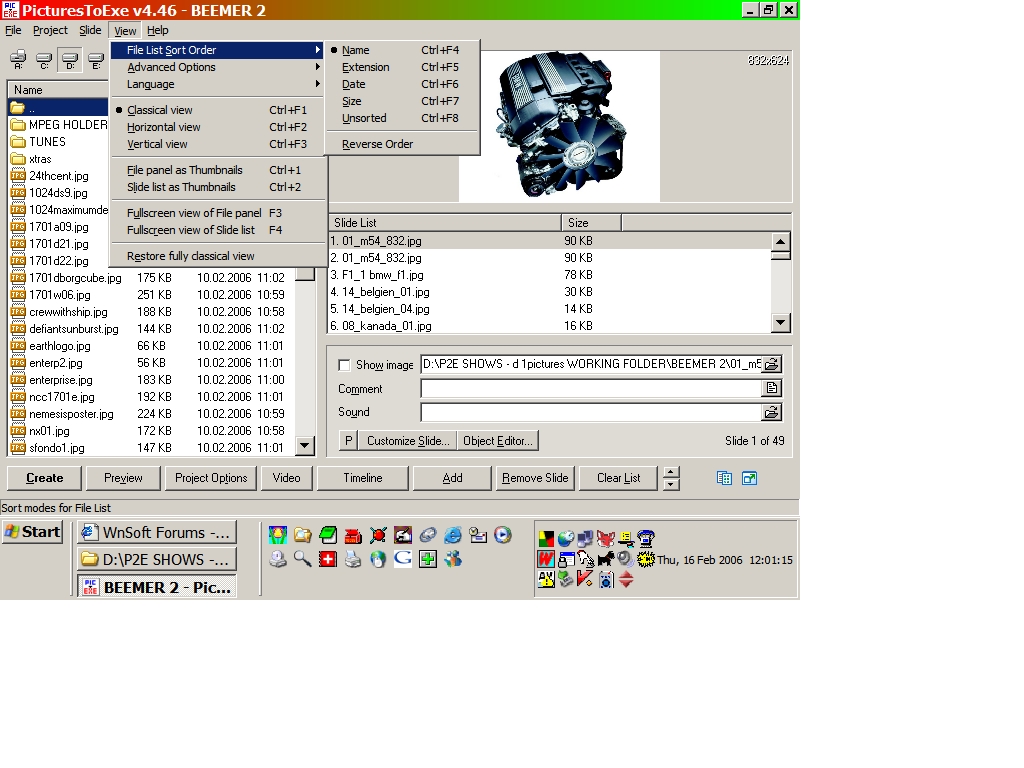
Tom start by reading this thread http://www.picturestoexe.com/forums/index.php?showtopic=1408 and from the help file of the program How to create DVD-Video disc Using PicturesToExe you are able to produce AVI video file which can be easily burned as DVD-Video disc with help of any special software (read below). Even it is possible to create SVCD disc on usual CD-R disc with high quality of image and sound (almost as DVD-Video). PicturesToExe provides fast and lossless transferring of video and audio for converting into DVD-Video format. This allows to keep excellent quality of your presentations and very smooth transition effects. Advice: please create usual EXE files for playing of presentations on PC, and DVD-Video disc if you want to play your presentations on DVD players connected to TV. 1) Preparing of AVI file file in PicturesToExe: Start PicturesToExe; open your project; and then call AVI video output dialog ("AVI button in the main window of PicturesToExe"). Choose "NTSC" TV system, if you live in United States, Canada, Japan, Taiwan or South Korea. Choose "PAL/SECAM" TV system you live in Europe, Australia, Africa, or in any other country. Select "DVD-Video disc", if you have DVD-Writer or "SVCD disc" if you have usual CD-R/RW drive. "Interlaced for TV" option is highly recommended to get excellent quality and smoothness of transitions on TV. You can click "Preview" button to immediately see the resulting presentation playing as video file. In this mode, please ignore that transitions may be shown not so smooth. But on burned DVD-Video disc all transition effects will play excellent as in usual EXE file. Also we recommend to make sure that text fonts are enough large to be readable on the screen of TV. Now click the "Create AVI file" button and PicturesToExe will produce video file within 10-30 seconds. Important note: Please don't click "Finish" button until you didn't fully burn the DVD-Video disc. 2) Converting and burning AVI video file into DVD-Video disc: PicturesToExe can not burn DVD-Video, so you need to make use of any special software which can convert produced AVI video file into DVD-Video format and burn the disc. We recommend you to use Ulead DVD MovieFactory2 http://www.ulead.com/store/dmf/runme.htm which can do it. Also you will able to make simple DVD menu. (In this program, please don't forget to choose NTSC or PAL/SECAM in the Preferences window. To call this window, press F6 key). Please click the "Finish" button in PicturesToExe when the disc will be fully written. (Temporary AVI video file will be automatically deleted, because it is intended only for converting into DVD-Video format.) Enjoy with your recorded DVD-Video or SVCD discs! Advice: SVCD on usual CD-R disc gives almost DVD video quality Even if you don't have DVD writer, you can burn SVCD on usual CD-R disc via CD-R/RW writer with almost DVD quality! So it better never create VCD video which will looks very blurred and shows terrible transition effects. And DVD or SVCD will make maximally possible (for TV) details and smoothness of transation effects in your presentations. SVCD video disc can be played on any PC with CD-ROM or DVD-ROM and software for playing of DVD video disc. Or on most of stationary DVD players connected to TV. -------------------------------------------------------------------------------- Note: Advanced users can use "Create custom AVI video file" option for various purposes. This allows to produce AVI video file with necessary audio and video codecs (MPEG4, MJPEG, etc). ken