All Activity
- Past hour
-
Les videos incorporées sont saccadées, il faut les mettre en externe ou découper le diaporama en plusieurs parties
-
 Michel74700 joined the community
 - Today
-
Camera 2 Transitions For PTE AV Studio 12 (and sound)
chanfi22 replied to jienense's topic in Styles & Templates
Hi Javier thanks for sharing this interesting transitions. Well done -
Camera 2 Transitions For PTE AV Studio 12 (and sound)
digartal replied to jienense's topic in Styles & Templates
Fantastic, well done. -
Free Music / SFX Resource - Over 2000 Tracks
Eric Matyas replied to Eric Matyas's topic in General Discussion
Greetings Fellow Creative Souls, "STRATOSPHERE" (Looping) is this week's new release in higher-quality Ogg format. I originally created this track for people who make drone videos, but realized that it might sound really nice in open-world games, too. You can listen to it here: https://soundimage.org/wp-content/uploads/2026/07/Stratosphere_Looping.ogg And freely download it here: https://soundimage.org/aerial-drone/ Please be sure to check out my Ogg GAME MUSIC MEGA PACK which enables you to bulk-download all of my game music at once...a huge time-saver. https://soundimage.org/ogg-game-music-mega-pack/ CUSTOM MUSIC If you happen to need some custom music for your game or project, I'd love to help out! Feel free to contact me here: https://soundimage.org/custom-work/ As always, enjoy, stay safe and keep being creative! 🙂 -

Strange behavior regarding the "Transitions" project option:
Igor replied to Roan Jon's topic in Troubleshooting
Hi Roan, Thanks for your message! I confirm this issue, we're already working on the solution. -
15 transitions with camera sound, for this new version of PTE V 12, I hope you like it. Download: https://javier-pteavstudio.blogspot.com/
-
Milky Way Over Byron Edit Using V12 Features
digartal replied to digartal's topic in Slideshows & AV Shows
Thanks -

Milky Way Over Byron Edit Using V12 Features
JRR replied to digartal's topic in Slideshows & AV Shows
Nicely done -
I check the "Transitions" project option and see that only "Fade" is selected. I select a slide on the timeline. I click "Configure Slide" and choose a custom transition. I click "Manage Transitions" and then "Change Transition Settings." I make a modification or simply duplicate an option. I confirm the change and confirm the transition. I check the project options: everything looks normal (OK). Now, I go back to the transition I just set up and decide to switch to a standard "Fade" transition instead. When I check the "Transitions" project option again, the custom transition I had modified is selected. Even if I uncheck it, it remains selected. I have to restart the project in PTE 11 to fix the issue. PS: The same thing happens if I create a new transition. PTE 12.01 Windows 11 Thanks. Roan
-
I took the timelapse I made earlier this week and added some extra features with Blended Masks from V12. Took a bit of fine tuning and time but happy with the result. Mark
-
Thanks Guy. Great option to reframe videos after capture. There are a few more on my YouTube Channel.
- Yesterday
-
Interesting. That was a clue that I missed.🙂
-
Thanks for confirmation! By the way, there was a funny error in the code. Instead of cutting out the file name, it cut out the beginning of the file path, and the letters were mixed up. That's why you saw "sresU" > "Users" – the beginning of the file path on macOS.
-
The Picture comment for videos is fixed on both Mac and Windows. Thanks! Tom
-
Tom, Please try the updated v12.0.1 Build 2: https://files.wnsoft.com/test/pteavstudio-setup.exe https://files.wnsoft.com/test/PTE-AV-Studio.dmg It includes only one fix for this issue.
-
Cuznbob joined the community
-
Tom, I reproduced this issue with a text comment and main video object. Thanks!
-
Hi Tom, Sorry, I missed your initial post in the Beta section! Please send me a small test project (ZIP archive with a .pte file and 1 image). I've already tested it on my Macbook Air M3 and also Windows 11 PC - everything is OK there. I suspect the problem is related to some specific characters in the full file path, I'll need to check this.
-
A series of 90 images made into a short timelapse AV using PTE AV Studio. Mark
- Last week
-
I should have posted this here. Thanks, Tom
-
😊😊
-
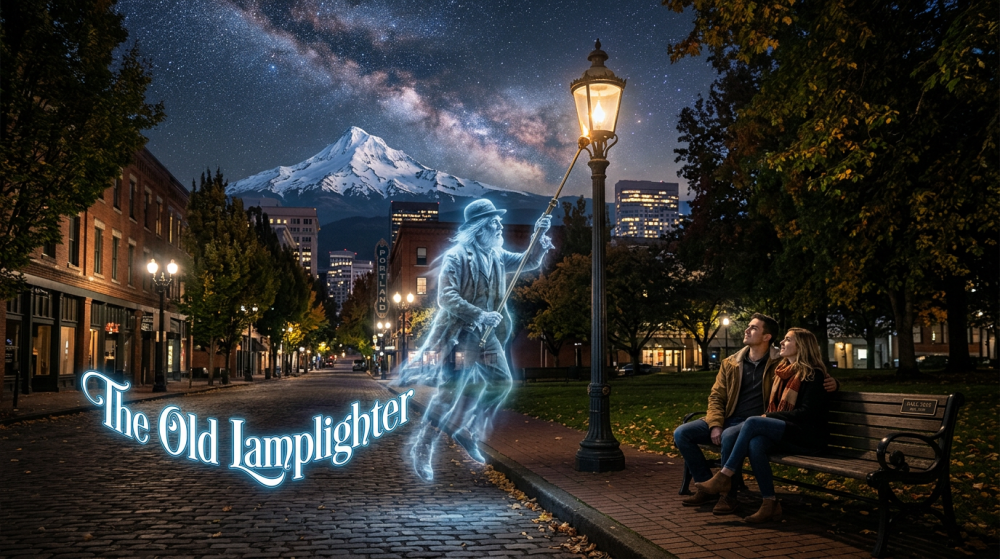
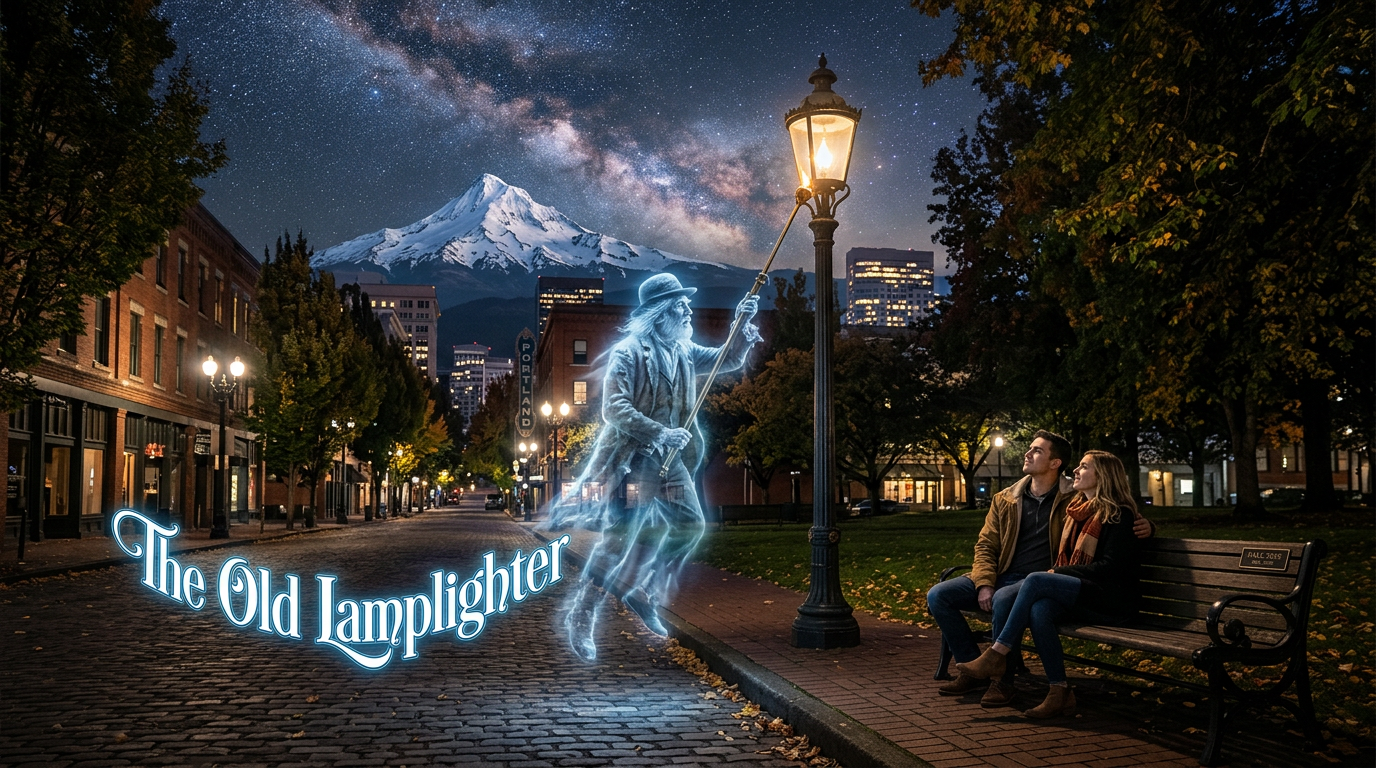
The Old Lamplighter Show Ver 2, AI Or???? The Old Lamplighter Show, AI Or???? I'll Never Tell..... This new version is a update to JRR suggestions, added more new pictures and tilted and a new mask to a slide. Hope you enjoy the show. Here is the web links to my web site: The Old Lamplighter Show. The Old Lamplighter Show Ver 2 : https://www.pnwhiker.org/LampLighter2/LampLighterShow2.htm
-
Smoke Backgrounds Free Downloads, No Strings Attached
Pnwhiker replied to Pnwhiker's topic in Styles & Templates
SoCu: Your right, blame for the stupidity for some dumb reason I must of went in a deleted that url link, but it is now working, so try this link again, https://www.pnwhiker.org/ColSmkBkg/zip/SmokeBackgroundsDemoZips.htm Thanks for the heads up, good catch, Looks like I need a good baby sitter,Right... Thanks pnwhiker.. -
Smoke Backgrounds Free Downloads, No Strings Attached
SoCu replied to Pnwhiker's topic in Styles & Templates
Thanks Pnwhiker, I tried to open the page where the Zip files are located, and it shows an error, the page doesn't open. -
Nicely done. Two thoughts if I may.... In all but one case, the images fit the words of the (nice) song, but it would be nice if you were able to come up with more lamplighter images and be able to change the view slightly more often. I found the production dragged in some spots with the same image on screen for a "long" time. Where the words mention the lamplighter would skip lighting a lamp where two lovers sat on a bench, you image show the opposite. Perhaps showing a lamplighter passing by an unlit lamp with the couple in the background would be very effective
-
The Old Lamplighter Show, AI Or???? I'll Never Tell..... Hope you enjoy the show. Here is the web links to my web site: The Old Lamplighter Show. The Old Lamplighter Show: https://www.pnwhiker.org/LampLighter/LampLighterShow.htm