Leaderboard



Popular Content
Showing content with the highest reputation on 01/27/2026 in Posts
-
Hi, We've already implemented 2 improvements in V12 Beta: 1. You can create a backup of a project in ZIP archive (or project template) that links files (images/audio/video) with the same file name (duplicate names) but in different folders. 2. Smart ZIP compression. Archive creation is now 3-5 times faster. We'll soon add support for creating project ZIP archives larger than 2 GB.4 points
-
I'd suggest waite a little while we checking another issue of the slow closing the Slide Options window. These issues may be related.1 point
-
Works perfect. Lightning fast. Adding of e.g. "_2" to the duplicate e.g. picture name "IMG_3010.JPG" resulted in name of duplicate "IMG_3010_2.JPG" "We'll soon add support for creating project ZIP archives larger than 2 GB." Great!1 point
-
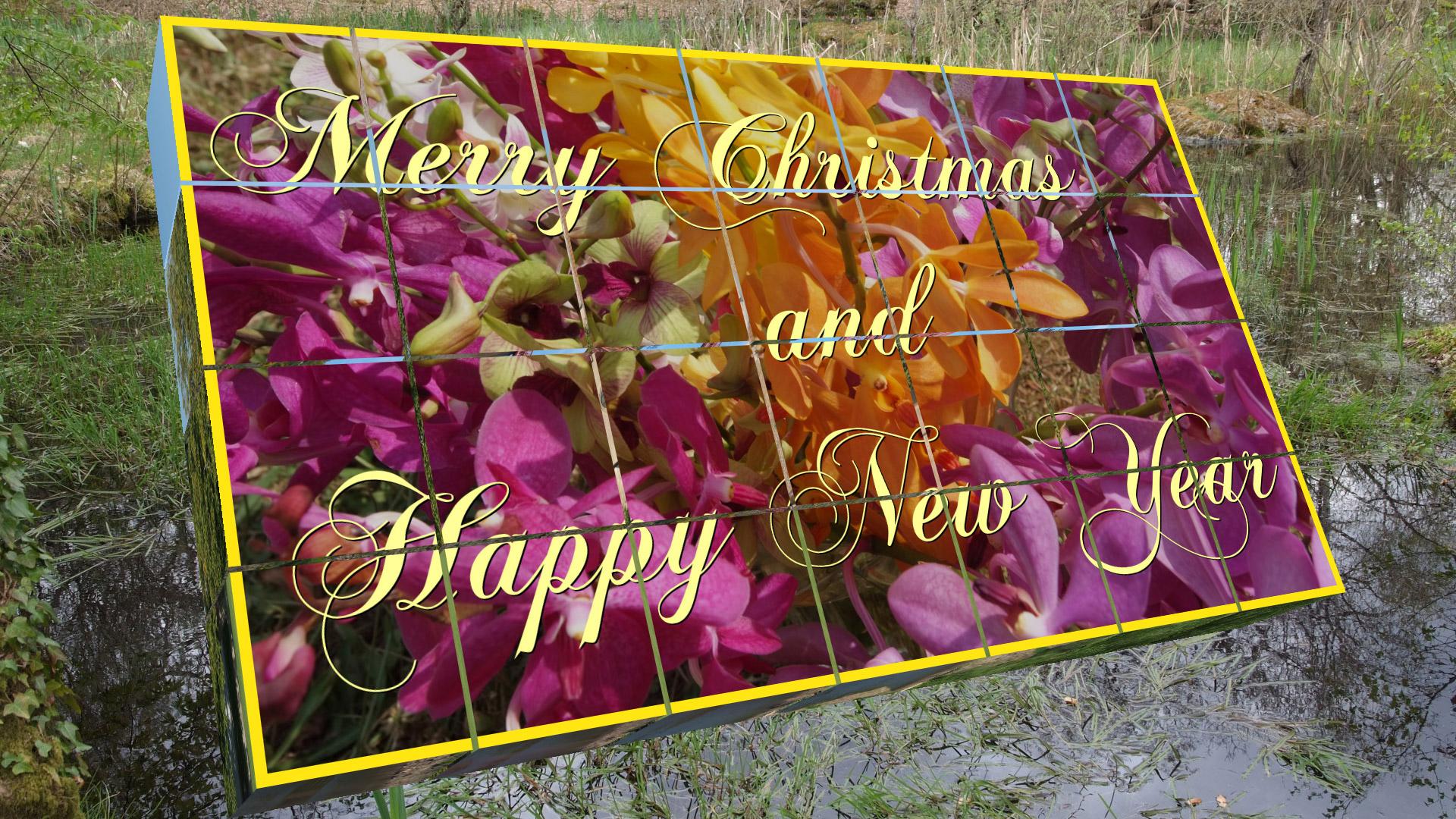
Hi, As he had promised me, Santa Claus brought me a small gift: a blocks set . You will find a style (made with and for PTE9) to play with me, with 7 horizontal images (1920x1080 pixels for example). In the unzipped folder you'll find : "Explanations Blocks set" (. doc or .pdf, it's the same thing.) - A Black Background.jpg, In fact a completely black image. - Most important: the style file, Blocks set.ptestyle To sumarise : - Drag and drop 6 images of 16/9 horizontal format (for the six faces of the cubes) into the editing table. - Then drag and drop a seventh horizontal image - the same format (in principle 16/9) as the screen. (It is mandatory) This image will be seen in the background of the screen. - (Import, the first time, the style) Apply the style. Add salt, pepper, condiments and other spices... Please, excuse my english mistakes And sorry, I'm not able to put here an exemple. Too heavy (9 Mo), but I think you could see it there : http://diapositif.net/forum/viewtopic.php?f=29&t=42012 Blocks set style.zip1 point
-
Hi, Thank you for your kind comments, Lin, Judy, Barry, Nelson, Bert, Tom, MUR, et merci Pascal. I'm glad you like it. But it is PTE (and Igor) that deserves praise for all its beautiful possibilities and accuracy Kinds regards - Jean-Cyprien
 1 point