Aleina Show
-
Posts
273 -
Joined
-
Last visited
-
Days Won
31
Everything posted by Aleina Show
-
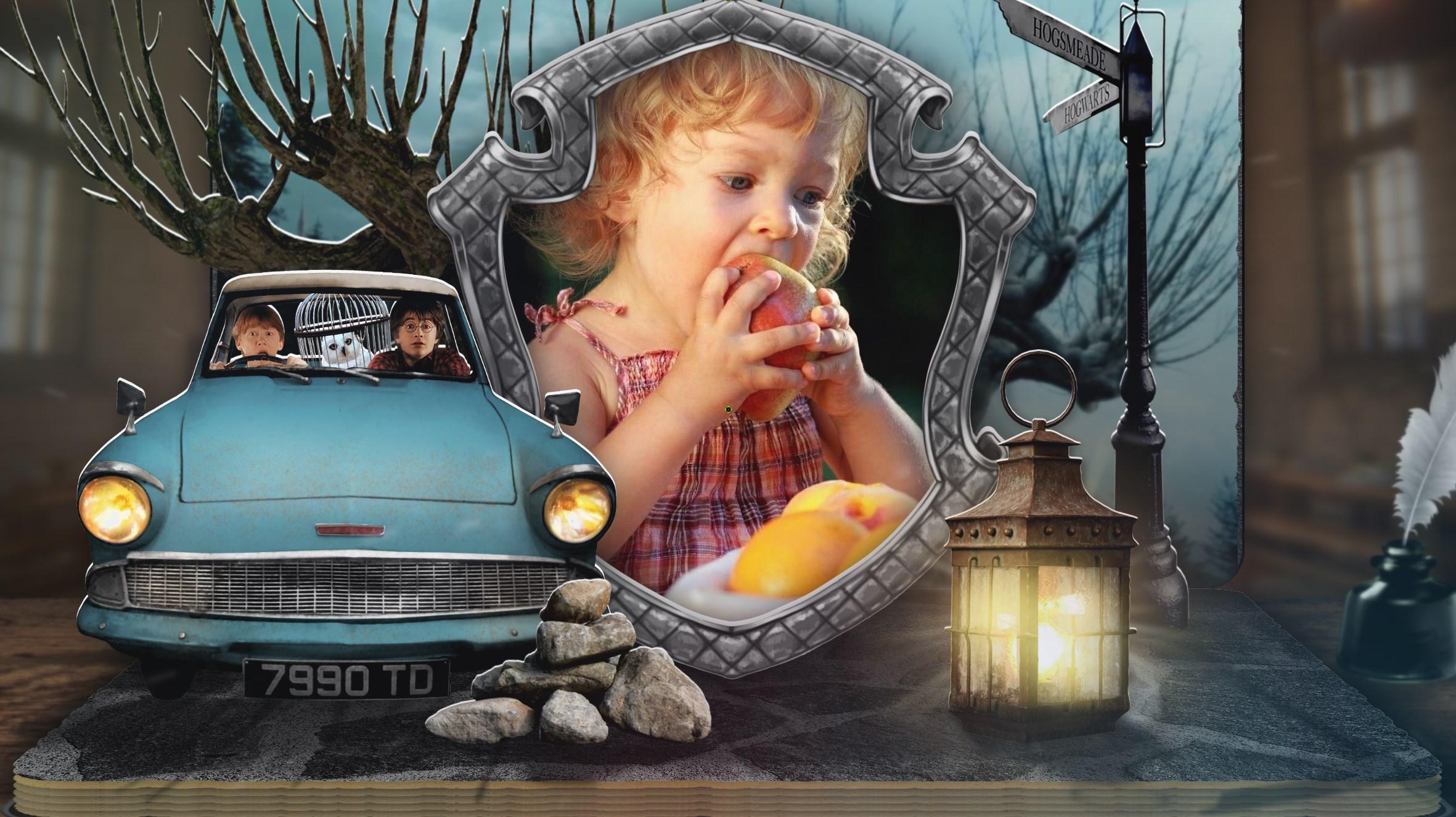
Friends! A post for those who are not tired of pop-up books. I guess I'll stop here. I hope you'll like this book too. I spent almost half a year making it, with breaks. There was no material for work at all. The flying house for the cinematic was created using PTE AV. Based on the box. Almost all the images for the decor were made using a neural network + Photoshop. Aleina
-
The "main image" option is important for creating styles. This way you show the program that this image should change when applying the style. The checkboxes are set mainly for photos, not for decoration. Sometimes it happens that several photos are duplicated in one style and here the serial number comes to the rescue. For example, all photos with index 1 in a slide will be the same. If you check the "main image" checkbox for a video, then in the timeline working environment you will have the opportunity to separate the sound from this video and work with it separately.
-
 I think this is a necessary feature and should be enabled by default. It will be easier to disable it for those who do not need it.
 -
Hi. Slide show. Created in the Pre Av Studio program.
Aleina Show replied to AleAle5025's topic in Slideshows & AV Shows
Welcome back! I missed your beautiful works! -
Congratulations to our dear team on the anniversary of the program! I am very glad that several years ago I found this program quite by accident, became acquainted with its capabilities, and since then I have been its regular user and devoted fan! I wish great success to the development team and look forward to version 12!
-
I agree that this would be a very useful feature.
-
Igor, thank you! This is a great solution to the problem. Aleina
-
Beautiful birds! I really liked the execution of the work - there is nothing superfluous in it. Aleina
-
Happy New Year! Thank you for your interest in my project, I have written to you in private messages. Aleina
-
Hello! Thanks for your feedback! The style is included if you purchase the project. This is done for editing variability. Some people prefer to edit the contents of the project, and those who find it difficult can use a style or replace photos in a folder. Aleina
-
I join in the congratulations! I wish you all happiness, health and peace! Aleina
-
John, Thanks for your wonderful reviews! You spent a lot of effort, but congratulated your 11 grandchildren! And the enthusiastic reactions of your loved ones are truly the best gratitude! Happy New Year! Aleina
-
Dear friends! Merry Christmas! I wish you and your families happiness, health, love and peace in the world! Aleina
-
vbl2007, canaro99, Thank you, dear friends! canaro99, John, I sincerely thank you! I had the pleasure of watching almost all the congratulatory videos for your grandchildren and I will say that they are very beautiful! I really love videos with real photos, they are so heartwarming! Happy New Year and Merry Christmas! Aleina
-
Xenofex2, digartal, Thank you very much for such a high rating! canaro99, Thanks for your valuable suggestions! Merry Christmas!
-
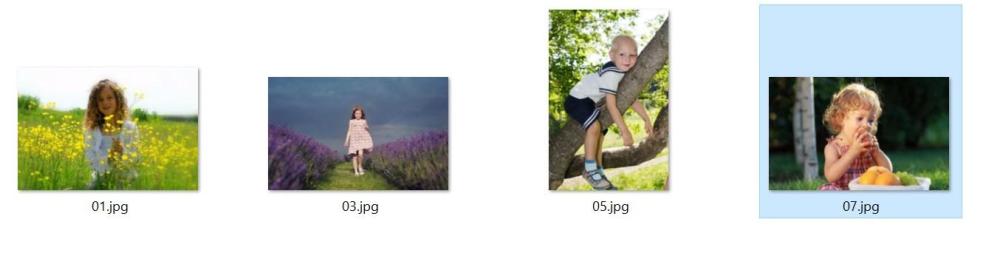
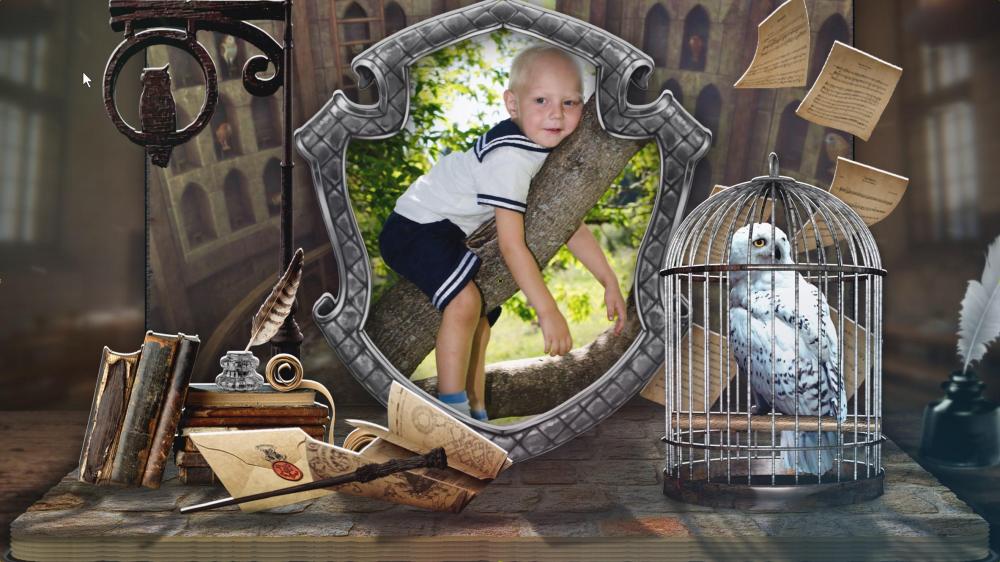
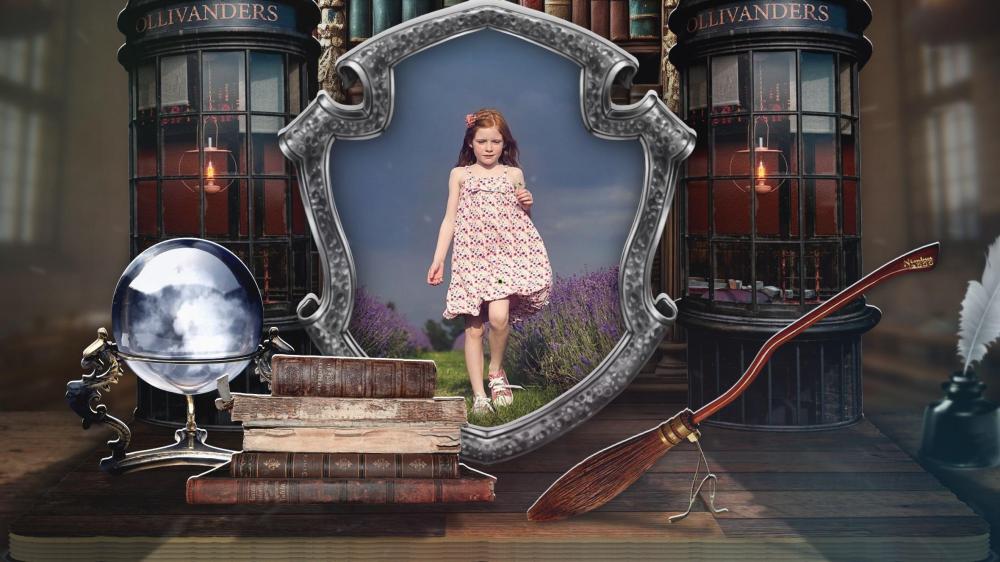
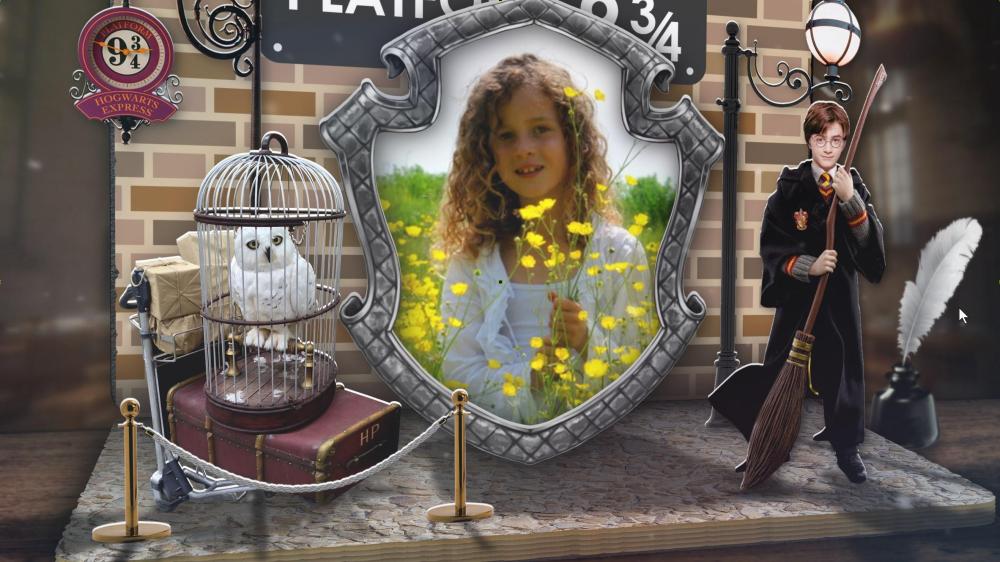
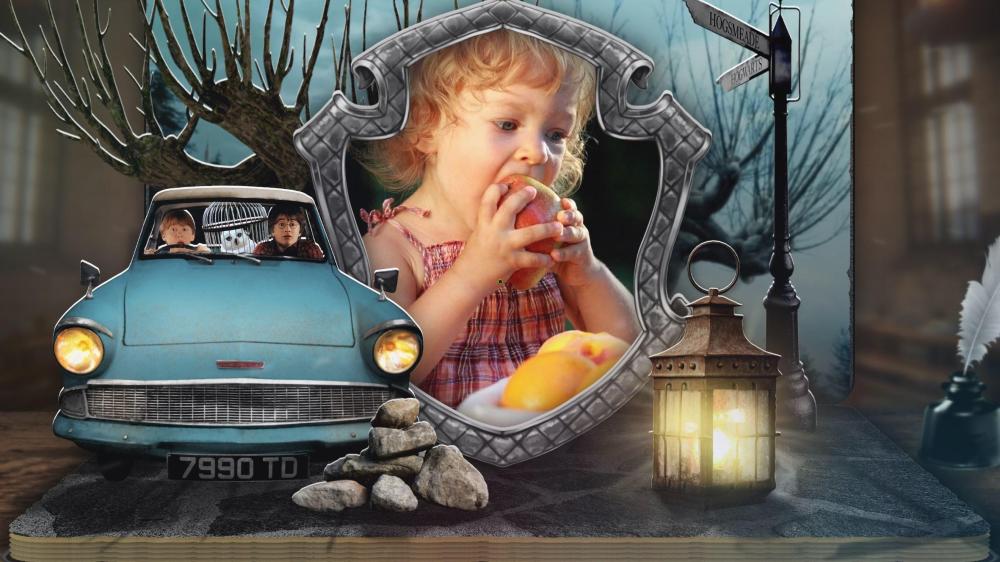
John, thank you very much for your feedback and for your valuable tips! Your help makes my projects better! Well, about the position of the photographs. This is not important in this project for correct operation, since any photos will be automatically cropped to the desired result. What is important here is only the approximate location of the person or face in the center of the photo. Examples of replacing different photos in screenshots. But for a better understanding of the choice of angle in photographs, this information may be useful. In this project, all example photographs are portrait-oriented (vertical).
-
JRR, chanfi22, Frans Thanks friends! Happy holidays to all of you! Aleina
-
Tauratinzwe, Henri, Igor, Kieron Thank you for appreciating my work! Merry Christmas and Happy New Year! Aleina
-
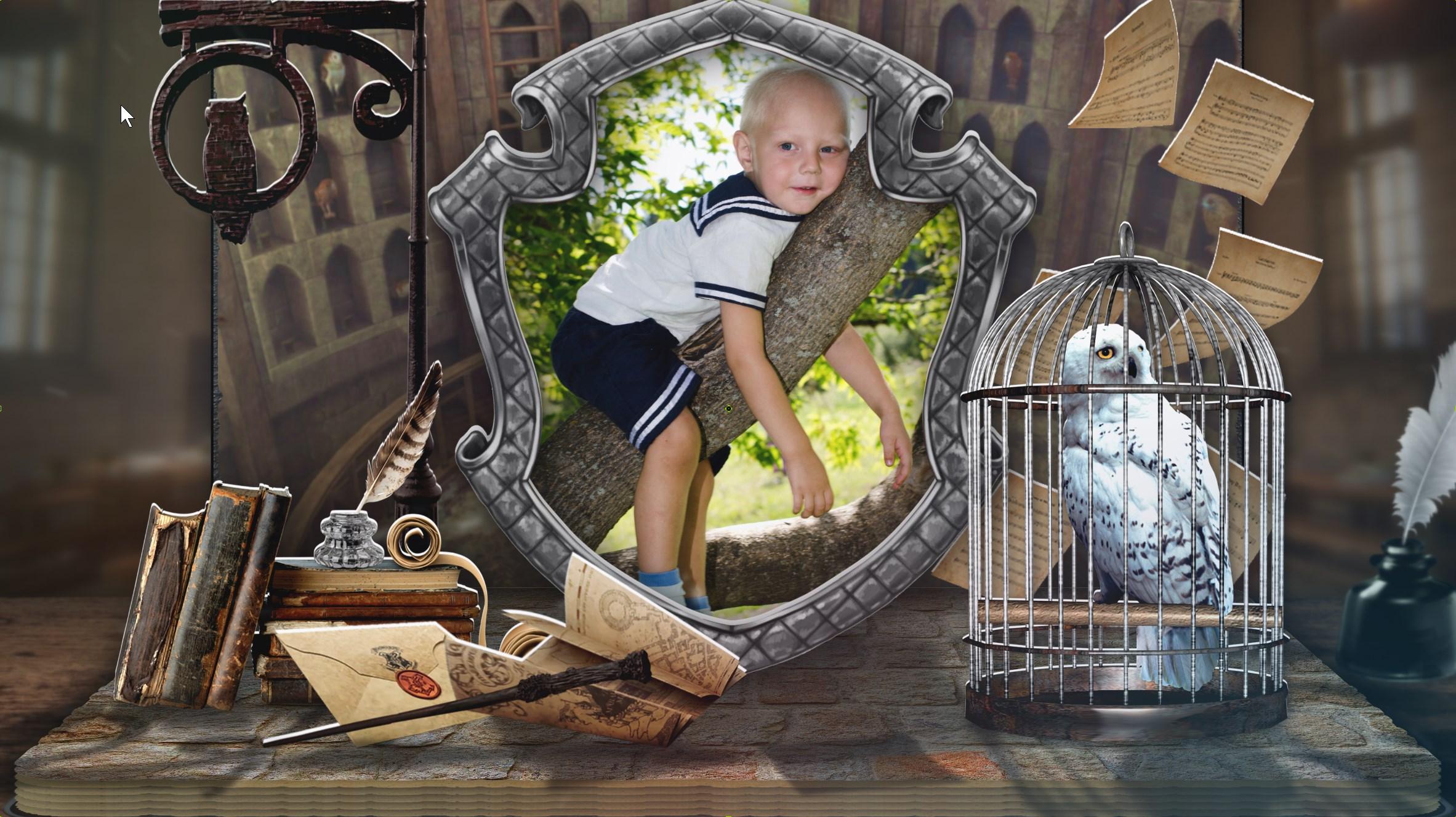
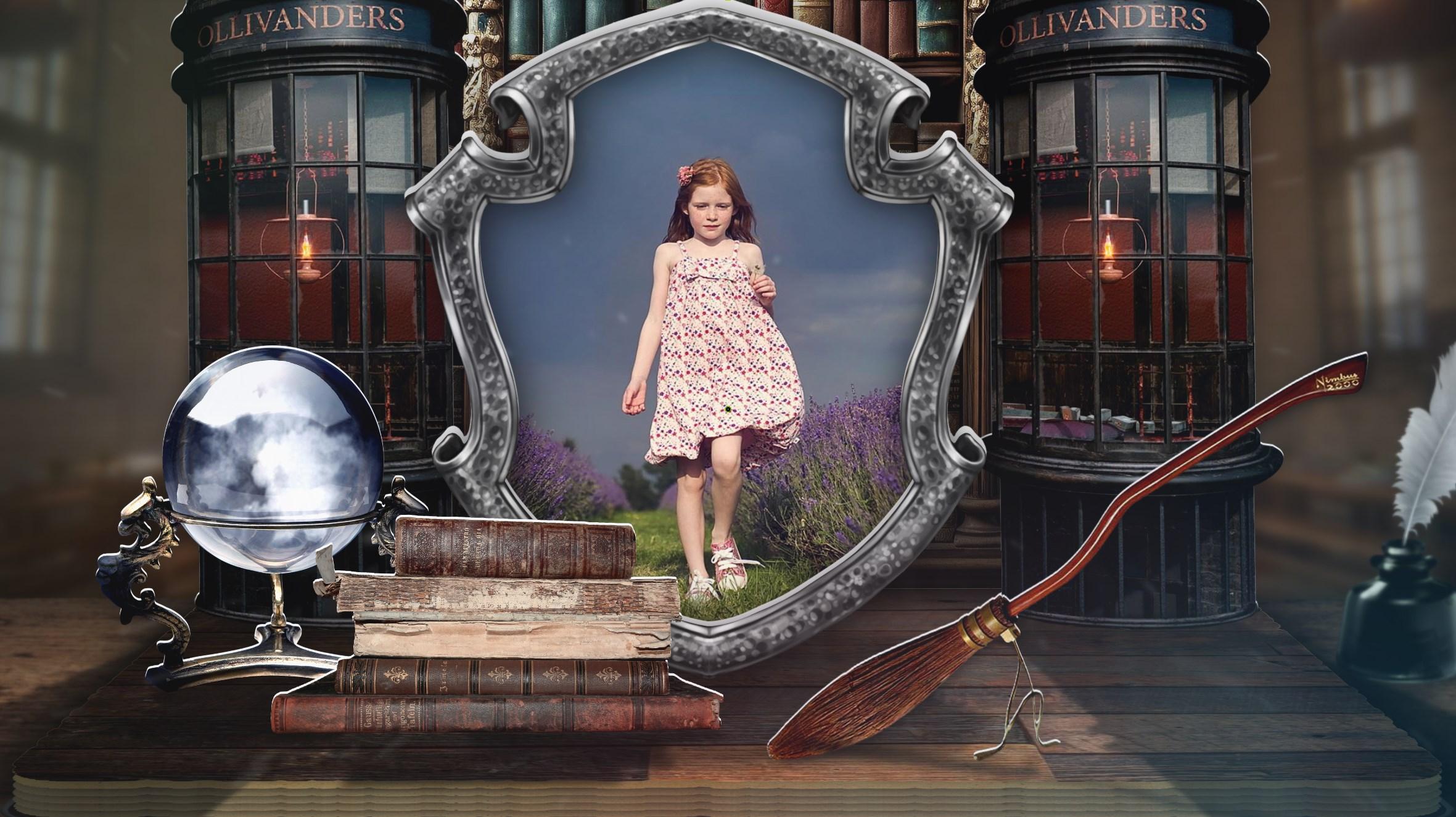
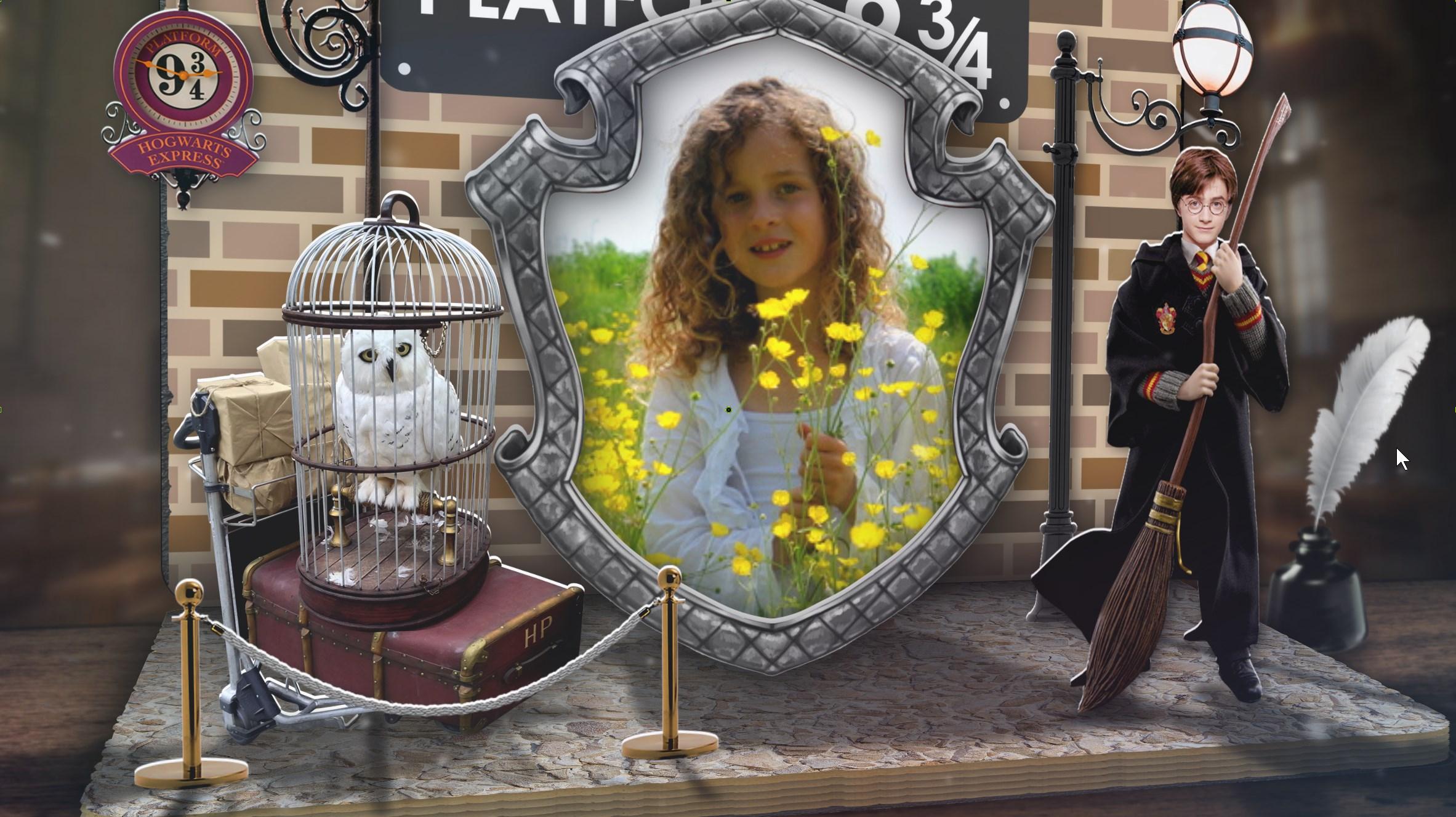
Hi friends, I'm coming to you with a new book. Christmas and New Year are ahead, my family and I usually watch the Harry Potter series of films at this time. It is these films that we always associate with the Christmas and New Year atmosphere. And I wanted to make a book on this topic. I've added the ability to edit a personal letter from Hogwarts. After all, every Potter fan will be very pleased! Since I had more time (I spent 3 weeks on this project), I created the book from scratch. Revised and improved the concept. The result is already close to the ideal book I dream of. In addition, I always try to make the process of editing a project easier. But due to the large number of layers, sometimes you have to search for photos in the layer tree. This problem is quickly solved using the attached style. But our forum member John Tice told me an even better way to create projects with easy photo replacement. Thank you very much, John! And I want to tell you about this method. Perhaps it will be useful to someone. The method is described in italic text. _________________________ The concept is that 2 additional folders are created in the project folder. One with the name YOUR PHOTOS. We move all the photos of the project into it, renaming them 01.jpg, 02.jpg, etc. Open the program and tell it the new location of the photo. Save. The second folder is called PROJECT PHOTO. Initially it is empty. If you just want to change the photos in the project, but find the ones you need, rename them in order 01.jpg, etc. For safety, transfer the project photos to the PROJECT PHOTO folder, and add your renamed photos to the YOUR PHOTOS folder. Important! In order for this change of photos to work correctly, you need to check the “crop” option on the layer with the photo during the creation of the project. Then the replaced photos will be applied correctly and smoothly, regardless of their size or orientation (portrait or landscape). By doing this we will not violate the intention of the author of the project. That's all. All efforts for the author of the project consist of checking the cropping boxes for the photo, creating 2 folders, renaming the photos and moving them to the desired folder. After the program confirms the new path and file names, the project is ready to work with easy replacement of photos in the folder. In order to edit a project, a person will only need to select photos in jpg format, rename them and replace the original photos of the project with them. For those who ask about the need to create 2 new folders, I will immediately answer that it is simply a matter of convenience. __________________________ So, for those who haven’t read the italic text and are wondering whether it’s easy to change photos in a project, I answer: Easy! You will only need to select photos in jpg format (with the approximate location of the object in the center), rename them 01-14.jpg, and replace them with the original photos of the project in the folder. I plan to remake all my projects for such easy editing, as I highly value ease of use! I wish you happy holidays!
- 26 replies
-
- 10
-

-
Hi John, Thank you very much for such a wonderful review about both the PTE AV Studio program and my templates! I am glad that my creativity gave you and your loved ones emotions of joy! And the PTE program is truly wonderful! At the moment, it is noticeably superior to all analogues. And it doesn’t stop developing. Good luck in your creativity! Aleina
-
Hi George, Thank you very much for your kind words! Aleina
-
Hi Mark, Thank you very much for such a high assessment of my work and wishes! Aleina
-
The Home --Slideshow with free Style samples
Aleina Show replied to Alex55's topic in Slideshows & AV Shows
Hi Alex, Thank you! It's beautiful and complex! And such a display of photographs is universal and can be used with different themes! Aleina -
I would like to share my impressions of using the PTE AV program for 4 years. Before that, I worked for more than 10 years in the Proshow Producer program. But the time came when the Proshow developers refused to support their program and stopped optimizing it for new operating systems. As a result, I, like many users, began to look for an alternative program for my creative purposes. I'm probably not a completely standard user, since I like to create quite complex and multi-layered content. Therefore, I had the highest possible requirements for programs of this kind. I reviewed, tested and rejected about 10 alternatives. And I settled on PTE AV, almost from the first day of testing it. What captivated me about this program? This list can go on for a long time, but I will focus on the main ones. 1. Optimization. PTE AV opens projects very quickly and easily, even very complex ones. A few seconds and the program is ready to work. There is no lengthy reading of styles, transitions and footage. You can customize the opening of the program to your liking; you can make it open when you open the project you are working on, or you can make it open a new one. The program is also very fault-tolerant. Freezes and crashes over the years of operation can be counted on one hand. The development team is constantly working to optimize the program and solve every problem voiced on the official forum. 2. The program setup itself. It is very flexible, adapts to different tasks, it is very convenient! 3. Render. Fast and very high quality. Quality can be increased up to 150%. And also use motion blur if necessary. This is gorgeous! 4. Functionality! Everything is rich here! There is almost everything to realize your limitless imagination! Group layers, nested masks, 3D space, modifiers - this is just the main base. And how many more surprises you will find as you explore! Such as displacement masks or different types of blur! 5. Variability. Yes, this program helps develop creative thinking. And you may be surprised as you work that you can solve some problems in more than one way. 6. Potential. The program does not stand still. Over the 4 years during which I have been a user, many improvements, additions, and expanded functionality have been made. The program has become much more convenient to use. And work on it is ongoing. The developers are not going to abandon their project, but are constantly improving it! I wish success to the development team! Well, in conclusion, I would like to attach a link to my post, which contains a comparison of working on one complex project in the Proshow Producer and PTE AV programs.
-
Igor, Alex Thank you for such a high assessment of my next attempt to create the perfect book! I am very grateful to you! Aleina