Ken Cox
-
Posts
8,069 -
Joined
-
Last visited
-
Days Won
2
Everything posted by Ken Cox
-
3. Declined improvements - all suggestions not accepted by Wnsoft are taken off the Suggested improvements list and added to this list. see http://www.picturestoexe.com/forums/index....c=6550&st=0 for basic guidelines ken
-
2. Accepted improvements - all suggestions that have been accepted by Wnsoft are taken off the Suggested improvements list and added to this list, maybe even with a future implementation date added (if possible). see see http://www.picturestoexe.com/forums/index....c=6550&st=0 for basic guidelines ken
-
it is easier said than done and how are we going to keep discussion out of the mix i started the tutorial/ complaint section and Lin entered the first link to tutorials today in 2 months - am sure there were some other pieces of info that could have gone there but i will attempt pinning this section and starting threads -- but the people that make suggestions that get declined etc should be responsible for editing them to the new area -- if you enter a thread you can move/edit it to have a layout like thedom's or other sites require a whole reformat of the site by the site owner ken
-
http://cameraclubs.photopro.co.uk/ Maureen is having some probs at the moment but have a look http://www.maureenalbright.com/home.htm Ian's site may yield something http://www.ibateman.co.uk/wcc/ ken
-
minimize the number of things running in the backgound -- anti virus -- other programs etc example - at present time i am running McAfee stinger -- it is using 50% of my 2.8 ghz cpu, so if a show ran poorly i would place the blame on stinger the other things that are in service are negligible -- mail and normal things that are energized by windows ken
-
Lin no "rice crispies" with the sound ken
-
I have pinned Lin's topic -- i deleted part of his descriptive title let us try to follow the subject title " Suggestion for Future Version beyond 5.0" let us try once again no discussion -- suggestions only Lin - if you agree delete the your original thks ken
-
the 4.48 series did not generally cause problems -- my 64 mb ati card was at it's limit when v5 came out and i changed it out to a 256 ati all in wonder on main system my 16mb ati all in wonder card on my other desktop will not handle ver 5:( ken
-
what was last version that it played a show proper? see http://www.picturestoexe.com/forums/index.php?showtopic=6525 post #3 ken
-
Dick i have made a faq data base over the years and i try to help as best i can ken
-
SEE http://www.picturestoexe.com/forums/index.php?showtopic=4298 AND http://www.picturestoexe.com/forums/index....amp;#entry26413 AND SEE IGORS DEMO'S AT http://www.picturestoexe.com/forums/index.php?showtopic=4327 ken
-
forget about the xtra buttons just set it up as i described ken
-
v5 b10 enable control of show enable navbar with all its commands click pause icon to stop click pause to resume or use pause key on the keyboard to start and stop the show you have some options now with navbar but i have not experimented -- am trying the big blue sky that is avail -- been so long without it i have to savour it above works on my show ken here is a letter from Brian "conflow"Kelley that you may want to followup - re manual show From: Conflow [[email protected]] Sent: Wednesday, September 29, 2004 7:03 AM To: Mr. Al Robinson; Lumenlux; Ken Cox Subject: Manual Slide Show Hi Guys, The 'Attachment Package' contains the Manual Slide Show Just download it -open it- and follow the Instructiona. Apologies to All No efforts have been made to 'beautify' the presentation. It's utterly functional, simple and stable and efficiently does what it was designed to do,viz:- - Give a 'Manual Slide Show' facility for Lecturers, Static Announcers and the like. Brian.Conflow. P.S just about finished the "Set-up Sheet Program" - will forward it in the next 2 days. ---
-
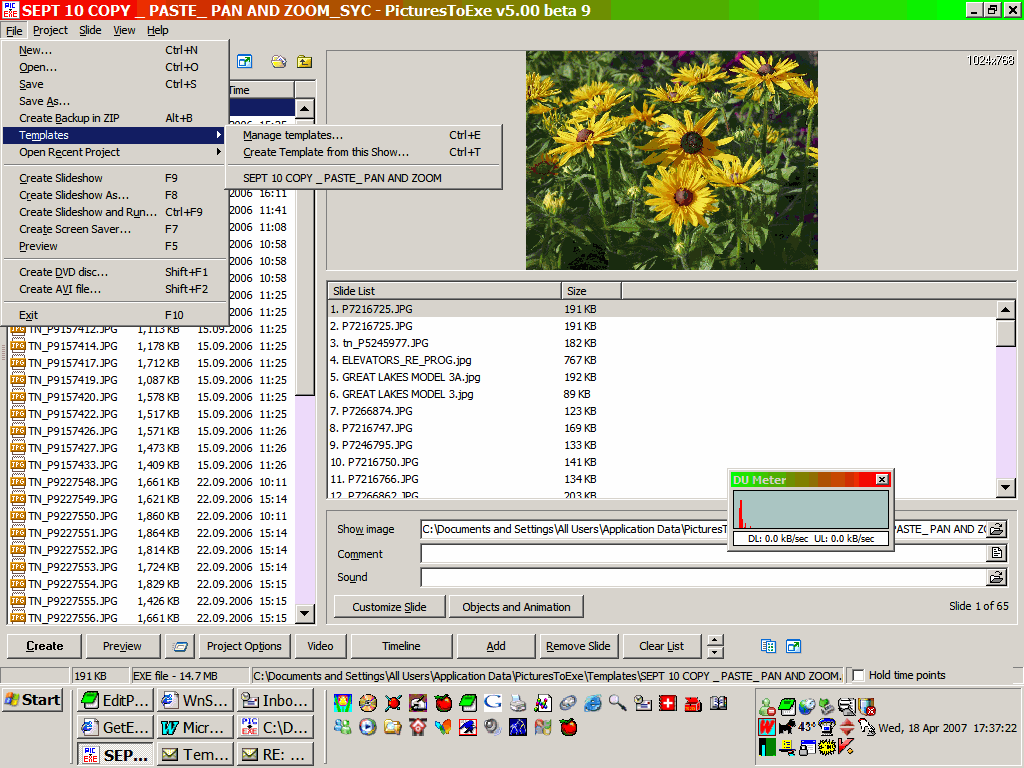
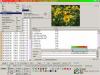
HUGH CREATE A TEMPLATE AS WELL AS A ZIP as you go -- you always delete the zips later screen shot shows both locations ken
-
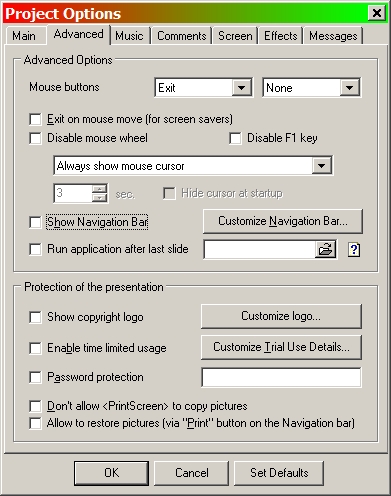
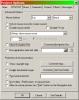
I was working on 4.7 or 4.8. At any rate, -- ver= HELP/ABOUT in the 4 series you have to check the box to show navbar -- see screenshot navbar not enabled in the 5 series as yet ken
-
Renaming of "Synchronize slides to music" option
Ken Cox replied to Igor's topic in General Discussion
why rename it? - stick to the KISS principle -- and leave the boxes as they are at present how many times when troubleshooting somebody's show -- one of the first things we have asked them to do is uncheck the sync box ken -
ANDREW SEE HAWKS METHOD http://www.picturestoexe.com/forums/index....amp;#entry31182 KEN
-
for the exe to display the font properly it must be in the font folder on the system playing it - always been that way ken
-
Bernard WOW IS THE ONLY WORDS TO DESCRIBE IT:) KEN
-
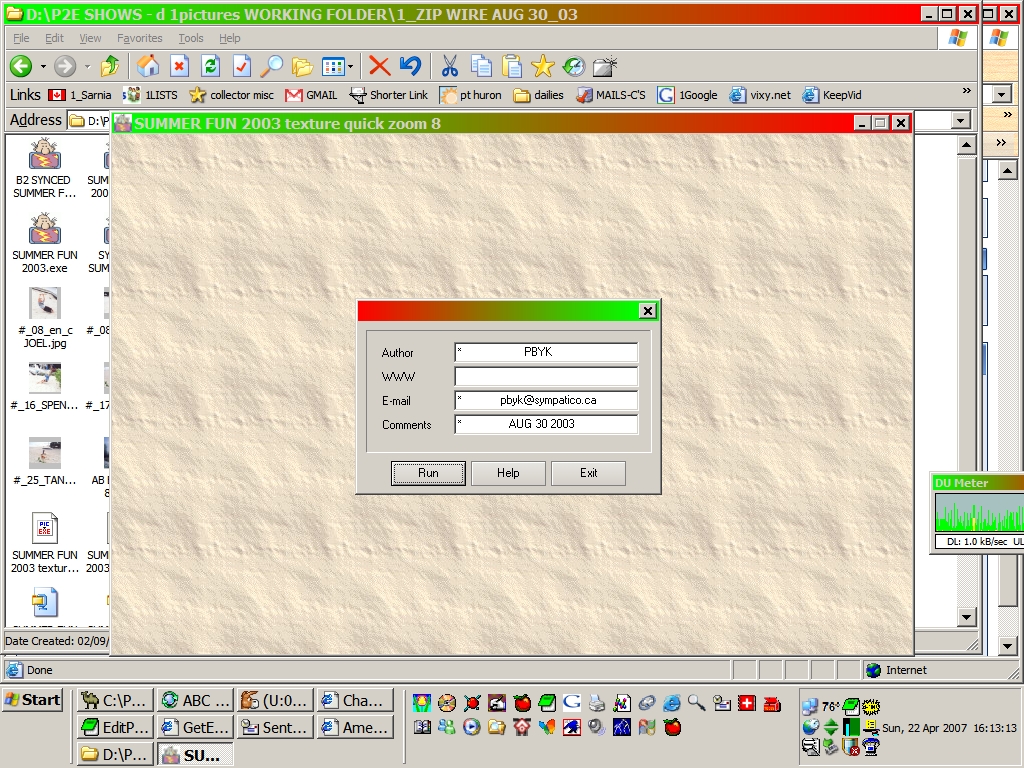
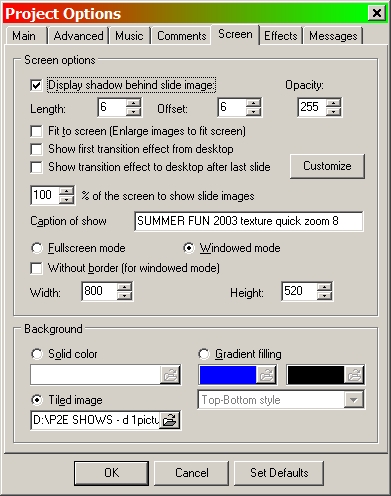
Chas windowed mode is when the show is not "full screen" - it has a "windows type " border around it. when experimenting i used to use windowed mode all the time so i could see what show i was viewing - see the top border in the "old" days when some us did not know what we were doing we relied on all sorts of "cheat sheets" btw - i still dont know i would update to 4.48 asap http://www.wnsoft.com/ ken
-
show navigation bar" not enabled yet ken
-
Is it a bug or am I missing something here re DVD size?
Ken Cox replied to mhwarner's topic in General Discussion
ALSO SEE IN VIDEO BUILDER ken
-
STU WELCOME BACK hope you have kept up to what is happening and will be once more contributing to the forum. I remember one of your last postings concering de complier's:) Stu still has a show posted at the cottage Presentation Name: ScreenPrintsSE- v2.0- Capture/Save PTE Show Images Download Count: 2112 File Size: 1.58M Contributor: Stu Rands Contributor's Email: [email protected] Author's PTE Presentation Notes -------------------------------------------------------------------------------- Presentation Name: AutoPlayer - Play/create chain-linked Shows Download Count: 2347 File Size: 1.56M Contributor: Stu Rands Contributor's Email: [email protected] are your details still valid Stu?? ken
-
well my tv is hooked up to the svhs output of my ati 2006 all in wonder card and when i play an exe to the tv it is full screen - i run a separate audio feed to the tv for the sound also when i play shows with wmp they are full screen on the tv even tho wmp is not set to full screen it is how i have my ati card set up with monitor as main ken
-
Boxig guess you forgot that you read this thread -May 12 2004, 01:03 AM - you should have bookmarked it this is an old thread but you better follow guidos comments to the letter http://www.picturestoexe.com/forums//index...amp;hl=audacity ken