Ken Cox
-
Posts
8,069 -
Joined
-
Last visited
-
Days Won
2
Everything posted by Ken Cox
-
must be homeland security slowing down European xfers:) things are norm in north America http://www.internettrafficreport.com/namerica.htm but the rest of the world a bit slow http://www.internettrafficreport.com/ ken
-
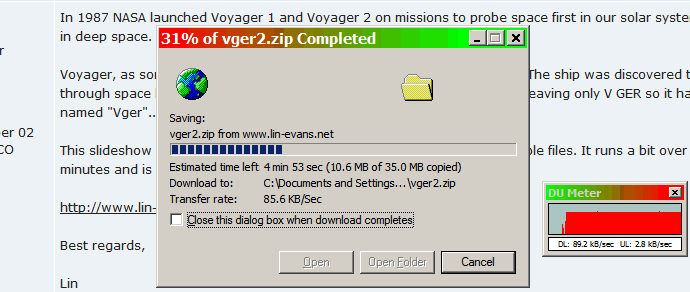
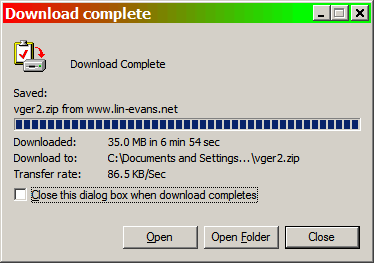
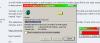
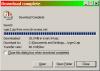
Luc my dsl broadband measures the rate at 88 to 90 kb/sec see attachments and it took 6 min 54 secs ken
-
Igor big holiday weekend in the States and Canada this weekend, so roll out a present for the colonies, like you did for May Day ken
-
Dom I just made a show with 113 slides and 3 mp3's - time of the combined music is 11:51 mins.using ver 4.48 the show is "standard synchonized" and no fancy fades etc. When the exe is run the music fades out on last slide just like any piece of music then the show starts again. there is +- 5 secs between songs as set by the program which is equal to one slide Igor has previously explained that the music starting and stopping with the beta's is not correct and will be corrected when synchronization is enabled -- at present it ver 5 music starts a few ms late. I could have joined the 3 mp3's with audacity and gave them more fade at start and the end but chose not to I then burned the show to dvd with nero 6.6 and before i closed the p2e /avi i ran the tmp vid thru winavi and made a mpeg II file which is +- 430 mbs when played in wmp 10 it indicates 11:52 run time ken
-
the P flags it as "MODIFIED" ken
-
Lin in my opinion the larger the file the better -- let the program crunch the images - i think there will be less problems -- if you have the hp, and when the avi feature is enabled i believe the dvd will be superb -- no shimmer or jaggies -- my system can handle up to 3.8 mb picts with no problem ken
-
well are you going to have sequel?? ken
-
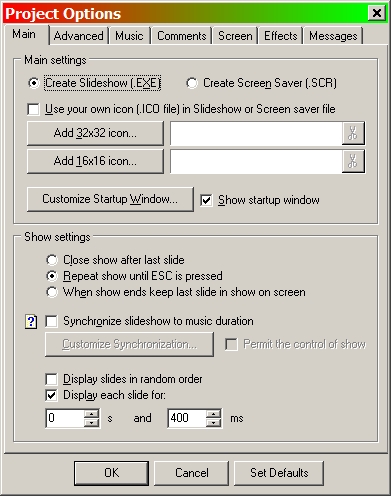
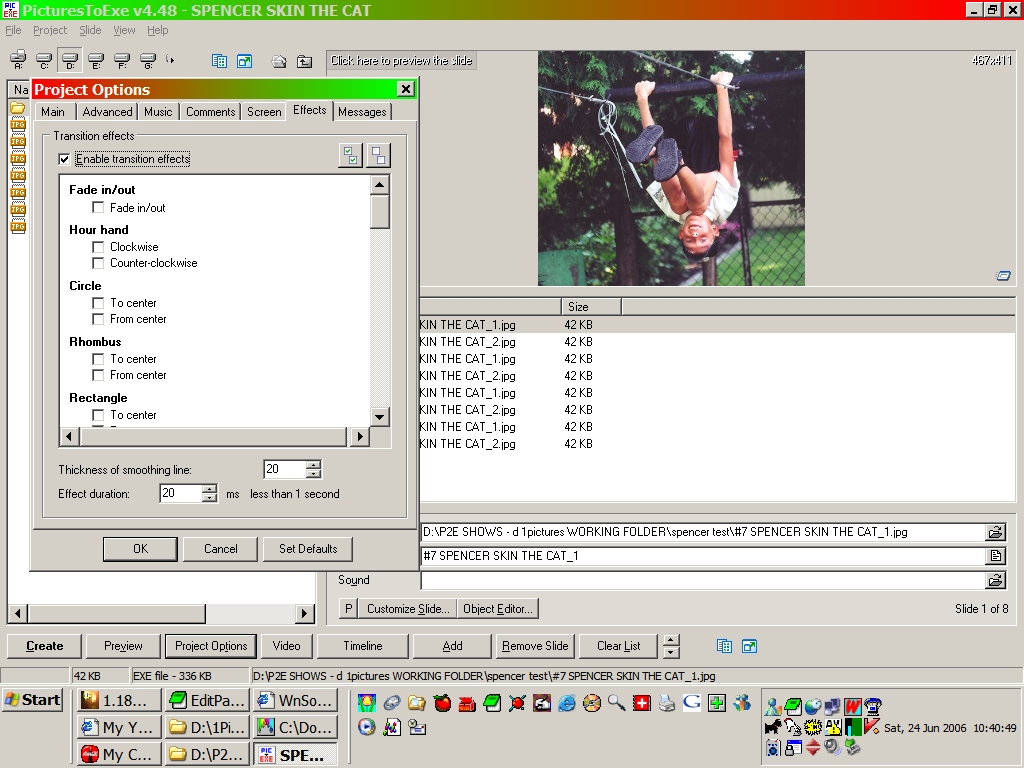
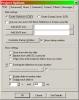
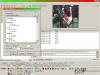
Dave welcome to the forum HAWK [Ralph McDermott P2E] helped me with this yrs ago 2003:) it was kind of rough but proved we could animate and over the life of pict to exe there have been many members make animated shows see the screen shots they may get you going on the right track on #2 we have no transitions and see the smoothing and ms setting on # 1 we have display each slide for 400 ms checked and we were both [ still are ] in the learning curve and you can see the size of the images in #2 -- if you have the system power you should experiment with larger sizes ken
-
Kaylene search for shimmer and jaggies ken
-
Lin a bit jerky on my 64 mb ati card the first "medallion"? the inward zoom -- the silver actually shimmers - not supposed to but NEAT colours are superb ken
-
Igor that clarifies things for all thks ken
-
"Ken, I just fixed bug you've found in PTE v5.00" Igor but in the current beta 3 if a person removes a slide then they are still at risk of losing show un less they reopen it with ver 2 and resave with beta 3 -- correct? ken
-
Using Slide Change Effects and Animations in Beta 3
Ken Cox replied to Sundstrom's topic in General Discussion
the present state of the beta's Igor only has straight fade and circle from centre enabled ken -
Dom on boxig's page http://www.thailandphotoalbum.com/ see Video Utility Add movie to your photo album slideshow. 566 when the download starts the file is called "DrVideoPTE.exe" it may be the proggie you want -- but it may not be it is a 2003 issue and has an extensive readme ken
-
so it was not PEBKAC eh leave it to the Canucks to make you earn your keep the todo list gets another entry ken
-
I have sent the pte by email and i do not have the exe that crashed -- i overwrote it and it works now and i never had any luck ftping to people but have had luck with msn and yousendit ken
-
Igor i overwrote the bad exe with b2 then reopened with b3 - have added an additional pict last nite and it still works would be too big to mail exe is 37 +- mb in size at present 70 picts and 2 mp3's will email the pte I just mentioned it because you said to report all errors the big error is PEBKAC ken
-
and Igor said "Please let me know about any possible problems/error messages with beta #3" Igor when i built the initial show with 4.48, i started with a collection of slides - c/w music - some mine and some my daughter's home renovation -- then when b1 came out i opened it and save it as v5 b1 - and added picts as they were provided by my daughter -- then b2 came and i continued -- as the show got bigger i started to selectively remove my picts. along comes b3 i installed b3 opened the above mentioned "suppposed working show" made with b1 and b2 it ran as best as i can make it run but the picts need to be thinned out again -- there were too many of mine and some to be added as the renovations had progressed -- in the tree on left "classic view" which shows all in folder - the ones in the show are darker than the ones not in show, so i went to folder and removed picts not being used to another folder save as create as went fine now it was time to remove my selected picts from the r window - using r mouse command - tried to run preview - oh oh pict to exe has committed fatal error -- do you want to send to MS -- ignored it re saved as / re create as and tried to run again same error tried to run exe -- same error rebooted system tried again same error opened the pte with beta 2 ran show ok save as create as opened with b3 ok ran show ok added added 4 picts save as create as ran show ok and that is all for this attempt btw there are a minimum of animations, haven't got a handle on it yet - cant figger how i got what i have so far but i aint give up yet:) ken ps at least i'm trying
-
Dominique we will have you understanding the english language yet:) are you confused yet -- i know i am -- maybe if you write to Lumenlux he can help you, he uses Granot's proggies quite a bit [email protected] sorry i cant help you more ken
-
I just looked at the contents of the zip 2 in the old 4 in the current i did not unzip them i wouldnt know how to use the programs/or need to so i did not go further sometimes Granot forgets some of his creations and has to be reminded by forum members ) ken
-
the original program had 2 components the one on his site at present has 4 components ken
-
see http://www.blender3d.org/cms/Graphics_Cards.201.0.html and see if you can see your card, so when you are talking to Dell you can refer them how were you going to do your show --laptop/projector/screen do you have a standard dvd player -- hook it up to the projector screen setup and try the dvd that works in the pc ken
-
John i sent you email 2 days ago explaining my observations I will send again what i added today there are areas that are hi res, med res and low res - think your area is in the lo res area the dom's area is hi res - there might even be an xtra hi res area if you go to the left to HANLEY or south to churchbridge they are the same as thedom's ken ken
-
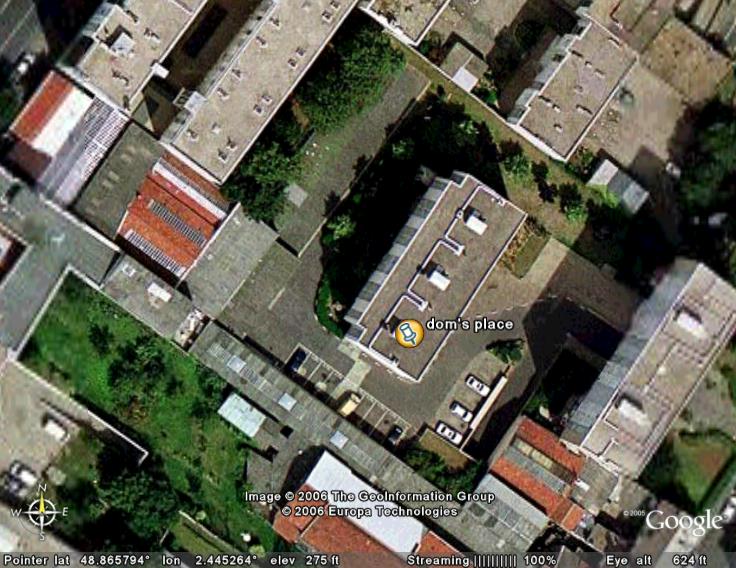
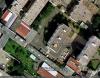
Dominque's place for those that have google earth ken
-
Problem "% of screen to show slide images" in Beta 2
Ken Cox replied to Eric M.'s topic in General Discussion
'tis the way the beta is set to run at present ken