Leaderboard


Popular Content
Showing content with the highest reputation on 07/17/2026 in Posts
-
Good evening everyone. Is it possible to enlarge the keyframe bar in the O&A (Objects and Animation) section of PTE PRO 12 so that I can better see the spacing between keyframes when they are very close together? For example, five transition points spaced just one or two hundredths of a second apart. Unfortunately, my eye sight isn't what it used to be. Thanks in advance for your replies. Ale53.2 points
-
This is something that has been asked for, but currently not possible, I have the same problem with eyesight. One option if you work with 2 monitors is to drag the window out across both monitors. This does help a bit. Using the arrow keys to tab between the KeyFrames can also be useful, rather than trying to drag with the mouse. Jill2 points
-
15 transitions with camera sound, for this new version of PTE V 12, I hope you like it. Download: https://javier-pteavstudio.blogspot.com/1 point
-
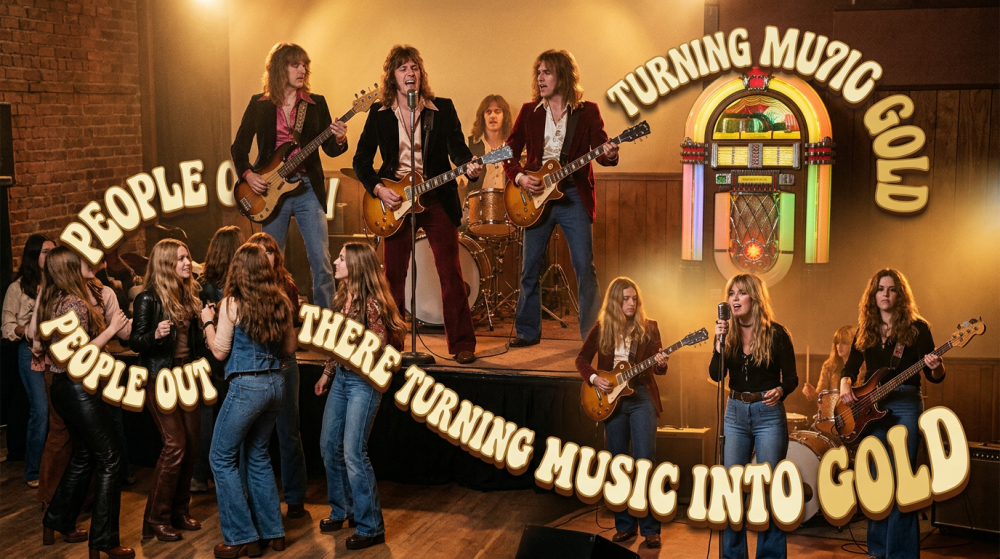
Music to Gold Show, Some May Like It, Others Won't, But The Ending Will Surprise Ya... All I can say is creating this show was a real challenge from beginning to end. And I learned a trick or to, nothing like a education. Hope you enjoy the show. Music to Gold Show Link: https://www.pnwhiker.org/MusicGold/MusicGoldShow.htm
 1 point
 -
I check the "Transitions" project option and see that only "Fade" is selected. I select a slide on the timeline. I click "Configure Slide" and choose a custom transition. I click "Manage Transitions" and then "Change Transition Settings." I make a modification or simply duplicate an option. I confirm the change and confirm the transition. I check the project options: everything looks normal (OK). Now, I go back to the transition I just set up and decide to switch to a standard "Fade" transition instead. When I check the "Transitions" project option again, the custom transition I had modified is selected. Even if I uncheck it, it remains selected. I have to restart the project in PTE 11 to fix the issue. PS: The same thing happens if I create a new transition. PTE 12.01 Windows 11 Thanks. Roan1 point
-
Tanks for replay. I imagined as much.1 point
-
Hi Igor, I just tested build 3. Everything is working well. Good job. Thanks. Roan1 point
-
We fixed this issue. Try the new v12.0.1 Build 3: PC: https://files.wnsoft.com/test/pteavstudio-setup.exe Mac: https://files.wnsoft.com/test/PTE-AV-Studio.dmg1 point
-
Hi Javier thanks for sharing this interesting transitions. Well done1 point
-
Fantastic, well done. Brings back memories of my trip to Barcelona last year. Thanks for sharing the project. Is it alright to edit for my images? I have had a look already and I am learning by reverse engineering or editing. Loved the video use as well. Have lots of camera and 360 degree images of Sagrada Família and can use some of them for a show using this template as well as other Europpena locations. Thanks for sharing. Mark1 point
-
Hi Roan, Thanks for your message! I confirm this issue, we're already working on the solution.1 point