AleAle5025
-
Posts
304 -
Joined
-
Last visited
-
Days Won
47
Everything posted by AleAle5025
-

First impressions about Version 11 (Beta)
AleAle5025 replied to Igor's topic in PTE AV Studio 11 Beta
Hello. Thanks. For the opportunity to watch the program. All status functions work perfectly. I applied the effects in a text editor, changed the settings, everything works. Congratulations, it turned out to be a great program. Success. A wish. I would like to see a copy of the modifier points in the program. -
A lot of work has been done. Impressed.
-
Thank, morasoft. I wish you success in your work.
-
Thanks. Henry.
-
Hello. This project was done in August. Just posted it now. Lay out your style. I don't think the slides will be the same. I don't copy Adobe Effects style. I add something of my own.
-
Hi Vyacheslav. Thanks. Success in creativity.
-
Hi Adaptation of After Effects style in PTE AV Studio. Dark blue watercolor. https://disk.yandex.ru/d/Aa_9IHRDp4k9Bw
-
I had a problem. I separated the book from the project and created the style of the book. In a new style. Files cannot be replaced. The program was deleting files. I had to replace the files in the text document.
-
Hello. You drop the video file into the project folder. Then go to the project. There is no video file in the project. I understood the problem correctly.
-
Pattern. An Old Photo Album. Hello. Simplified installation of photos in the Old photo album template. Replaced the archive. Download the updated version of the book template. Success. Download: https://disk.yandex.ru/d/gZQYat5_J0wplQ
-
If the photo frame is created by another program, it will be visible.
-
Inaccurate display in Objects and Animations window [SOLVED]
AleAle5025 replied to Tonton Bruno's topic in Troubleshooting
The blur should be placed on the container or on the photo. I'm blurring the container. In the container with the photo, the blur goes away. So it was in the early versions. -
Inaccurate display in Objects and Animations window [SOLVED]
AleAle5025 replied to Tonton Bruno's topic in Troubleshooting
Everything works in Windows 10. Modifiers, slide creation, video creation, masks, saving, blurring. -
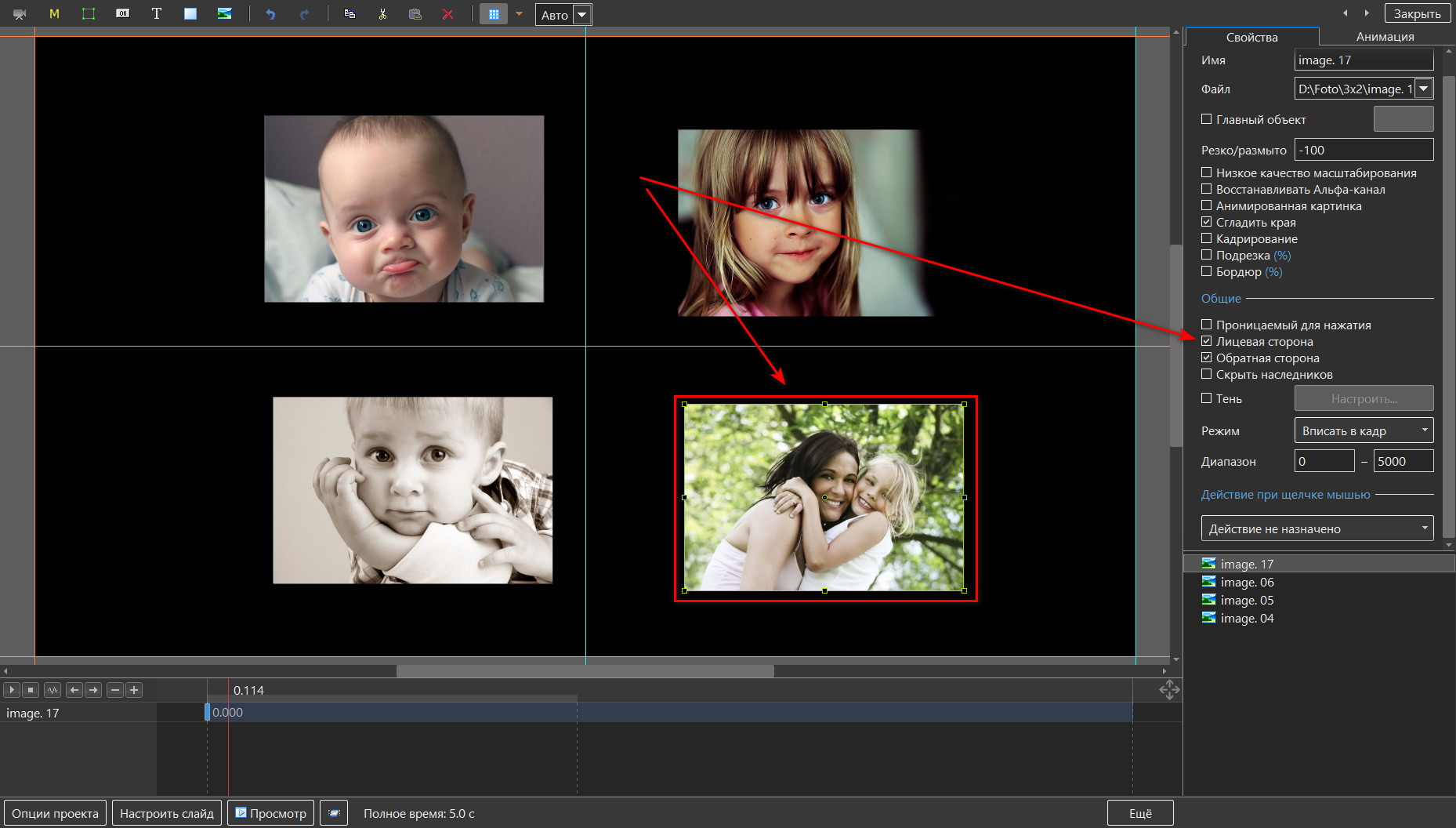
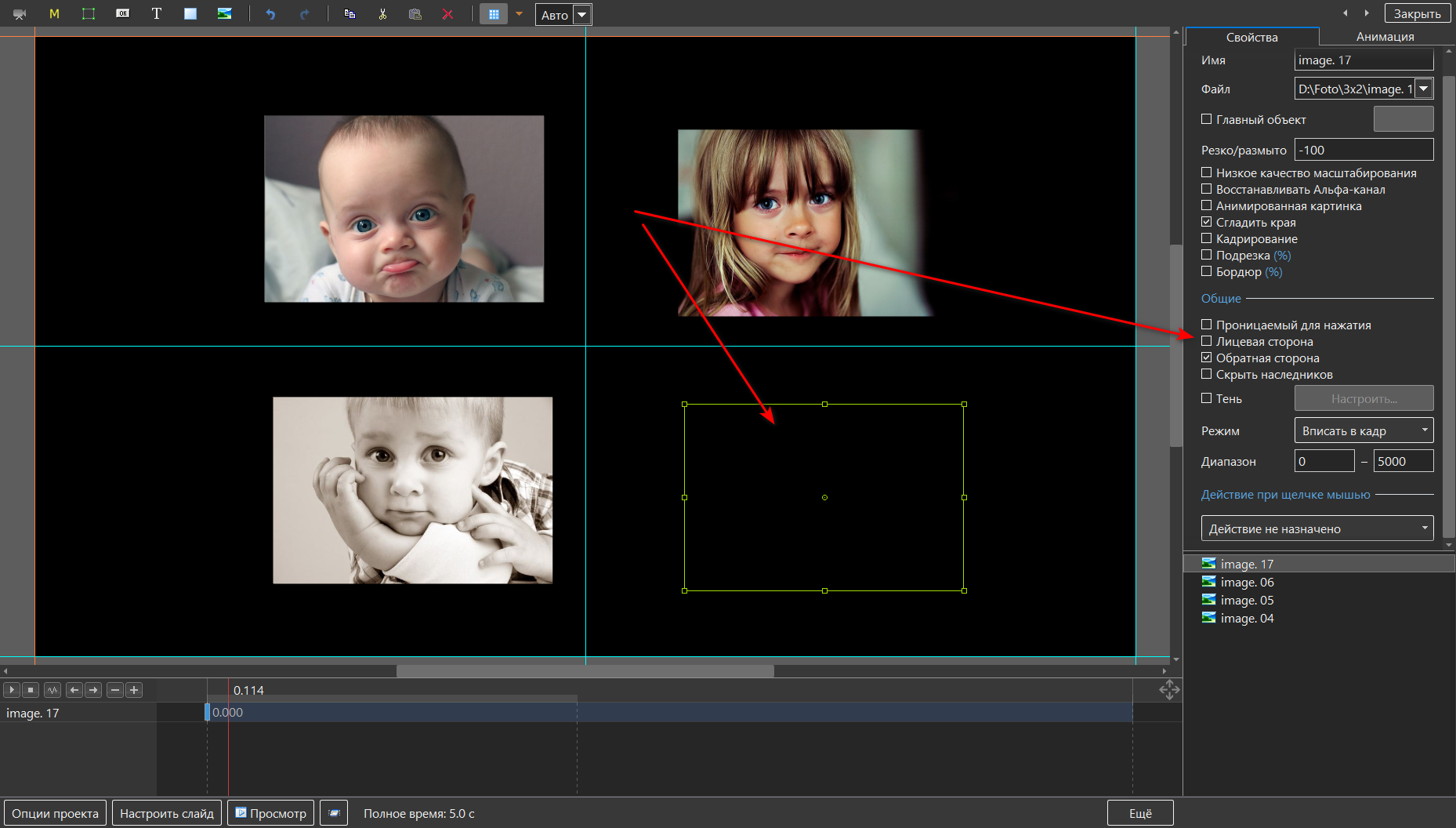
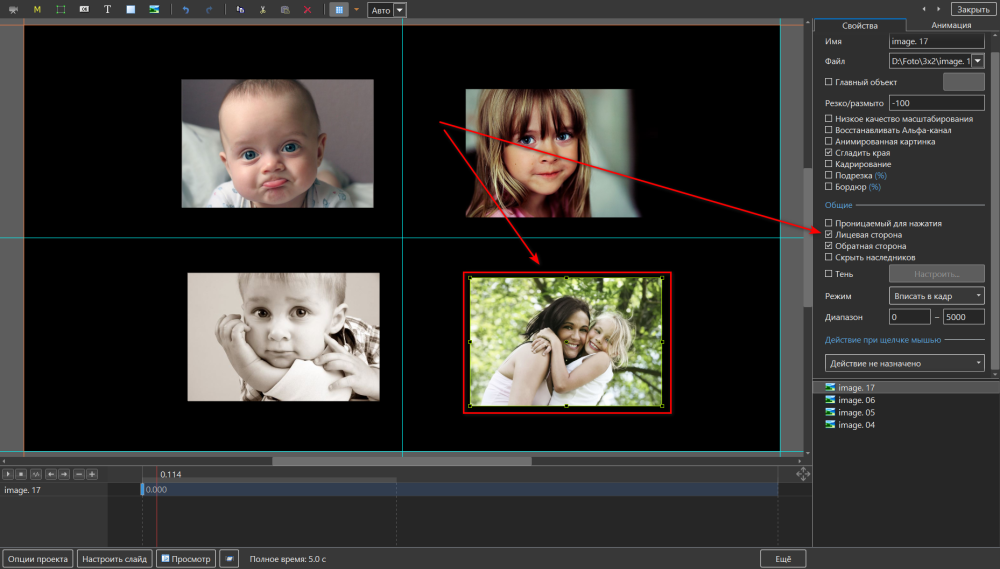
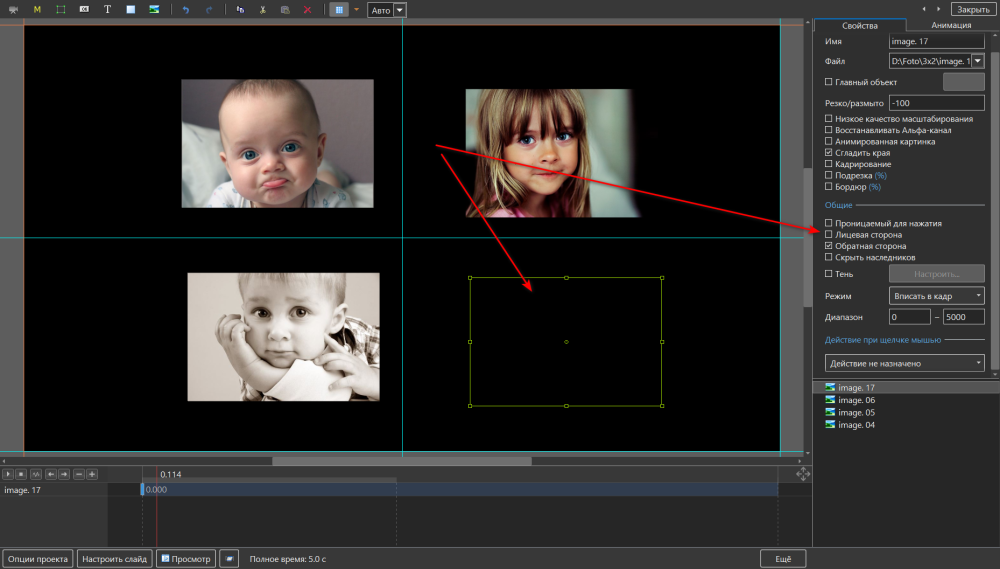
Hello. This way you can hide all the photos. Disable the check mark.
-
Free Music / SFX Resource - Over 2000 Tracks
AleAle5025 replied to Eric Matyas's topic in General Discussion
Thank you for creating a wonderful music website. A lot of work. With respect. -
Watch the lessons and you will understand a lot. Insert your values into the experiment. https://www.youtube.com/watch?v=fyXPKCrqViA https://www.youtube.com/watch?v=C9tNH5mVetE
-
Move the center of the photo down and you get a wobble. Left, right.
-
Morasoft Thanks for the feedback. We make a head movement. The center offset by Y-100, theY-100 shift, we apply the angle C modifier. Thanks
-
Gary, hi. I liked your slideshow with a few changes. The map of the region at the beginning of the slide fits well into this style. I made a slideshow for the Russian forum, I didn't think I would post it here. Photos are installed automatically. This year I also want to start the slide with a round globe.. through the clouds, the haze, we move to a flat map of the region. Thanks for the slide show.Good luck.
-
Dans le thème Summer 3D cube. Regarder Les Photos.
-
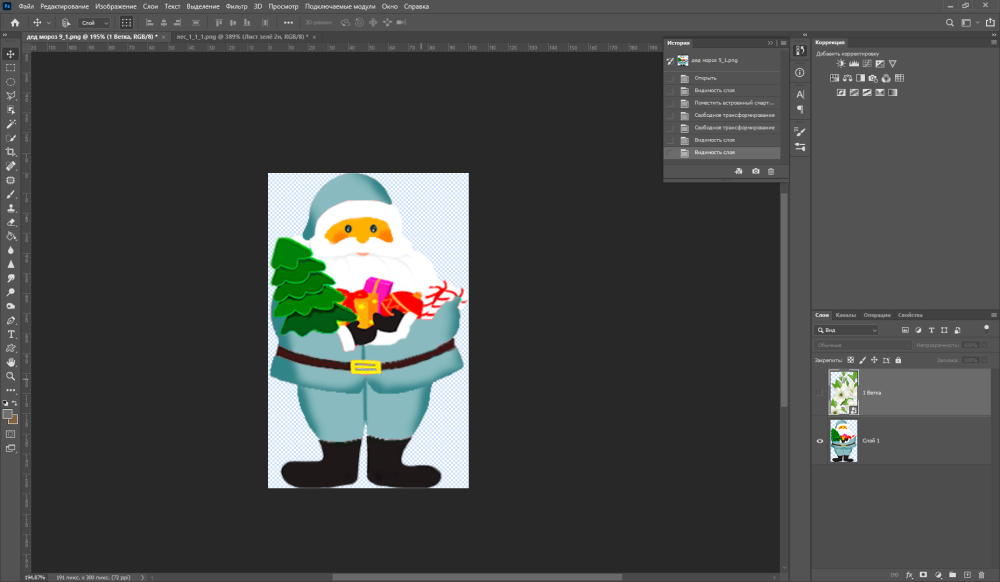
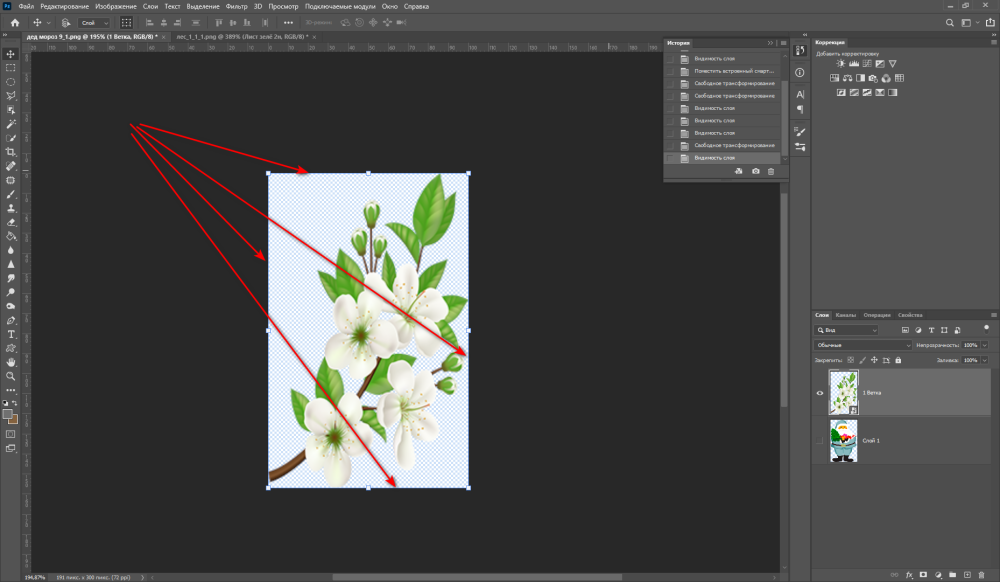
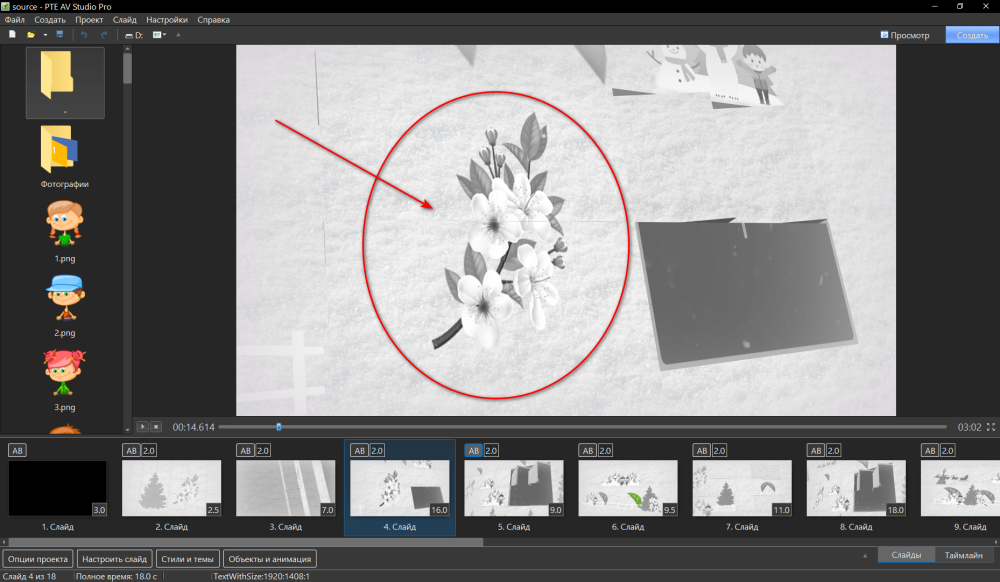
Rosemary It is convenient to change photo files in Photoshop. So create your own style design. Save the photo file along this path. Resources_Slide Styles_{834A24CC-2 CEC-4645-8135- 67190E53CA84}
-
Salut. J'ai répondu plus en détail à votre question. Dans le thème Summer 3D cube. Regardez voir.
-
Henry, salut. Merci pour le soutien. Santé, succès.
-
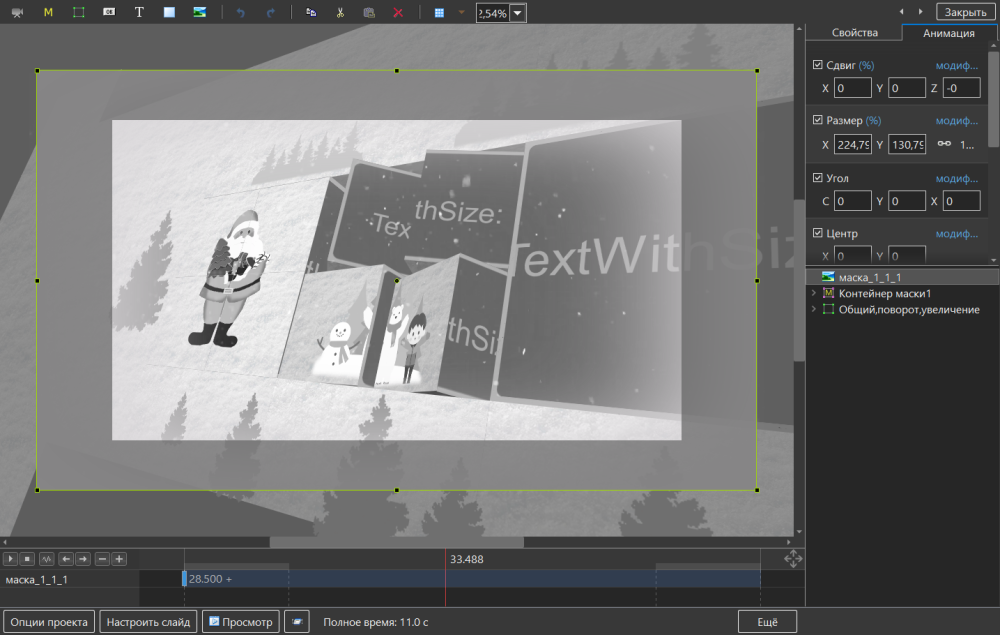
Rosemary Ah, I understand what you were asking. Create a Zip archive so as not to lose the style. Look for the folder {834A24CC-2 CEC-4645-8135- 67190E53CA84} replace photo files.Do not change the size, name of the photo The path to the folder. 1.PicturesToExe 2.Styles and transitions 3.Slide Styles 4.{834A24CC-2CEC-4645-8135- 67190E53CA84}
-
Nothing can be changed in 3d style