All Activity
- Past hour
-
"Spots" can be made into a separate customizable effect applied to any layer. This effect will allow you to create animated waves on the surface of water, clouds, rain, light reflections, and more. And also the "Page Curl" effect for the layer. I am confident that this effect will be very popular among slideshow creators. Sincerely, BD.
-
Have you tried the keyframe navigation arrows? https://docs.pteavstudio.com/en-us/12.0/objectsandanimation_1/managing_key_frames#navigate_key_frames DG
- Yesterday
-
1) In Object and Animation, when you move a Keypoint, it snaps to the end and the beginning of the slide, and to the other 2 points that represent the Transition/In and Out points , -- and that's PERFECT. BUT when dragging the cursor along the existing Keyframes, it would be very useful and nice, IF the cursor would snap to the Keyframes and In/Out points too. At the moment it just flashes when upon the keyframe, but no snap/ lock to that point/keyframe. 2) Also in the same Object and Animation window, on the right side: please set the height of Properties and Animation tabs around 75% of the screen height AS DEFAULT, and the bottom section, where the created elements are listed, would then take the rest of 25%. For the moment, I always need to adjust the height of those sections too see all the settings and thats very frustrating. 3) Can you please make more variations of "Spots" transtion? Or creating various settings for changing/ varying the existing one ? Like blur margins, liquify margins, vary the pattern of holes, etc We need some more transitions, specially organic/random-shaped ones. Best regards, L.B.
-
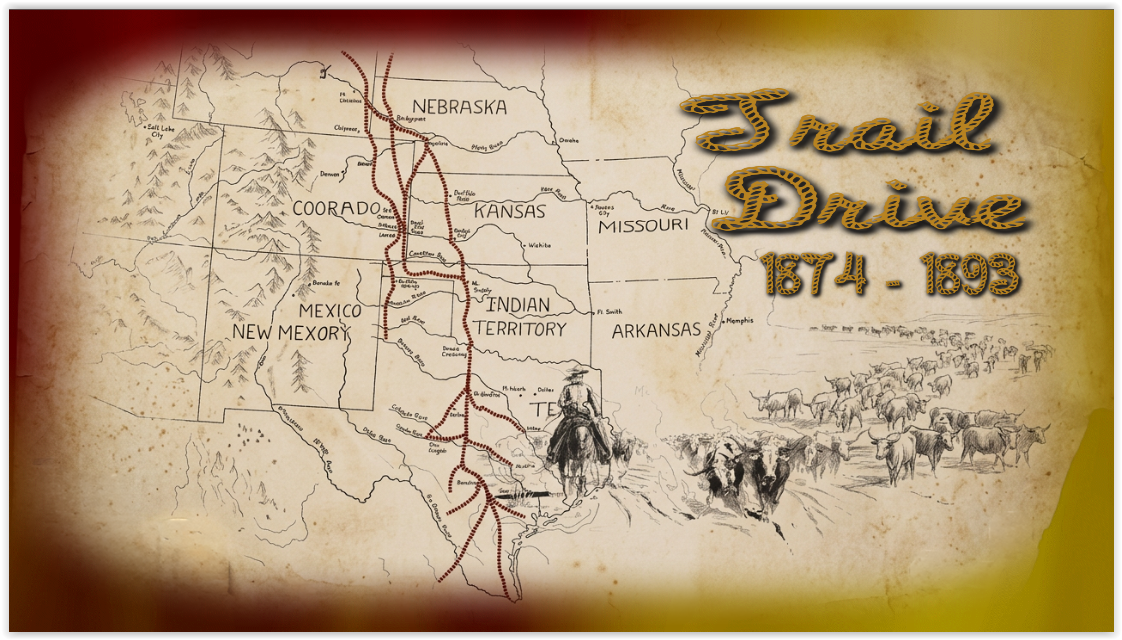
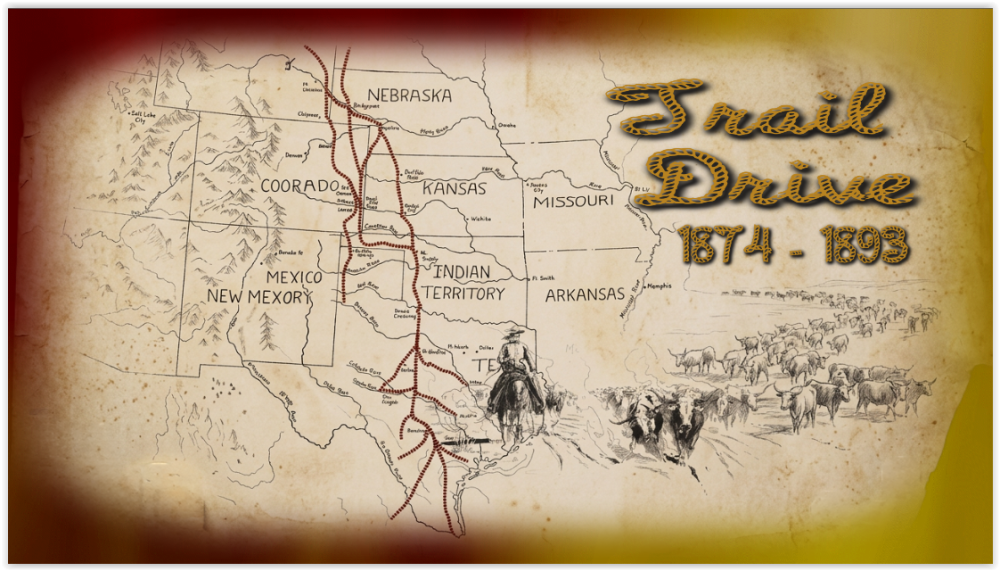
Trail Drive From 1874 - 1893, Hope you enjoy the show. Here is the web link to my web site: Trail Drive From 1874 - 1893 Show. Trail Drive From 1874 - 1893 Show Link: https://www.pnwhiker.org/TrailDrive/TrailDriveShow.htm
- Last week
-
I am making a new production on my Mac Studio. All the initial slides/images are constructed using Objects and Animation with precisely positioned Key Points. I am using O&A due to the ease within PTE Studio of repositioning the slide within the frame to allow for text to be positioned next to the slide. Now the problem. When I try to place a new slide (or video) on the Timeline following the last Slide from within O&A, all the previous Slides move to the Left and reposition near to the start of the Timeline. The normal suggested advice to avoid this problem (I understand) is to make sure that in Settings/Preferences/Project you must Untick the box 'Scale key frames in Objects (on Time Change)'. This I have done but it fails to solve the problem. Advice please. This problem has now been solved through advice on the Facebook PTE Studio website. The solution is to Untick 'Scale key frames' in both Settings/Preferences/Project and Slide Options.
-
- 1
-

-
A lot of work went into that production. Nice effects. (I wonder about one image..... night guard over horses has rifle, all others are hunting with bows and arrows and spears. Being picky but that seems a bit odd.)
- 1 reply
-
- 1
-
-
Lonely Silver Dove Show Lonely Silver Dove, Hope you enjoy the show. Here is the web link to my web site: Lonely Silver Dove Show. Lonely Silver Dove Show Link: https://www.pnwhiker.org/LonelySilverDove/LonelySilverDoveShow.htm

- 1 reply
-
- 1
-
-
Free Music / SFX Resource - Over 2000 Tracks
Eric Matyas replied to Eric Matyas's topic in General Discussion
Hey Everyone, This week's brand new music tracks are: "A MAZE OF SECRET DUNGEONS" You can listen to it here: https://soundimage.org/wp-content/uploads/2026/07/A-Maze-of-Secret-Dungeons.ogg And download it here: https://soundimage.org/fantasy-13/ "LEGENDS OF LONG AGO" You can listen to it here: https://soundimage.org/wp-content/uploads/2026/07/Legends-of-Long-Ago.ogg And download it here: https://soundimage.org/fantasy-13/ "SOMETHING CREEPY THIS WAY COMES" You can listen to it here: https://soundimage.org/wp-content/uploads/2026/07/Something-Creepy-This-Way-Comes.ogg And download it here: https://soundimage.org/dark-ominous-2/ "ISOLATION 2" You can listen to it here: https://soundimage.org/wp-content/uploads/2026/07/Isolation-2.mp3 And download it here: https://soundimage.org/introspective/ As always, they're 100% free to use with attribution, just like my thousands of other music tracks and sounds. OTHER USEFUL LINKS: https://soundimage.org/custom-work/ https://soundimage.org/ogg-game-music-mega-pack/ https://soundimage.org/ogg-music-packs-2/ https://soundimage.org/attribution-info/ Enjoy! 🙂 -
Updated version of PTE AV Studio 12.0.2 is available for PC and Mac Download: https://www.wnsoft.com/pte-av-studio/download/ Or use the Auto Update function: Main menu > Help > Check for Free Updates Fixed an issue where editing or changing a previously assigned custom transition on a slide would incorrectly select that transition on the "Transitions" tab in Project Options. Fixed an issue with cursor position when clicking into the top-left corner of an empty text box before typing the first character. Fixed an issue with a text comment displaying a video file name on a slide using a text template. About window shows: 12.0.2 Build 1.
-
Great! We'll release the official version 12.0.2 soon.
-
Thanks Igor, Test build 4 I confirm that it's OK for me
-
Roan, Try the new version 12.0.1 Build 4: PC: https://files.wnsoft.com/test/pteavstudio-setup.exe Mac: https://files.wnsoft.com/test/PTE-AV-Studio.dmg
-
Thank you! I've reproduced this issue. We'll fix it.
-
Here is a video Cursor-test.webm
-
 Here is the web links to my web site: These Wave Rotation Color Backgrounds Files are in Zip Format. Wave Rotation Color Backgrounds Demo: https://www.pnwhiker.org/WaveRotClrBkg/WaveRotColorBackgroundsDemo.htm Wave Rotation Color Backgrounds Zips: https://www.pnwhiker.org/WaveRotClrBkg/Zips/WaveRotColorBackgroundsZips.htm Note: These Gif's will loop endlessly no matter the time length of the clip. Hope you enjoy the show.
-
- 1
-

-
A short AV made of images after a visit to Whian Whian Falls last week. A simple dissolve of images from the top of the falls. This is another version of the same images using the Camera 2 Template provided by jienense. I made some changes to the end and although it was meant to show the 15 different camera captures, I useed the complete series in this instance. Using shared tmplates does help with my learning as I re-engineer/design the template even with the different language barrier. thanks for sharing. Mark
-
- 1
-
-
I am guessing it it a younger Igor barking instructions and pointing. Nice production, well planned and executed. Flows well and the time passess quickly so it hold your attention. Congratulations. Mark
-
Thanks everyone for your kind words. Did anyone notice that the man with the clipboard in the Baikonur control room looks familiar....? Ian
-
Very interesting and well done! Great use of AI. Yuri Gagarin is also commemorated on the wall of a subway station in Tashkent, Uzbekistan dedicated to the cosmonauts (built when the USSR still existed).
-
Thank you, Ian, for your work! AI is certainly a great help, especially in the technical aspects of things like rocket launches and satellite flights. But generating the faces of famous people is a real pain. Nothing like it, not even close. Unfortunately, over time, this won't matter anymore. Only those who remember these events can appreciate it.
-
Hello Ian, This is excellent work—perfect use of AI, flawlessly executed effects, and very well-delivered narration. Well done.
-
Hi Ian, Thanks for sharing! It's great to see the story of cosmonaut Gagarin in AV. An unusual experiment using Ai content.
-

Wait for Keypress gives confusing results [SOLVED]
davegee replied to Mike-PDX's topic in Troubleshooting
Thank you, I will rectify that. DG -
Wait for Keypress gives confusing results [SOLVED]
jkb replied to Mike-PDX's topic in Troubleshooting
If using VLC Player to run the MP4 you can press the Spacebar to pause the show, then press it again to resume. Jill -
Wait for Keypress gives confusing results [SOLVED]
Mike-PDX replied to Mike-PDX's topic in Troubleshooting
That answers it. Didn't find that in the help files.