Rosemary A
-
Posts
428 -
Joined
-
Last visited
-
Days Won
5
Everything posted by Rosemary A
-
Thanks Lin. I like your idea of choosing the brick colour for the rectangle. I am going to give it a try. Rosemary
-
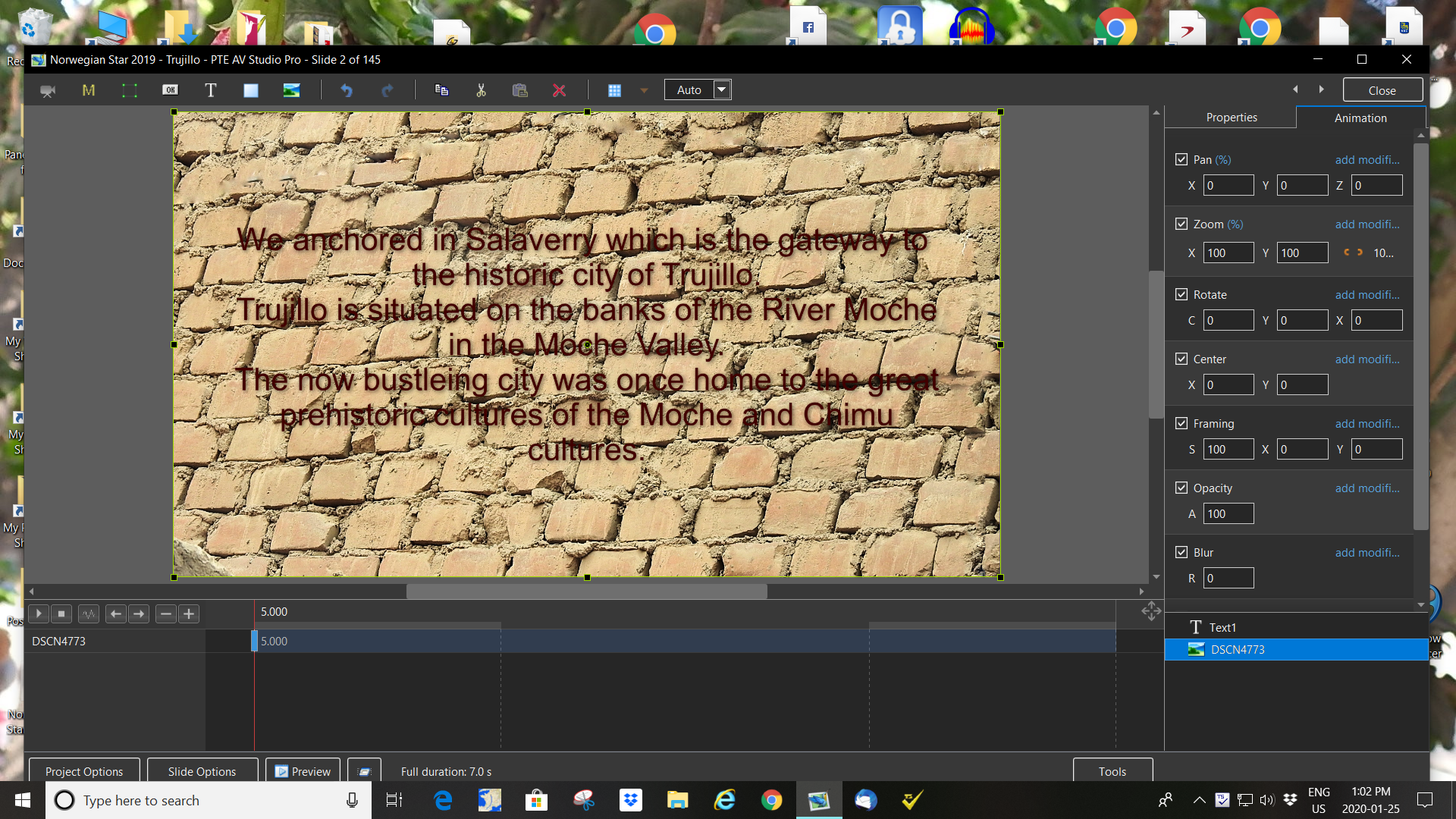
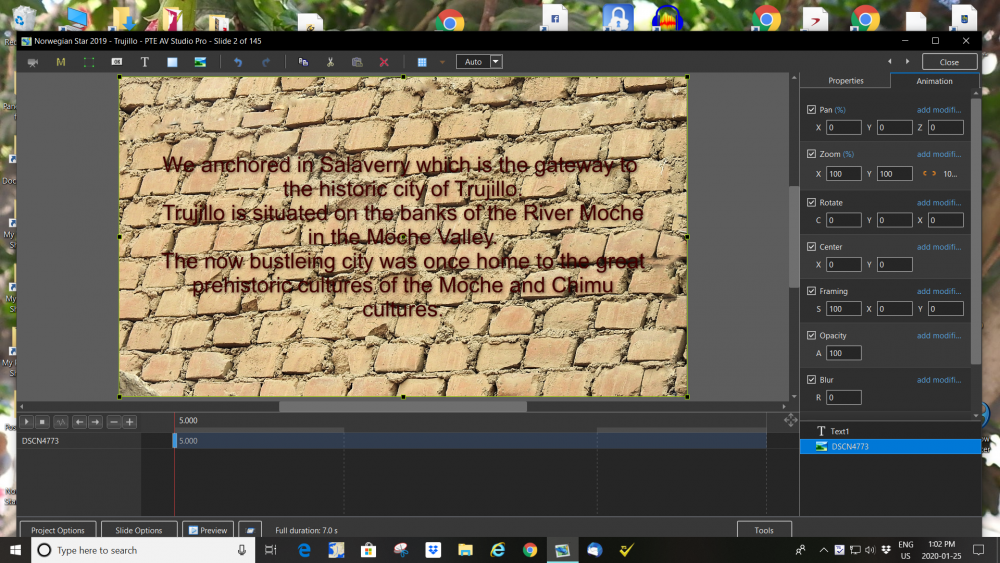
I would like to add a blank,black slide at approx. 25% opacity behind this text. Is it possible or would I be better to choose another background. The background shows how the Moche culture built their pyramids to withstand earthquakes hence this particular JPG. Thanks for your help, Rosemary
-
This is a dream come true! Easy to access the slidestyle and transitions all in the same place complete with demo. A beginner's dream. Thank you so much. Rosemary
-
Text zooms along with Slide - Possible to stop?
Rosemary A replied to Yaryman's topic in General Discussion
Very nice Lin. I would be grateful if you could point me to the tutorials or slidestyles. Thanks, Rosemary -
I agree! Being in Canada we have a foot each side of the border as far as spelling goes. Either is acceptable so long as we are consistent. Rosemary
-
Ronniebootwest, Please remember that I am a beginner. I just downloaded the program from CNet. After reading the options, the download is at the bottom of the page. It downloads into your computer as a separate program - no need to set a pathway from PTE. It works on any text/program you are using. I love it, Thanks again Lin. Rosemary http://www.tinyspell.com/
-
Hi Lin, I worked it out! Simple and it works. I hope I will not hear too many Bongs. Thanks for the link, Rosemary
-
Sounds exactly what I need. Do I just download it and place the .EXE in the PTE folder or do I have to point PTE to the .exe like an external editor? Producer didn't have a spell check option. Thanks Lin. Rosemary
-
Thanks Lin. You gave me quite a giggle! Do I just download it but how do I tell PTE to check my spelling? That is usually husband's job or my retired headmaster in UK. Rosemary
-
Thank you everyone. I am going to try all of your suggestions. My Graphic program(Corel PaintShop Pro) is capable of making layers. Just have to figure out which works best - rastor or vector layers. If I can get satisfactory results within PTE it would be so much easier to edit - especially my creative spelling! Here's hoping for a text editor in the next version of PTE. Rosemary
-
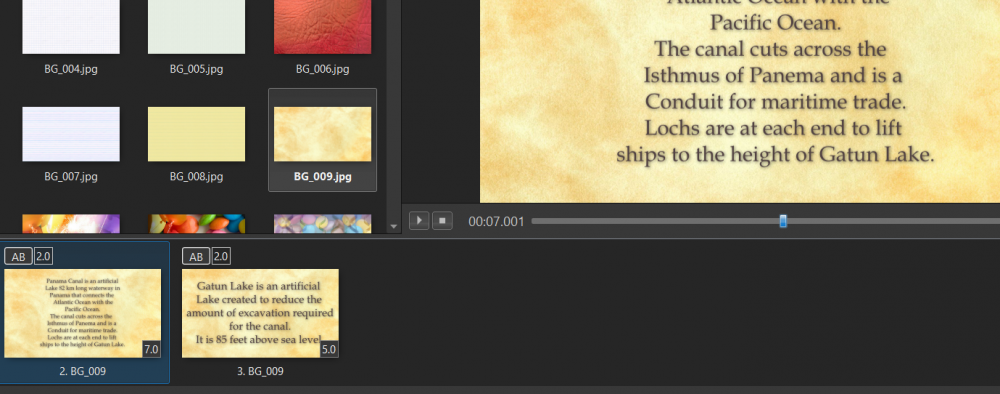
Dave, I shall try to send a screen shot of what is happening. If only I could get the text smaller and uniform across the show it would look so much better. I have tried Save/Reset >Save font and use by default. Sorry to be such a pain, Rosemary
-
Thanks Dave. I shall give this a go. Just seems odd that one cannot just select a text size. So much to learn and so little time..... Rosemary
-
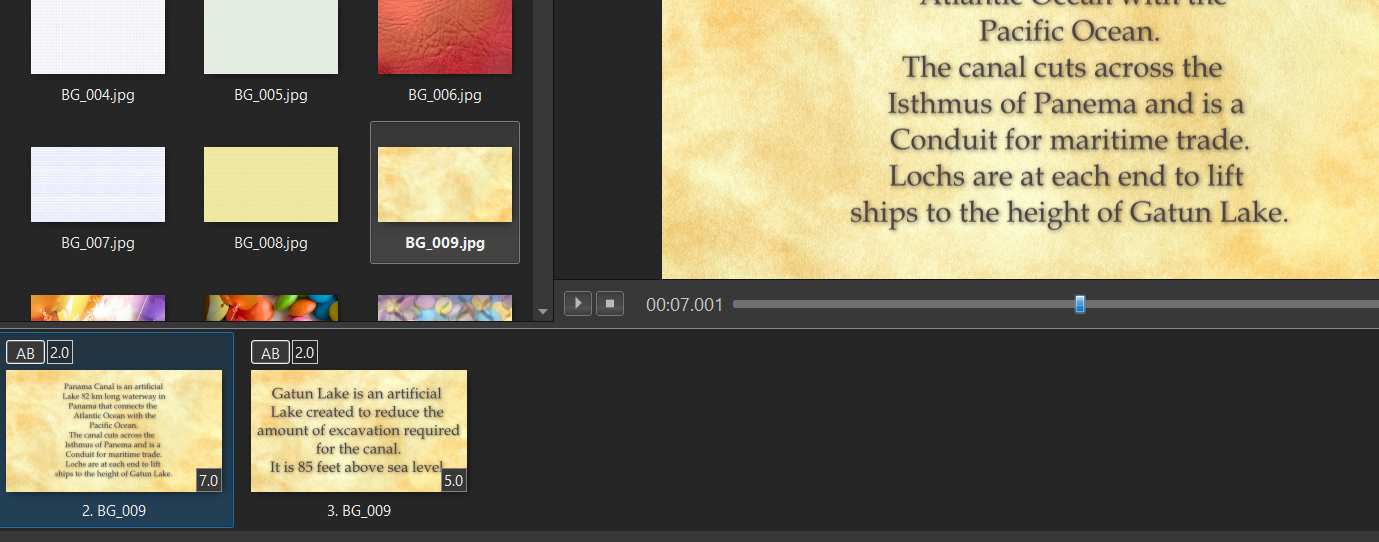
I am making a slide show of our trip through Panama Canal and will use a lot of text on a background. Is there any way in PTE Av Studio 10 to set a text size at the beginning of the show and maintain it throughout? Thank you, Rosemary Appleby
-
Thanks DG. Like everything else - so easy - when shown. I am glad to say that my graphic Program popped up right away. Rosemary
-
Is it possible to access external graphic programs through PTE AV Studio 10? If so how! I have put my graphic photo editor in Slide Options> Corel PaintShop Pro application. I am at a loss as to what to do next! I am hoping that Corel is compatable. Regards, Rosemary
-
Lin I am glad that you figured out what I was asking! Now that you have explained how to check which transition is selected it seems pretty obvious. Thanks once again and BTW I am now the proud owner of PTE AV Studio 10 Rosemary
-
Sorry forum users, I seem to have asked a silly question. I asked because sometimes when reviewing a show I like to change the transition or include the transition slide in a style. I gather it is not possible Rosemary
-
Hi, Is there any way of identifying a transition changed from AB to say eg Page Curl. It does not show on the timeline or slide list. Makes it difficult to see where the default AB has been changed. Thanks, Rosemary
-
Lin, you are absolutely correct. Works beautifully. I really appreciate you doing this for me. Rosemary
-
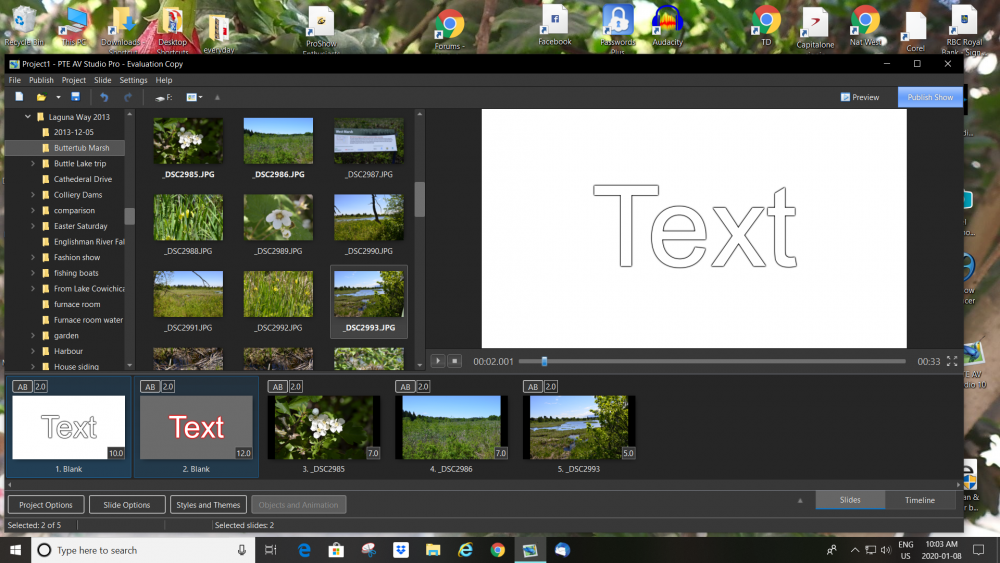
Good Morning Lin, Thank you for this style. Unfortunately whatever I am doing the attached screen shot happens. I have selected the 3 slides and then apply the style. Unfortunately the style creates more slides! Help because that would solve my problem. Rosemary
-
Thanks MUR, I shall try this too. I do like my outline around text! Rosemary That looks great! Thanks a million. Will be useful for Title Slides too.
-
No problem Lin. I have just finished a 5 min. show. Needs some tweaking but gets the message across. Thanks everyone Till the next question Rosemary
-
Great tip, Thank you, Rosemary
-
Thank you both. Rosemary
-
Firstly, congratulations on the recovery from the stroke. A lot of hard work and determination. Let's hope I can apply the same to PTE... I am disappointed about the lack of outline ability in PTE as I tend to use text on images during my shows. The outline makes the text easier to read. However onwards... Thanks for the instruction re maintaining the text colour. I shall use it a lot! Thank you once again, Rosemary