davegee
-
Posts
9,314 -
Joined
-
Days Won
58
Everything posted by davegee
-
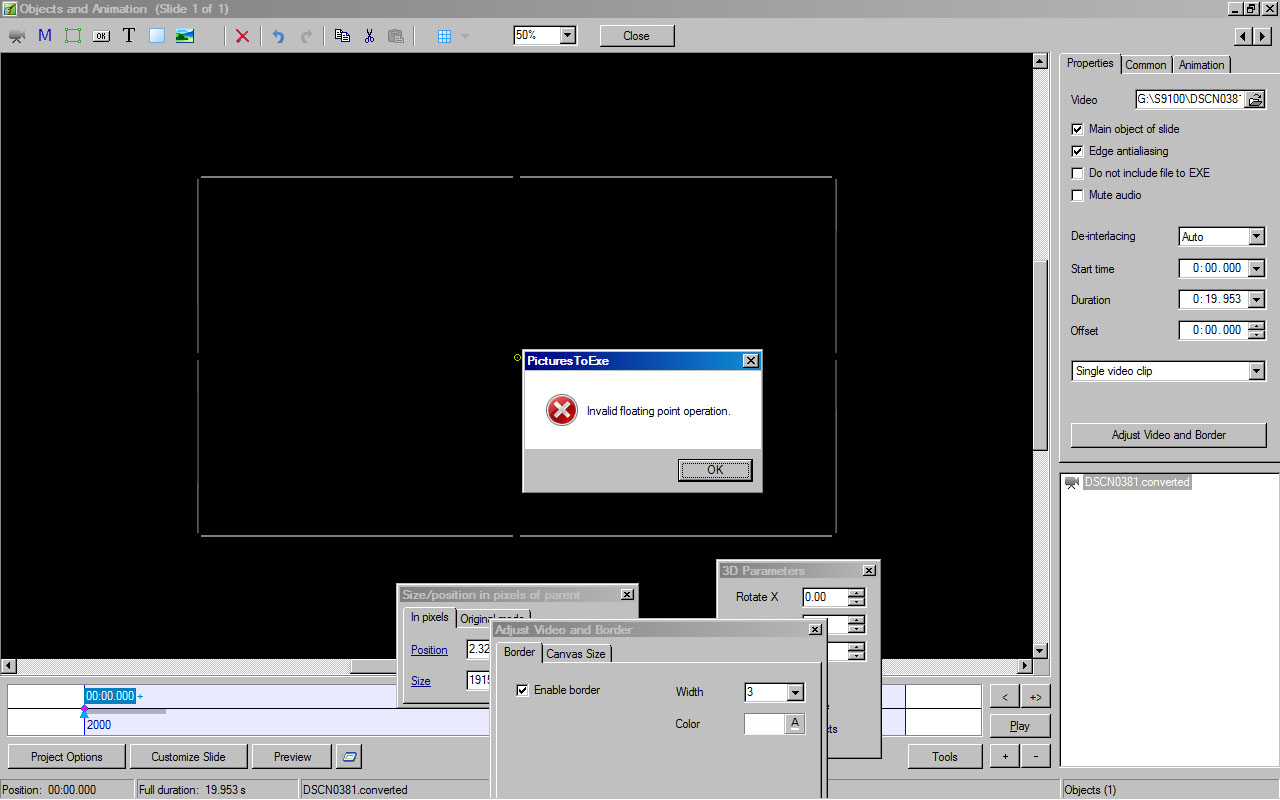
Artem, I can start a new project in 7.5.4 and add ANY Video and it happens. Point me to any video and I will try it? The Laptop is Vista 32 Bit. Intel Core 2 Duo T8100 2.1 GHz 4Gb Memory 1280x800 Screen NVIDIA GeForce 8400M GT GPU 256Mb Ram DG
-
Artem, I can only reproduce this on my VISTA Laptop - W7 is OK. It does not depend on specific Video Files. DG
-
I tried it on a Vista laptop.More testing required.DG
-
A png "stroke" line copied to all slides is the way I do it. It is probably not the only way. The "enable border" changes the ar unless you alter the canvas by the same amount. Dg
-
It's normal Gary. If you want to behave the same as the "stroke" command in PS then you need to use CANVAS in conjunction with Border. Set canvas (all 4) equal to Border. DG
-
You are right - it is easy to reproduce. As well as producing the Error message it turns the Video from Colour to B+W? DG
-
If I might add an opinion as a non-professional />? No. It is possible with a single keyframe object to move the key frame to wherever it is required along the timeline (relative to the slide's animation) and make any changes neccessary at that point. DG
-
http://www.beechbrook.com/pte/ DG
-
That makes sense. (Assemble at Monitor Width). DG
-
Hi Umberto, Trying to change the figures in the way that you show does indeed produce an assertion error. If you click on the folder dropdown instead it takes you back to the mask dialogue where any changes made do not produce the Assertion Error. Perhaps it would be best to not have the parameters in the Properties box or, as you say, make it read only. DG
-
Barry, Now that is planning ahead! DG
-
Umberto, I cannot replicate this - can you be specific about the settings which produce the result you report? If I enter figures greater than 512x512 the result is still a 512x512 mask (without an exception error). Do you agree that the "slider controls" are "clipped"? DG
-
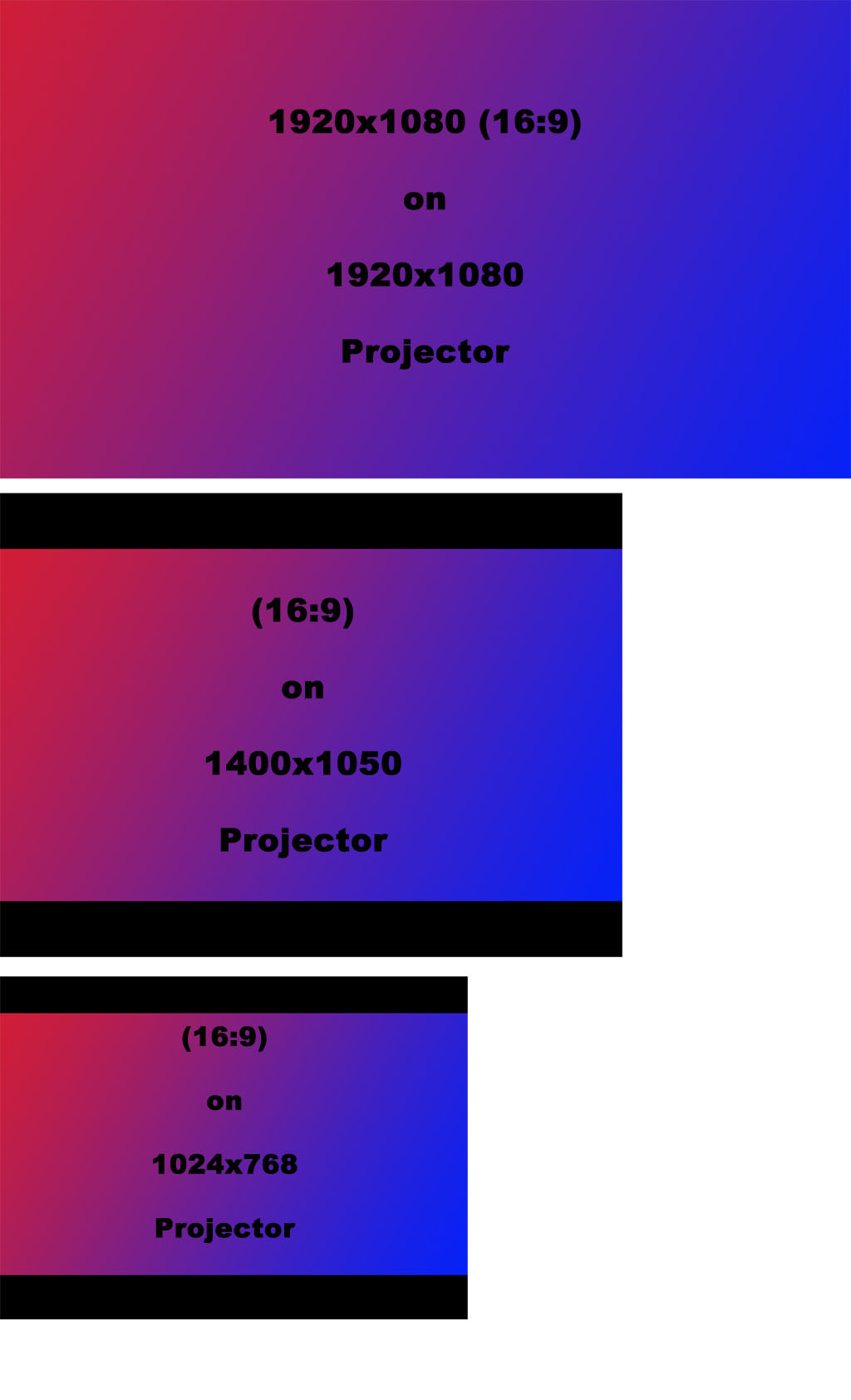
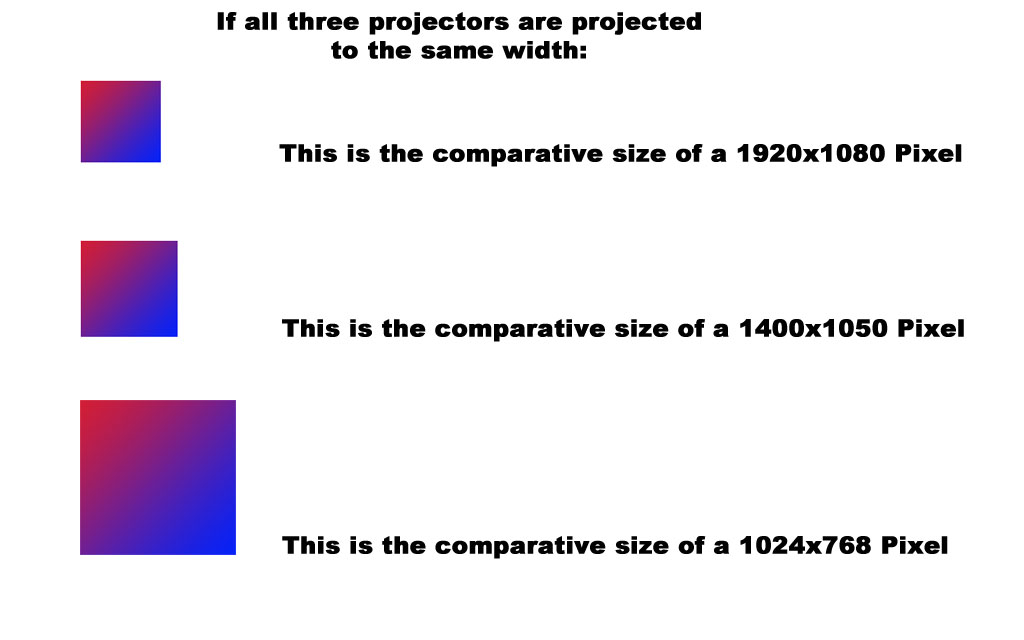
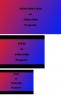
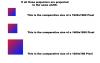
The following are meant to give information and not to provide an argument: DG P.S. IMHO (and it is just an opinion) 1920x1200 is already outdated. I have stated elsewhere that although my present monitor is 1920x1200 and I have no reason to change it, when the need arises I will choose 1920x1080 next time. This is providing that, by the time I get around to changing it, TVs and Projectors have not already moved on to an established higher resolution (than 1920x1080). All of the above is IMHO and not argumentative.
-
A sort of "Cat Flap" Transition. The transition and ptef file are included. Once again feel free to modify to your requirements or delete. DaveGee 8.zip DG
-
Some "Bookish" Transitions (ptef) and EXE file included. Feel free to modify to your requirements (or Delete). DaveGee7.zip DG
-
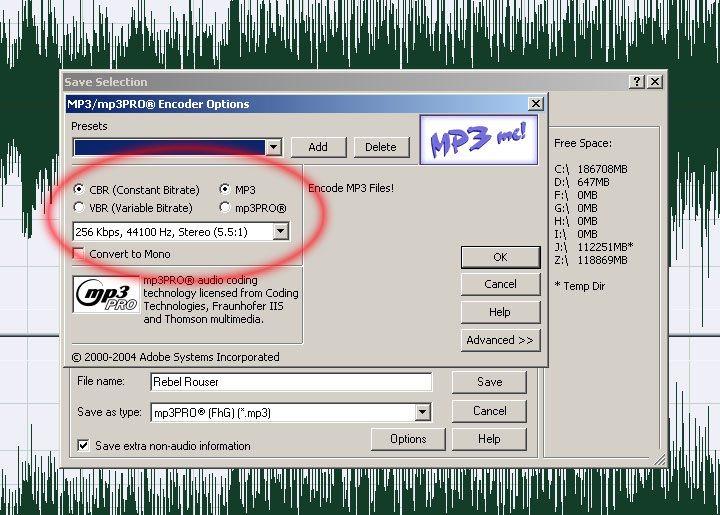
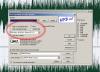
Glad that you were able to cure it. There was a similar post recently where non standard settings had been used and produced the same result. That's why I pointed in that direction. In Audition I have always used MP3Pro in "Save as Typ" and the settings in Options as follows: CBR + MP3 128 / 160 / 192 / 256 Kbps @ 44100Hz Never had a problem with that. DG
-
Hi, All that would be required is two slides and one transition which is showing the problem on your system. A "Backup In ZIP" would be the best option which would allow us to see the construction of your Slides, Transitions. If it is still over 3Mb then people are using DropBox, YouSendIt or MediaFire. Upload your file to one of those and provide the link here. DG
-

Problem when manually advancing a paused playback [SOLVED]
davegee replied to PGA's topic in General Discussion
I seem to remember this having been reported before? I can't remember the outcome - but I remember the symptoms. Not a lot of help I know, but I would say that this is an old bug which has never been cured or an old bug which has returned. DG -
Geoff, I have always used Monitor Size as my deciding factor. I have a 1920x1200 monitor but 90% of projects are 1920x1080. By setting 1920x1080 and ticking Fixed Size of Slide I have always assumed it to be true that, when viewed on other monitors my projects would fit to screen on smaller monitors but would effectively appear as a "Window" on larger monitors. By using 1280x800 as your Project Size and using your larger images you are allowing for around 135% zoom without loss of quality (actual pixels) wheras if you set 1728x1080 as your project size any zooming would involve interpolation of those pixels. Maybe you could expand your thoughts a little, but I do not see what you have to gain by setting a 1728x1080 project on a 1280x800 monitor. I could see a little more sense in trying to reproduce full HD 1920x1080 on a 1280x800 monitor and using e.g. 3840x2160 images? DG
-
It seems a shame that Jan's post has not had any replies? The effect that he has posted is remarkable and worthy of a look and a comment. Well done Jan. DG
-
Check your settings for the "Save as MP3". In Options (Advanced?) you probably have Variable Bit Rate (VBR) set. Change this to CBR. It might be that? DG
-
Not at all, BUT there are other forums where a new member's first x number of posts are "vetted" before going on line. This would in most cases deter spammers/intruders (not that I believe that it is the case here). I this case, the way I read it, the OP has made the assumption that it is the software that is causing his "problem" and not the possibility that his system is in some way "not playing ball" with his software. Perhaps he could be persuaded to re-phrase his post to take this possiblity into account before proceding. Perhaps he could, as someone suggested, be persuaded that giving some details of his system in his original post would benefit him. Perhaps he could be persuaded, as someone else suggested, that posting an example to illustrate his "problem" would be to his advantage. Be are, I believe, saying exactly the same thing in our different ways? However, with regard to Spammers, Intruders and First Time Posters "an ounce of prevention..... etc". DG
-
Barry, This is just another example of how anyone (first time poster) can post an uncorroborated statement here which can be quoted (out of context) elsewhere. DG
-
Post a short backup in zip which highlights the problem? Dg
-
Canvas!! I get it. I tried it in o and a. I did not get the canvas bit!! Thanks DG