davegee
-
Posts
9,374 -
Joined
-
Days Won
61
Everything posted by davegee
-
Pc or Mac??I Details of system?? DG
-
https://docs.pteavstudio.com/en-us/10.0/main# DG
-
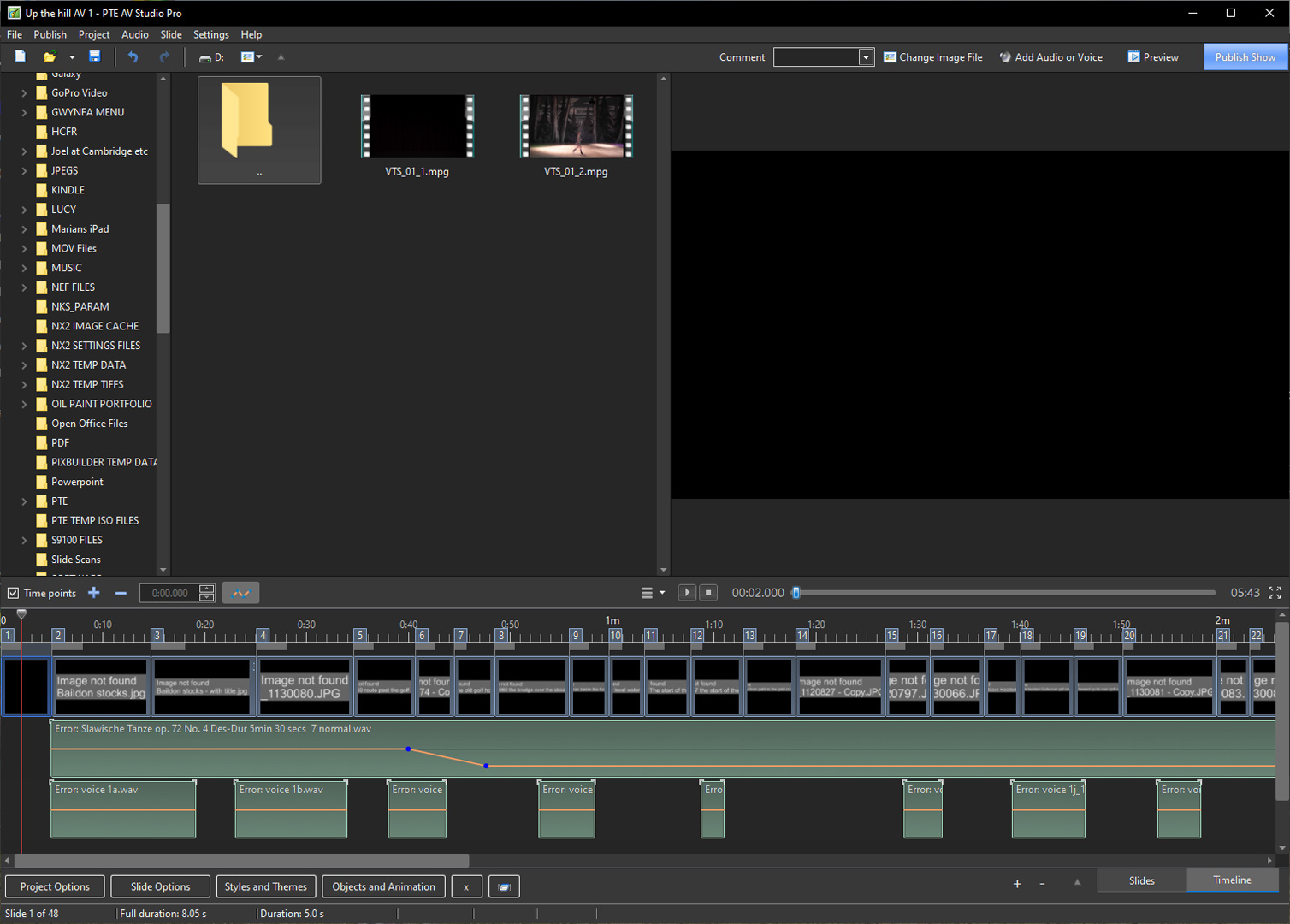
Click on a slide in the Slide List. Click on the Objects and Animation Button. In the Objects Panel click on the Object that you want to edit. The Object will have two or more Key Frames. Click on each Key Frame in turn and edit the Zoom or Pan by the Zoom, Pan and/or Framing controls. DG
-
That was the original intention for Styles. It is only when you rely on other people's Styles that you run into difficulties. Here are a couple of (Very Simple) Styles which I have created recently. Apply to more than one slide to see the whole effect. Text can be modified during the application of the Style or in O&A afterwards. The Text element was added very easily to the original Burns etc Style. The Intended use is for 3x2 images in a 16x9 Project. There are at least seven elements to the "Burns etc with Text" Style each of which could be an individual Style and the Transition is Multi Variant. Burns etc.ptestyle Burns etc with Text.ptestyle DG
-
The shortcomings of Styles listed above are "old news" and I believe that if it were an easy job for Igor it would have been done by now. I was one of the first to ask for "Additive Styles" and I am still hopeful for this feature in Version 11. In the meantime, I just make Styles which combine all of the features I want - combinations of features - and keep them for future use. If you are unfamiliar with the procedures of creating or combining Styles, just ask. There are people here who can help - myself included. DG
-
That is correct - You cannot use a PNG as a Background Image. DG
-
Sorry, I do not know the purpose of the Transparent image which you have placed in Slide Options / Background? DG
-
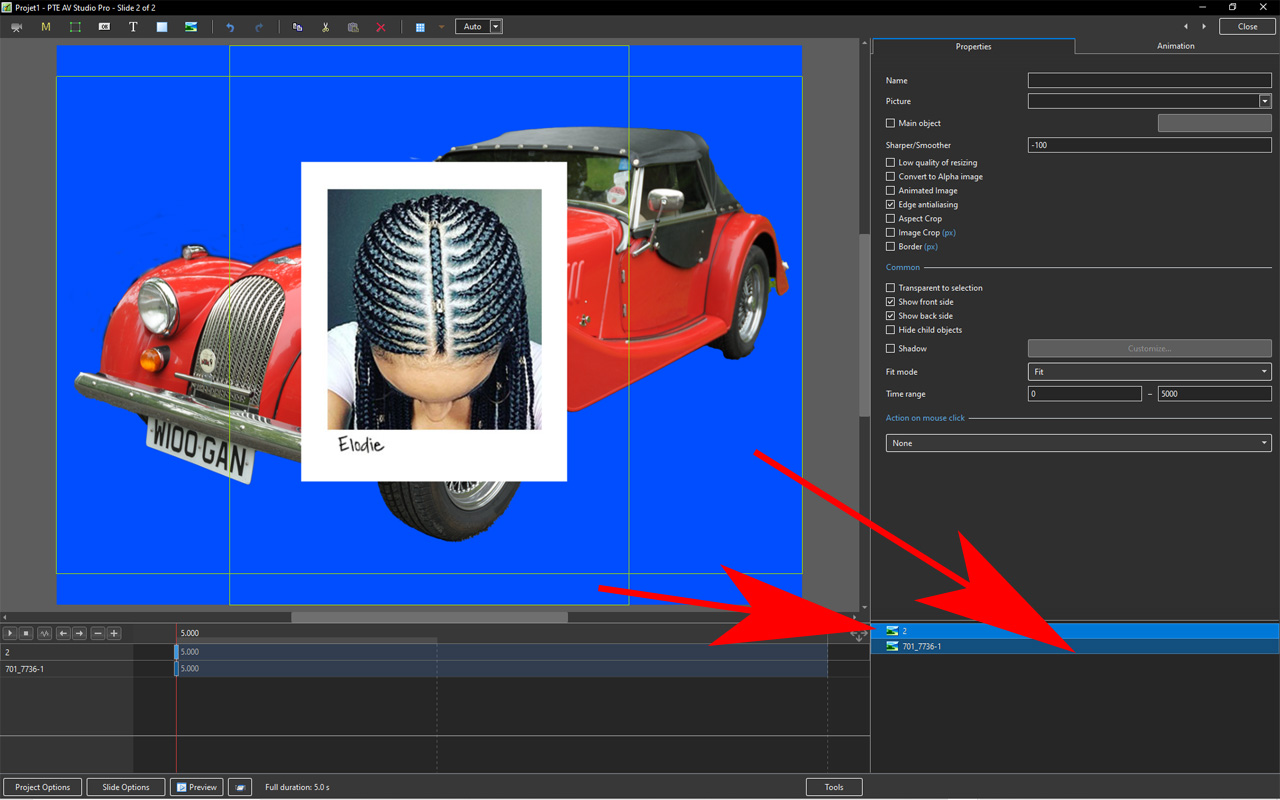
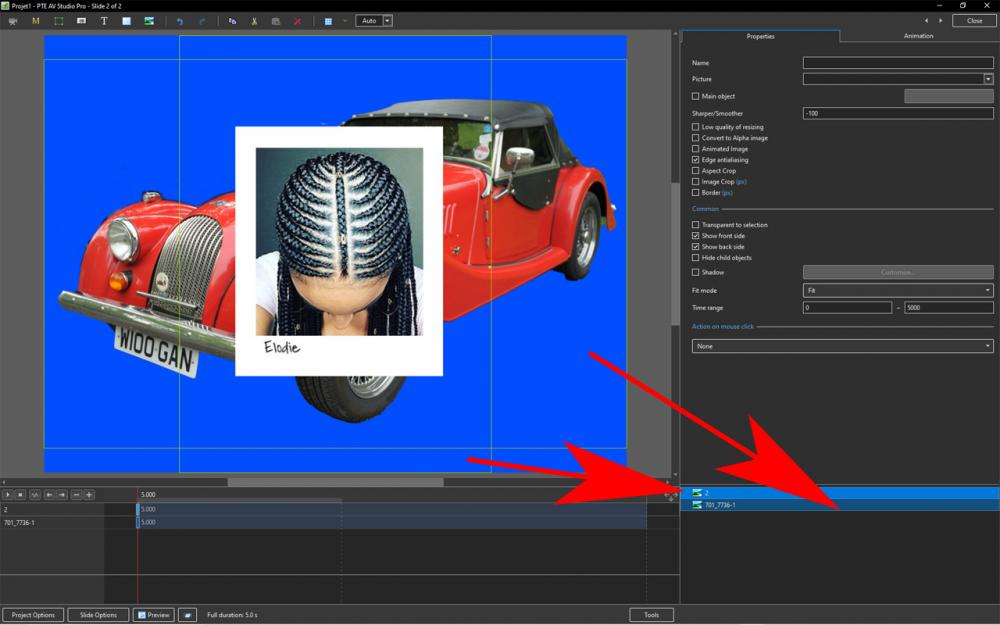
The PNG which is not working correctly is placed as a Background in Slide Options. Place it as an Object - as you have done with the other two PNG files. DG
-
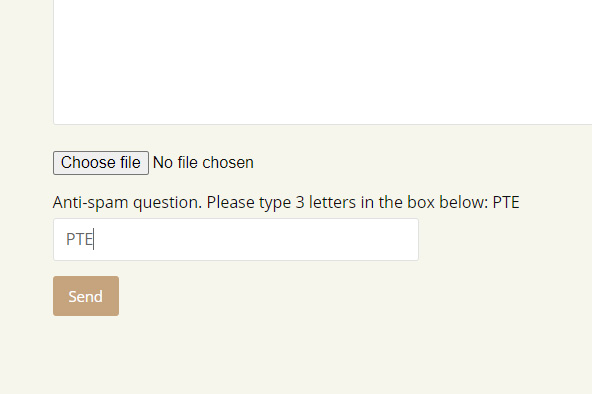
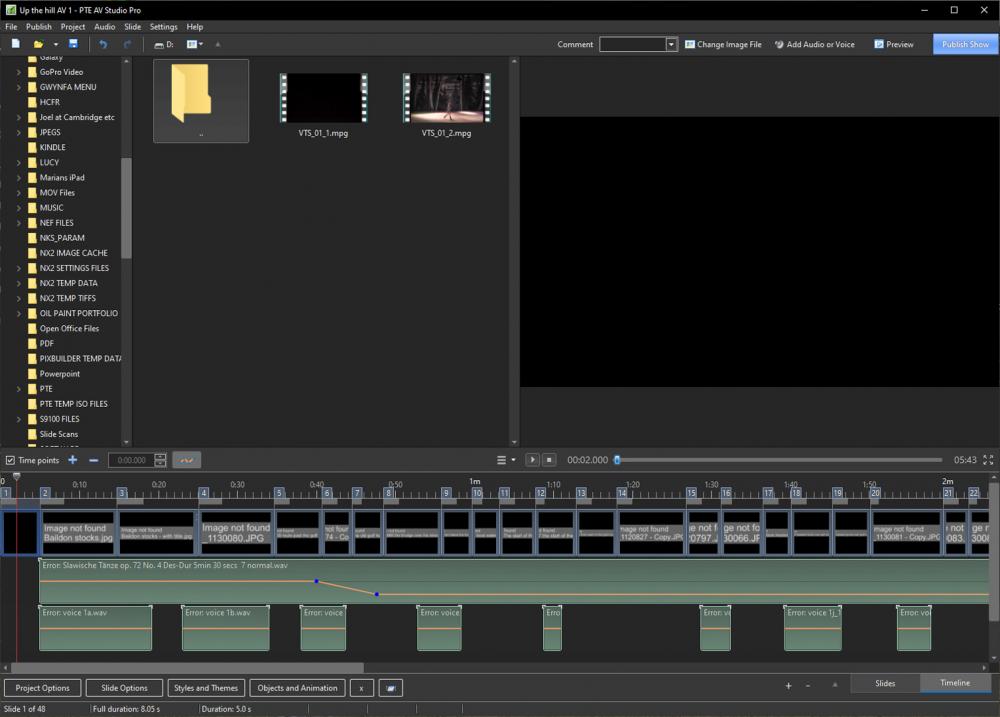
We are trying to help you in your other thread! If you post a screen shot of what you are seeing maybe we can advise. If you want to submit the support ticket, see the JPEG below - just type PTE in the box.
-
Len, it looks ok. Post a screen shot showing your problem?
-

hide text How to hide and bring on text text
davegee replied to Warren57's topic in General Discussion
This was what I had in mind. Use Space Bar or Right Mouse Button to reveal text. Text_Jan22-2021_22-43-52.zip DG -
hide text How to hide and bring on text text
davegee replied to Warren57's topic in General Discussion
You could use Space Bar to Pause/Play but that is not as efficient as using two slides for Question/Answer. -
hide text How to hide and bring on text text
davegee replied to Warren57's topic in General Discussion
Put the question on slide one and the question complete with its answer on slide two. Mouse click changes slide. DG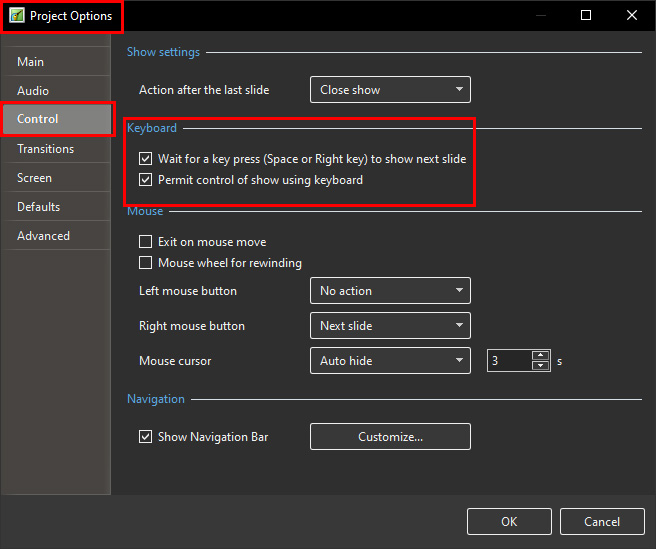
-
Use two key frames to fade the text in and another two to fade the text out. Opacity = 0 - 100 - 100 - 0. DG
-
This was Igor's introductory post re: Motion Blur. Watching for more input. DG
-
Problem Purchasing an Upgrade to PTE Pro for Mac [SOLVED]
davegee replied to Adrian Battersby's topic in Troubleshooting
Have you checked your junk mail folder? Putting your email address and telephone number in a forum post is NOT a good idea! Igor is aware of your query and will reply soon. DG -
Create a Style - how does one clear previous Settings?
davegee replied to Xenofex2's topic in General Discussion
-
Create a Style - how does one clear previous Settings?
davegee replied to Xenofex2's topic in General Discussion
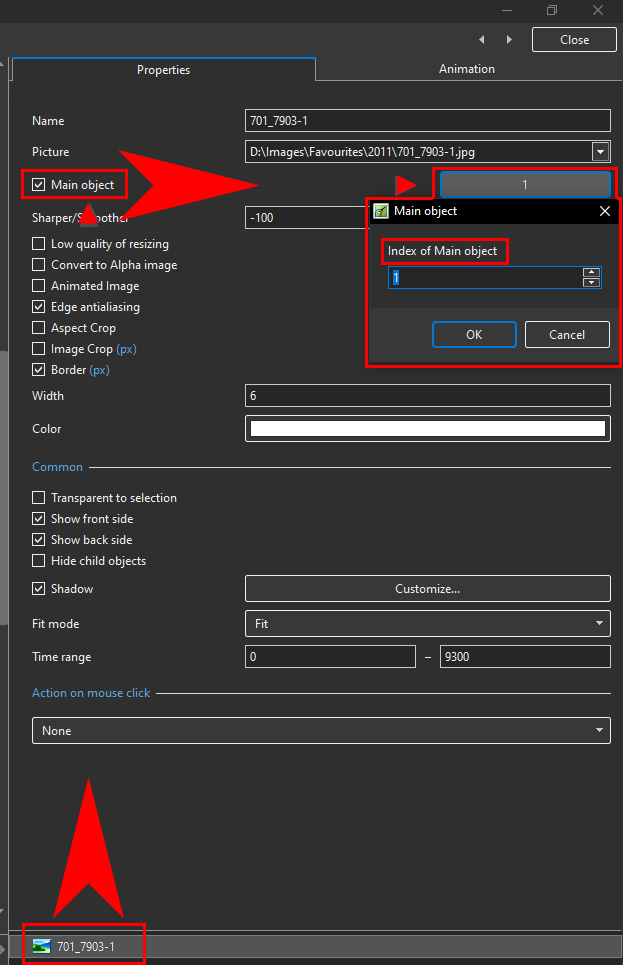
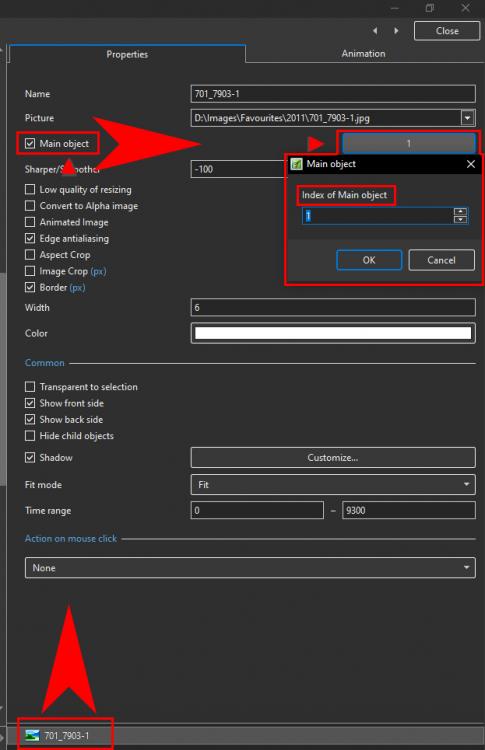
The "3" is telling you that you have three indexed images. check the indexing for all objects. DG -
Just click on "Backup in zip". You do not need a third party software. DG
-
Rosemary, The .pte file is not enough. Go to File / Backup in ZIP and send the result. DG
-
JOHN, Are you running the LATEST version of PTE 10? DG
-
Please consider the following for Version 11: With an Image/Object highlighted in O&A, the ability to use SHIFT+Mouse Wheel to control the "S" Value in the FRAMING feature. Also, with an Image/Object highlighted in O&A, the ability to drag the Image in the FRAMING feature with the mouse to control the horizontal and vertical position of the image (X and Y). DG
-
You can EDIT a Custom Transition (not a Built in Transition). Highlight your Custom Transition in the Transition List - Manage Transitions / Change Transition Settings / Edit. DG
-
You can EDIT a Custom Transition (not a Built in Transition). Highlight your Custom Transition in the Transition List - Manage Transitions / Change Transition Settings / Edit. DG
-
Your projector is 4x3 so if you set 4x3 in Project Options and set "Original Size" for images then there will be no upscaling.I DG P.S.