All Activity
- Past hour
-
Roan, Try the new version 12.0.1 Build 4: PC: https://files.wnsoft.com/test/pteavstudio-setup.exe Mac: https://files.wnsoft.com/test/PTE-AV-Studio.dmg
- Today
-
Thank you! I've reproduced this issue. We'll fix it.
-
Here is a video Cursor-test.webm
-
 Here is the web links to my web site: These Wave Rotation Color Backgrounds Files are in Zip Format. Wave Rotation Color Backgrounds Demo: https://www.pnwhiker.org/WaveRotClrBkg/WaveRotColorBackgroundsDemo.htm Wave Rotation Color Backgrounds Zips: https://www.pnwhiker.org/WaveRotClrBkg/Zips/WaveRotColorBackgroundsZips.htm Note: These Gif's will loop endlessly no matter the time length of the clip. Hope you enjoy the show.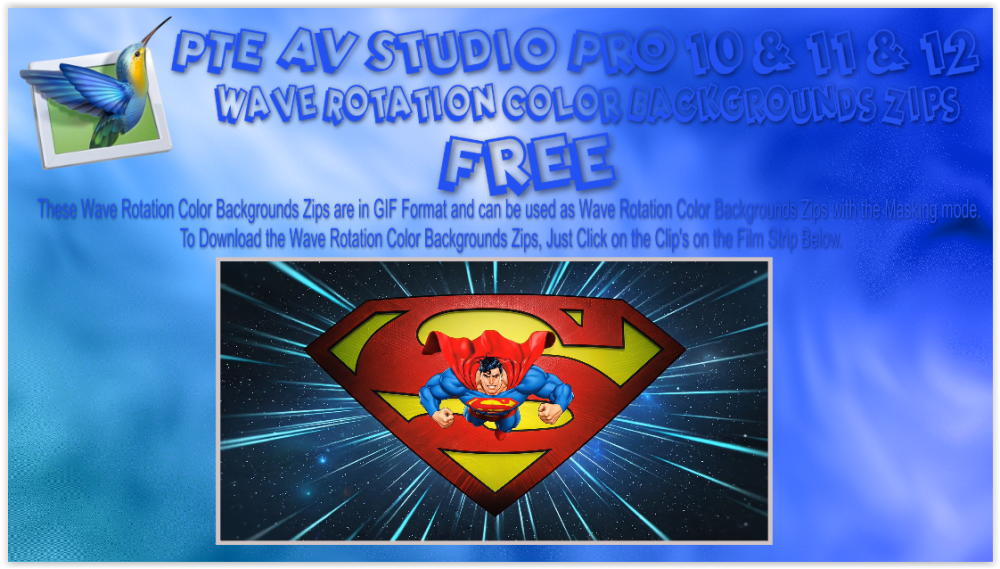
-
- 1
-

-
A short AV made of images after a visit to Whian Whian Falls last week. A simple dissolve of images from the top of the falls. This is another version of the same images using the Camera 2 Template provided by jienense. I made some changes to the end and although it was meant to show the 15 different camera captures, I useed the complete series in this instance. Using shared tmplates does help with my learning as I re-engineer/design the template even with the different language barrier. thanks for sharing. Mark
-
I am guessing it it a younger Igor barking instructions and pointing. Nice production, well planned and executed. Flows well and the time passess quickly so it hold your attention. Congratulations. Mark
- Yesterday
-
Thanks everyone for your kind words. Did anyone notice that the man with the clipboard in the Baikonur control room looks familiar....? Ian
- Last week
-
Very interesting and well done! Great use of AI. Yuri Gagarin is also commemorated on the wall of a subway station in Tashkent, Uzbekistan dedicated to the cosmonauts (built when the USSR still existed).
-
Thank you, Ian, for your work! AI is certainly a great help, especially in the technical aspects of things like rocket launches and satellite flights. But generating the faces of famous people is a real pain. Nothing like it, not even close. Unfortunately, over time, this won't matter anymore. Only those who remember these events can appreciate it.
-
Hello Ian, This is excellent work—perfect use of AI, flawlessly executed effects, and very well-delivered narration. Well done.
-
Hi Ian, Thanks for sharing! It's great to see the story of cosmonaut Gagarin in AV. An unusual experiment using Ai content.
-
Thank you, I will rectify that. DG
-
If using VLC Player to run the MP4 you can press the Spacebar to pause the show, then press it again to resume. Jill
-
That answers it. Didn't find that in the help files.
-
Roan, I need to think, I'll take a break until Monday. If it possible, please record a screen video how you type words in a text box.
-
The problematic PC is configured in French (France). There is no keyboard software or remapping application installed. Standard French keyboard (AZERTY) I tried another standard Logitech keyboard. But the problem persists.
-
This feature is for Executables only. Not for mp4 video. DG
-
I'm attempting to use the "Wait for Keypress" feature for a single slide with mixed results. This is version 12 of PTE AV Studio Pro on a Win10 system. I have the Slide option set to "Wait for keypress to show next slide". In Project Options, the "Wait for keypress" is off, and the "Permit control of show using keyboard" option is selected. When previewing the show using the preview player, it seems to work as expected. But in the rendered MP4 video of the same project, the show just progresses on past this slide and does not stop as expected. Also, when simply running the show in the main window, it does not stop for a keypress. Do I have something set incorrectly?
-
Roan, Could you check a couple of things on the problem PC: 1. Which exact keyboard layout is set for French? Windows offers a few variants (e.g. "French", "French (Belgium)", "French (Canada)" or "French (Switzerland)") - please check under Settings > Time & Language > Language & Region, or Control Panel > Language, and me us know the exact name. 2. Do you have any additional software installed that hooks into keyboard input? For example, keyboard remapping tools, macro utilities, clipboard managers, or specialized input software. P.S. Denis, thanks for your comment!
-
I just tested it on another PC—an old laptop. The text displays correctly. I think it really is a PC configuration issue. Sorry. Thanks, Roan
-
Camera 2 Transitions For PTE AV Studio 12 (and sound)
jienense replied to jienense's topic in Styles & Templates
Thanks to both of you for your comments. @digartal Of course, feel free to make any modifications you need; that's the idea. Regards -
Correction. I hadn't restarted PTE 12 after changing the keyboard; So, with the English keyboard configuration, "Hello" is spelled correctly everywhere.
-
With the English keyboard layout, When I type "Hello" in the comment field for style creation, I get "elloH". However, when entering text in the Object/Animation section, "Hello" is written correctly.
-
Hi, when I do the same (writing text comment) it works well. I use the French language and a French keyboard. Denis
-
Thanks for these details! Can you switch to the English keyboard layout and type English words, for example "Hello"?