All Activity
- Past hour
-
Thanks all working fine now. Was my error, as pre- V15 was installed but now updated. Thanks again.
-
Check the "About" window to make sure you're using V12 Beta 15 and the Pro version. We've provided a free Pro Beta key for testing (see my announcement about the V12 Beta). A choice of Blend modes is not available in the Standard version, but they will work if they've already been added via a slide style or template.
-
No problems, I probably did not explain it properly. I am not seeing that in my version. I will check the Version Number and my technique. Thanks UPDATED - my mistake. As the new versions are saved with the same file name in My Downloads, I deleted the wrong version. Have just leared the "Downloads" folder and it works fine now. Thank you,
-
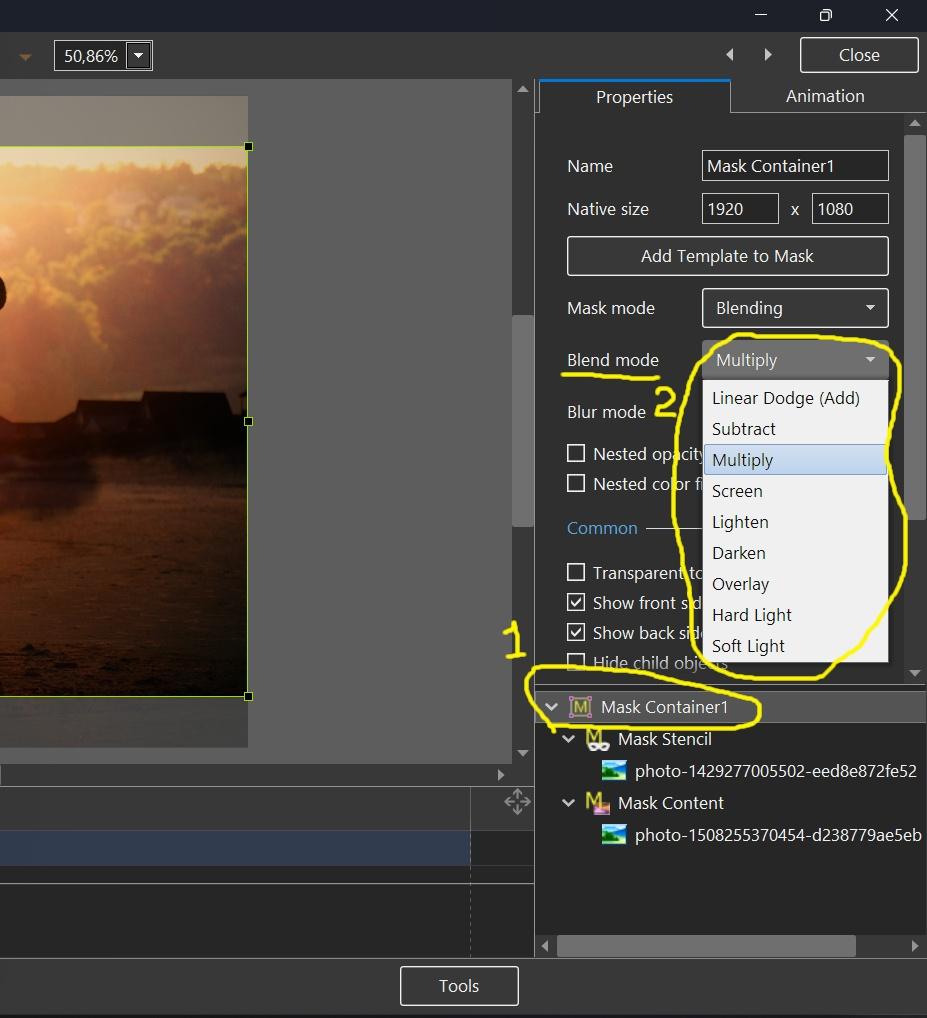
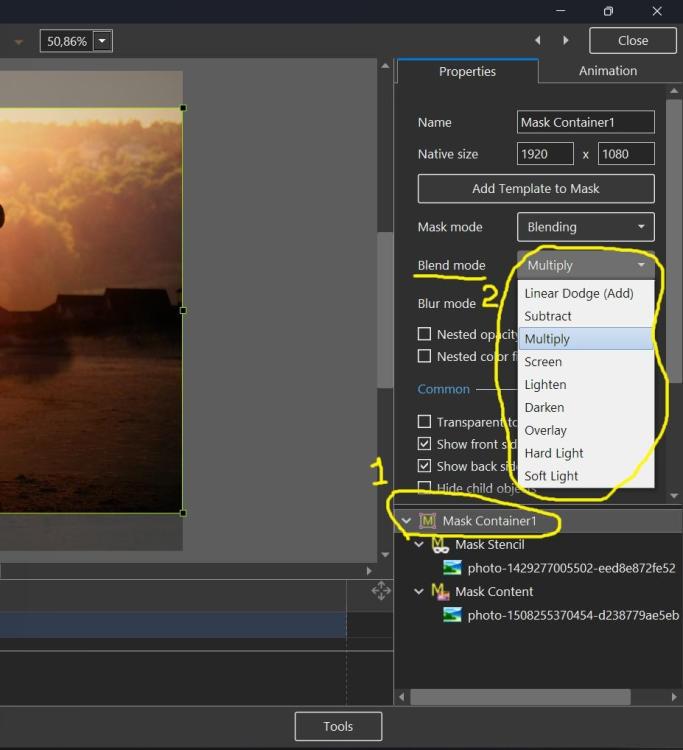
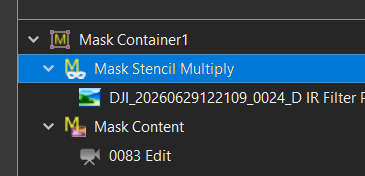
Sorry, maybe I misunderstood your question. See the screenshot below, it shows how to change the blend operation for an existing mask container.
- Today
-
Thanks Igor I got that part and added the content 'Mask Stencil" and "Mask Content" but if you want to change the "Mask Container" type after you have already selected an option. I right clicked but no option to change from Multiply to Overlay that I could see or am I missing it? ,In the image attached I added "Multiply" to the Name Box.
-
Mark, you can change the Blend mode (operation) in the Properties of a Mask container. Look at my screenshot above, I have highlighted this setting with a yellow line.
-
Thanks, Igor for including this. I started experimenting with this yesterday, and it is very interesting. Using both with a still image and a video. Working out how the Stencil and the Content interact is difficult, even though I use Masks in PS. Is there a way of changing the mask Blend Mode after the initial option is selected, or do you need to create a new Mask for each new Blend Mode?the selected Alternately, maybe the selected "Mask Container" or the "Mask Stencil" name box could show the Blending Style option rather than the generic name for future reference if that is possible at this late notice. If not, I am thinking of creating a template for each Blending Mode and trying the different modes with an image to get used to the effect. Thanks Mark
- Last week
-
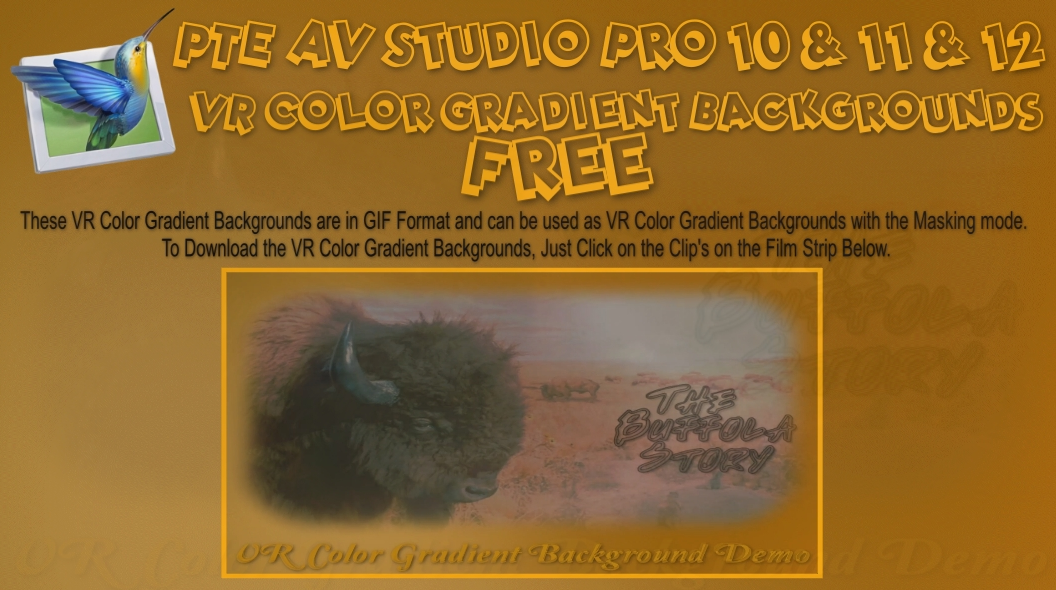
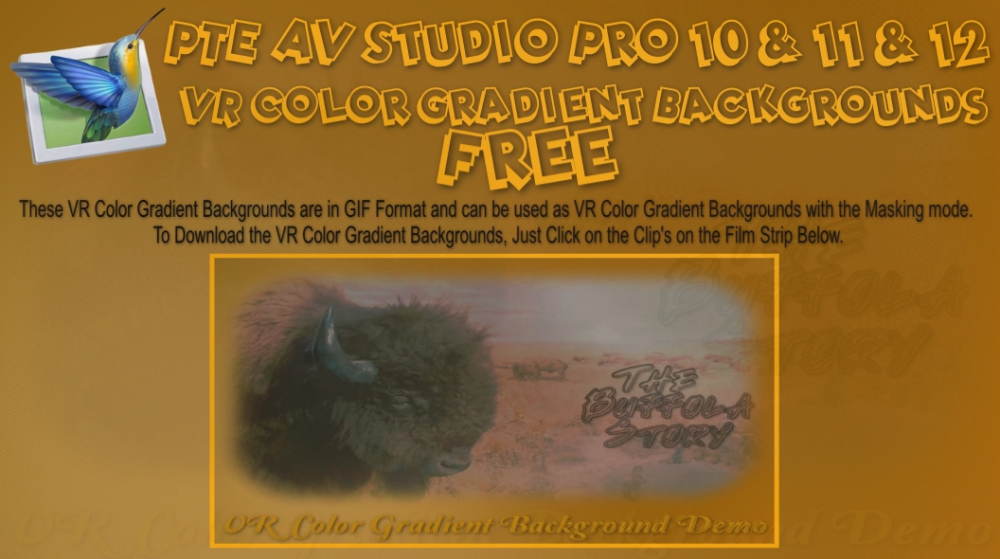
VR Color Gradient Backgrounds Free Downloads, No Strings Attached FYI: Not looking for your Gold, just hoping you can use them. Free just what the word means, no BS., no log in's or any other jazz required. Here is the web links to my web site: These Files are in Zip Format. VR Color Gradient Backgrounds Demo: https://www.pnwhiker.org/vrclrbkgs/VRColorGradientBackgroundsDemo.htm VR Color Gradient Backgrounds Zip File: https://www.pnwhiker.org/vrclrbkgs/zip/VRColorGradientBackgroundsZips.htm Note: These Gif's will loop endlessly no matter the time length of the clip.
-
VR Color Gradient Backgrounds Free Downloads, No Strings Attached FYI: Not looking for your Gold, just hoping you can use them. Free just what the word means, no BS., no log in's or any other jazz required. Here is the web links to my web site: These Files are in Zip Format. VR Color Gradient Backgrounds Demo: https://www.pnwhiker.org/vrclrbkgs/VRColorGradientBackgroundsDemo.htm VR Color Gradient Backgrounds Zip File: https://www.pnwhiker.org/vrclrbkgs/zip/VRColorGradientBackgroundsZips.htm Note: These Gif's will loop endlessly no matter the time length of the clip. VRColorGradientBackgroundsDemo.htm
-
Testing...
-
You can Apply any Style and modify it to your needs. You can then create a Style from the modified Slide and Save As a different version. Saving over the original is not advised and is not good practise. You cannot overwrite Built-In Styles so you have no alternative but to create your own version. If the Style that you are modifying has an Image built into it then that can cause problems as can images which appear more than once in the Applied Style (Reference Images). DG
-
Only if you want to use the exact same thing again. Jill
-

Fractal Noise Backgrounds Free Downloads, No Strings Attached
mhwarner replied to Pnwhiker's topic in Styles & Templates
Thank you for sharing these! Cute animals in your video BTW! -
I guess I should become more familiar with creating Styles. What I pretty much always do when creating one of my travelogue shows is to choose the jpgs and mp4s and assemble on the slide list or timeline in some meaningful order. Then I apply various styles (many of them downloaded from other advanced members like you or Barry) to either single slides or group of slides but almost always modify the style to my liking. When modified should I be calling that a new "created" style?
-
Hi Igor very interesting feature, tested and working well. This opens up new creative possibilities for us.
-
Beta 15 (Build 3) with updated French and Dutch translations is available. See the download links above.
-
Yes, blending operations available for a custom transition.
-
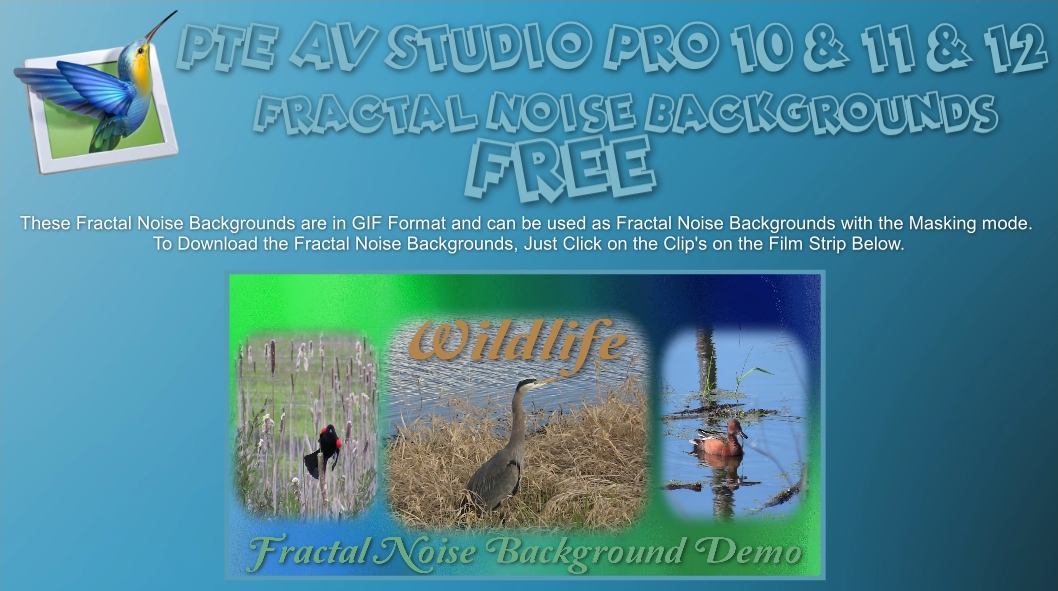
 I'm posting these early, and I was going to wait till version PTE AV 12 came out, but I Say to Hell with That!!! FYI: Not looking for your Gold, just hoping you can use them. Free just what it means, no BS., no login's or any other jazz. Here is the web links to my web site: These Files are in Zip Format. Fractal Noise Backgrounds Demo: https://www.pnwhiker.org/FracNoA/FracNoA.htm Fractal Noise Backgrounds Zip File: https://www.pnwhiker.org/FracNo001/FracNo001.htm Note: These Gif's will loop endlessly no matter the time length of the clip.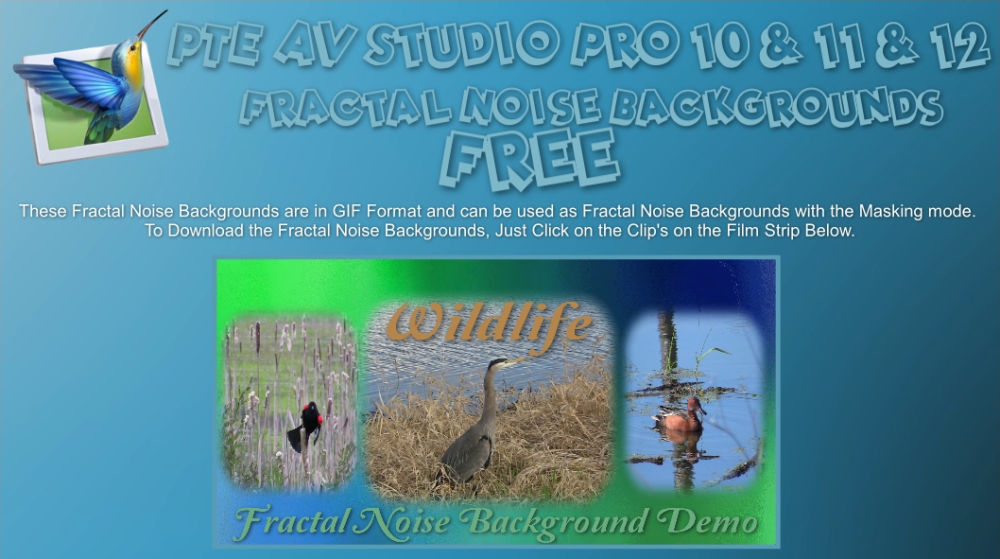
- 1 reply
-
- 2
-

-
You now have an understanding of why some used images are highlighted in blue and others not. If you are not going to create Styles you need not worry about the rest. Most people should be able to manage with "Quick Styles" (or not use Styles at all) and in these cases the Main Object numbering need not worry you. If you have a specific problem you are welcome to Message me - there are lots of others who will be willing to help. Good luck, DG P.S. There is a way of getting ALL used images highlighted in blue but it is not very elegant!!
-
Yes I played around with that and I see what it did. But I am still not entirely clear about the Main Object designation and/or the number assigned to each of the Main Objects. But I guess I have survived without understanding this with the various shows I have created thus far so no harm/no foul as they say.
-

Free Music / SFX Resource - Over 2000 Tracks
Eric Matyas replied to Eric Matyas's topic in General Discussion
Greetings Fellow Creatives! My quest continues to make every looping track on my site available in higher-quality Ogg format, so this week we have: "THE ITALIAN HEIST" You can listen to it here: https://soundimage.org/wp-content/uploads/2026/06/The-Italian-Heist.ogg And freely download it here: https://soundimage.org/world/ "CHUGGIN' THROUGH COLOMBIA" You can listen to it here: https://soundimage.org/wp-content/uploads/2026/06/Chuggin-Through-Columbia.ogg And freely download it here: https://soundimage.org/world/ As always, all of my music and sounds are 100% free to use in your projects with attribution. PLEASE CONSIDER SUPPORTING MY EFFORTS Here are some cool ways you can help: https://soundimage.org/ogg-game-music-mega-pack/ https://soundimage.org/ogg-music-packs-2/ https://soundimage.org/donate/ See you in July! 🙂 -
Here's an extremely simple Style showing two different ways of applying a Style and determining the order of objects appearing. 1. In a 16/9 Project add 4 images to the slide list. Their order in the slide list will determine the order in which they appear. Highlight all 4 and apply the Style. The Style creates 3 slides - slides 1 and 3 can be deleted. 2. In a 16/9 project, create a blank slide and add 4 Images to it in O&A. Use the "Main Object" to number each image in the order (1 to 4) that you want them to appear. Apply the Style. The Style creates 3 slides - slides 1 and 3 can be deleted. Demo Style - Object Numbering.ptestyle For demo purposes only.
-
Also useful for creating Transitions? DG
-
I've added a video demonstration and test project (ZIP archive) in the 1st post above.
-
Thanks a lot Igor!!! This option is great! My dream