thedom
-
Posts
2,323 -
Joined
-
Last visited
-
Days Won
6
Everything posted by thedom
-

3D Simulation in 2D space and question....
thedom replied to Lin Evans's topic in General Discussion
Very nice illusion ! I have a very sharp view of the leading and trailing edge with absolutely no ghosting following the movement on my LCD (Iiyama ProLite 82403WS), even when the "phono platter" accelerates . -
Hello 8321, in the main window of PTE : - select the slide(s) you want to copy with a left click, RIGHT click, then select "Copy Slide". - RIGHT click the slide where you want to paste the slide(s) you just copied, , then select "Paste Slide". The slides copied will be pasted just BEFORE the slide you right clicked. But I guess your problem is somewhere else because CTRL+C & CTRL+V should work... And I confirm there are "Copy Slide" and "paste Slide" in the Slide Menu... You have to copy a slide first to be able to paste it.
-
Thanks guys, I really appreciate your comments. I put a lot of efforts into this one.
-
Thanks Lin, your comments means a lot to me. Actually, this show is "only" an enhancement of an effect I made about two years ago : http://www.picturestoexe.com/forums/index.php?showtopic=7193 But at this time, the mask feature was not available and the magnifying glass effect was actually totally fake.
-
Hi Peter, I guess the advantage you see to be able to import a .psd file would be to be able to manipulate each layer in PTE and apply PZR independtly to each of them, right ? What you can do is to save in PS each layer as an independant image file (.png or .jpg) and add all this files in PTE. Unless you have something else in mind ?
-
Here is a new slideshow of Libya. [ 8 minutes and 17 seconds - 35.73Mb ]
-
Exercices of a Sorcerer's Apprentice
thedom replied to Jean-Cyprien's topic in Slideshows & AV Shows
A technical masterpiece ! The dodecahedron is absolutely amazing but I think my favorite part is the ballet (thumbnails of your grandchildren ?) Congratulations. -
Hello TT, The size of your mask should be the resolution of your screen (I guess 1920x1200 or less). The size of the cut out in this mask have to respect the ratio of your pictures (3:2 if I refer to your "Beamish" slideshow). But what you could do is to use a PTE mask (mask container). You can use a rectangular mask too display your pictures "through" it. It depends on what you're more confortable with. See project attached to see what I mean : - slide 1 : Mask done in Photoshop - slide 2 : use of a mask container The result is about the same but the mask container gives you much more flexibility. If you finally decide you want the image to be bigger, with solution 2, it will take you seconds. Project1_May16_2009_12_37_25.zip
-
possibility to colorize image and changing luminosity
thedom replied to smithore's topic in Suggestions for Next Versions
Xaver, thank you for the link. I respect the opinions expressed by the members in this topic you mentionned but may be it's not the opinion of the majority. I remember a lot of topics where people asked for basic audio functionalities too. IMHO, the idea of Stéphane (and Tom in the other topic he gave just above) is not to implement all the features of a photo editor but only a few things for more flexibility. And of course, not right away in v5.7 but in a future version. -
possibility to colorize image and changing luminosity
thedom replied to smithore's topic in Suggestions for Next Versions
I can understand that somebody do not find this feature interesting and won't use it even if available. But why would somebody refuse to implement it if it's feasible ? Xaver, if you can find it, could you give the url of the topic where forum members express such an opinion ? We have to keep in mind that only 3 or 4 years ago, a lot of people were against PZR in PTE... -
possibility to colorize image and changing luminosity
thedom replied to smithore's topic in Suggestions for Next Versions
I totally support this suggestion. And I add the ability to apply an amount of blur on an object... -
Thanks Chris. I completely agree with you when you say that movement adds life. But of course, the animation must be appropriate.
-
Here is my last attempt to make the well known magnifying glass effect. This effect is applied to various insects. [ 3 minutes and 30 seconds - 11.12Mb ] Download this slideshow here Comments welcome.
-
I finally succeeded to make it work. I don't know exactly what I made wrong. Anyway with last version of PTE (5.6.3) and last version of ShowVideoPTE, there is no problem under Vista. For my need, I don't want the slideshow to become inactive when videos play to let the music of the PTE slideshow to play continiously over the videos. That's why I UNticked this option (in Project Options | Main tab). And it works perfectly. I have a final issue with the taskbar though. It appears temporarily during half a second before and after each video. Is there a way to fix this ? UPDATE : actually, after reading nobeefstu's post (just above ! ) , I ran HideShowTB on slide 2 (instead of 1) and it works. The only problem is that the whole taskbar does not disappear. The windows "Start" button on the left of the taskbar continue to appear temporarily.
-
Wideangle and I can't make it work. Could anybody post a complete project including the exe (and the zipped PTE project), ShowVideoPTE and the avi file to verify if we made something wrong or if there is a real problem with some PC ? Thanks.
-
Same problem with XP too wideangle. I created a folder and put "ShowVideoPTE.exe" in it. I created a subfolder named "Movies", put my video in it and rename it 1.avi. In PTE, I created a slide that uses "Run External application" with "ShowVideoPTE.exe 1 2" as parameter. But no video played when running the slideshow.... Am I doing something wrong ?
-
Thank you for your comments. I tried to be imaginative with this slideshow but I can perfectly undestand some will prefer still images. As you explained it morturm, the animation slides are like a pre-dinner drink (cheers ! ) and I tried to make somethig very graphic like a modern painting. And the still image that come after each animation slide is here to give you time to have a closer look.
-
Same problem here. I am under Vista. I will try the same project and same files with XP on a laptop and will let you know how it works...
-
I think it's a very good idea and very appropriate to add pictures on your main page... for a slideshow software. Igor, can you tell us more about version 5.7 or is it premature ?
-
I wish to run a PTE show as part of a PowerPoint presentation
thedom replied to morturn's topic in General Discussion
I found a way to do it : http://www.techtalkz.com/microsoft-office-...html#post576233 But I don't undestand the end of the explanation. I have a french version of PowerPoint and I can't see Under Start, set On click to After Previous Could you please explain or even better make screenshots ? -
I wish to run a PTE show as part of a PowerPoint presentation
thedom replied to morturn's topic in General Discussion
Hello morturn, I never thought you could start videos and PTE shows from a Powerpoint presentation That's an excellent idea. In Powerpoint, I inserted an exe file on a slide (insert | Object | From file) but when I click on the icon, the exe doen't start... Any idea why ? Actually, is there a way for the exe to be automatically started without havng to click on it ? -
Thanks granot, that's great news, I'm sure it will interest a lot of people. Thank you for that too. I just downloaded the file and I can see that you included the HideShow TaskBar tool. I didn't try it yet but is this version of ShowVideoPTE compatible with Vista ? (There was a problem to write in a temporary file with previous version).
-
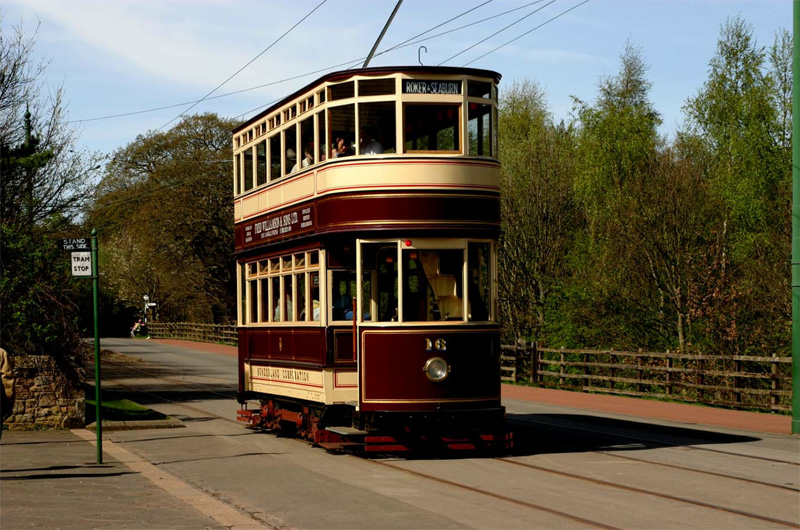
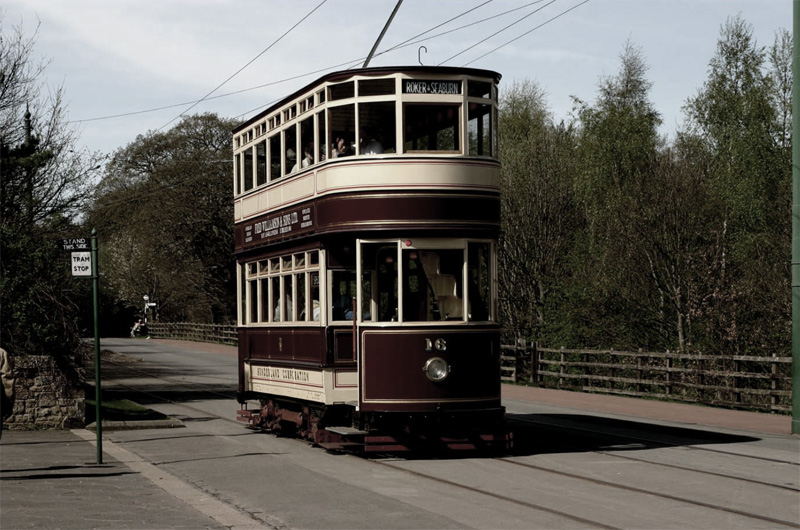
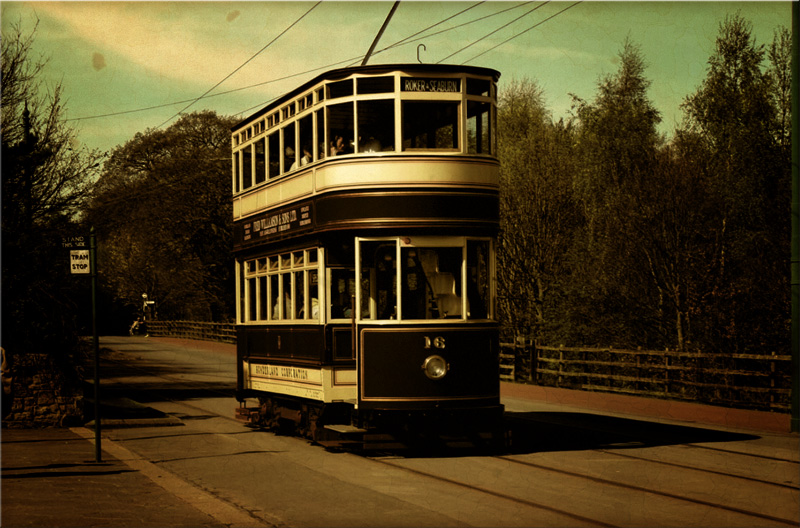
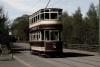
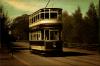
As Peter and Morturn said, it's a nice slideshow. Here are some minor details you could easily fix : - hide cursor during show - make the same size of black border for all your pictures (minor difference from one to another) Personaly, I think your gray background with black border is not the most appropriate for your pictures but it's only my taste. I think you made the same post treatment in a photo editor for all your photos. For my taste once again, the contrast is too important and doesn't look natural to me. At the opposite, I'm wondering if desaturated image could work for your show or may be a complete vintage look (see images attached)
-
Following David's suggestion, I completely rebuild this sequence to try to make the curling effect appears more natural. And I added a discrete background animation, at the ed of the animation, the pile is empty and you can watch 10 more pictures. Download this new version here. What do you think of it ?
-
Thank you David. I'm afraid... you're totally right. I think I have to rebuilt the effect almost from scratch. I will let you know. Thanks again.