CorVdK
-
Posts
335 -
Joined
-
Last visited
-
Days Won
1
Everything posted by CorVdK
-
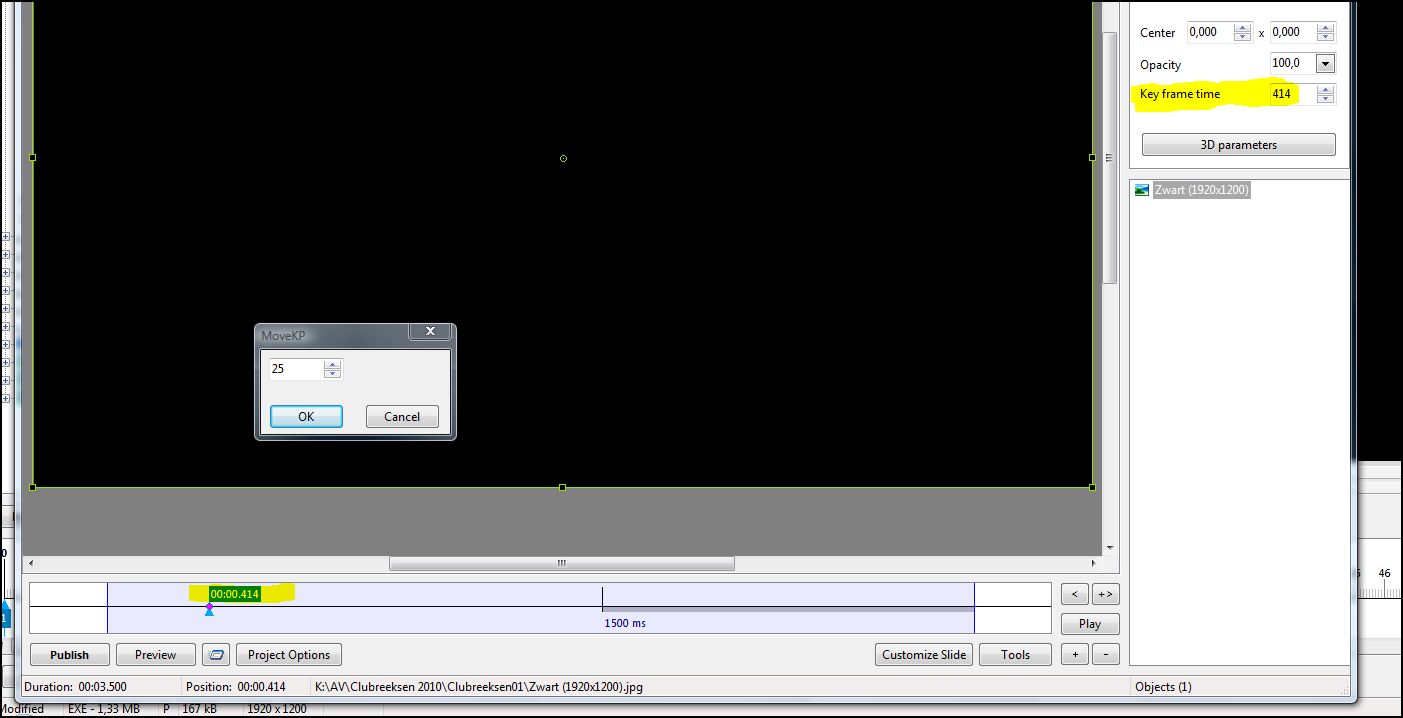
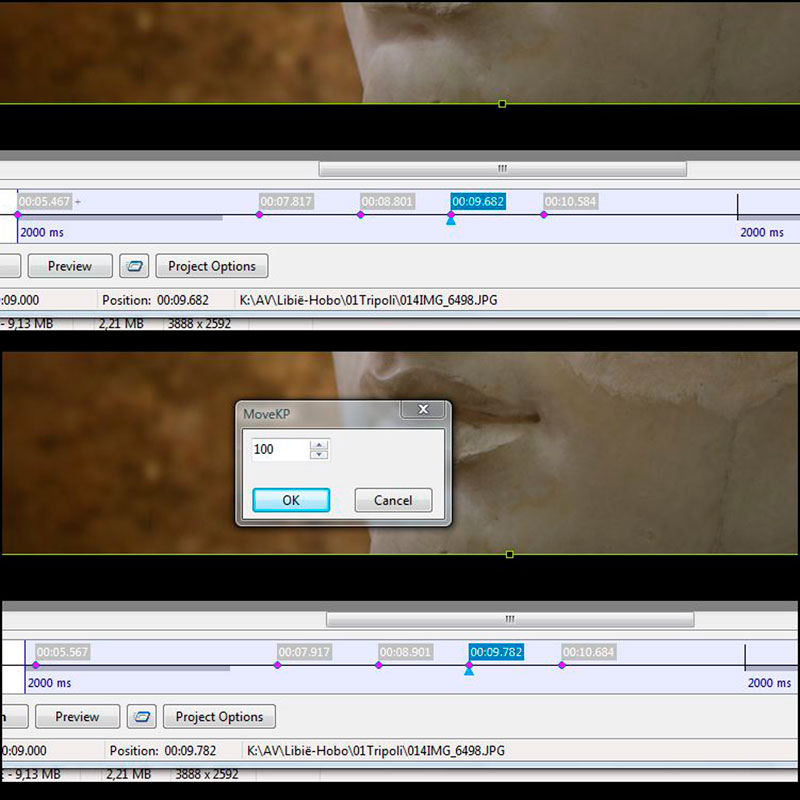
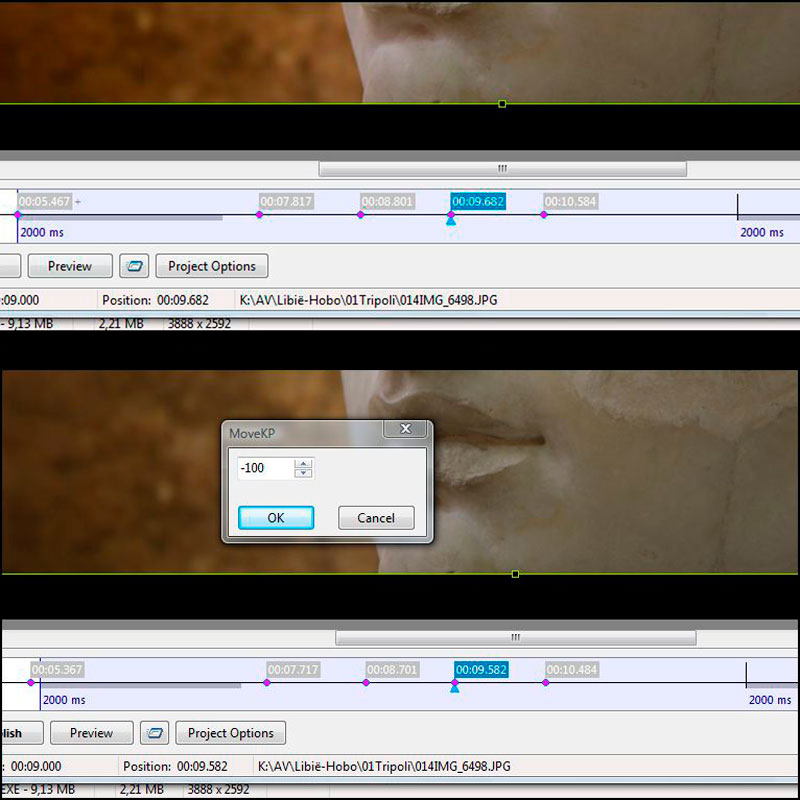
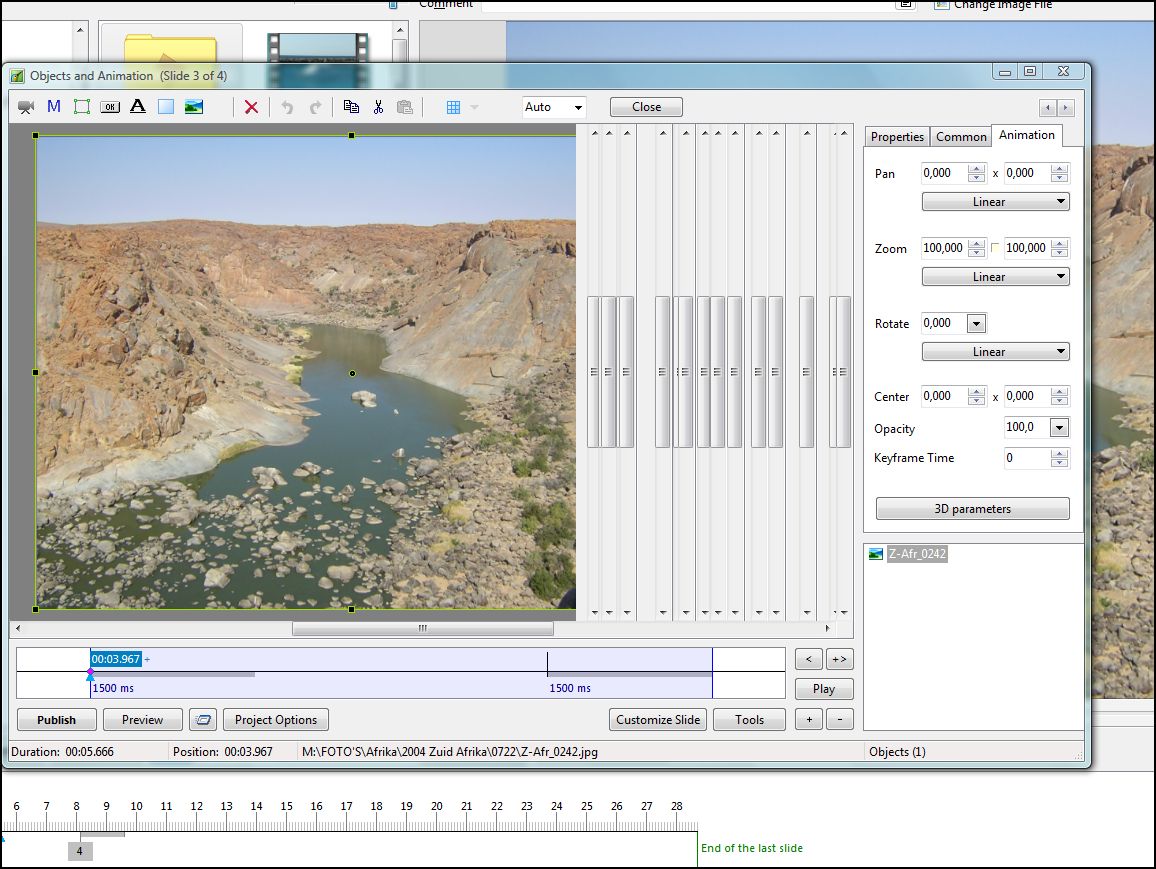
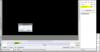
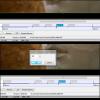
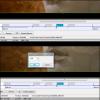
Hello to all, I accidentally stumbled on a feature in Object and Animation that I did not know before. I did some searching on the forum and looked in the manual, but I think, so far, nobody mentioned this hotkey in Object and Animation: Ctrl+E In the Main Window, Ctrl+E, shows the Manage Templates window, but in Object and Animation it shows a small window to fine-tune a Keypoint. I found this a nice feature. See pictures. Perhaps the hotkey can be of some interest to other forum members, who do not know this hotkey. Have a nice day. Cor
-
Does PTE need a better Help system?
CorVdK replied to fh1805's topic in Suggestions for Next Versions
Does PTE need a better Help system? Peter, Apparently not, because so far there is not much interest. People apparently prefer to ask 10 to 15 times the same question about the basics of PTE on the forum. Most of the time the questioner receive his answer in a few minutes. So don't worry be happy! Cor -
Does PTE need a better Help system?
CorVdK replied to fh1805's topic in Suggestions for Next Versions
Hello to all, Since 2004 I'm occupied with the Dutch translation of PicturesToExe. I do this, with pleasure, in the little spare time I have, because I still have a full-time job. The program has evolved rapidly in recent years. Not only the functions expanded in a short period of time, but also the layout and user interface of the program underwent a certain transformation. So there is a need to give the functions a proper name, allowing users to quickly master the program. However there are still some imperfections, which are situated in the complex world of interpretation and translation (see the recent debate on "tiled image" which I translated into "Achtergrondmotief", literally "Background pattern"). Beyond the issue of word choice is also the interpretation of the functions. As a translator, of course, one must try all the features of the program, otherwise you can never find the right words for these functions. A literal translation of a word (such as translation machines do) is easy, but finding a correct interpretation of a word is not so easy. At the start of PicturesToExe we were in the era of innovation from analogue to digital. The program was originally intended for digital photographers to make shows or business presentations, such as an alternative to PowerPoint. Similar capabilities are still there but unfortunately also the designations of the past remained. We have for some time passed "the age of the slide" but still use the term in PicturesToExe, ex. slide(s), slide show, slide list, customize slide, etc. We do not use real slides anymore in PicturesToExe, except as scanned digital images. The significance of a slide in PicturesToExe is a container that can contain any object ... So name it that way, slide is not the correct word for that. PicturesToExe also provides many more options than just making "slide shows". The suggestion to have "Tool Tips" in the program is a very good idea. Currently it is only partially implemented. I do not know why Igor and team have, so far, not fully applied it, because a lot of "Tool Tips" are already present in the language files and therefore already translated. Programmers should only use the tool tips. Regarding the current official English language manual, my opinion is: - The manual is not complete and in many cases too brief (for newcomers not always clear what is meant). - The wording of the functions in the manual does not always match the wording of the functions in the program. - The manual is not very commercial, it starts with enumerating "problems". Please indicate possible solutions at the end of the manual, talk about some guidelines to follow, but do not talk about "problems", most people don't like "problems". The best manual for PicturesToExe, in my opinion, currently up to version 7.01, is the French book by Mr. Jean-Charles Pizolatto, avatar "Aginum". That book can be used as a perfect and complete manual. Have a nice day. Cor -
Hello Igor, I fully support this initiative. As for the links to the French forums, this saves me a few mouse clicks, as I read these forums regularly. Maybe a little comment concerning the German speaking forum: In the first topic, which was transferred, there are some interventions that reports that the forum is in English. To avoid confusion for new users it is perhaps appropriate that this is removed by a moderator. Have a nice day! Cor
-
After pushing F5, I see: Everything OK now, thank you, Cor


-
Hello Igor, I use Internet Explorer 9 version 9.0.8112.16421 With Vista Home Premium 6.0.6002 Service Pack 2 Thank you, Cor
-
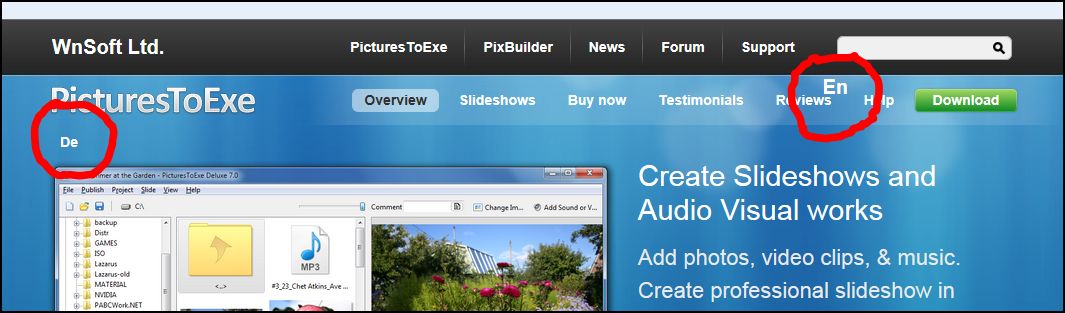
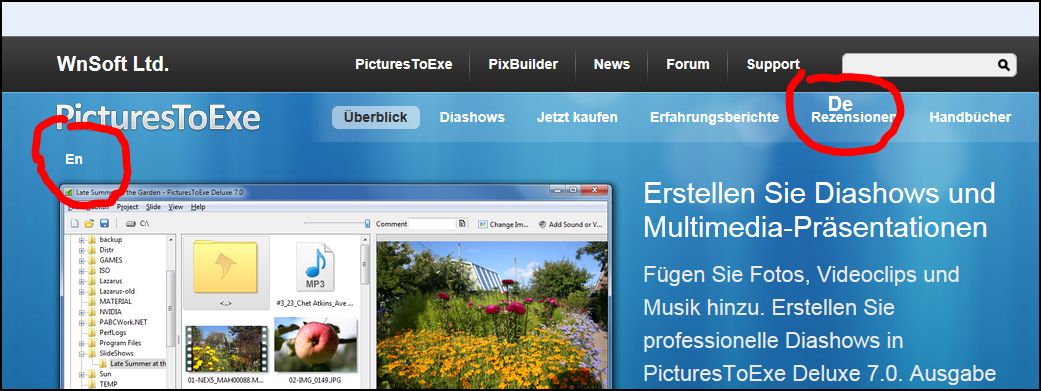
Igor, Good news! But just look for the layout, the language indication is a bit everywhere: Greetings, Cor


-
June 05 2007 Igor wrote by adding the function in version 5: "..., in v5.00 we added simple protection of EXE file of slide shows. And if EXE file damaged (not fully downloaded for example) or infected you will see warning when try to run this EXE file." In the list of new features and changes for version 5: "Added global option "Allow modification of EXE file with slide show" (Main menu | View | Advanced). This option disabled (by default) and if EXE file with slide show damaged or infected, it will warn that slide show damaged and will not run. When this option enabled, you can use EXE packer/crypors to pack or additionally protect EXE file." + good explanation by nobeefstu thanks, Cor
-
Dutch translation: A "translation machine" will give you: "Waar heb je gehoord over deze software?" (= word by word translation) My personal translation is: "Hoe leerde u het programma kennen?" or if it is about PicturesToExe (what I suppose): "Hoe leerde u PicturesToExe kennen?" Cor
-
Sorry Jeff for the false positive with AVG on the computer of your colleague. But he can be sure that there is nothing wrong with the .exe or that there is any harmful trojan in the AV. Maybe he can temporarily disable AVG when he wants to see the AV. Thanks for watching. Cor
-
Hello Ken, I'm not an expert in security programs, but I also used a few in the past (avast, norton, kaspersky,...). My experiences are that those programs become heavier and heavier on your system. One day I stumbled on MSE and did not change since then. It's very important when you change from a security program to an other that you clean the old program completely from your computer, otherwise it's a mess with errors and other unusual things. About MSE: It works in the background but it is really effective, I've encountered that in the past. It registers viruses, trojans, etc. put them in quarantine or destroy them. In addition, a number of settings (like in other security programs) can be adapted and changes fine tuned, for example to scan your computer regularly. It's important that you keep MSE up-to-date (but that's normal behavior). MSE keep things up-to-date for you daily, or manually if the user want it. For me it is really a good program. I'm generally not that Microsoft minded, but I do like MSE, I'll give it a big +. Cor
-
Hello Jim, "Microsoft Security Essentials" is here: http://www.microsoft...ls/default.aspx I use it myself for several years now, for me it's perfect. It's working when necessary, for the rest it's in the background. So far no false warnings with PTE. Cor
-
Hello Davy, Thank's for watching and your comments. Indeed it's not always easy to cover a "piece of someone's life". I'm glad that despite the Dutch narration the message came through. I was quite impressed by the artist Helen Martins after the visit and afterwards I did some research. To work on the sequences was a lot of fun for me and I learned a lot more about PTE. Cor
-
Hello Mickp, Thank you for watching my show and your comments. If there must be some more people who are interested in the narration I have done in the show, I might consider a show in English. It's just a tremendous lot of work, with a daily job to do I have to find the time (by the way, I don't like translator machines). Cor
-
Ken, The beam headlights that she used for "the eyes of the cat" must be of a Volkswagen Beatle or van of +/- 1964. Cor
-
Hello Paul, Hello Lin, Thank you both for watching my show. As a Dutch speaking person it's not that difficult for me to understand the Afrikaans language when people of South Africa or Namibia speak it slowly. It helps also to visit the region regularly. Helen Martins was a person who wanted to live differently, in a time when that way of life did not correspond to the average citizen. What's more, this small part of history took place in a more or less inhospitable area and in a small community. Due to constant lack of money Helen took everything she could find to use in her art. She was probably one of the first people in the region to do some recycling in the true sense of the word (probably without even realizing it). I'm glad that you could appreciate the show anyway. Cor
-
On a cold winters' morning in 1976, at the age of seventy-eight, Helen Martins took her own life by swallowing caustic soda and crushed glass. So ended the tragic life of a colourful character whose artistic vision and psychological depth went mostly unnoticed by her neighbours in the dusty, out-of-the-way Great Karoo village of Nieu Bethesda, South Africa. The house of Helen Martins, the so called "Owl House", is a museum now. The spirit of Helen is still palpable, because everything is still there as she left it after her horrible death. In those days, for the people of Nieu-Bethesda the house was a place of mystery and fear, a place which loudly disturbed the Calvinist calm and quiet of their town. Although Helen Martins spent 17 years looking after her ailing and elderly parents. After their dead and abandoned by her husband she became increasingly reclusive and isolated from the local community. The relationship with the workman Koos Malgas became an affront to the burghers' sensitivities in the depth of apartheid. Helen shied away from general contact and began transforming her house and garden. Helen Martins' art was greeted with derision and suspicion from the village. Despite crippling arthritis, and the amputation of her small toes (her feet were disfigured from wearing narrow shoes) which left her unable to wear anything but slip-ons on her feet, Martins decorated her home with extreme colors, mirrors, crushed glass, selfmade objects and cement sculptures, especially owls. Over about 12 years Helen Martins and Koos Malgas created from her imaginings the hundreds of sculptures and relief figures that crowd the "garden" and cover the walls of the house. Owls and camels - her favourite animals - predominate, but all kinds of real and fantastical beings are to be found. A procession of shepherds and wise men lead a vast, almost life-size camel train toward the east, integrating Christianity with Martins's fascination for the Orient. In 1996 the Owl House Foundation was formed as a non-profit organisation made up of Nieu Bethesda residents. Martins's desire to be recognised as an artist is magnificently realised in the attention the Owl House receives, and in the fact that her artwork, once an object of derision and embarrassment, has become the most important asset of the village of Nieu Bethesda. On a trip to South Africa in August 2009 my wife and I visited the house of Helen Martins. March 2010 I made a documentary slide show of the visit. Documentary: Owl House, 11:55 minutes. PTE 6.5. Rather heavy download: 142.527 kb. Aspect ratio 16 x 10, 1680 x 1050 pix. I tried to give an impression of the art of Helen Martins. In the storyline there are a few anecdotes from the life of Helen Martins. A lot of effects and the rhythm of the music plays an important role (that was certainly the objective). I am very sorry but the narration is in Dutch. I hope you can enjoy it anyway. With the kind permission of Bill, download from Beechbrook.Com: Owl House Cor
-
Adri, Why didn't you mension that your show is made with M-Objects and not with PTE? Or at least you worked in M-Objects to make the exe. That's why people get this strange behaviour when they play your show. See reply of Gary and Patrick. Greetings, Cor
-
Hello Barry, Monitor 1680 x 1050 and 1920 x 1200. Cor
-
1) I also support that the user can choose some basic settings before starting a project. This can be, a fixed number of parameters that are introduced, ex. duration 4 seconds, fade time: 3 seconds, collection of images, video and audio, etc. Many of today's software starts with a welcome screen where the user has to answer some questions. What would you do? - Create a new project * A standard project (with a fixed number of parameters) * An advanced project (custom settings for advanced users) Enter name of project A folder is created in users "Documents" with the project name - To work on a recent, existing, project - A project with template - Reference to Help 2) One can not avoid it, PTE will be easier to use, when objects can be presented in a visual way, preferably on multiple timelines. The use of other programs, to make an audio mix, should be avoided or even expelled. Objects such as images, videos, music, voiceover, sounds and effects must be easily positioned and moved on the timelines. For many people the current sound capabilities in PTE are still unworkable because of the non-visual presentation. 3) About Peter's post #15 Workload on the translators: The English context-sensitive help is already there in the language ini-files of PTE. All the sentences have been translated by most of the translators as far as I know. I follow the translation in French and I did it myself in Dutch. Only a few of those tool-tips and pop-ups have been used so far, there is a lot more. (It's a list of about 23 pages of printed text) Cor
-
That's what you get when you forget your line : "No offence meant to any forum members " Anyway, as always, great pictures Barry . Cor
-
The advantage I see with "Backup with ZIP" is that the file is saved on the location I want it to be. And the file has a date and hour in the name, ex.: Project1_Apr22-2011_10-14-14 Can be of use as a record file. Anyway, about the date and hour, the template file that is stored in "PicturesToExe\Templates" has also this information in the Windows explorer. Maybe Igor could merge those two function as one. Greetings, Cor
-
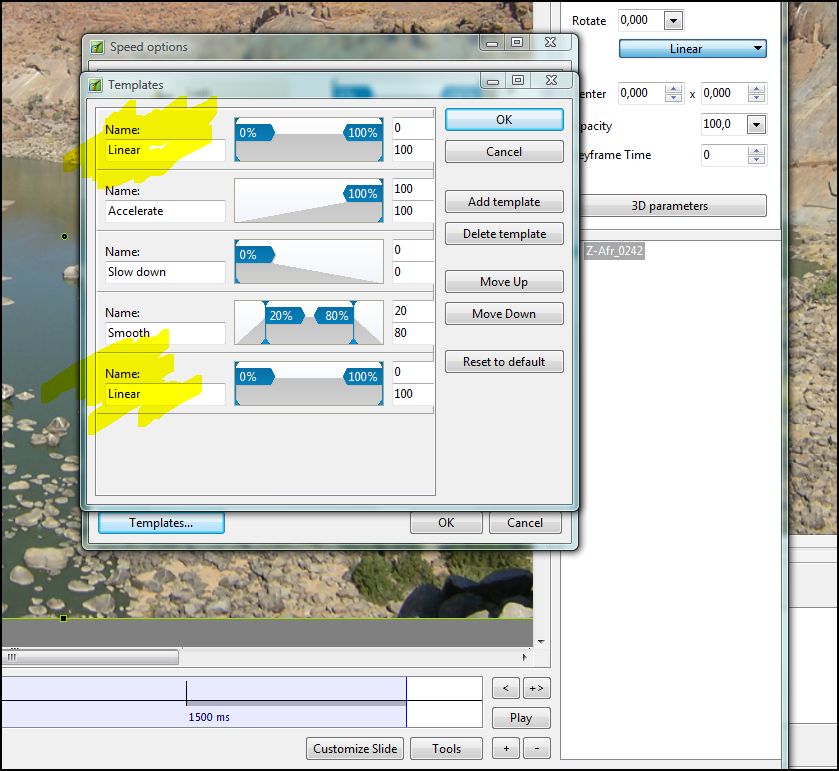
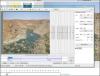
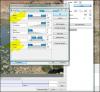
To Igor, About PTE 7.0 beta 5 1) I noticed some strange behaviour in "Objects and Animation" see It occurs when you close the program with a smaller window of "Objects and Animation" then the screen at that moment. When you re-open PTE and go to "Objects and Animation" and make the window bigger, then you get the strange windows. To remove the windows you must close PTE again. 2) "Objects and Animation"| "Animation" tab, in the drop down menu, there is 2 times "Linear" Speed Options, Setting up..., Templates... there is also 2 times "Linear". When you push "Reset to default" it goes away. see Thank's Cor
-
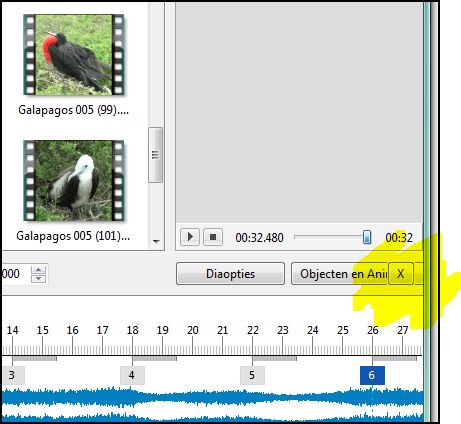
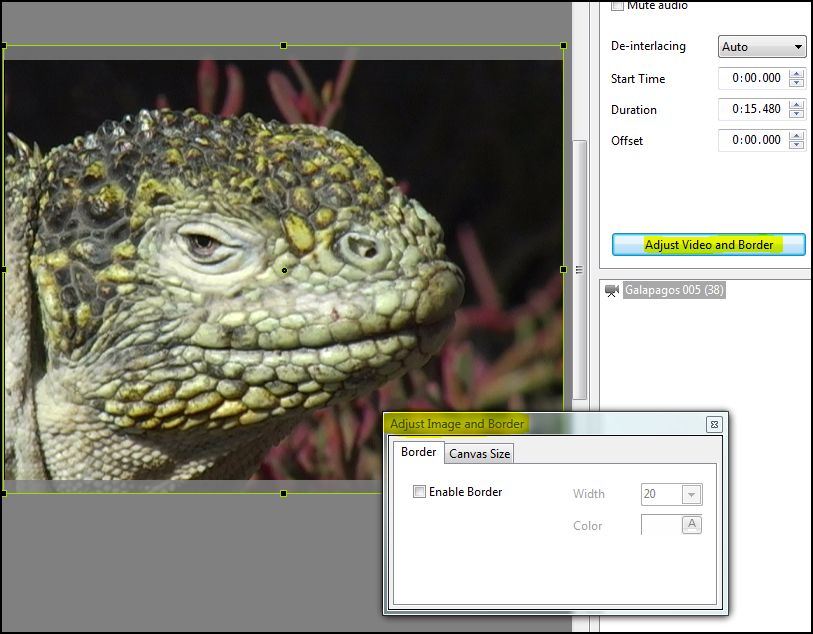
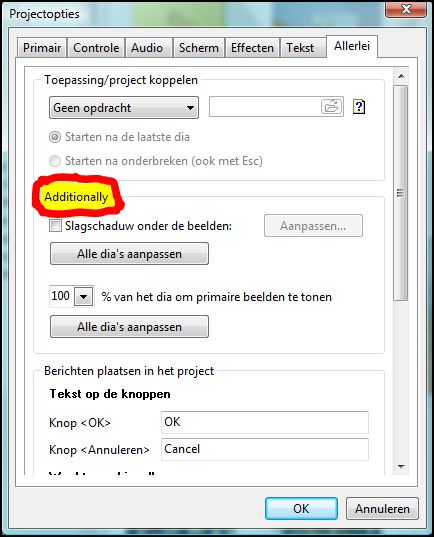
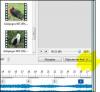
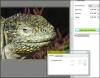
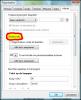
To Igor, Some small issues. 1) Is it normal that the "remove" - "X" button is moved over other buttons as "Objects and Animation" when the main screen is reduced? See extract: 2) In "Adjust Video and Border" the title reads "Adjust Image and Border" See extract: 3) Project Options | More the word "Additionally" can not be translated See extract: Thanks, Cor
-
Hello Igor, I understand that for some applications, the new navigation bar can be very useful. Everything depends on what kind of AV you have in mind. If you make AV which are synchronised to the rhythm of the music, or documentaries that tell a story, then I think that you don't need the navigation bar for playing the AV. Because in this case, you as a creator want that the audience will see the integral show without interruption. In this I can understand Barry as I see what kind of AV he makes. The navigation bar is a great asset in marketing for PTE, I understand this very well. On the other hand, if you want to activate this feature by default, then a lot of users will have to get used to turn the feature off, including me. But I can live with it. Cor