All Activity
- Today
-
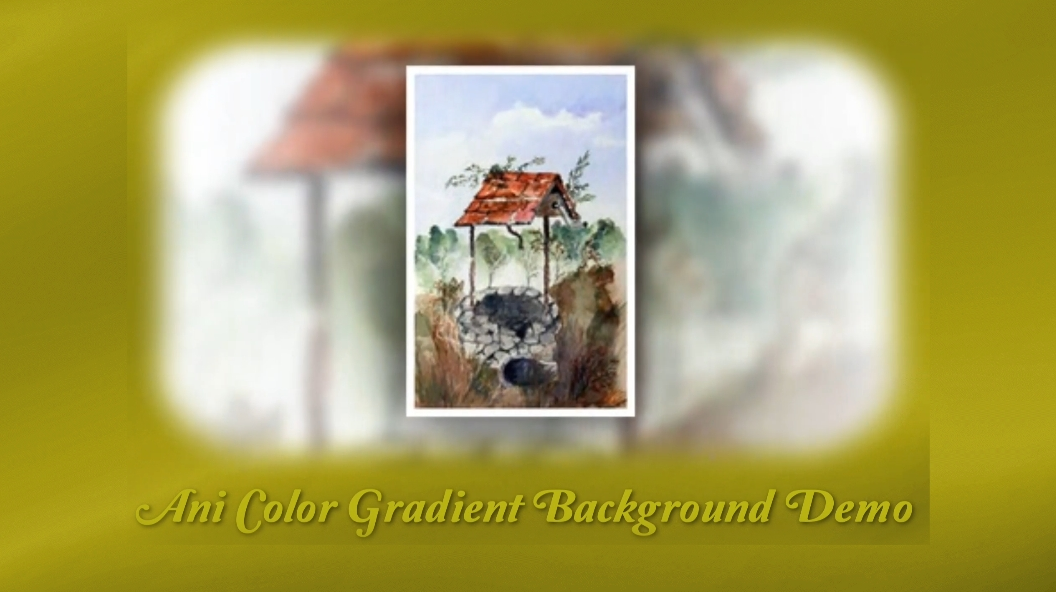
 Ani Color Gradient Backgrounds Free Downloads, No Strings Attached FYI: Not looking for your Gold, just hoping you can use them. Free just what the word means, no BS., no log in's or any other jazz required. Here is the web links to my web site: These Files are in Zip Format. VR Color Gradient Backgrounds Demo: https://www.pnwhiker.org/Aniclrbkgs/AniColorGradientBackgroundsDemo.htm VR Color Gradient Backgrounds Zip File: https://www.pnwhiker.org/Aniclrbkgs/zip/AniColorGradientBackgroundsZips.htm Note: These Gif's will loop endlessly no matter the time length of the clip.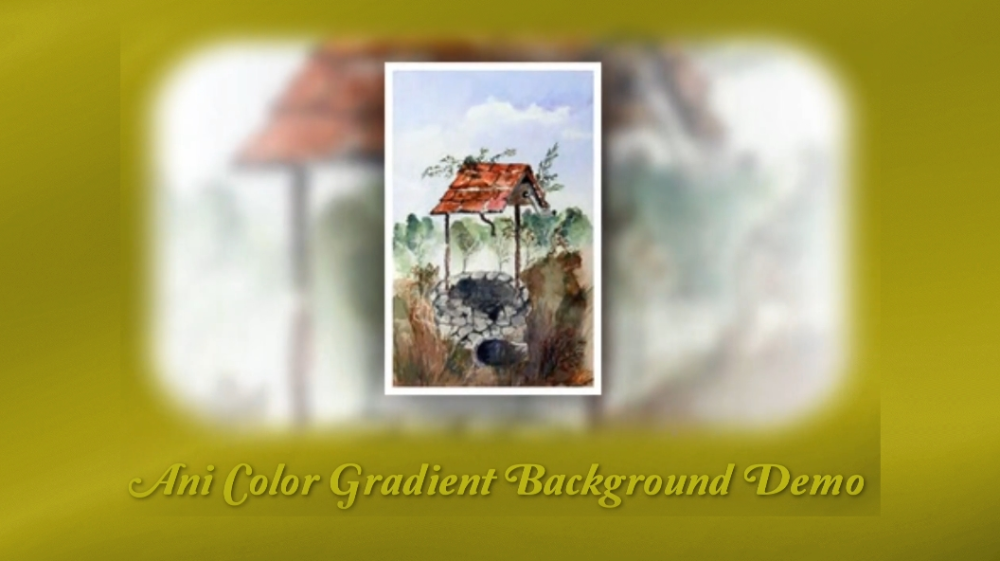
-
In the warmth of a mid-afternoon sun, aplatypus glides effortlessly through a creek in northern New South Wales. Barely disturbing the mirrored surface, it weaves between submerged branches and over sandy shallows, its sleek brown fur glistening whenever it rises for a quiet breath. Shafts of sunlight dance across the water as dragonflies skim the surface and a kingfisher waits patiently from an overhanging tree. or a few precious moments, the ancient monotreme has the creek entirely to itself. Unhurried and perfectly at home, it searches the muddy bed with its remarkably sensitive bill before disappearing beneath the amber water once more. It is a fleeting encounter, but one that serves as a gentle reminder that some of Australia's greatest natural treasures are found not in grand landscapes, but in the quiet creeks that continue to shelter wildlife much as they have for millions of years. Ironcally, ornithorhynchus was one of the longest words I learnt to spell in school over 50 years ago. Made in PTE V11 and captured on Monday afternoon after the previous drone lighthouse video was captured in the morning. Some days are diamonds and some days are gold.
-
- 1
-

-

Ballina Lighthouse - made using the Blending Modes in V15
digartal replied to digartal's topic in Slideshows & AV Shows
Thank you, appreciate your comment. -
Ballina Lighthouse - made using the Blending Modes in V15
digartal replied to digartal's topic in Slideshows & AV Shows
No problems, it is a useful new feature and there will be more once I see a suitable subject/content again. - Yesterday
-
Hey Igor, I'd like to congratulate you and your team on this great feature. We're going to be able to put on a lot of great shows with it. Just wanted to say thank you—I really like it. Best regards
-
Hi John, Here's a link to The Dom photo album. The product costs about 20 €. I bought one myself and am very happy with it. Maybe this will be helpful to you. https://thedom.gumroad.com/l/kLjsfG?layout=profile Best regards
-
Hi, I have not been active on the Forum for quite a long time though I have been working away with 11 Pro quite extensively. I've not had the need to bother people with my odd requests, probably because PTE 11 is so reliable and feature rich. I am looking for a style that features a photo album that someone may have created, paid for or free. The one that comes with PTE is a bit dated I suspect. I thought I just needed to look at the Styles thread but that is stacked with stuff! Any suggestions anyone? John
-
Ballina Lighthouse - made using the Blending Modes in V15
chanfi22 replied to digartal's topic in Slideshows & AV Shows
Hi Mark, very fine result -

Ballina Lighthouse - made using the Blending Modes in V15
Igor replied to digartal's topic in Slideshows & AV Shows
Mark, thanks for this example of using V12 blending modes in a real project. -
I shot this video on my drone yesterday and then saw the new features in V12 that Igor recently released. Had an idea about using some of the imagery with the new features. This type of Blending Mode is a great addition for my creative energy. Regards Mark
-
Thanks all working fine now. Was my error, as pre- V15 was installed but now updated. Thanks again.
-
Check the "About" window to make sure you're using V12 Beta 15 and the Pro version. We've provided a free Pro Beta key for testing (see my announcement about the V12 Beta). A choice of Blend modes is not available in the Standard version, but they will work if they've already been added via a slide style or template.
-
No problems, I probably did not explain it properly. I am not seeing that in my version. I will check the Version Number and my technique. Thanks UPDATED - my mistake. As the new versions are saved with the same file name in My Downloads, I deleted the wrong version. Have just leared the "Downloads" folder and it works fine now. Thank you,
-
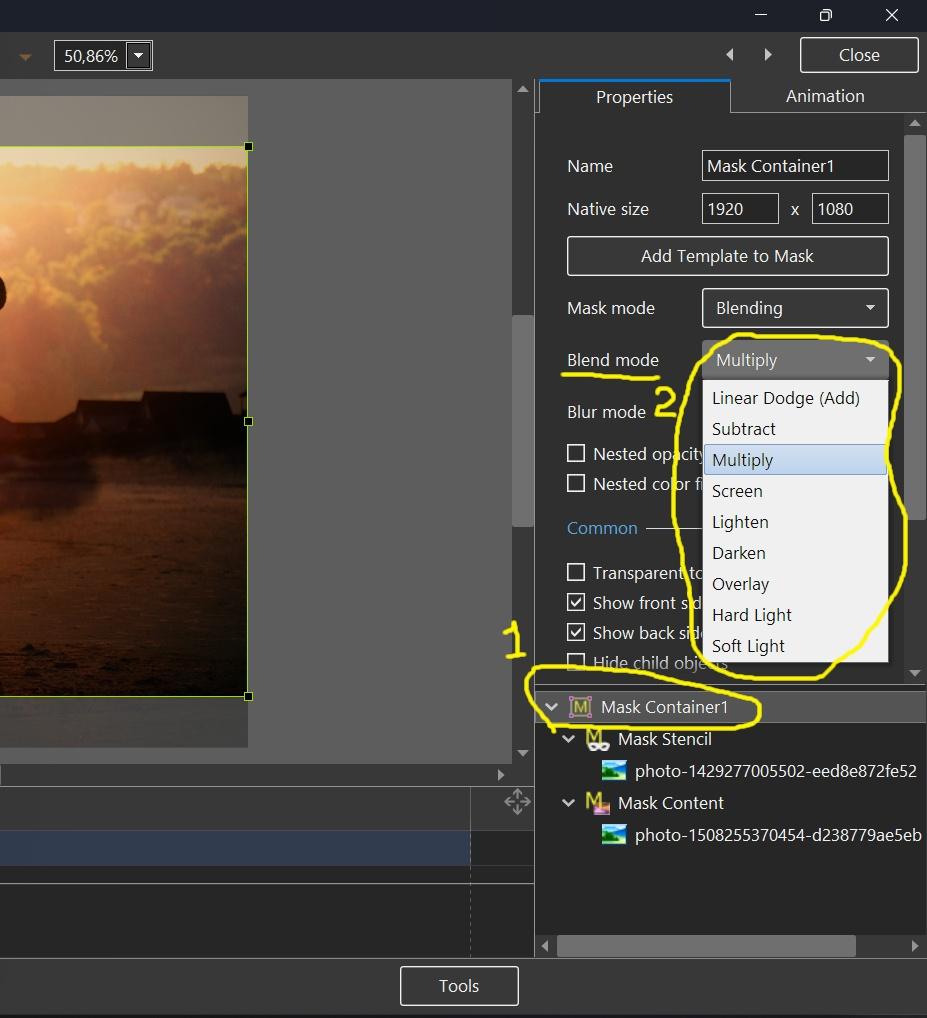
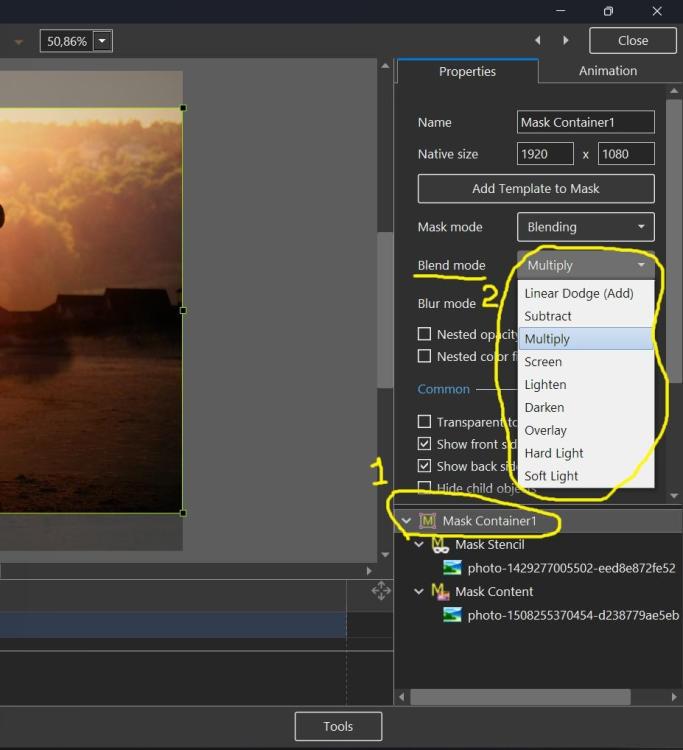
Sorry, maybe I misunderstood your question. See the screenshot below, it shows how to change the blend operation for an existing mask container.
-
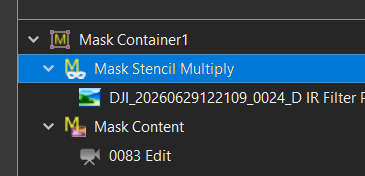
Thanks Igor I got that part and added the content 'Mask Stencil" and "Mask Content" but if you want to change the "Mask Container" type after you have already selected an option. I right clicked but no option to change from Multiply to Overlay that I could see or am I missing it? ,In the image attached I added "Multiply" to the Name Box.
-
Mark, you can change the Blend mode (operation) in the Properties of a Mask container. Look at my screenshot above, I have highlighted this setting with a yellow line.
-
Thanks, Igor for including this. I started experimenting with this yesterday, and it is very interesting. Using both with a still image and a video. Working out how the Stencil and the Content interact is difficult, even though I use Masks in PS. Is there a way of changing the mask Blend Mode after the initial option is selected, or do you need to create a new Mask for each new Blend Mode?the selected Alternately, maybe the selected "Mask Container" or the "Mask Stencil" name box could show the Blending Style option rather than the generic name for future reference if that is possible at this late notice. If not, I am thinking of creating a template for each Blending Mode and trying the different modes with an image to get used to the effect. Thanks Mark
- Last week
-
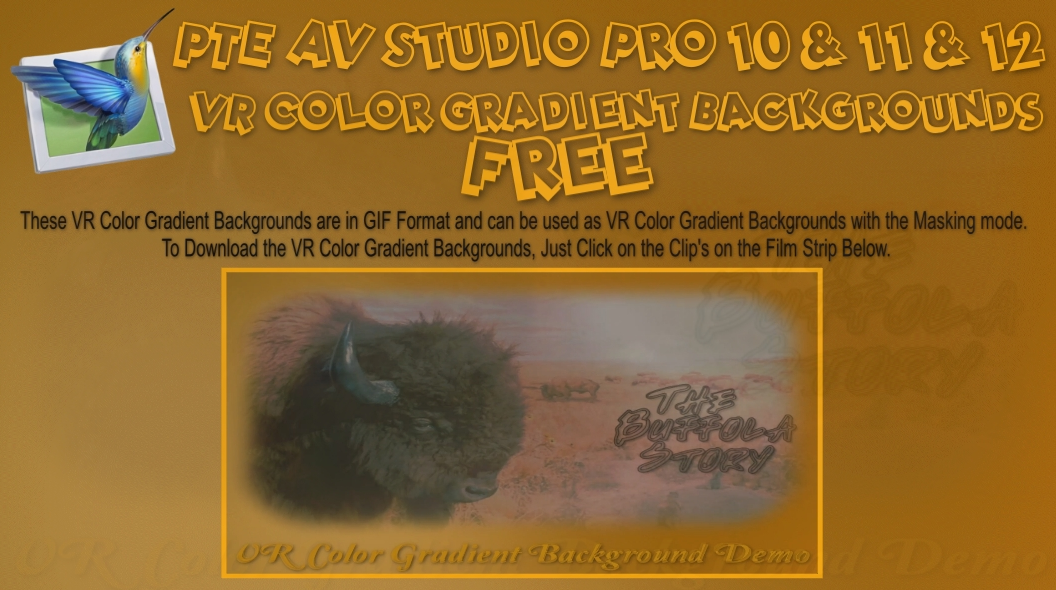
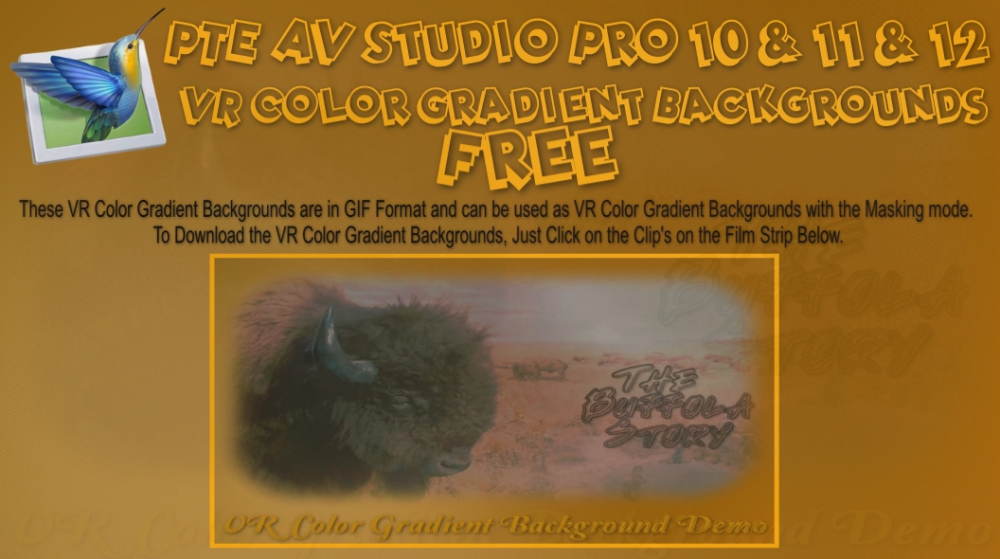
VR Color Gradient Backgrounds Free Downloads, No Strings Attached FYI: Not looking for your Gold, just hoping you can use them. Free just what the word means, no BS., no log in's or any other jazz required. Here is the web links to my web site: These Files are in Zip Format. VR Color Gradient Backgrounds Demo: https://www.pnwhiker.org/vrclrbkgs/VRColorGradientBackgroundsDemo.htm VR Color Gradient Backgrounds Zip File: https://www.pnwhiker.org/vrclrbkgs/zip/VRColorGradientBackgroundsZips.htm Note: These Gif's will loop endlessly no matter the time length of the clip.
-
VR Color Gradient Backgrounds Free Downloads, No Strings Attached FYI: Not looking for your Gold, just hoping you can use them. Free just what the word means, no BS., no log in's or any other jazz required. Here is the web links to my web site: These Files are in Zip Format. VR Color Gradient Backgrounds Demo: https://www.pnwhiker.org/vrclrbkgs/VRColorGradientBackgroundsDemo.htm VR Color Gradient Backgrounds Zip File: https://www.pnwhiker.org/vrclrbkgs/zip/VRColorGradientBackgroundsZips.htm Note: These Gif's will loop endlessly no matter the time length of the clip. VRColorGradientBackgroundsDemo.htm
-
Testing...
-
You can Apply any Style and modify it to your needs. You can then create a Style from the modified Slide and Save As a different version. Saving over the original is not advised and is not good practise. You cannot overwrite Built-In Styles so you have no alternative but to create your own version. If the Style that you are modifying has an Image built into it then that can cause problems as can images which appear more than once in the Applied Style (Reference Images). DG
-
Only if you want to use the exact same thing again. Jill
-

Fractal Noise Backgrounds Free Downloads, No Strings Attached
mhwarner replied to Pnwhiker's topic in Styles & Templates
Thank you for sharing these! Cute animals in your video BTW! -
I guess I should become more familiar with creating Styles. What I pretty much always do when creating one of my travelogue shows is to choose the jpgs and mp4s and assemble on the slide list or timeline in some meaningful order. Then I apply various styles (many of them downloaded from other advanced members like you or Barry) to either single slides or group of slides but almost always modify the style to my liking. When modified should I be calling that a new "created" style?
-
Hi Igor very interesting feature, tested and working well. This opens up new creative possibilities for us.