

nelson
-
Posts
472 -
Joined
-
Last visited
-
Days Won
11
Everything posted by nelson
-
More info: I tried opening shows from another drive and they also open in 10.0.14. for some reason it is pointing to that to open my files made in version 11. I tried opening shows made in 10.5 from the folders, they open in 10.0.14 also. They open correctly from the program in 10.5. Another thing I was trying to extract the shows from the zip archives, they will not extract due to errors. When I open the shows from the program in version 11 and save them with a new name, it does not make a difference no matter where I save them. Oh boy!
-
I have a real head scratcher that started happening. In version 11 if you click file open and locate to where you have saved your files most of the time it works. Once in a while it will appear for 1 second and disappear. When you open your file folder and double click it opens in 10.0.14 even though it was made in version 11. When I check to see in properties it is set to open in PTE AV Studio, it is saying the project was created in a newer version of PTE Studio. Yes that is correct but the message is in PTE 10.0.14. next step was to delete the program fully and reload , no difference. Earlier I rolled back to an earlier date when everything was working. It worked as it should for awhile then started again. It is obvious one of the shows has corrupted things, but which one? I will have to spend some time trying to sort this out, wish me luck. Kieron
-
Thanks Mur, It is nice to see the breakdown on how you are accomplishing your displacement maps. Looking forward to exercise 2. Kieron
-
Thanks Mur, appreciate you sharing. Kieron
-
It just gets better and better. Thank you Igor and team for all the new features in version 11. It will keep Barry very busy Kieron
-
I am sure Barry will have a five minute video soon. I am like you, Kieron
-
One word, Outstanding! Kieron
-
I personally feel the program is worth 3 times the amount Igor charges just for the personal support he has provided. I would hate to see us lose this valuable resource due to insufficient funding. Kieron
-
I have used this feature twice in projects redone in version 11 with pin point accuracy. Welcomed feature. Kieron
-
Smoothing for motion of an object in keyframes
nelson replied to nelson's topic in PTE AV Studio 11 Beta
Thank you for the great illustration, I really appreciate it. Kieron -
Can someone explain when you would use this new item? Is it different than adding the smooth modifier? I hope I did not miss a previous explanation. Thank you, Kieron
-
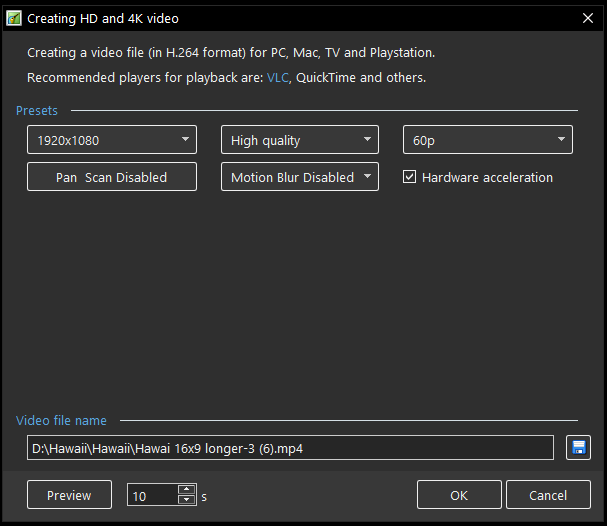
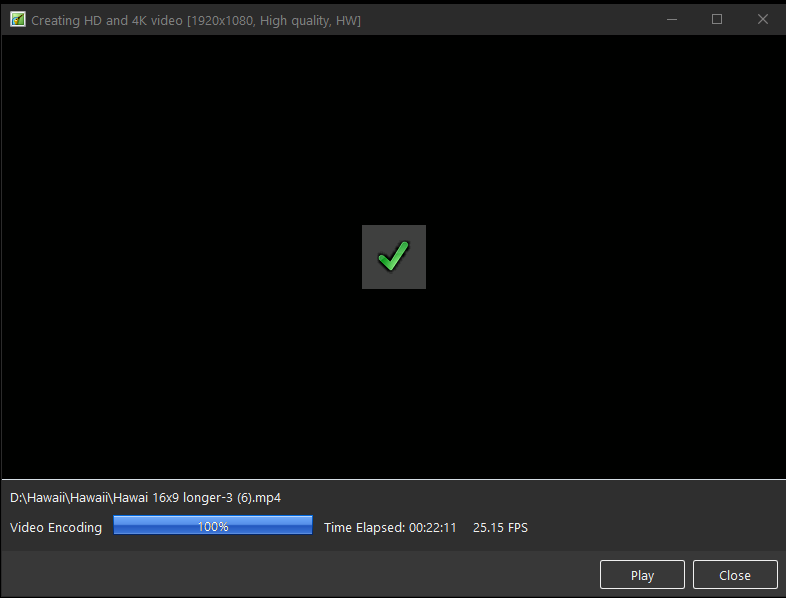
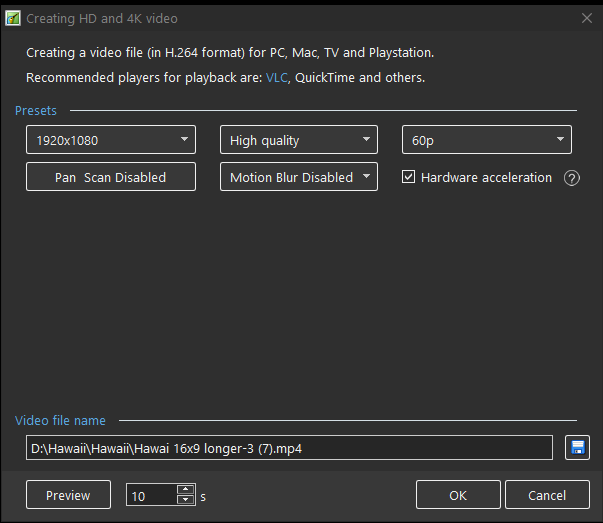
I'm baffled, just checked again and made sure all parameters the same. Motion blur off in both. Almost the same results, will check using other shows created in 10.5 Just checked another show in both versions. It is 13 minutes in length. Same parameters as the previous show. Version 10.5 took 11:07 min at 70 FPS Version 11 took 3:02 min at 257 FPS Nvidia Ge Force GTX 1060 64 gb ram Intel(R) Core(TM) i9-9900K CPU
-
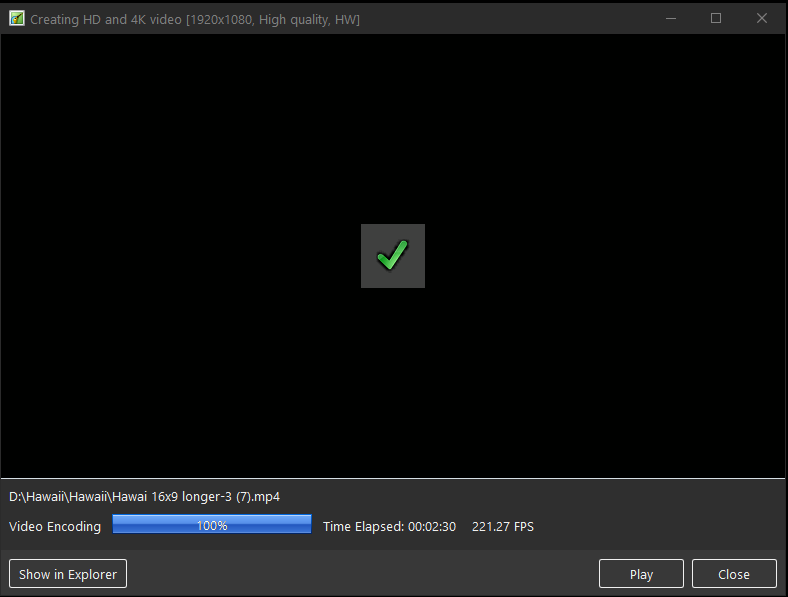
After some testing I am more impressed! Rendering a project in 10.5 to a MP4 1920x1080 high quality with hardware acceleration for a 9 min 30 seconds project took 32 minutes at an average of 17 FPS. Same project in 11, took 2 min 30 seconds at an average of 221 FPS Incredible work under the engine Igor and team. Kieron
-
Good luck with the surgery Tom. I would love to hear how you make out with the new lenses. Kieron
-
I have gone back and reread Igor's explanation and now it makes sense as a valuable tool. I missed the part to check the option "from current position" Now I am able to copy all of my complicated collages and layers at any point. Thanks for this, Kieron
-
Thanks Jill, I appreciate the explanation. Kieron
-
I was going to ask the same question. I already have the images in a folder? I am missing something? Kieron
-
Well done Tom! I can see many uses for this transition. Thanks for sharing it, Kieron
-
Thanks Igor, Great news, you have my support for your great product. Take care, Kieron
-
The text animations are top notch and most welcomed Igor, Thank you. Will study more later, Kieron
-
Thanks Barry, It is amazing that you have produced 100 of these very informative videos. I for one really appreciate them. Take care, Kieron
-
Thanks again for your generosity, Kieron
-
Very interesting concept Mur. It could be used in many scenarios. Thanks for sharing your imaginative ideas. Kieron
-
Well done Alex! Thanks for sharing, Kieron
-
093 - 5 Minute Video - PTE AV Studio - More Masking Fun
nelson replied to Barry Beckham's topic in Tutorials & Video Lessons
Always learn something new. Some great tips in this one Barry. Thanks, Kieron

