All Activity
- Yesterday
-
Thanks Kieron, always a pleasure to help. Jill
-
I would like to thank Jill and others who quickly answer PTE queries and provide valuable insights to forum members. I know that I personally have gathered a greater knowledge of the program through her. Kieron
-

Free Music / SFX Resource - Over 2000 Tracks
Eric Matyas replied to Eric Matyas's topic in General Discussion
Happy December Everyone! To kick off the new month, I've created a couple of new production beds that you'll find on my Rock page: "STRUTTIN’ DOWN MAIN" "EMOTIONS RUN HIGH" https://soundimage.org/rock/ They're 100% free to use in your projects with attribution, just like my thousands of other music tracks. AD-FREE & COMMUNITY SUPPORTED My website is completely ad-free and supported by the community. If you can, please consider making a small contribution to help me pay for my overhead. You can make a small donation here: https://soundimage.org/donate/ You can also check out my Genre Ogg Music packs (mainly for video game developers.) https://soundimage.org/ogg-music-packs-2/ Or my Game Music Mega Pack here: https://soundimage.org/ogg-game-music-mega-pack/ Enjoy! 🙂 -
Completely uninstalling any program with its settings usually means deleting all user files and settings associated with that program. We'll work to improve the stability of PTE AV Studio on Mac so users don't have to worry about fixing frozen app. It's a rare case, but we'll do our best to fix it.
-
very easy to do. Simply link those audio files to the slides you don't want. Then in Slide View delete the Slides, the audio files will be deleted along with the Slides. I would first move the audio clip on Track 2 to the right to roughly where you want it under Slide 6 Or you could delete those audio files from Track 1 first & then delete the 5 Slides. Again reposition Track 2 first Jill
-
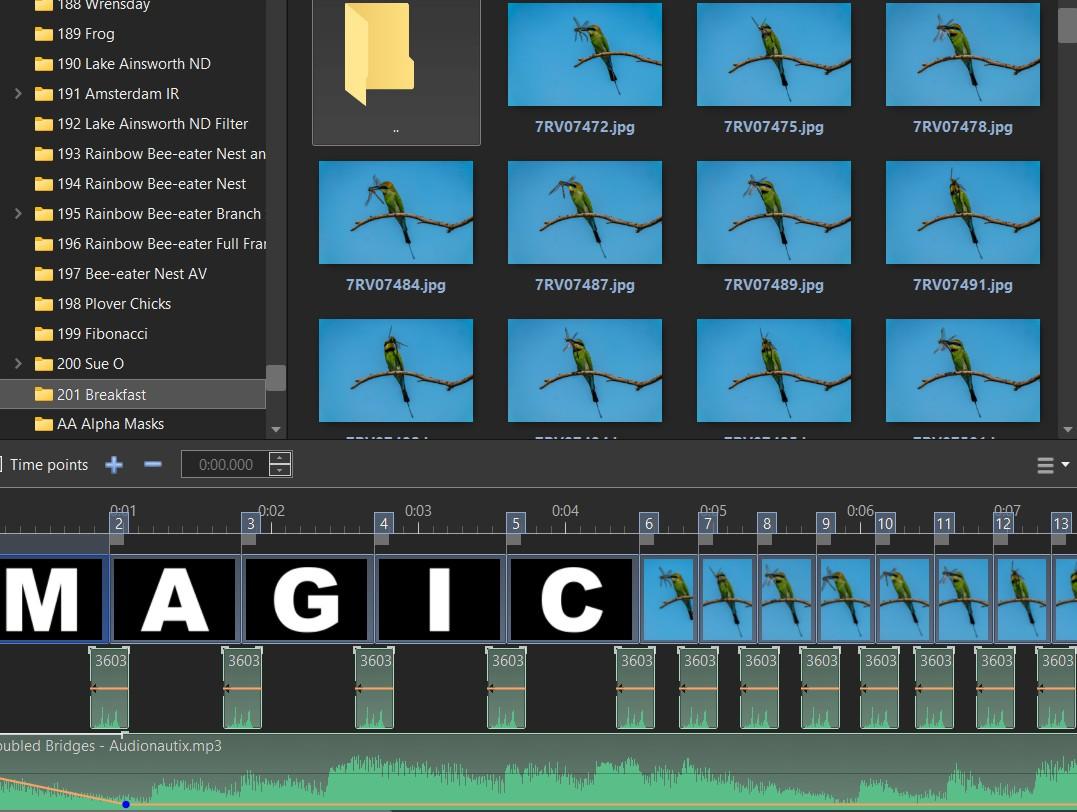
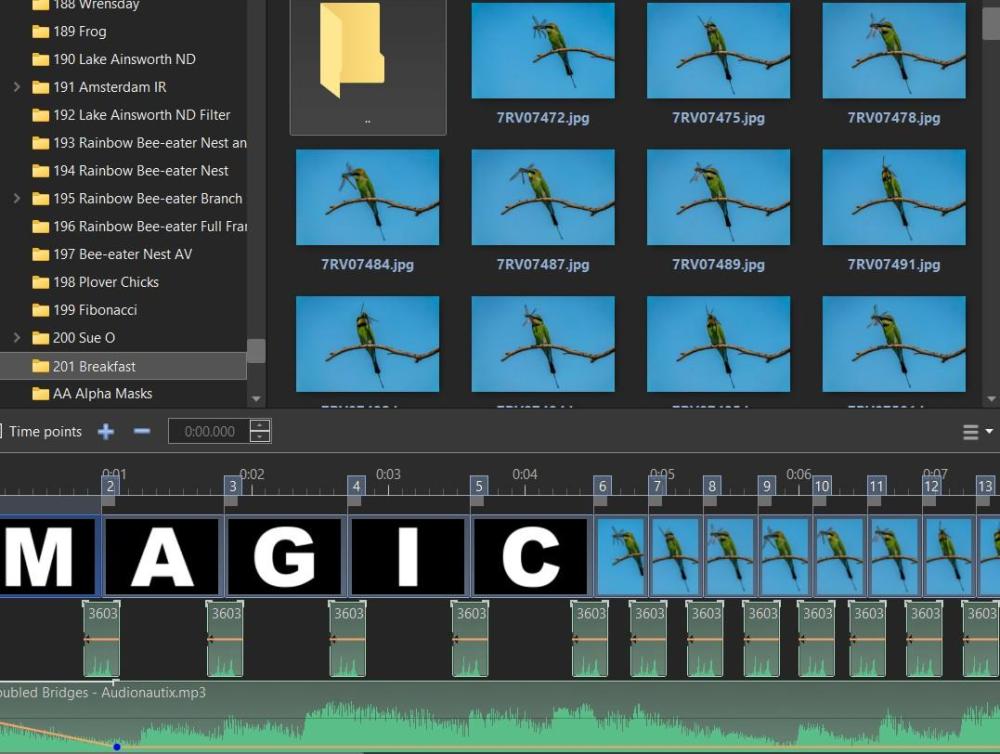
I created a slideshow for a group I am Admin for that use the letters "MAGIC" at the beginning - see screenshot. For another AV, I now want to save another version of this show without the first 5 images and the audio files on the first timeline. I can change or edit the audio file on the second timeline more easily. From memory I remember there was a way to remove the audio file and images without affecting the timing of the other slides? I have looked at some options in the Project Options Tab but there has been no success. Thanks in advance. Mark
- Last week
-
Create a project with just one slide which shows your problem. Create a Backup in Zip, and post it here.
-
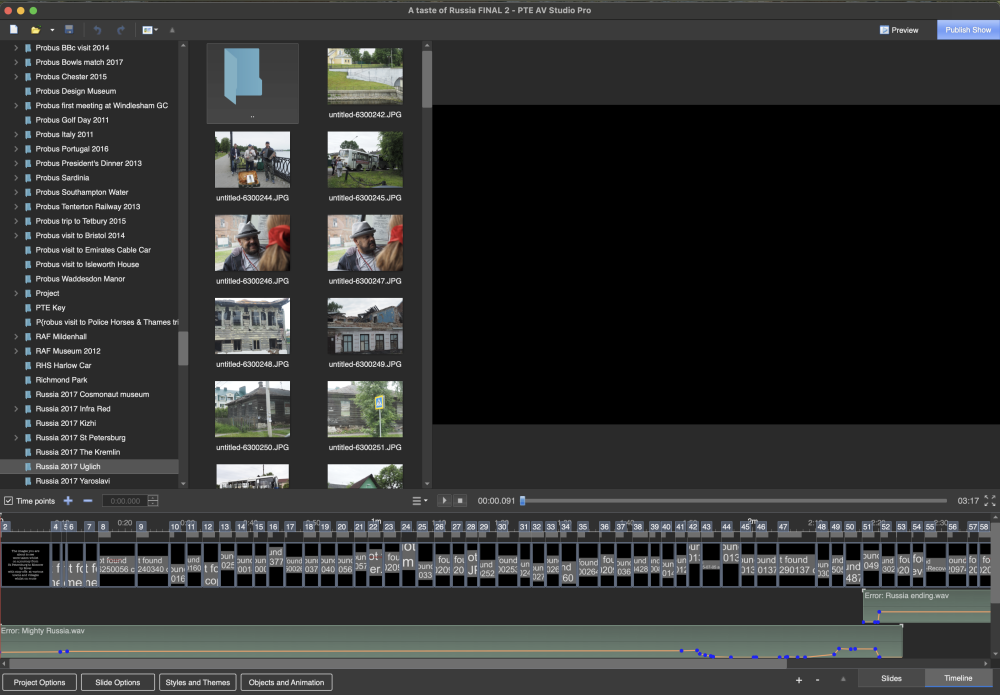
Just to keep you in the picture Igor I attach copy of my email sent to Macaw re their software. You may feel that this is a matter that should be more widely drawn to the attention of PTE users.
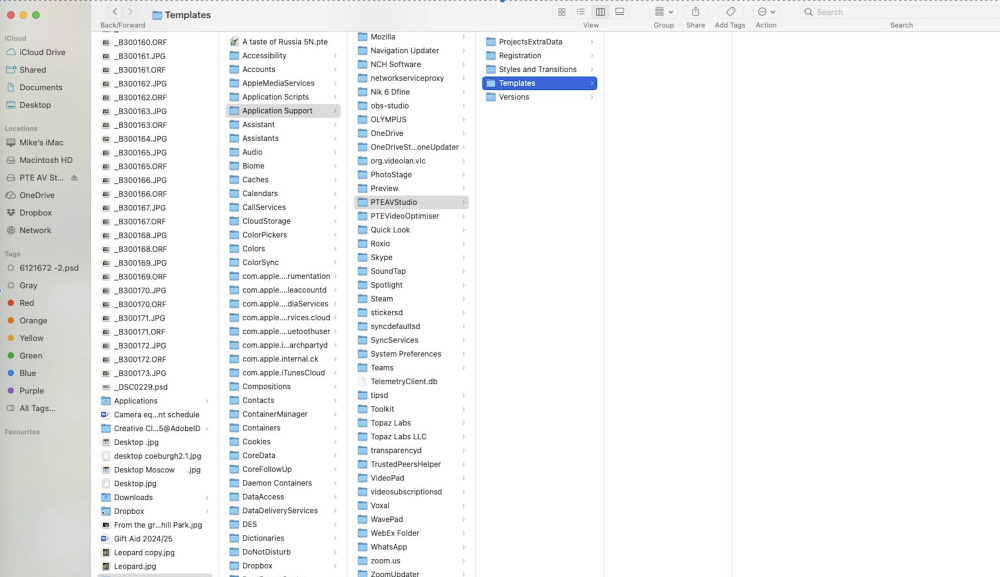
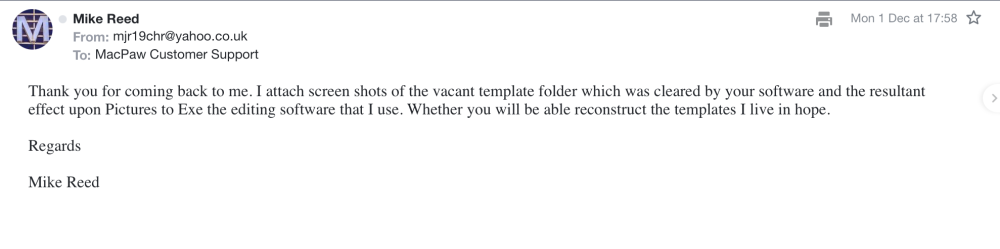
-
Hi Folks, here is my puzzle. I have an image as a background which I have animated. I have added a mask to this image. When I run the slide the mask stays still while the image moves, which is what i want it to do. But, when I add an image to the Mask Content and run the slide, everything moves including the mask and Mask Content. Is there a way to stop this happening? So that when you view the slide the background moves but not the mask and its contents. Many thanks, Ray
-
Updated version of PTE AV Studio 11.0.20 is available for PC and Mac Download: https://www.wnsoft.com/pte-av-studio/download/ Fixed: Soundtrack export and voice recording to MP3 format stopped working (regression introduced in version 11.0.19). About window shows: 11.0.20 Build 1.
-
Thank you for the lovely message. Happy holidays!
-
Thank you, I am looking forward to the Beta of V12 and purchasing the finished product. Kieron
-
Building a Free Library of Images for Everyone
Eric Matyas replied to Eric Matyas's topic in General Discussion
Hey Everyone, I've uploaded some brand new seamless concrete textures onto my site...you find them here: CONCRETE (Tile-able) https://soundimage.org/txr-concrete-pavement-seamless/ As always, they're 100% free to use with attribution, just like my thousands of other images, music tracks and sounds. NEED SOME CUSTOM TEXTURES? I've been creating custom music for a while now...mostly for indie video game developers...but I thought it might be fun to try creating custom textures. If anyone needs some help, feel free to contact me! 🙂 In the meantime, stay safe and keep creating! -
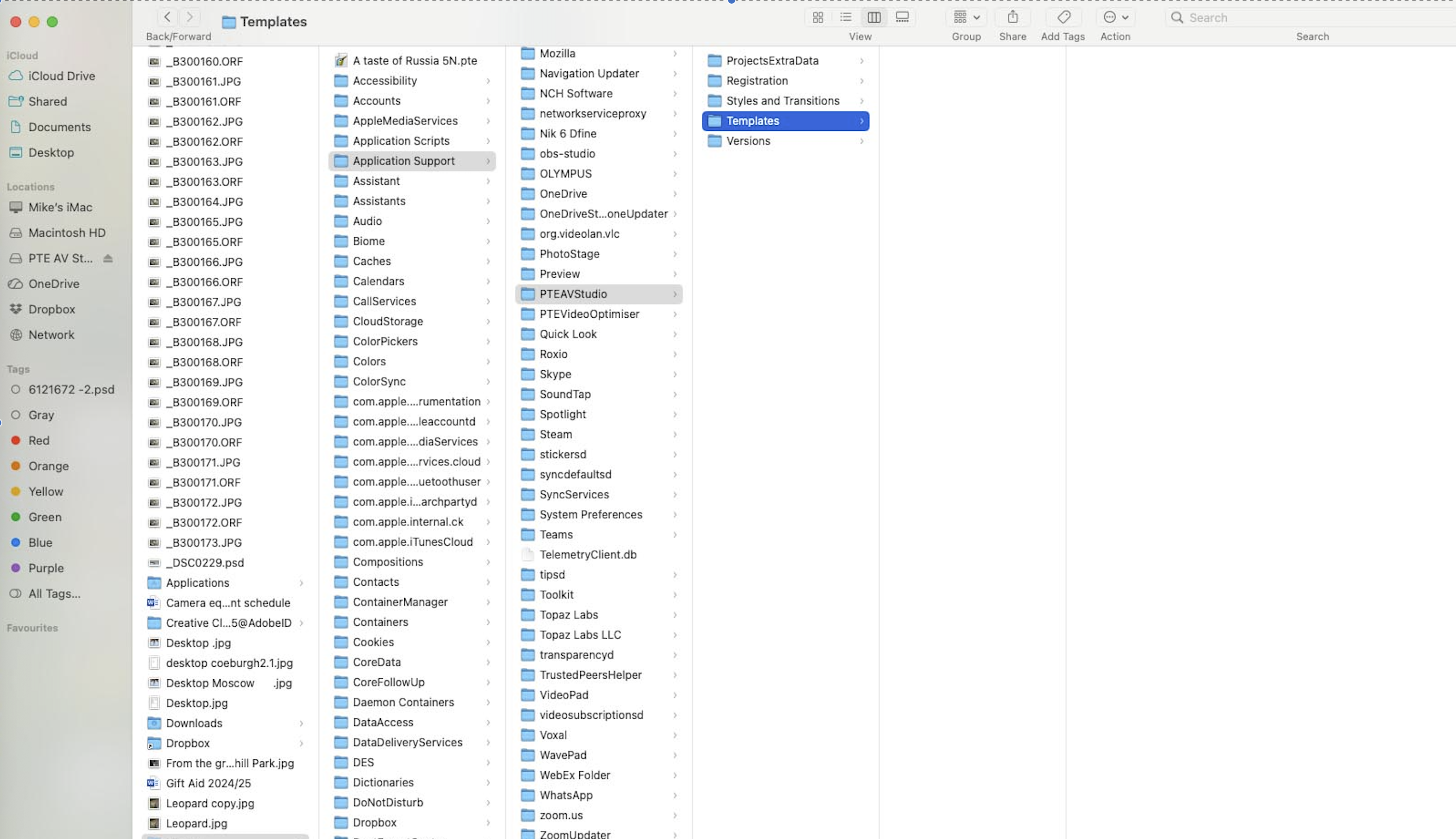
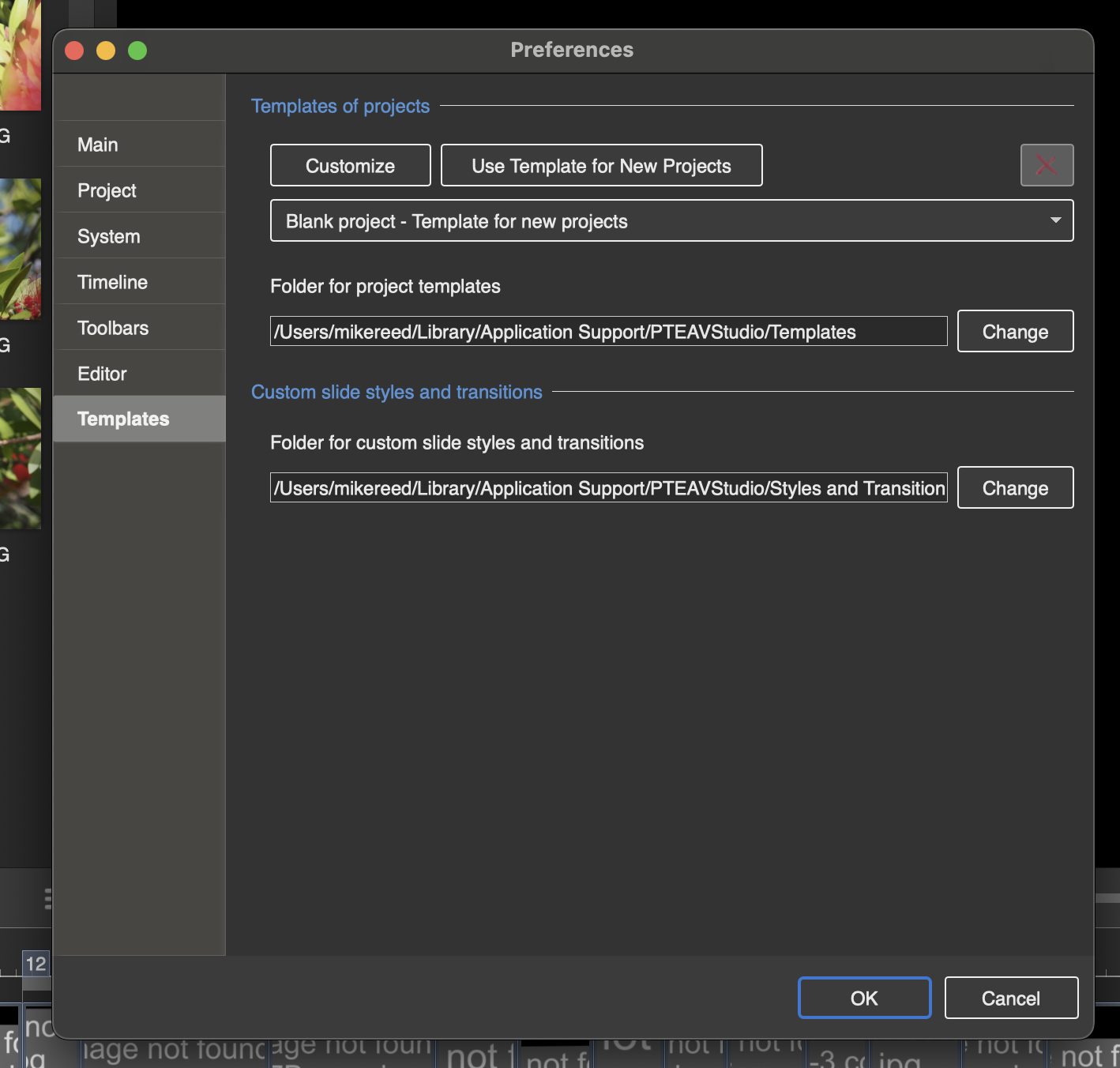
Hi Mike, By default, user slide styles, custom transitions and templates are located in these 2 folders on your Mac: /Users/UserName/Library/Application Support/PTEAVStudio/Templates /Users/UserName/Library/Application Support/PTEAVStudio/Styles and Transitions You can check PTE AV Studio > Main menu > Settings > Preferences. Templates tab for exact path to these folders. I remember from your previous post on the forum: Your program may have deleted the PTEAVStudio folder in Application Support. This likely deleted all the templates and styles as well. Sorry! We offer a special uninstaller utility for PTE AV Studio on a Mac which allows to remove only configuration and keep slide styles and templates: https://files.wnsoft.com/pteavstudio/RemovePTEAVStudio.app-11-0.zip You can change a location of StylesAndTransition folder and Templates folder in PTE AV Studio and make backup of these folders.
-
Hi Dave
I tried your suggestion and searched for *.pt but that just seemed to redirect me to the web with lots of confusing references.. I have also searched my Mac just for templates to no avail. When I previously made a template of a sequence reopening the templates brought up a listing of all the templates I had previously made for all my shows. I have a nasty feeling that re inputting PTE as a completely new piece of software destroyed all the [previous templates held by the old software.
The screen shot shows what I get

and now when I click Templates all I get instead of the listing of all of them on my Mac is this
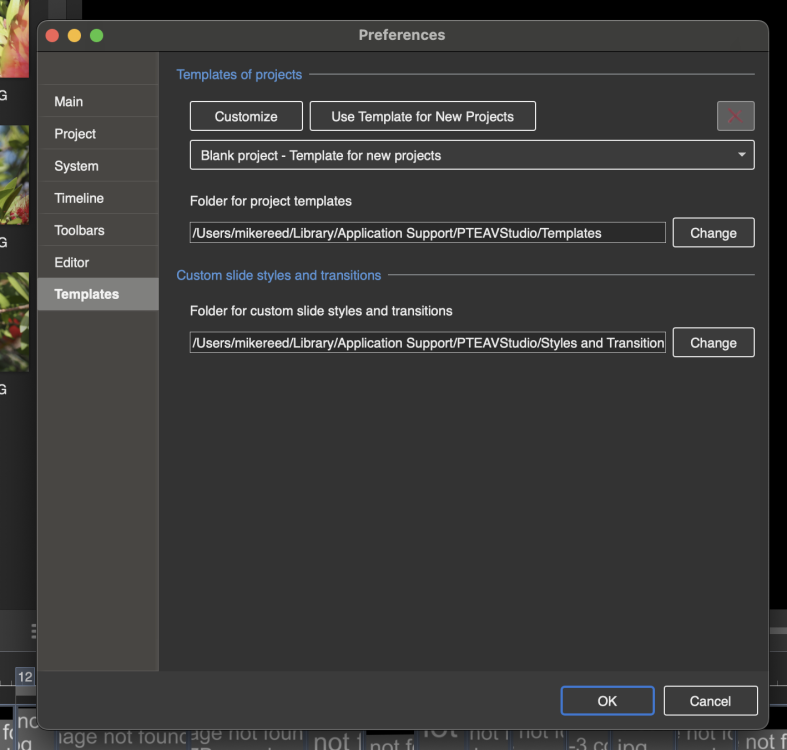
-
 A suggestion for enhancement: When an image is selected as the main picture for a slide, its file-name appears in blue (rather than white on black) in the "file list", and that's a great help. However, secondary images added to that slide are not identified as having been used (not so easy to do?). Maybe another colour could show what other images have been used too?
 -
Hi, Beta version of V12 will appear soon.
-
Does anyone know when the next version 12 of PTE will be released? Thanks Ghulya
-
Is it possible that you (previously) changed the location of the folder for templates in Preferences/Templates? Do a search of your computer for *.pt and make a note of the folder which contains your templates. Then go into Preferences/Templates and make that your Default Folder for Project Templates. DG
-
I have recently had to delete my PTE studio Pro on my Mac and to reinstall from your web site. Whilst this resolved my problem of PTE not being recognised I am now having trouble in locating the templates that I habitually make of my work to cover loosing pictures moved elsewhere. Is this a result of my starting again or am I missing something.
- Earlier
-
Updated version of PTE AV Studio 11.0.19 is available for PC and Mac Download: https://www.wnsoft.com/pte-av-studio/download/ Improved YouTube compatibility for 30p videos. Previously, YouTube might have detected them as 29p with dropped frames. 60p is still recommended for smoother playback. Fixed an issue in Timeline mode where applying a slide style could unexpectedly alter the duration of following slides. Improved compatibility for macOS 26. About window shows: 11.0.19 Build 3. It's the same build as previous Beta version.
-
Hi, Please translate your messages into English. You can use Google Translate, for example. Let me know - do you have a PC or Mac? Check an exact version of PTE AV Studio in the About window. If it isn't v11.0.18, I highly recommend to download and install the latest version from WnSoft website: https://www.wnsoft.com/en/pte-av-studio/download/ If it doesn't help, restart your computer and try again.
- 1 reply
-
- 1
-

-
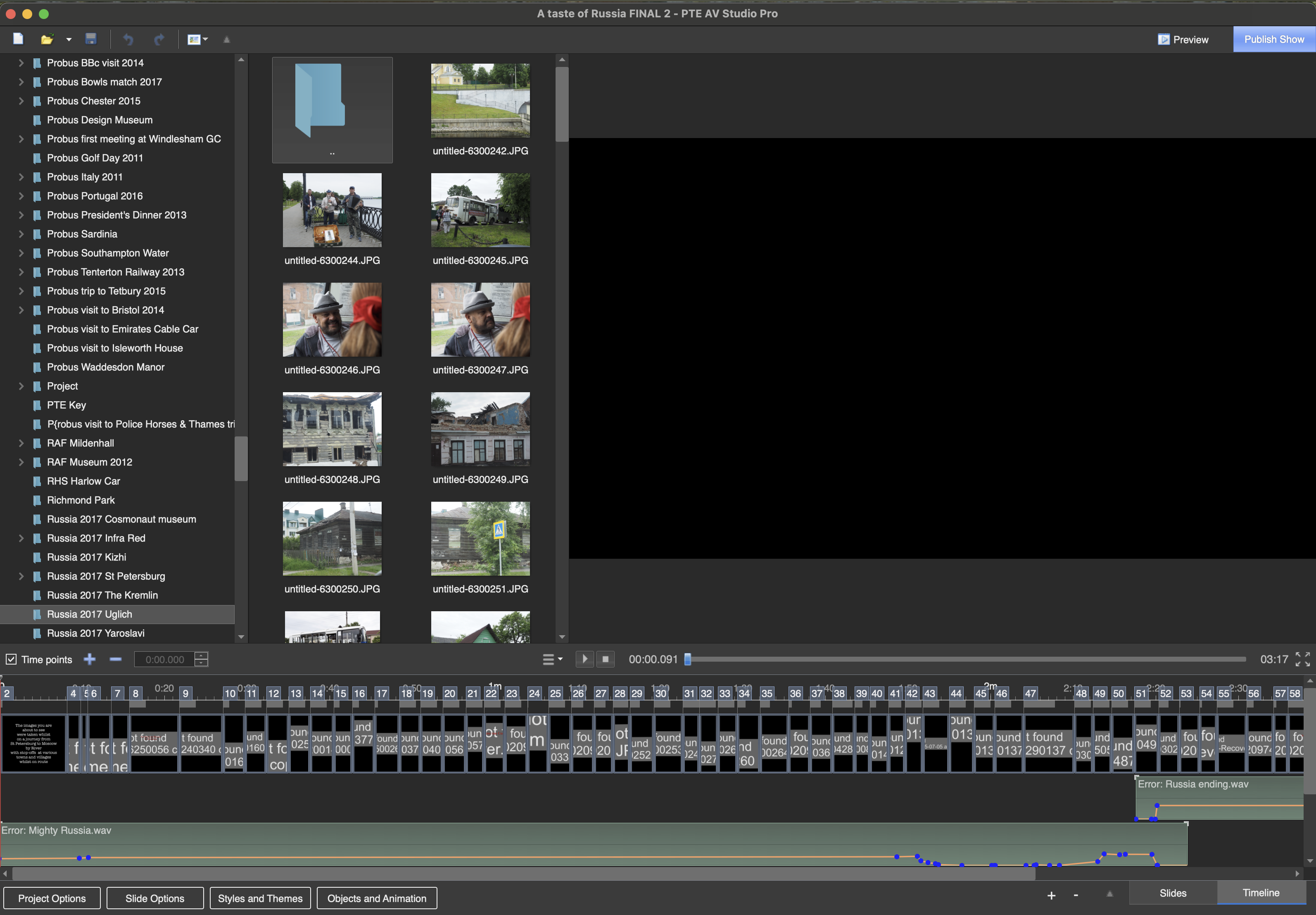
Witam. Od wczoraj pojawił się problem. Klikam na zakładkę Styles and Themes komputer chwilę myśli, a potem wywala program i muszę na nowo go odpalać.Wczym może byc problem?
-
Got there in the end by pure cussedness . Used Clean my Mac ran a full scan and also took out all my PTE folders. Then reinstalled PTE from the Wnsoft site and after requesting the serial number managed to get it to run.
- 1 reply
-
- 1
-
-
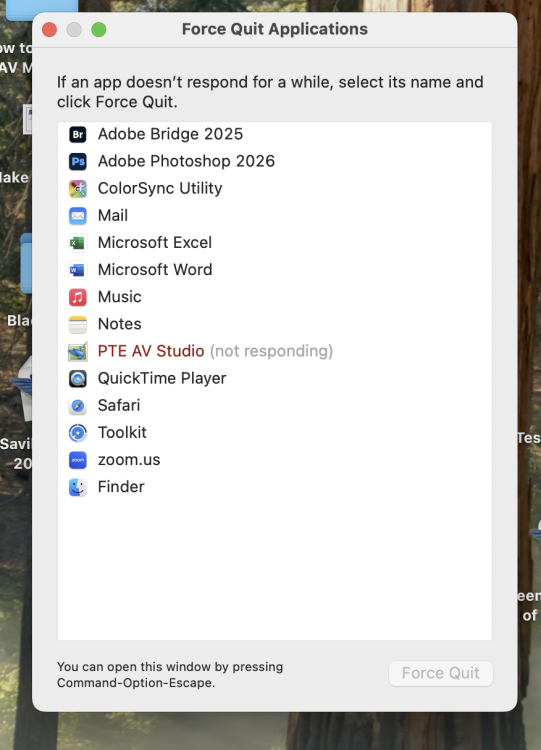
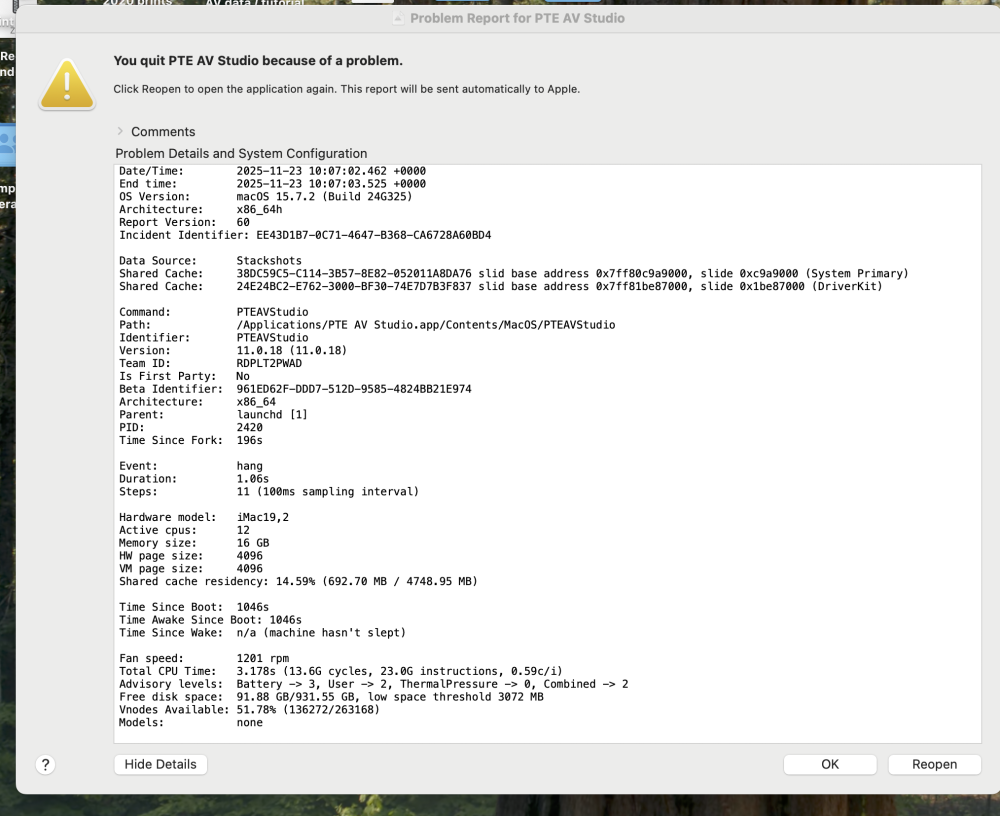
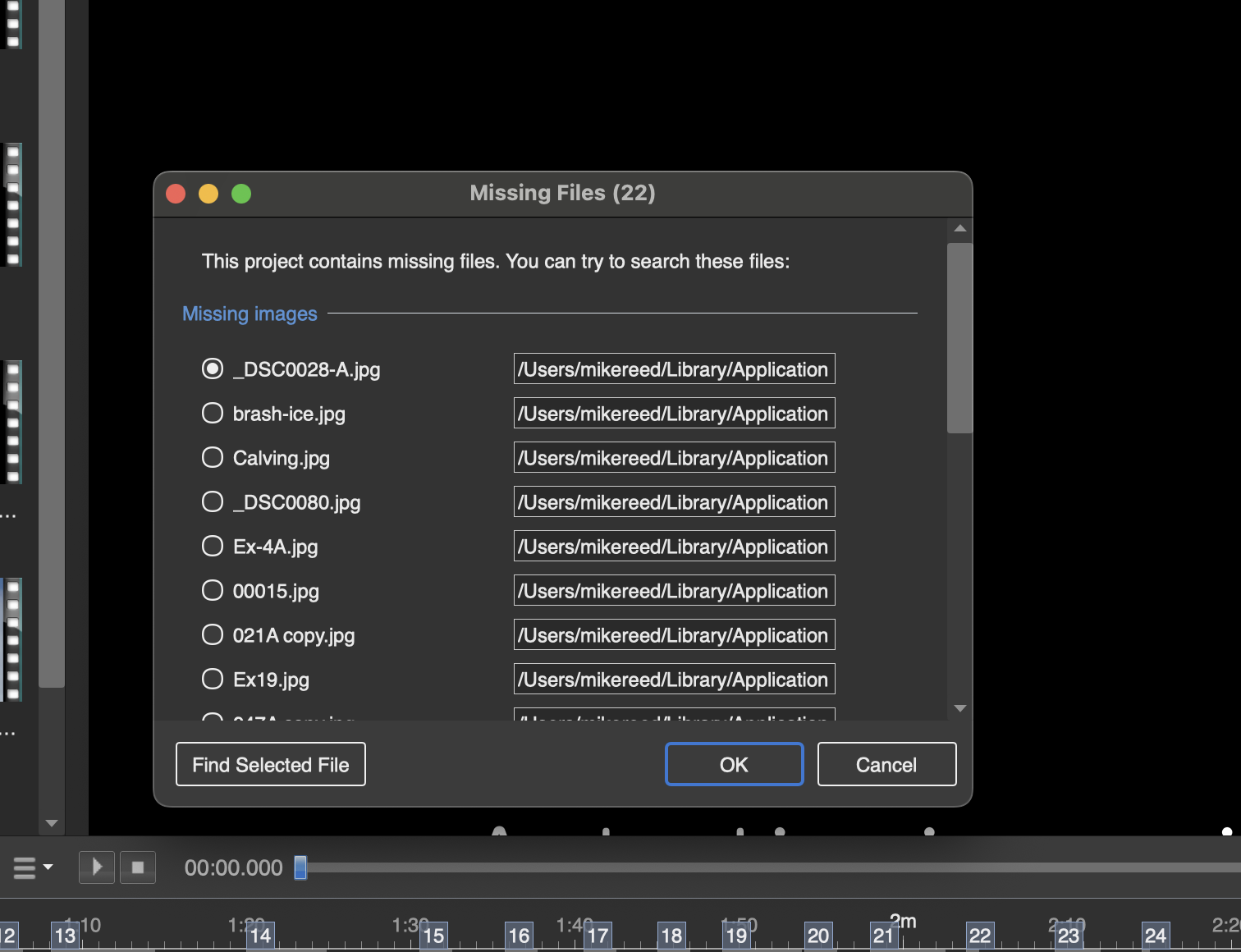
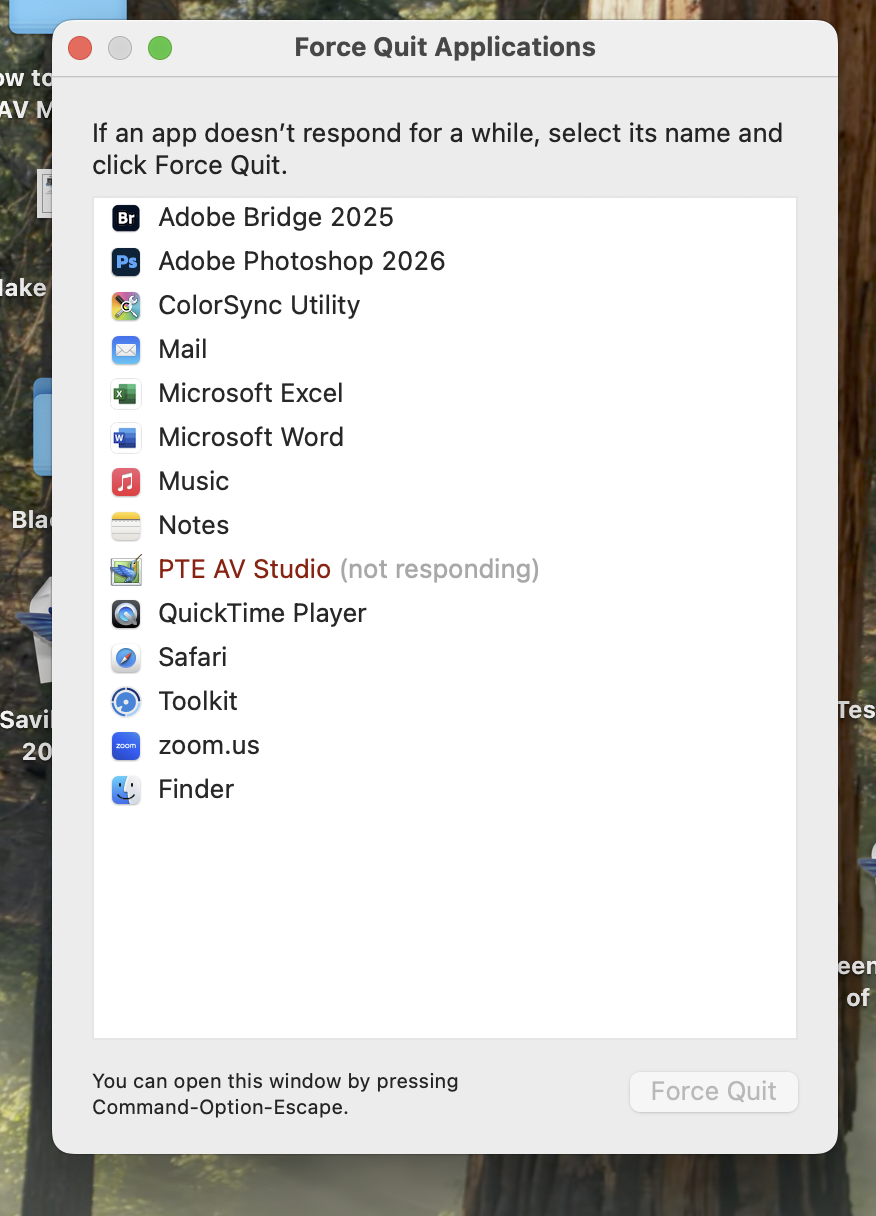
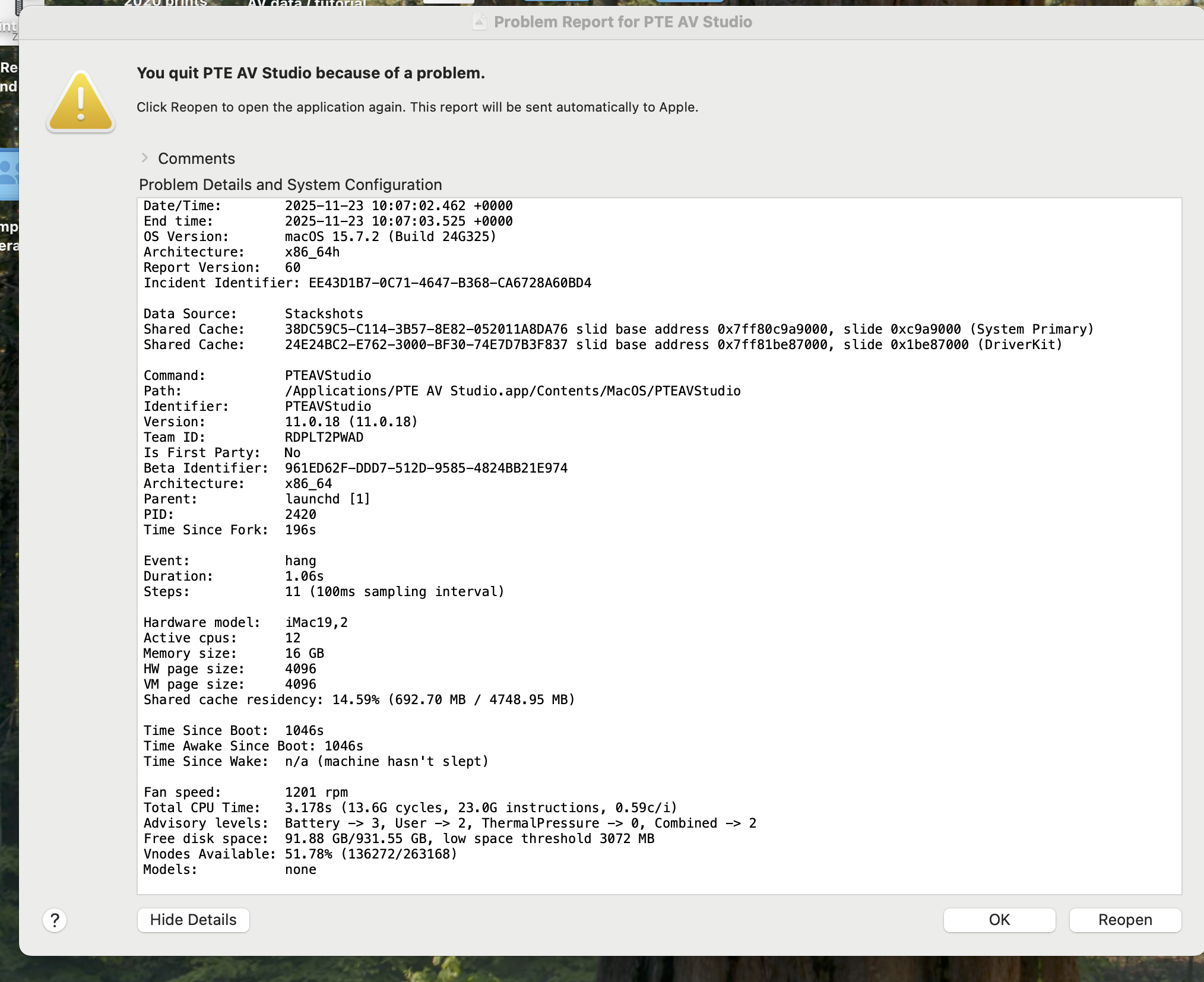
I am running Studio Pro 11 and attach two screen shots of the problem. All other programmes run OK on Mac Sequoia 15.7.2. I have tried the reboot and reset neither worked. I have also gone back to an earlier version pf Pte and that will not open either. Who have I upset!!