All Activity
- Past hour
-
ScreenGrain - free Chrome extension for glossy/4K screens
Aleina Show replied to Igor's topic in General Discussion
Thanks, Igor! I found this effect surprisingly interesting. It's truly pleasing to the eye, even though my monitor isn't glossy. It's like reading a newspaper. - Today
-

ScreenGrain - free Chrome extension for glossy/4K screens
vbl2007 replied to Igor's topic in General Discussion
Thanks, Igor! I really liked it and found it useful. There are some parameter adjustments! -
 Thank you Cor and jienense, and good point for clarifying that the image comes from a PNG file. Pascal.
 -
Hi, I wrote a small free extension for Chrome browser. If your eyes get tired reading text on glossy monitors, or you find it hard to focus on smooth high-resolution screens (especially 4K displays) - this might help. The extension adds a barely visible pixel grain texture that gives your eyes something to focus on. Works great on Retina and high-DPI displays. It's completely free. I spent just one day making it during the weekend. Not related to PTE AV Studio, just sharing in case someone finds it useful. https://chromewebstore.google.com/detail/screengrain/amgkkiknaaofelhmokbhiidcganljcjh

-
 Hi Pascal, I see this problem with different results after applying the same color filter(s) in V11 and V12. Thanks! We'll fix it in Beta 3.
 -
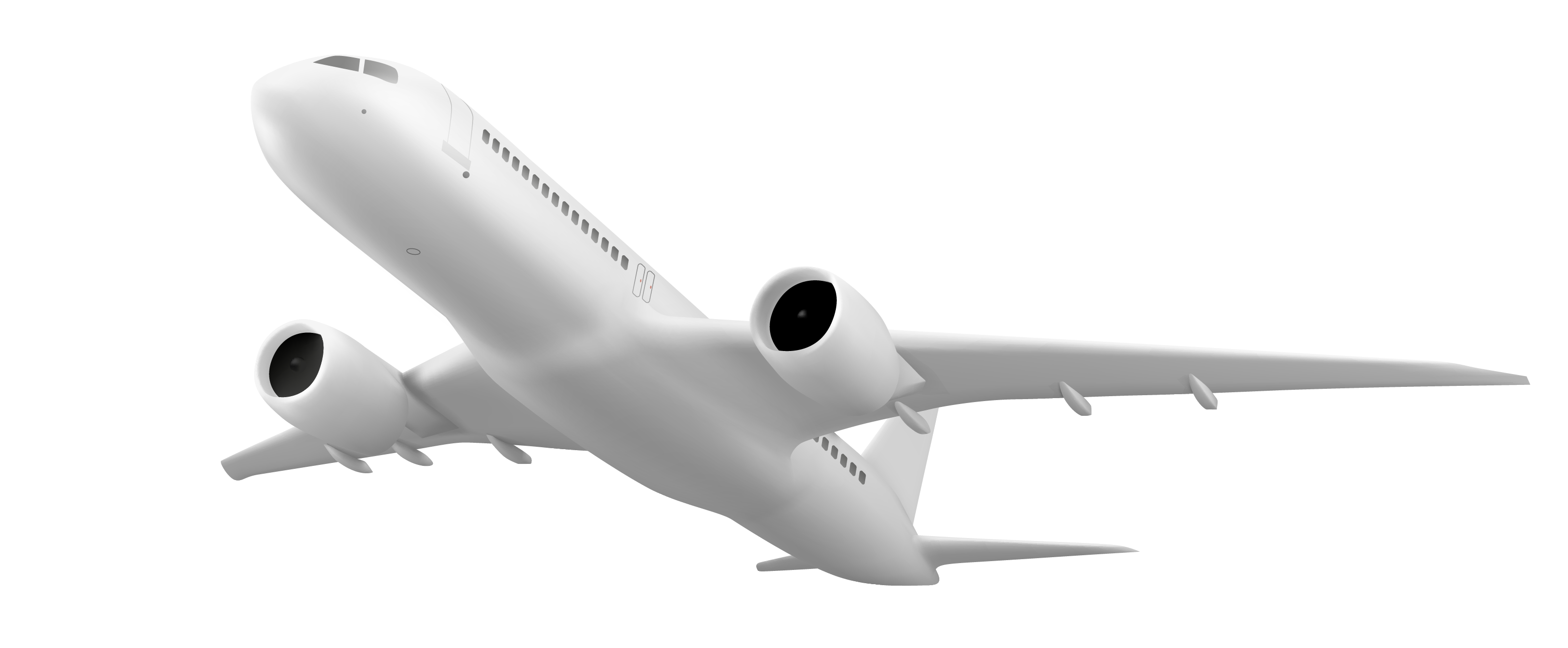
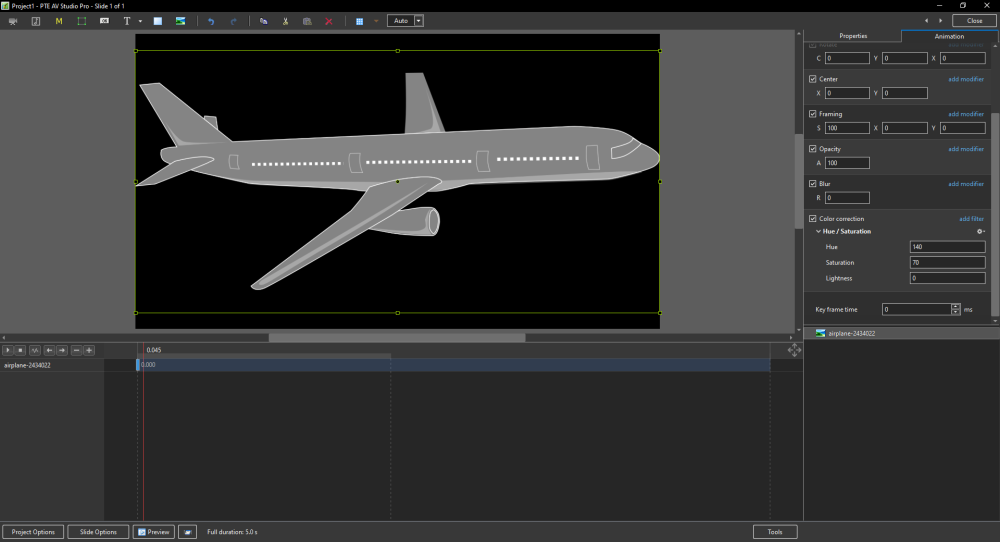
I tried with a JPG file. Your image of the plane is a PNG file, and indeed, only the lightness setting works there in v12. Greetings, Cor
-
 I think it might be the file type; you can try this one. In version 12, the tone and saturation adjustments don't work for me with this file.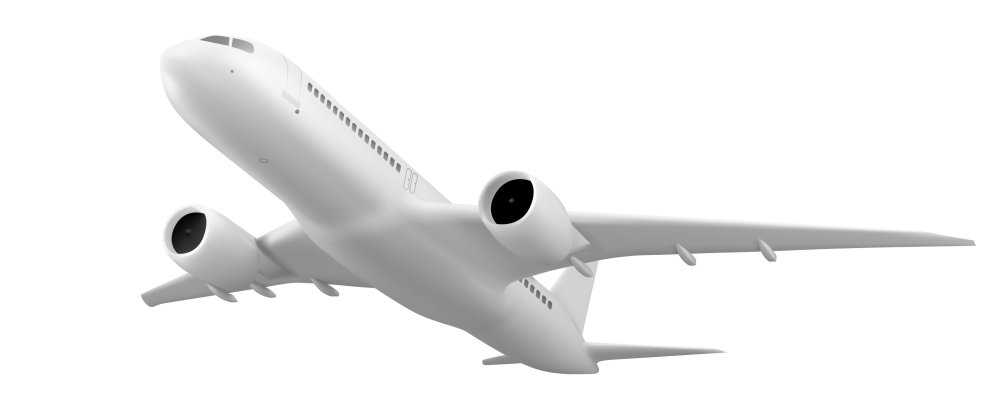
-
Hallo Pascal, I see color in v11 and v12 with the same image and settings in Hue/Saturation. My impression is only a small difference in brightness (which actually shouldn't be the case of course). Greetings, Cor
-
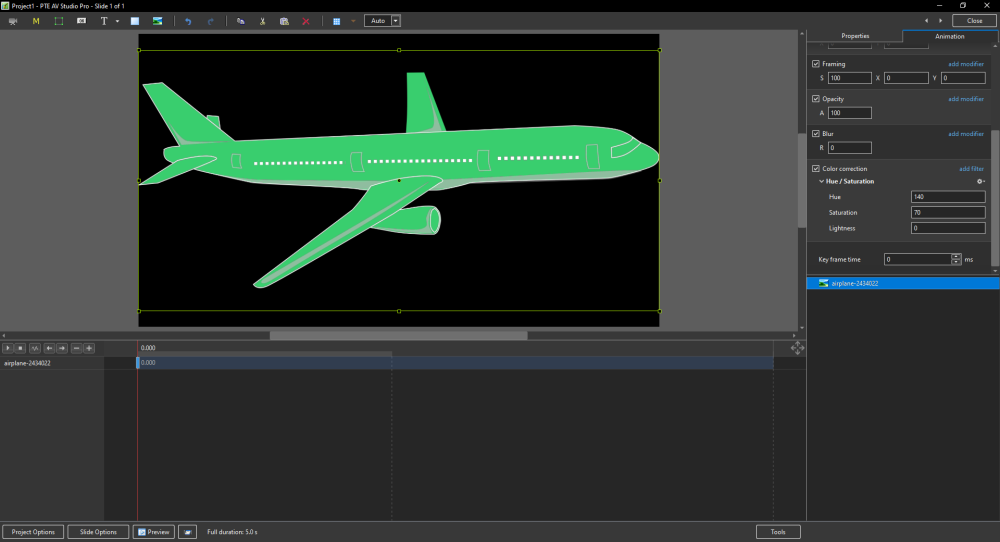
Hello everyone, I’ve noticed a difference in behavior between versions v11 and v12 when using the Color Correction filter. With the same image and identical Hue, Saturation, and Lightness settings, the final rendering differs depending on the version. This is an issue for me because I use this filter in some of my styles and transitions to colorize elements within the animation. In v12, these elements now appear in grayscale, whereas they were colored in v11. Below is the same image with identical settings applied in v11 (first) and v12 (second):
- Yesterday
-
Hello Igor, I also wish you and your team a very happy new year, first and foremost good health, and of course, continued success in providing us with high-quality software that we use to create beautiful things. PTE allows us to unleash our creativity and have a great time. Happiness and peace to all.
- Last week
-
Resolution 1080x1350 for instagram [custom resolution SOLVED]
nunosou replied to nunosou's topic in PTE AV Studio 12 Beta
Thank you, I tested and is good now! Happy new Year! -
Happy New Year to everyone. I hope 2026 brings us world peace and lots of photos to use in PTE 12. Rosemary
-
Happy New Year to all. Peace and health!
-
Happy New Year! May there be peace, prosperity, and good health for 2026!
-
Happy New Year! I wish everyone health, happiness, and peace!

-
Thank you so much for your congratulations! Igor, I wish you and the entire WnSoft team success and good luck in your endeavors, new endeavors, and victories! Happiness, joy, health, and love to your family and friends!
-
Hi, I wish you a happy New Year and good health! New creative ideas, new projects in PTE AV Studio, and new travels. Our planet is a small fragile house in the endless ocean of Space. One planet for all people. I dream about peace and cooperation among all people from all countries. Thanks for your support
-
Resolution 1080x1350 for instagram [custom resolution SOLVED]
chanfi22 replied to nunosou's topic in PTE AV Studio 12 Beta
Hi Igor tested for me and it's OK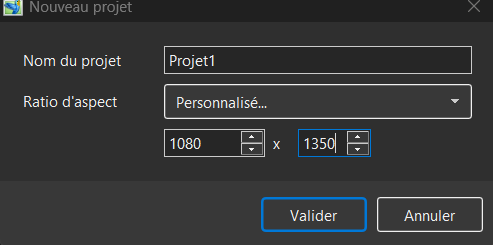
-
Tested and the problem is solved, thank you.
-
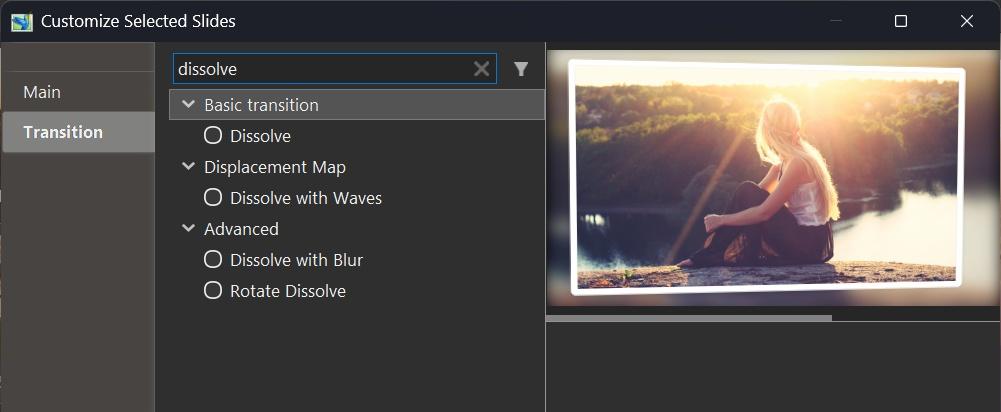
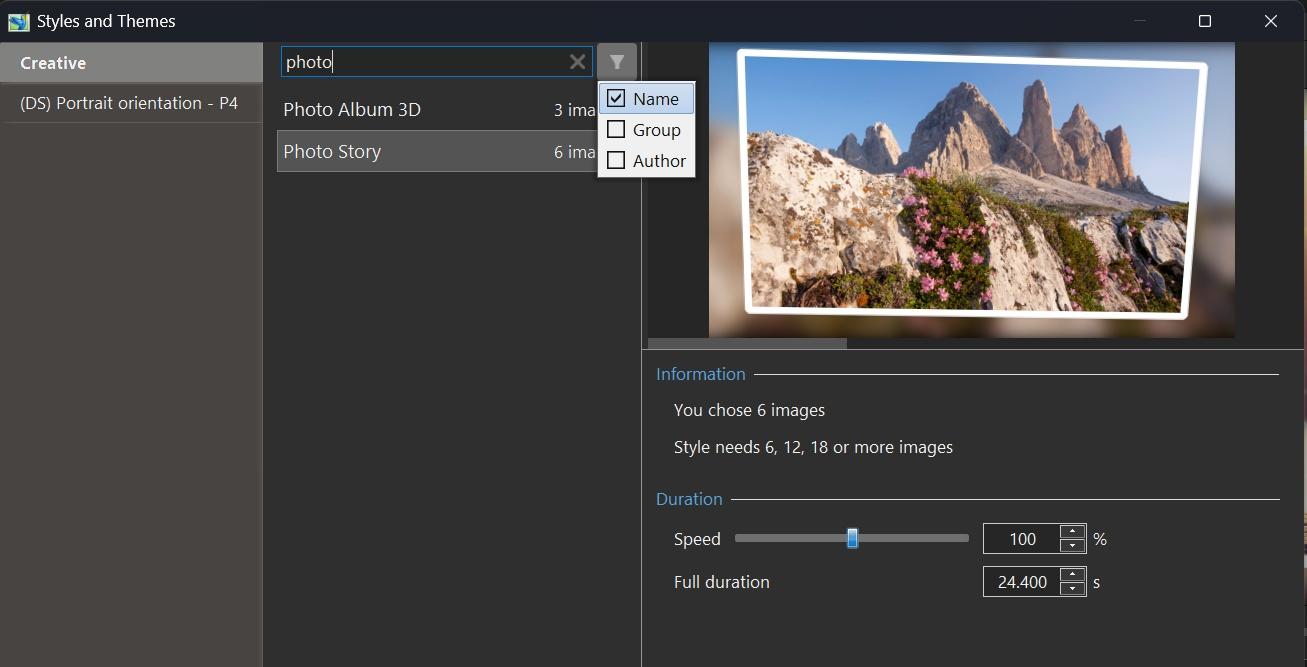
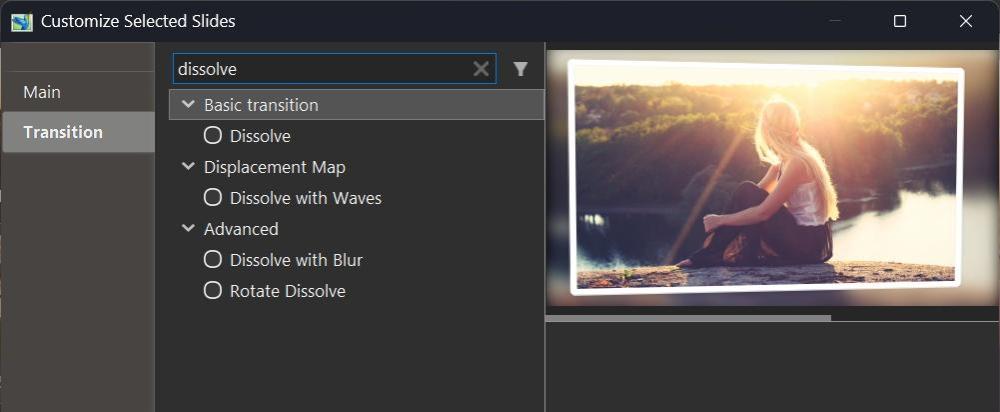
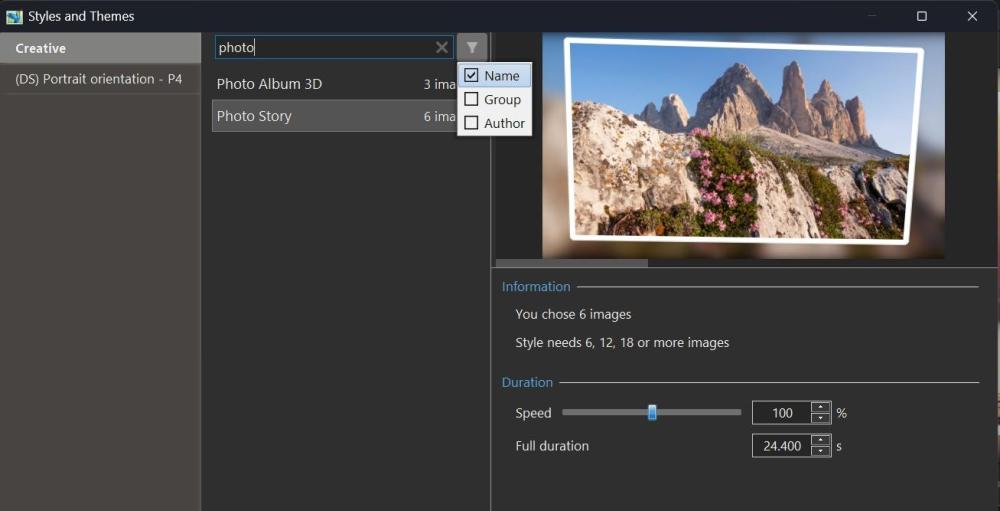
Hi, In PTE AV Studio 12, we've included a new function - Quick Search in the Slide Styles window and Transitions window. This allows you to quickly find or filter the desired transition or style by name, category, or author name. PTE AV Studio remembers your choice during the current session, independently for styles and transitions. You can hide the Quick Search bar in Preferences > Templates tab by unticking the "Search in styles and transitions" option.
-
Resolution 1080x1350 for instagram [custom resolution SOLVED]
Igor replied to nunosou's topic in PTE AV Studio 12 Beta
We fixed this issue in Beta 2 today. Please try the new Beta. -
We fixed this issue in Beta 2 today. Please try the new Beta.
-
Beta 2 is available See the download links above. Updated Dutch, French, and Spanish translations. Added full support for dead keys (^, `, ´, ¨, ~) on international keyboard layouts - French, Spanish, German, Portuguese, Italian, Dutch, and others (Mac) Fixed an issue with sound objects being duplicated in custom transitions with multiple variants. Fixed an issue where Custom width and height fields were not visible in the New project window.
- 1 reply
-
- 1
-

-
Hi Pascal, Glad that you like this new createive effect! Thanks for sharing your custom transition based on the new Gradient map effect. Looks very nice.
-
Hello all I’ve just tested this new feature in version 12, and it effectively replaces what I had probably somewhat clumsily called the “threshold effect.” This effect is based on the opacity of an image mask representing a grayscale pattern, where the opacity depends on the adjustment of black point and white point levels. The main drawback was that it required creating a key point for each gray value — up to 255 in order to cover the full range of shades. Several examples have been provided by different members on this forum (I’m probably not being exhaustive), for example: With the Gradient Map effect in v12, it is no longer necessary to create a large number of key points, since everything can now be controlled through the opacity parameter. This offers much greater flexibility in the adjustments, notably by allowing the use of animation speed settings, inverting the pattern (negative) to reverse the animation, and more. Below is an example of a transition made with the Gradient Map effect in version 12. Flying squares.pteeff Gradient map.mp4 Pascal.