Leaderboard



Popular Content
Showing content with the highest reputation on 06/25/2026 in all areas
-
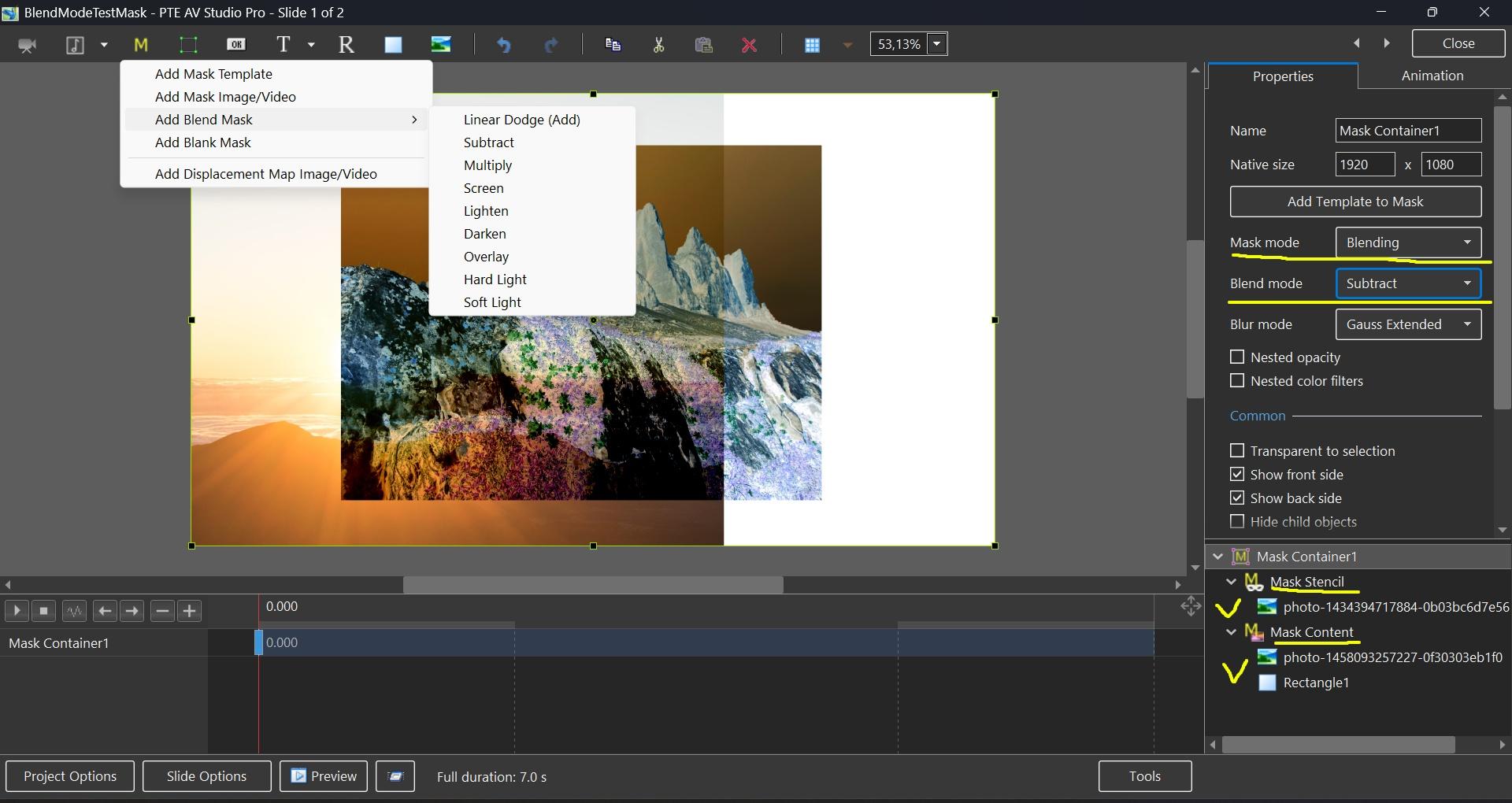
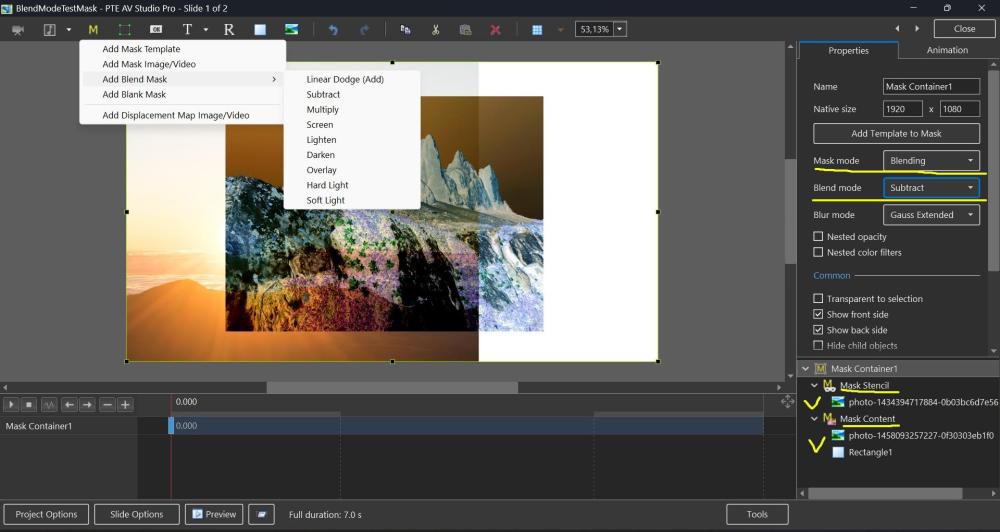
Hi, In PTE AV Studio 12 we've added a new "Blending" mode to the Mask container with support for 9 blend operations: Linear Dodge (Add), Subtract, Multiply, Screen, Lighten, Darken, Overlay, Hard Light, and Soft Light. To use: place the first image into the Stencil, and the second image into the Content of the Mask container. You can add video, text object, rectangle object, or multiple objects (several images, for example). Watch a video example. Click the play button: BlendMode.mp4 BlendMode.zip
 1 point
 -
Thanks a lot Igor!!! This option is great! My dream1 point
-
Hi, Glad that your like the new blending effect in V121 point
-
I have now had a chance to play with Blend Modes. As I no longer use Photoshop & do all of my image editing within PTE, this opens up so many new creative possibilities. Thank you so much for this great new feature. PTE just gets better & better. Jill1 point
-
Thank You Igor. I look forward to testing this later Jill1 point
-
Thanks a lot!!!1 point
-
Hi, We've added Blend modes in PTE AV Studio 12 (Beta 15) today: https://www.pteavstudio.com/forums/topic/55029-blend-modes-in-pte-av-studio-12/1 point