davegee
-
Posts
9,365 -
Joined
-
Days Won
60
Everything posted by davegee
-
Possibly because you are using dB and I am using %? As I said previously, I can repeatedly achieve a "resolution" of 1% with no difficulty whatsoever and the value does not "jump" when you release the Mouse Button. DG
-
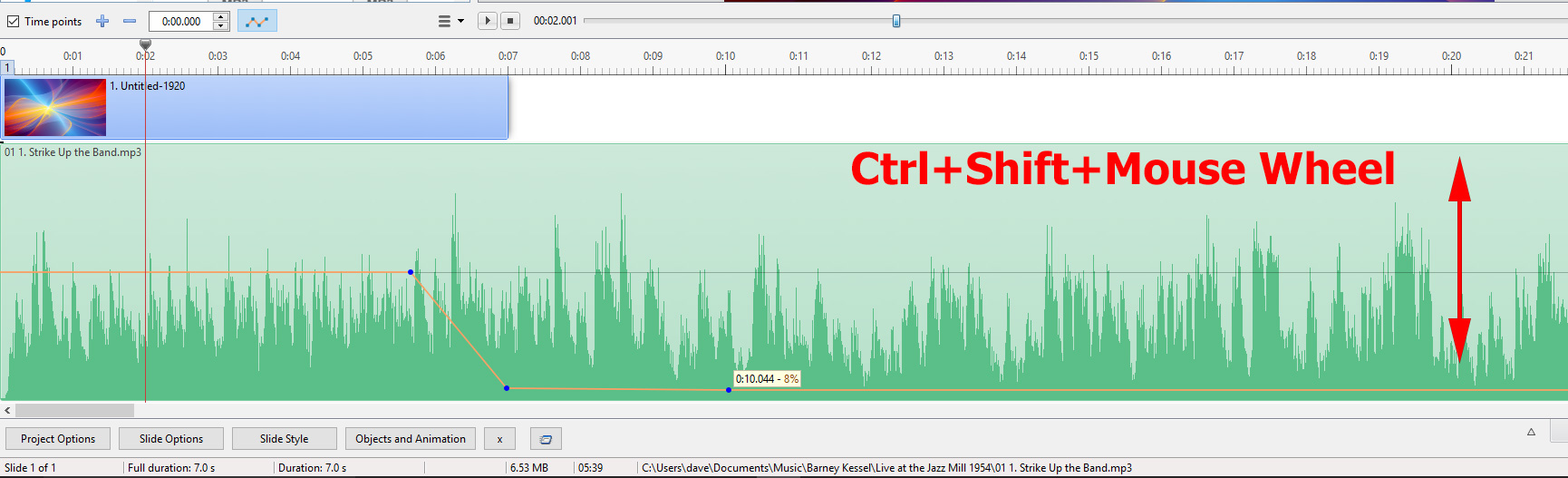
Arising out of a post in "Suggestions". This is valid for Mouse Users but (apparently) not for "Wacom" users. The Height of a Track in the Timeline View is adjustable using Ctrl+Shift+Scroll Wheel. It can be used to quickly and temporarily adjust the Height between 75% and 400% to make accurate settings of Audio Volume easier to accomplish.
-
Geoff, You are correct. for Version 9. Perhaps this ought to be in "Troubleshooting". DG
-

Critical Sound Volume Changes
davegee replied to Barry Beckham's topic in Suggestions for Next Versions
So it is a Wacom problem? I thought that they were able to simulate scroll wheel. Looking at the specifications for various models I see "scroll" mentioned. Please note (EVERYONE) that I did not disagree - I merely pointed out the Hotkey available which is not "fiddly" at all and it takes less than a second to adjust the height of a track to around 400% (width in the southern hemisphere). A 1% increment is "easy-peasy" and return to 100% height takes less than a second again. Igor will be back soon and will probably do it for you immediately. DG -
Critical Sound Volume Changes
davegee replied to Barry Beckham's topic in Suggestions for Next Versions
Does Ctrl+Shift+Scroll Wheel not help at all?? DG -
Style showing that you can include a Caption Box in a Style when you Create your Style. Title Slide 001.ptestyle Follow the instructions. DG P.S. The intended Font is Vivaldi
-
Bump - just in case this has been forgotten? DG
-
Hi Carmelo, Please use PM for this problem? JEFF EVANS is now coordinating the English Online Help and I am grateful that he is able to spare some time for this. DG
-
http://docs.picturestoexe.com/en-us/9.0/how_to_v9/addvid#adding_the_audio_of_a_video_clip_to_an_audio_track DG
-
"Taskbar" or "Navigation Bar"?? DG
-
Igor, If I adjust settings for an "Initial KF" in O&A I can adjust Pan, Zoom, Rotate etc and Colour Correction (Levels, Brightness, Saturation etc). Now, if I "Add Keyframe" and tick on the various tick boxes the settings of KF can be shown to make adjustments if required and are the settings made in KF1. However, the KF1 settings for Colour Correction are not transferred from KF1 to the Added Keyframe and when the Colour Correction Tick Box is ticked the Defaults are applied i.e. no correction. Perhaps I have missed something? DG
-
The Style derived from this thread and using a Mask: https://www.picturestoexe.com/forums/index.php?/topic/20035-framing/ Border Mask.ptestyle Adjust the Colour and Width of the Foreground Border in O&A Properties. DG
-
It makes no sense. If you are using the PTE 9 Uninstaller and you have no legacy Beta versions how can it come back? Igor always suggests that if you are asked to load "something" at the end of the installation that you refuse. Get rid of everything using the PTE (9) Uninstallers and start from scratch. It should then ask for your serial. The Template Section should say "Blank Project - Template for new projects". DG
-
Can you reproduce this with one blank slide in a new project? DG
-
Lin, Can you ignore it and create anyway? DG P.S. Can you open the .pte file in a text editor and look for any reference to the missing file?
-
Styles-many errors and removes files from File List
davegee replied to goddi's topic in Troubleshooting
Styles should work with any Main Object be it JPEG or Video Clip. I have tried a Video Clip with all of the Basic Styles and they work OK with just one small problem. If you drag a Video Clip into the Slide List the Slide Duration is set to equal the Video Clip Duration. Applying a Style to the Video Clip overwrites the Video Clip Duration with the Style Duration. This can be easily addressed at the application stage by setting "Full Duration = Video Clip Duration" (Manually). I think that this is possibly an oversight by Igor and should be easily fixed (or not). A Style works on the Main Image and as such (apparently) does not differentiate between Image and Video Clip. There has been a discussion on the topic of Styles overwriting Slide Durations and this is one case where I would agree that there needs to be a differentiation. or a tick box to ignore Style Duration. DG -
Styles-many errors and removes files from File List
davegee replied to goddi's topic in Troubleshooting
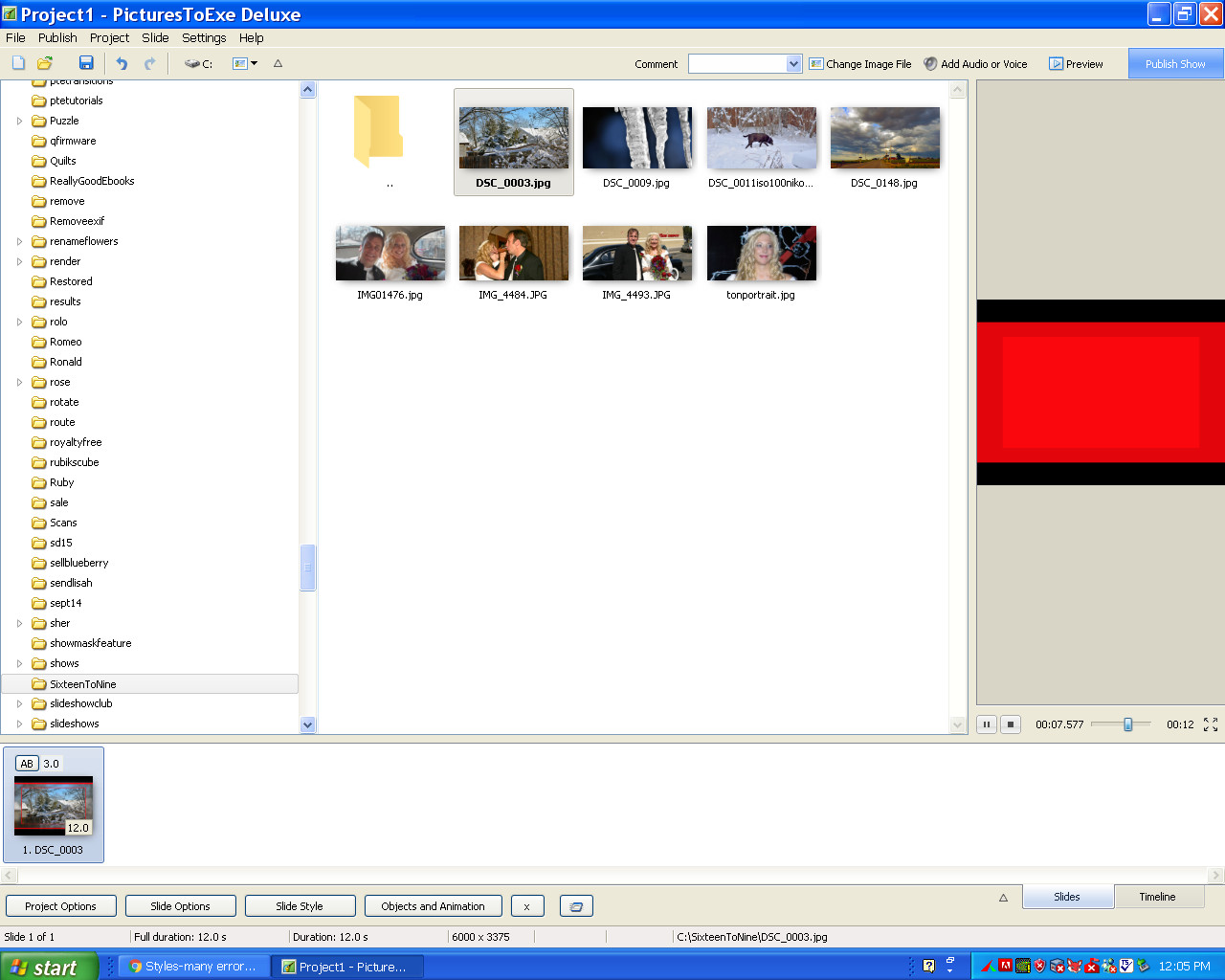
OK, the problem has nothing to do with your construction. The Images which are embedded in the Style were not used. They are: AutumnLake Starfieldbackground I'm stumped - I can only suggest a complete uninstall/reinstall or that it might be a WXP problem. Probably neither. However - it has not happened to me recently so I don't think that we can say with any certainty that it is a PTE Bug. If one person gets it and another does not then you have to start looking for differences between those two people's systems - or their workflow. Here it is sans "bloat": test sixteen to 9.ptestyle Let me know if it still works your end - I deleted the original and reloaded the "light" version and it still works OK this end. DG P.S. Are ALL of your Styles "Bloated"?? Most are not, but at least one important one is.. see your PM... Yes, the "de-bloated" style works fine, has one strange anomaly though - when it's applied the "mini-viewer" shows complete red.. see below: Everything in main image is fine however.... LATER - Red now gone and I can't make it happen again .. This is nuts!!! LOL - It works perfectly now...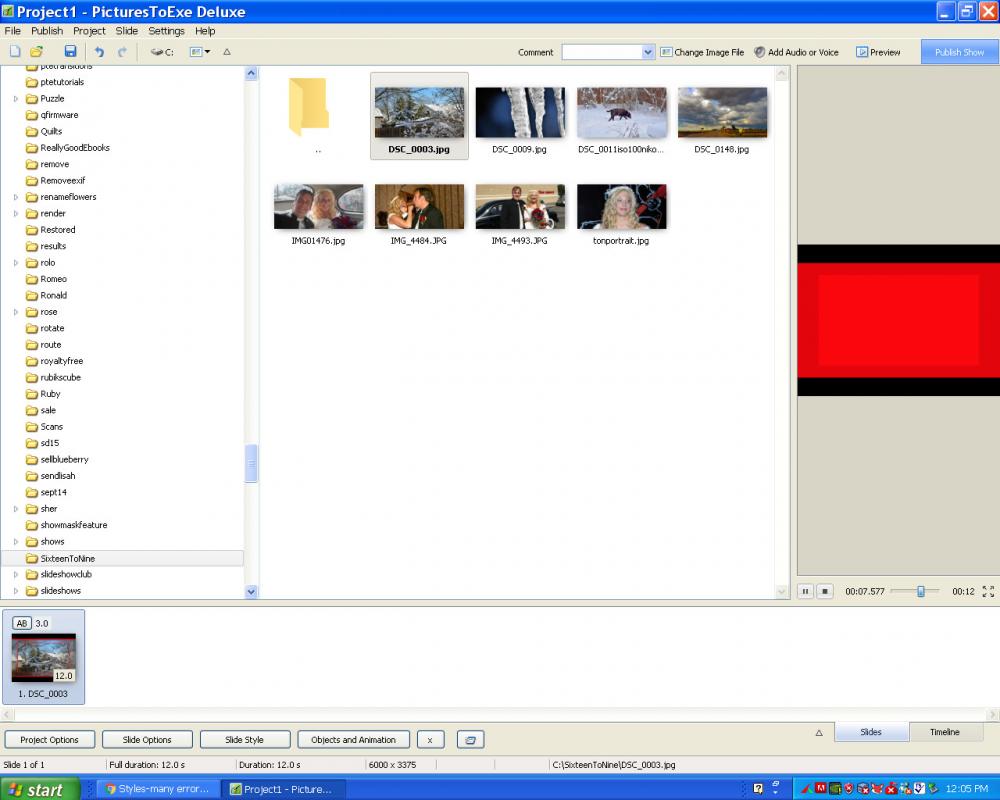
-
Styles-many errors and removes files from File List
davegee replied to goddi's topic in Troubleshooting
P.S. You are starting in a completely new project from scratch aren't you?? DG -
Styles-many errors and removes files from File List
davegee replied to goddi's topic in Troubleshooting
Post again and I will tell you what is in there. DG -
Styles-many errors and removes files from File List
davegee replied to goddi's topic in Troubleshooting
The excessive size is due to two JPEGs which are not used in the Style. They were possibly originally non-main images which were included at some stage and not overwritten or deleted during a subsequent save. The other one like that which I saw (not mine ) was much bigger. As I said I have removed them and the Style works OK without them. I can only suggest that you start again from SCRATCH. That way your Style SHOULD be "bloat" free. DG -
Styles-many errors and removes files from File List
davegee replied to goddi's topic in Troubleshooting
I have no desire to get involved in this conversation but feel that I need to comment. Firstly there are no error messages when the Style is applied on my W10 Laptop. That doesn't surprise me because I have had Error messages which others have not - or have not bothered to post about them. Secondly, Lin's Style has some excessive "bloat" contained in the package which is making the Style around 2MB. I have removed the "bloat" (the Style still works without errors) and the size is now 50Kb. I have seen this "bloat" a couple of times - once in one of my Styles and once in a BB Style. I don't know for sure how it occurs but I am willing to offer a suggestion that might help to eradicate it. Igor knows about it but has perhaps forgotten because I was (and still am) unable to reproduce the symptoms that cause it. When he returns I will mention it again. When making a Style you should (OBVIOUSLY) not try to make a new Style from an applied Style. It can be done but the possibility for errors increases. Save the Project from which you make the original Style and always go back to it to improve or edit your Style. DG -
Open Doors.pteeff DG
-
Just found a Bug in Styles - hence the Style has changed a couple of times since I first uploaded it - should be OK now. Border Mask.ptestyle DG
-
Thanks Lin. Here's an alternative which allows you to adjust the Size and Colour of the Borders within PTE in O&A. Read the Text in the Style. DG
-
Thanks both. I said in the video that this was possible in version 8 (and Version 9) using masking, where rotate has always been available, but Gary has been adamant all along that he does not want to use masking - it is too complicated for him. Masking deserves a separate thread. DG