davegee
-
Posts
9,365 -
Joined
-
Days Won
60
Everything posted by davegee
-
i will post a screen shot in morning. dg
-
Hi Jeff, There is a certain hesitancy when loading the first slide into O&A, but I am not surprised given the size of the PNG File (23Mb). Does it need to be the Full Resolution?? It looks like you created the PNG from the original before resizing. BTW the Text is Jumbled on my screen - overlayed. DG
-
That's because it is a Custom Transition DG
-
For full screen images: Dissolve with Blur.pteeff DG
-

Moving an existing slide style to another category
davegee replied to lapiovra's topic in General Discussion
It only does that because the author neglected to properly create the Style. Look at the creation process - it asks you to enter a Category for your Creation. User Style is a default temporary location. Try importing the Style I posted tonight and see where that goes? DG -
Moving an existing slide style to another category
davegee replied to lapiovra's topic in General Discussion
Right click on the Style that you want to MOVE. Click on "Change Category" Type in the Name of an existing Category or a New Category. If the Category exists the Style will move to it. If you type the name of a New Category it will Create it move the Style to it. I have asked Igor for a Dropdown Menu in the Change Category window - it would make life easier. DG -
Not your fault. The translation from V8 to V9 did not do what I thought it would Try this one. Add 10 Images and apply the Style. If you want to add another ten start with image 10 from the first batch. Pack of Cards-10.ptestyle DG
-
Judy, Have you tried using Modifiers? DG
-
Apologies Jose - I see what you mean. DG
-
Lin, I don't think that mine suits his requirements. But this is it - updated to V9. See below DG
-
Jose, Have you checked your JUNK MAIL Folder - in my experience it is pretty much instant. DG
-
Moving an existing slide style to another category
davegee replied to lapiovra's topic in General Discussion
http://docs.picturestoexe.com/en-us/9.0/slide-styles/main#changemovecreate_categories Same thing applies - Apply the Style - create a version 9 Style from the applied Style. You will then be able to Change/Move it. However, when creating the Version 9 version you can designate the Category whilst doing so. Authors of Styles should be doing this now. DG -
Jose, Go to Settings, Preferences, Toolbars and turn EVERYTHING on? DG
-
I assume that your Styles are Version 8 Styles? In Version 9, APPLY the (Version 8) Style and then create a Version 9 Style from the Applied Style and Name it as required. DG
-
V9.0.3-Rotation of Images (Ctrl+F and Alt+F)-SOLVED
davegee replied to goddi's topic in Troubleshooting
Igor, Ctrl+F rotates the File Clockwise Alt+F rotates the File Anti-Clockwise They longer open the File Menu. DG P.S. Hotkeys updated: http://docs.picturestoexe.com/en-us/9.0/hotkeys/main -
Firmware and Distortion Control Updates are available for: D810 D750 D500 D7200 http://downloadcenter.nikonimglib.com/en/index.html DG p.s. also D3400 and D5600 - check your camera listing.
-
Camera RAW has been updated to 9.9. DG
-
A simple "screen shot" might help others to visualise the problem. Change the mode from "fit" to "cover". Does that help? DG
-
http://docs.picturestoexe.com/en-us/9.0/objectsandanimation/main DG
-
Very sad news. Our thoughts are with Robert. DG
-
If you copy and paste the original and THEN change the object as I suggested above, is that not the same result? A workaround? DG
-
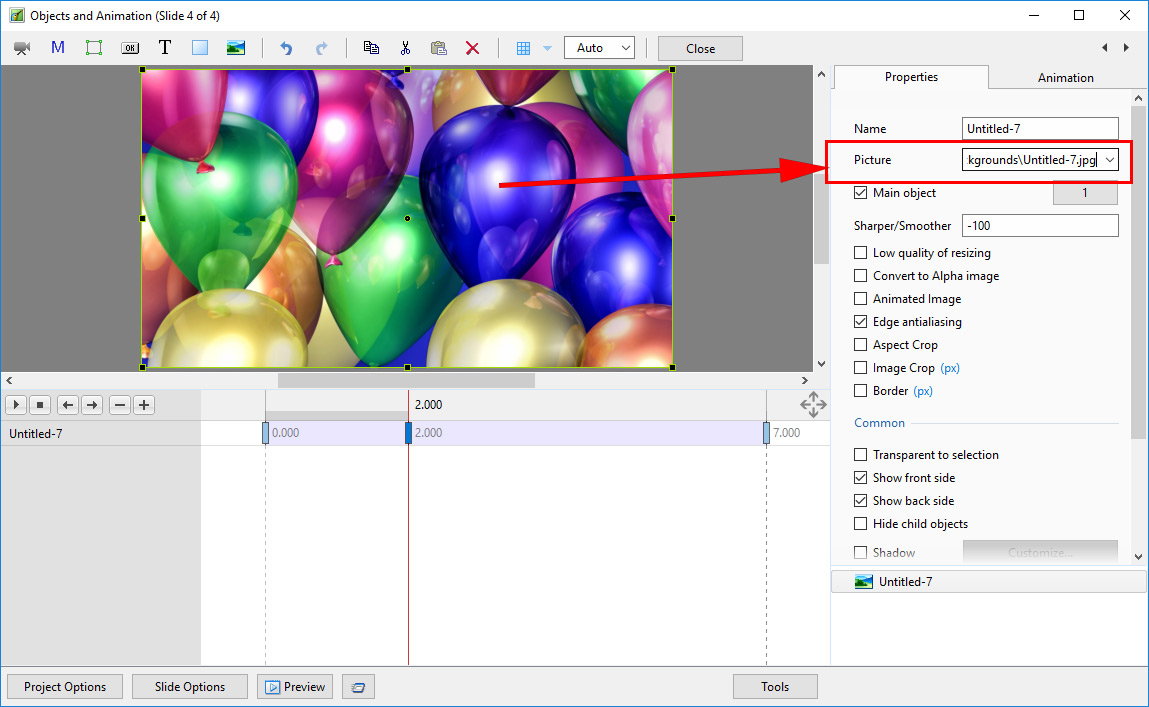
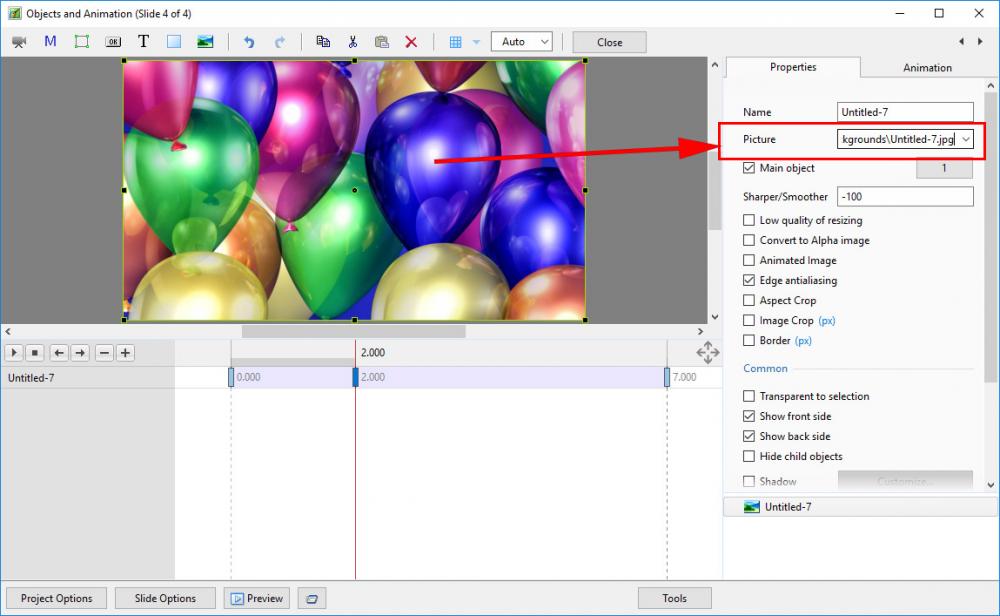
Is this what you mean John: Click on "down arrow" and navigate to the new "object".
-
Al, Adding and Cloning KF are, in effect, the same thing except that in an "Added" KF the tick boxes are "unticked". If you add 4 KF they will all have the same settings as the KF from which you Added/Cloned. If you are adding or cloning in between two KF with different settings then the "Add KF" will give a different result to the "Clone KF". DG
-
A recent driver update for nVidia Cards has caused an apparent visual corruption when the sliders are moved in Camera Raw. Newer cards are affected and to date, issues have been found with some 740 and 960 cards. A temporary solution is to roll back the driver and this is known to work. DG
-
It does not give an error message - it just does not appear to Import. Just tried one of my older exports - same thing. Perhaps this is a job for Igor? DG