MUR
-
Posts
790 -
Joined
-
Days Won
6
Everything posted by MUR
-
Hi Igor When the duration of a slide is long (several minutes), the key frames in O & A are very close and it is difficult to edit, I would like to be able to zoom in to see only the sector that interests. MUR
-
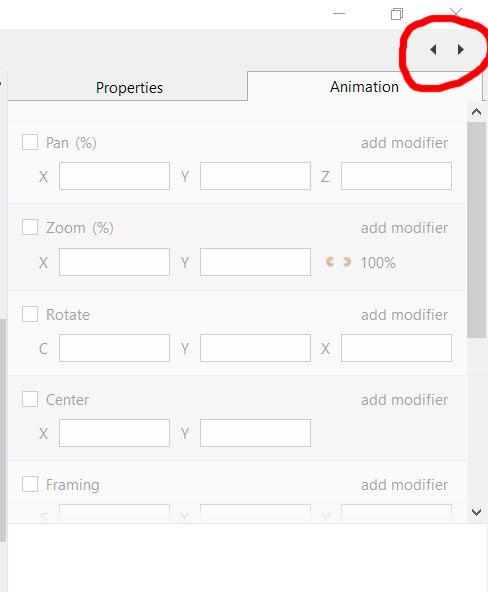
If you click on the little arrow at the bottom right, you have almost the whole screen to see what slides you have and you can place additionals. The size of the slides is regulated by the slide icon in the upper left. To return to the original view, click again on the arrow below MUR
-
Repeat me what thread, I don't remember MUR
-
Hi lacogada Another way to move it in relation to the image, but maintaining its position on the screen, is to change the numbers in "center". Each form is useful according to your needs MUR

-
Hold the shift key and go to that point with the mosue, until you see a small hand and then you can move that center Keep the shift key and the mouse buttom pressed during the movement MUR
-
It remembers me, Penser avec son pinceau, from Jean-Pierre Dolangere MUR
-
Hi Lin Incredible, impressive, I will spend a lot of time thinking about how you did it. MUR
-
Ha Jean-Cyprien A master of meticulous, precise and synchronized work. MUR
-
Yes MUR
-
Hi Tom Thanks for sharing, I enjoyed it very much MUR
-
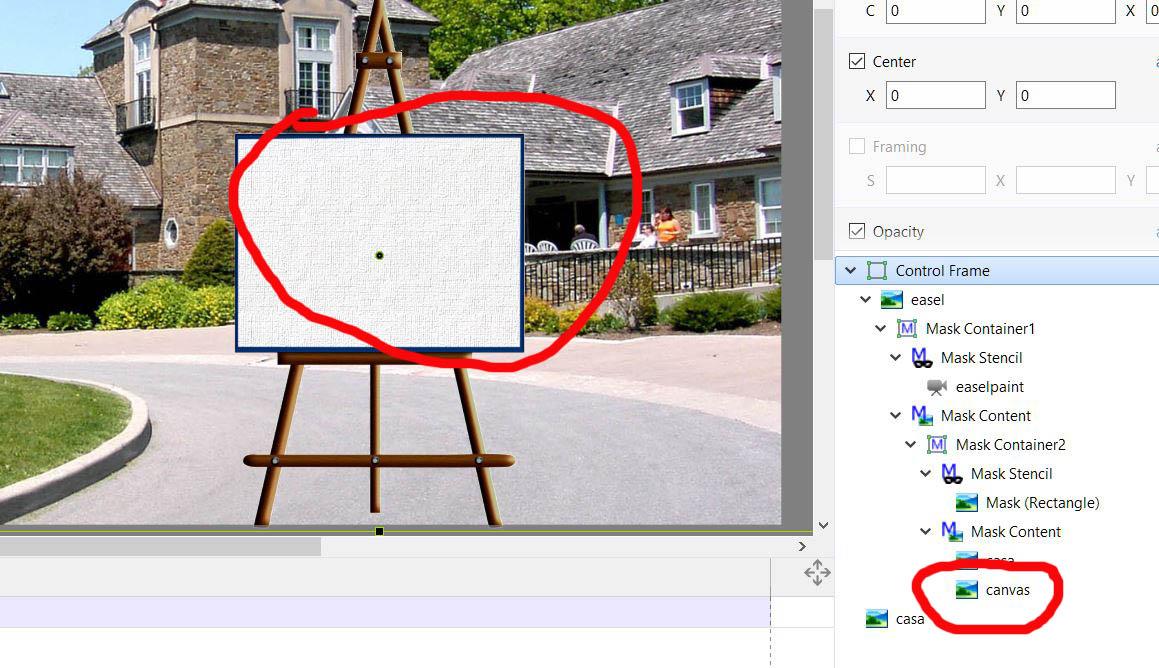
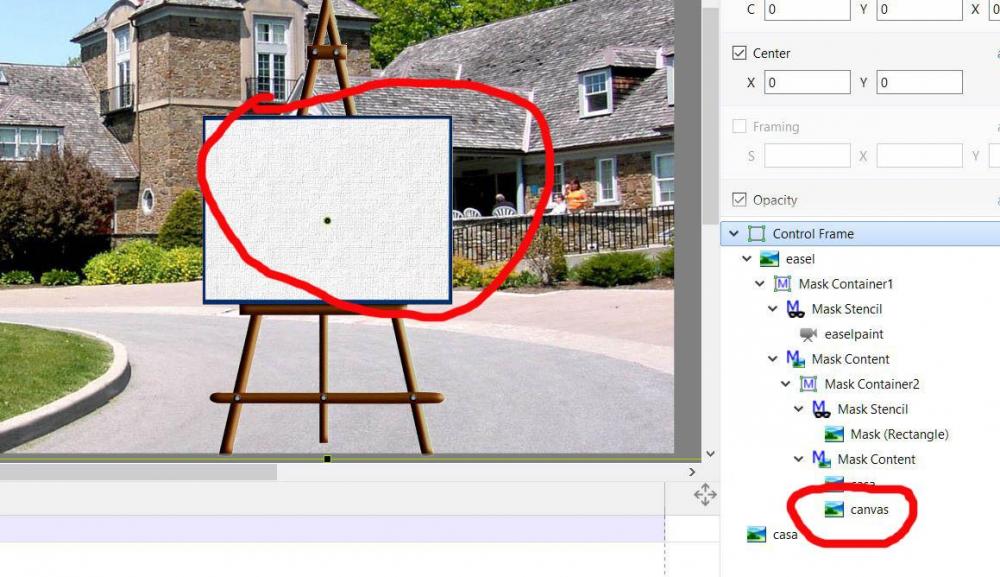
Hi Lin To avoid the problem with the easel size, I added and independent canvas texture. MUR
-
Hi Lin I added a canvas texture. I am sending you a screen capture, because de project is bigger than 3,13 MB It works very well MUR
-
Hi Lin When I was little I saw a Walt Disney movie, in which they drew a landscape in a similar way. I was amazed. Congratulations, it's wonderful. MUR
-
jt49 You are right. I did not pay much attention to its elaboration, because I do not consider it important. Thanks for your observations.
-
Hi jt49 It has already checked Edge Antialising. maybe using smooth speed for rotate and pan , help a little. But in any case it is almost a joke MUR
-
Hi I think that this isn't something new MUR Simple.pteeff Simple_Nov24-2018_12-48-21.zip
-
Hi OK MUR
-
HI Maybe I'm wrong, but my idea to present workarounds and techniques to achieve things that are not yet incorporated in the software, is to help those who need them, but never to go against the requests, which Igor always takes into account, but if this is not good, I can stop doing it. I will continue exploring and using them in my projects , but without communicating them to others. thanks MUR
-
Hi Barry and jt49 I agree with both, but as long as we do not have a direct way of doing it, remember that the workarounds are part of all activity, are part of life. Not everything is so straigforward. MUR
-
Hi When I have sound tracks with many settings and I need to duplicate it, I link it with a slide, then copy and paste that slide and I have everything duplicated, then I delete the link and delete the additional slide and I have a copy of the sound with all its editions To avoid confusion, I paste it at the end of the project and then move the soundtrack It is very fast MUR
-
Hi scots_quine Try the second option, working in a copy of the slide, pasted at the end of the project, deletiing all you don't need and at the end with copy and paste transfer the changes to the original one and delete de aditional slide For me, this method works fine, I use it a lot. MUR
-
Hi scots You can switch on and off all the key frames of any object, without erasing it, selecting or deselecting it in the list at the right of your window. If what you want is not to see it at all, copy and paste that slide and in the copy erase what you do not need. Then integrate the changes to the original slide (copy and paste) and delete the aditional. In complex animations I do this all the time. MUR
-
Thanks Dave MUR
-
Yes Lin, you helped me with that, but I think that must be included in hotkeys MUR
-
Hi When I have sound tracks with many settings and I need to duplicate it, I link it with a slide, then copy and paste that slide and I have everything duplicated, then I delete the link and delete the additional slide and I have a copy of the sound with all its editions To avoid confusion, I paste it at the end of the project and then move the soundtrack It is very fast MUR