All Activity
- Past hour
-
Mark, Thank You. My warmest wishes for a wonderful holiday season and a bright New Year! Alex
- Today
-
Are you sure that you have added the image as a separate Object & it is not a Child of an existing Object. Before you add the new image make sure you Click off any other Objects. Click in a blank Space in the Object Panel bottom right of the O&A window. Your new image should then appear at the top of the stack & you should be able to see it. Even after using PTE for more than 20 years it is a mistake I still occasionally make when working in a rush Jill
- 1 reply
-
- 1
-

-
I am using PtE Deluxe 9.0.22 On several occasions now I have brought in an image to a project, but when I open that image in Objects & Animation I can't see the image. If I click on the space, I see an outline frame. The images are JPGs and I can see them in both slide and timeline views. This continues even after leaving the project and closing PtE Has anyone else experienced this ?
-
Fabulous, great show, very well done. Best wishes to you and your family for safe, happy and festive Christmas. Mark
- Yesterday
-
Rene, May 2026th and the entire year bring you all the best as well, filled with happiness, success, and peace. Alex
-
Hello Alex, thank you for this New Year's card for 2025/early 2026. Happy holidays to you and your loved ones. René
- Last week
-
It has been a while since creating a vacation slideshow so I may have asked this before but just forgot the answer. If I place slides in the slideview line or timeline and set the duration of each to be some consistent number (e.g., 8 seconds) but then apply something like the Ken Burns theme to some or all of the slides the duration of each changes. This works sometimes but sometimes not so I need to go in and tweak the durations on the slides. I assume the duration change is by intent depending on the style/theme being applied, but is there any way to lock the durations?
-
Rosemary A, Thank You. I appreciate your kind comments. My best wishes for happy holidays and a wonderful New Year! Alex
-
Thank you Alex for this beautiful Christmas show. Thank you for all that you contribute to this forum and for your generosity throughout the year. Merry Christmas and a Happy New Year to you and yours. Rosemary
-
chanfit22, Thank you! May the New Year bring you happiness, peace, and prosperity too! Alex
-
Hello Alex, another beautiful and dynamic slideshow, as usual. I wish you a Merry Christmas and a very Happy New Year!
-
Merry Christmas and happy New Year to everyone! We wish peace, joy, and good health to all of you and your loved once! Alex55 The Link to the Project files provided
-
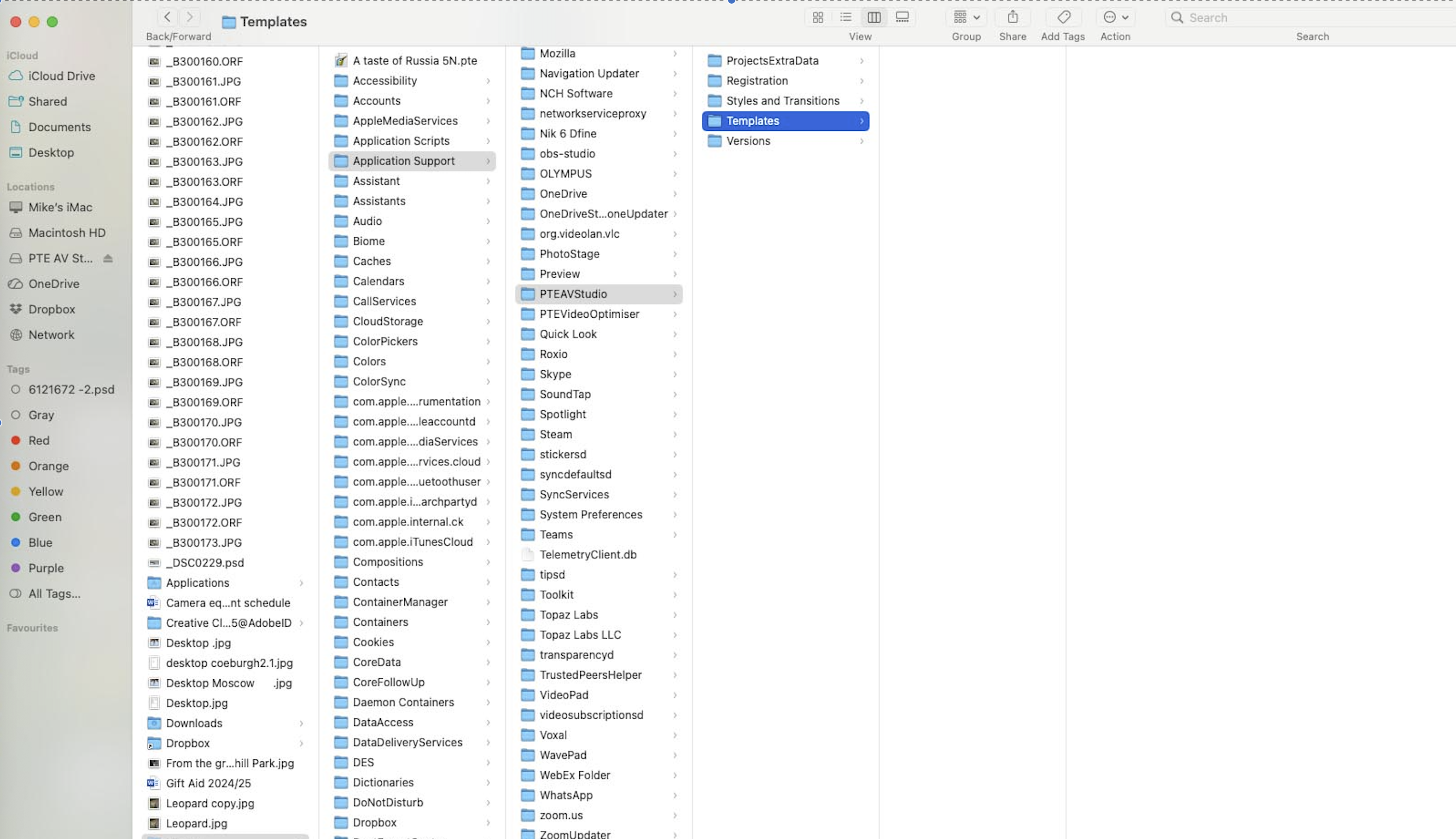
Yes, it's uninstaller for PTE AV Studio on Mac: V11: https://files.wnsoft.com/pteavstudio/RemovePTEAVStudio.app-11-0.zip V10.5: https://files.wnsoft.com/pteavstudio/RemovePTEAVStudio.app-10-5.zip You can choose what to delete - only settings of the program or styles + templates as well.
-
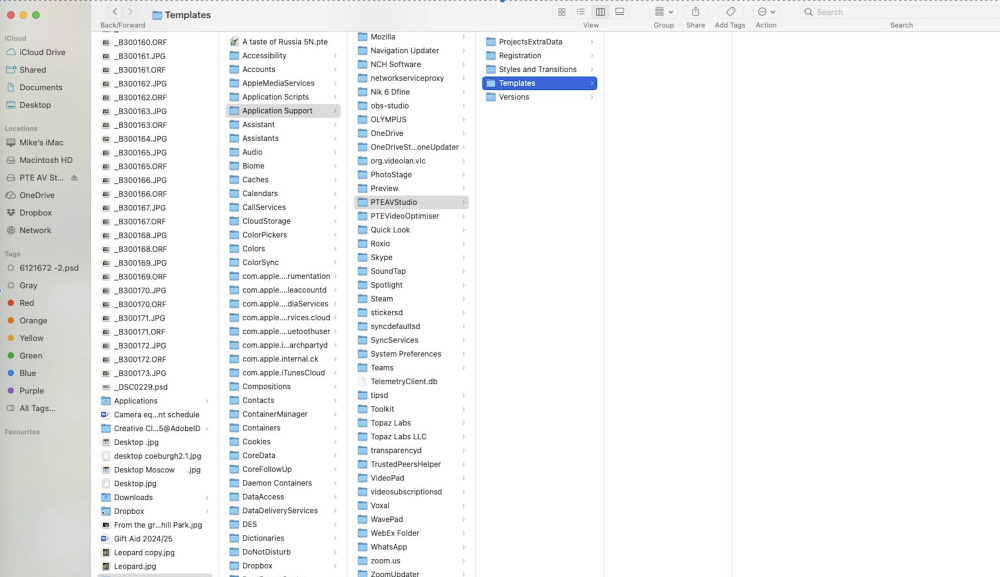
Hi Igor I think you mentioned that PTE have a removal tool that would not have destroyed my template files. Can you give me the link to down load this please.
-
 voja joined the community
 -
Thanks Kieron, always a pleasure to help. Jill
-
I would like to thank Jill and others who quickly answer PTE queries and provide valuable insights to forum members. I know that I personally have gathered a greater knowledge of the program through her. Kieron
-

Free Music / SFX Resource - Over 2000 Tracks
Eric Matyas replied to Eric Matyas's topic in General Discussion
Happy December Everyone! To kick off the new month, I've created a couple of new production beds that you'll find on my Rock page: "STRUTTIN’ DOWN MAIN" "EMOTIONS RUN HIGH" https://soundimage.org/rock/ They're 100% free to use in your projects with attribution, just like my thousands of other music tracks. AD-FREE & COMMUNITY SUPPORTED My website is completely ad-free and supported by the community. If you can, please consider making a small contribution to help me pay for my overhead. You can make a small donation here: https://soundimage.org/donate/ You can also check out my Genre Ogg Music packs (mainly for video game developers.) https://soundimage.org/ogg-music-packs-2/ Or my Game Music Mega Pack here: https://soundimage.org/ogg-game-music-mega-pack/ Enjoy! 🙂 -
Completely uninstalling any program with its settings usually means deleting all user files and settings associated with that program. We'll work to improve the stability of PTE AV Studio on Mac so users don't have to worry about fixing frozen app. It's a rare case, but we'll do our best to fix it.
-
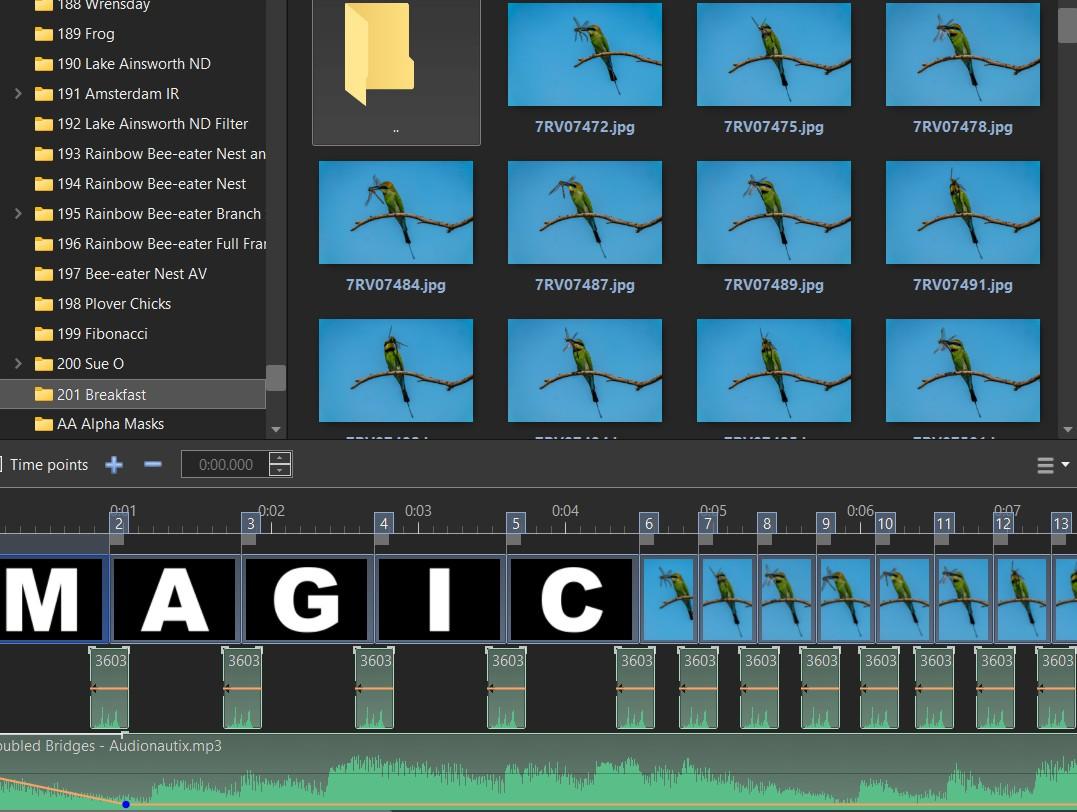
very easy to do. Simply link those audio files to the slides you don't want. Then in Slide View delete the Slides, the audio files will be deleted along with the Slides. I would first move the audio clip on Track 2 to the right to roughly where you want it under Slide 6 Or you could delete those audio files from Track 1 first & then delete the 5 Slides. Again reposition Track 2 first Jill
-
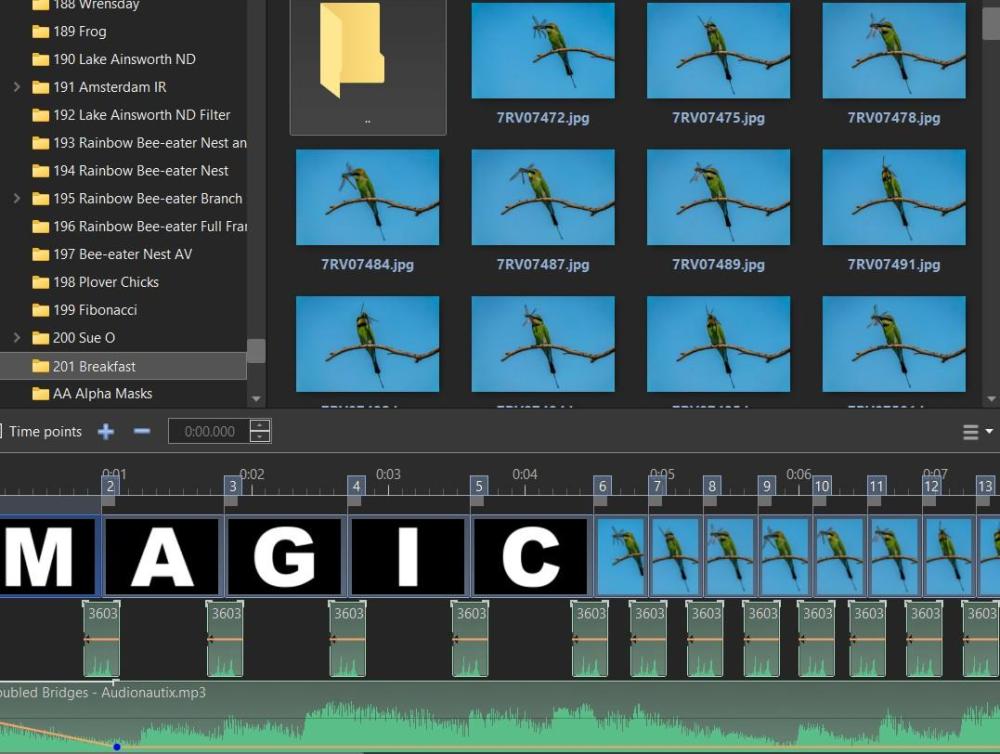
I created a slideshow for a group I am Admin for that use the letters "MAGIC" at the beginning - see screenshot. For another AV, I now want to save another version of this show without the first 5 images and the audio files on the first timeline. I can change or edit the audio file on the second timeline more easily. From memory I remember there was a way to remove the audio file and images without affecting the timing of the other slides? I have looked at some options in the Project Options Tab but there has been no success. Thanks in advance. Mark
-
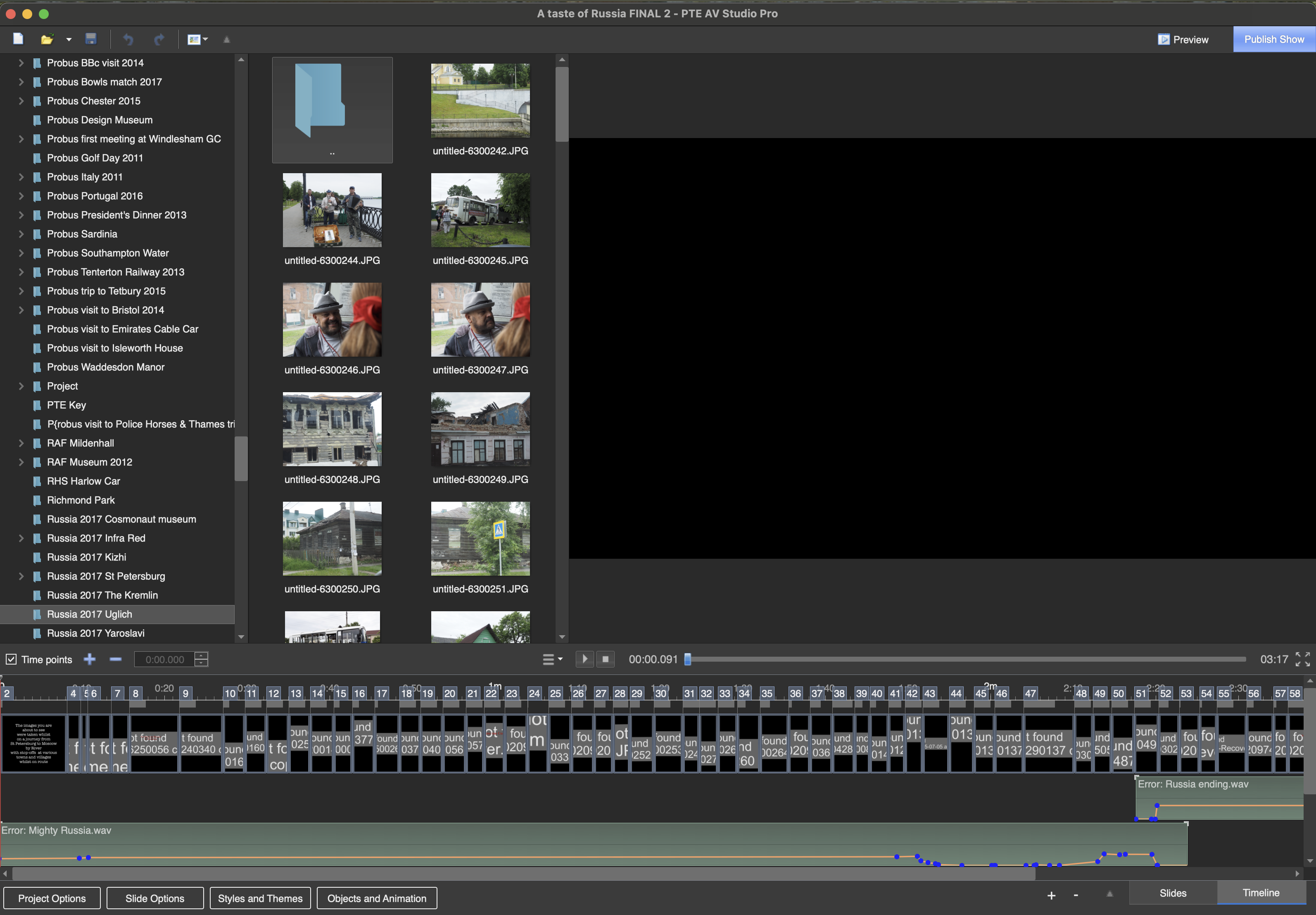
Create a project with just one slide which shows your problem. Create a Backup in Zip, and post it here.
- Earlier
-
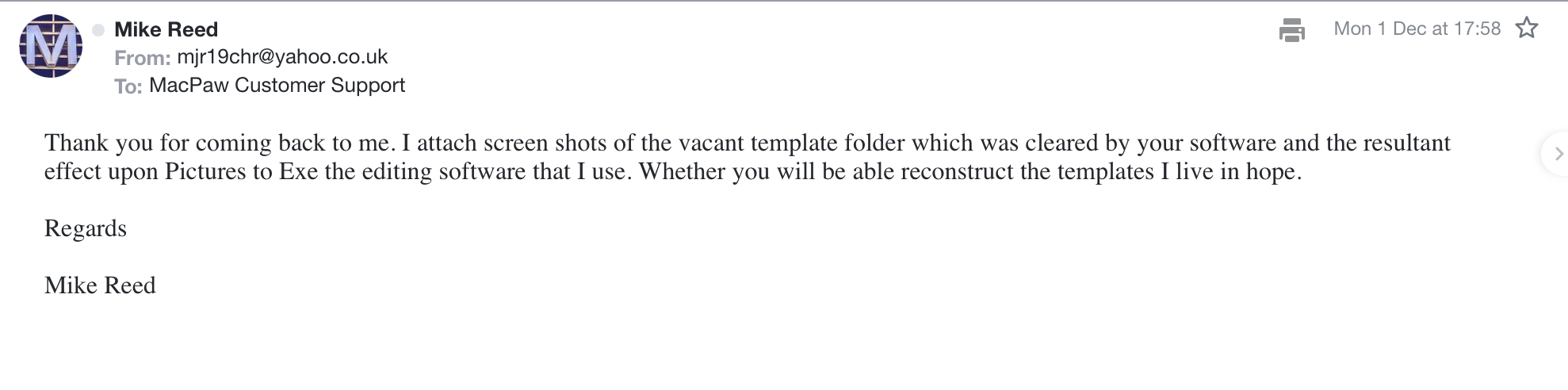
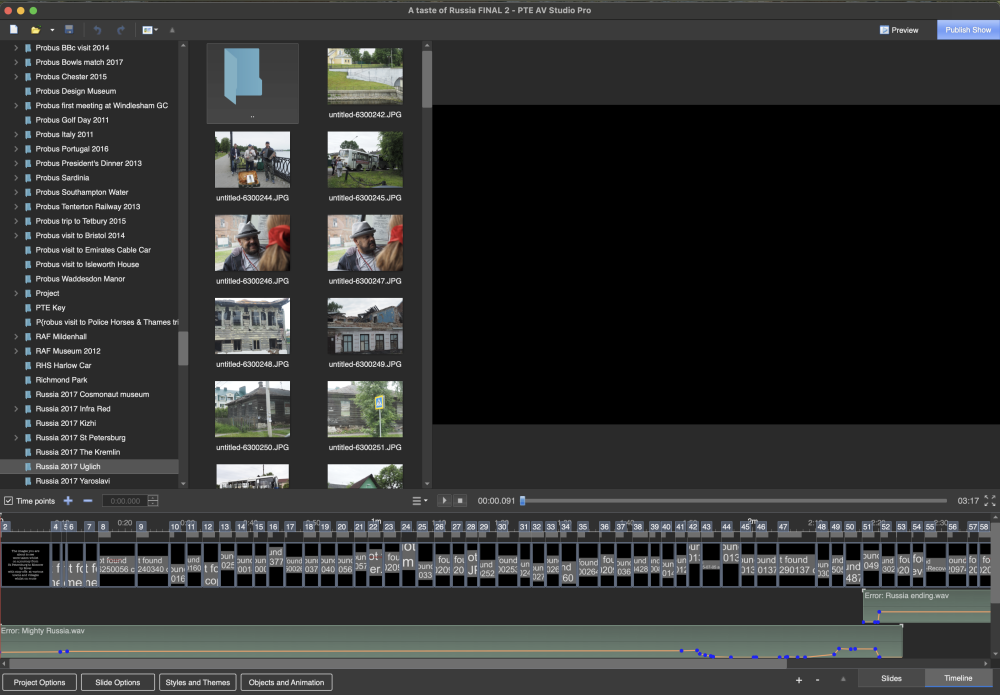
Just to keep you in the picture Igor I attach copy of my email sent to Macaw re their software. You may feel that this is a matter that should be more widely drawn to the attention of PTE users.
-
Hi Folks, here is my puzzle. I have an image as a background which I have animated. I have added a mask to this image. When I run the slide the mask stays still while the image moves, which is what i want it to do. But, when I add an image to the Mask Content and run the slide, everything moves including the mask and Mask Content. Is there a way to stop this happening? So that when you view the slide the background moves but not the mask and its contents. Many thanks, Ray
-
Updated version of PTE AV Studio 11.0.20 is available for PC and Mac Download: https://www.wnsoft.com/pte-av-studio/download/ Fixed: Soundtrack export and voice recording to MP3 format stopped working (regression introduced in version 11.0.19). About window shows: 11.0.20 Build 1.
-
Thank you for the lovely message. Happy holidays!