goddi
-
Posts
3,596 -
Joined
-
Last visited
-
Days Won
27
Everything posted by goddi
-
I am not sure if this actually answered your question or not. Was it helpful or is there something else that we missed? Gary
-
Give this a try.... Barry Beckham's video... on keyframes. Gary https://www.youtube.com/channel/UCSRlEl6raTzjc6ju4VvucJA/videos
-
I haven't used it much since I always have all file in my project folder. But I believe 'File/Create Backup in Zip' will put together all your scattered files used in the project into a zip file. Then, just create a new project folder and unzip in that folder. Others may correct my thinking. Gary
-
Greetings, I am sure others will have different opinions but I believe that you should have all of your files in one place. I copy all files into the project folder so there is no way of wondering where anything is latter on. Gary
-
Greetings Canico, I look for arrows, etc., in the .png format. And if you use the graphic more than once, you just reuse the same image where ever you need to. I don't think it even increases the size of your project. Here is one place to look: https://www.google.com/search?q=symbols+png&tbm=isch&chips=q:symbols+png,g_1:arrow:cubvUfS7JXc%3D&hl=en&ved=2ahUKEwjZh6ygjbLpAhUGBN8KHTGkB9YQ4lYoBHoECAEQHQ&biw=1605&bih=947#imgrc=ukIgSD8LMUqVSM Gary
-
Greetings, Just downloaded it. Really nice work!!! Thanks... Gary
-
Ruth... no, I've never used it. Maybe someone will recognize it and give some instructions. Looks like fun, though. Gary I
-
Greetings, Not sure where I got this from. Might be from an earlier version of PTE. But try this Family Tree style. Family Tree.ptestyle Gary
-
Greetings, I contacted Grosfichiers about the 50Gb limit and I got the following response: "Hello, Choose you plan 20€ here: https://www.grosfichiers.com/votre-contribution.html Then you’ll be able to send files until 50Go. This page exists for now only in French sorry. Regards, Edouard Boisset"
-
Thanks...jmG. It would be nice if they made that a bit more clear. Good to know. Gary
-
Greetings, Hmmmm.... I see '10 GB'. 50GB would be great but I just don't see it mentioned. Do you have to register to get 50 GB? I don't even see how to 'register'. Gary

-
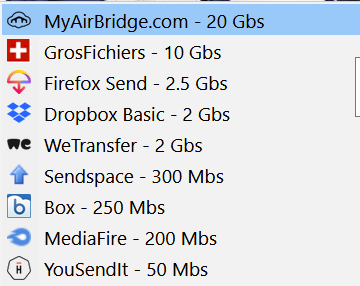
Greetings, Here is my go-to list of file transfer sites that I use. jmG says GrosFichiers is 50 Gbs, but I see 10 Gbs. Maybe registration gives more but I have not used it. Sendspace used to not work well in Firefox; only in IE. But not sure now. Things change so I hope this list is accurate. Gary
-
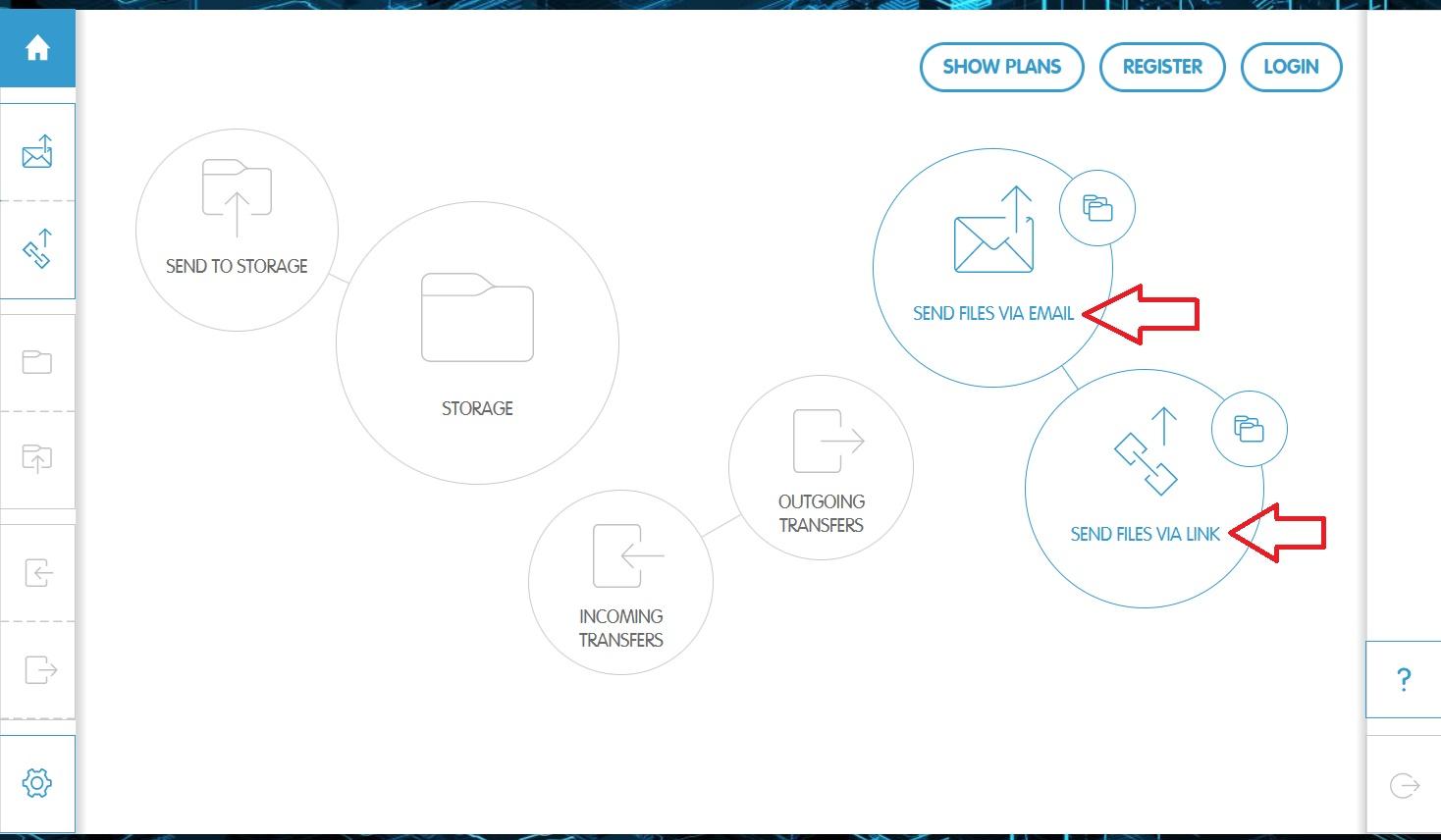
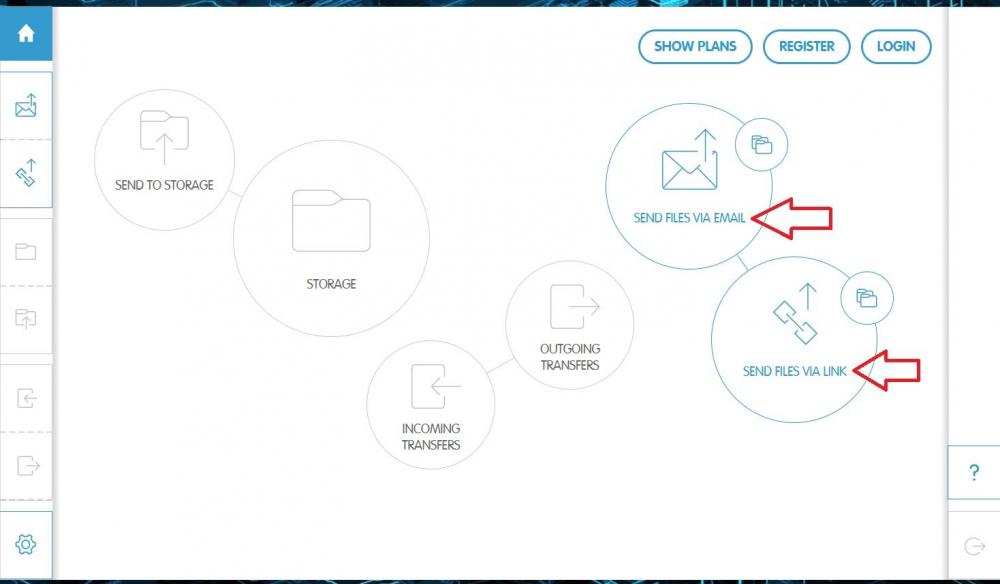
For large files, I've used MyAirBridge---max limit 20Gbs (free plan). Not sure if this is what you are looking for but you can send files via Email or via a Link. https://www.myairbridge.com/en/#!/ Gary
-
Greetings Igor, Importing a transition in 'Slide Options' seems the obvious way to do it. Never thought of doing it in 'Project Options'. This would solve the problem but I still think it should be able to be done in 'Slide Options', too, if it can be corrected to do it without add the transition to the slide when the 'OK' clicked. Does this happen when you 'Import' in 'Styles and Themes'? I haven't had a chance to test that out. But it seems to me that 'Import' should work the same in 'Slide Options' and 'Styles and Themes', without them being applied when the 'OK' is clicked. Importing menu should not be different between 'Slide Options' and 'Styles and Themes'. Otherwise, not intuitive. Thanks... Gary
-
Greetings, Exactly my point. I don't think it worked this way in the past. Sure, we can work around it once we figure out what is going on. But, especially for new users, you can really screw up your project when a transition is inadvertently applied, as it can be done now, when importing a transistion. Gary
-
Greetings, After a Transition is Imported, to keep the Transition, you have to click 'OK'. However, when you click 'OK' to keep that Transition, that Transition is also applied to the image. When the 'OK' is selected it should only allow the acceptance of the transition, not apply it to an image. This seem to be the only way to save the Transition, but then you have to Exit the program and 'not save' the file to eliminate the applied Transition that you really did not want to be applied. Am I missing something here? Is there a way to Import a Transition and not have it immediately applied to an image when you click 'OK'? Gary
-
I want to click 'OK' to just close out the Import process. Not to Import a transition and be applying it to whichever image I had selected to have opened to view the transition as it is being imported. It is forcing the transition to be applied to the image. The 'OK' should only be for closing out the Import process. Am I right about this???? Gary
-
Ok...going a little nuts here. I dumped all the files and started over. I re-imported each transition (10 of them) one-by-one. Then I 'Canceled' the 'Manage transition' window. The only transition that remained was the first one I imported, Zontik (which contained many files, including the Zont-1-2.png). If I click on 'OK', instead of 'Cancel', the transition gets added to whichever image I was using. I don't want this to happen so I click on 'Cancel' to just close the 'Manage transition' window. But, it makes all the other transitions to not work or disappear. What is the proper sequence to do this...? Or is this a 'bug'? Seems I have to click 'OK' and then close PTE and 'not save' just to get the transitions to be imported but not save the transition to be placed in the image. Gary
-
Greetings Paul, Yes, the duplicates did disappear. Never noticed that happening before. But I am not clear on the 'zont-1-2.png' file. Should it be there or not? Was this a valid file that should be there. I am going to dump all the files and start over to see what happens. Gary
-
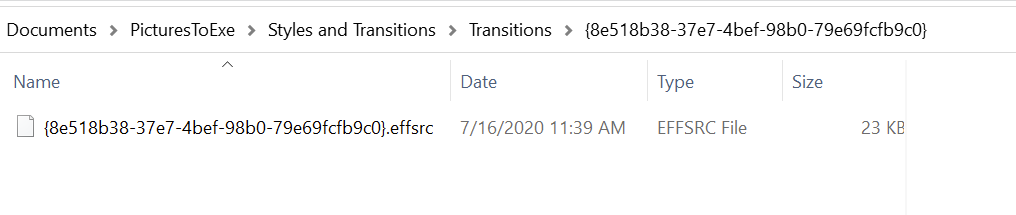
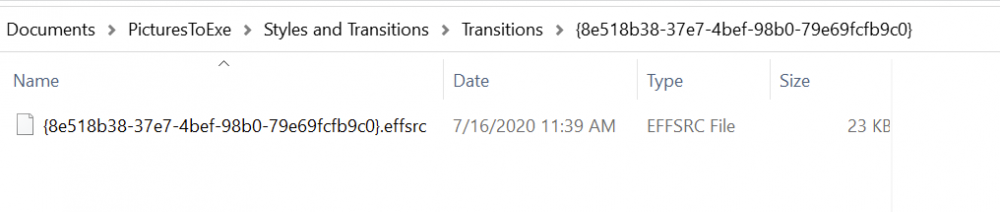
Greetings, I re-imported each of the 10 transitions. I checked as I imported each one and they worked. I closed PTE and re-opened it. Again, the images used in the 10 transitions do not show up. I get 'image not found...". Has the AVG program caused this problem? Anyway of fixing this problem? The 'ZONT-1-2.PNG' is not in the file path anymore. Gary
-
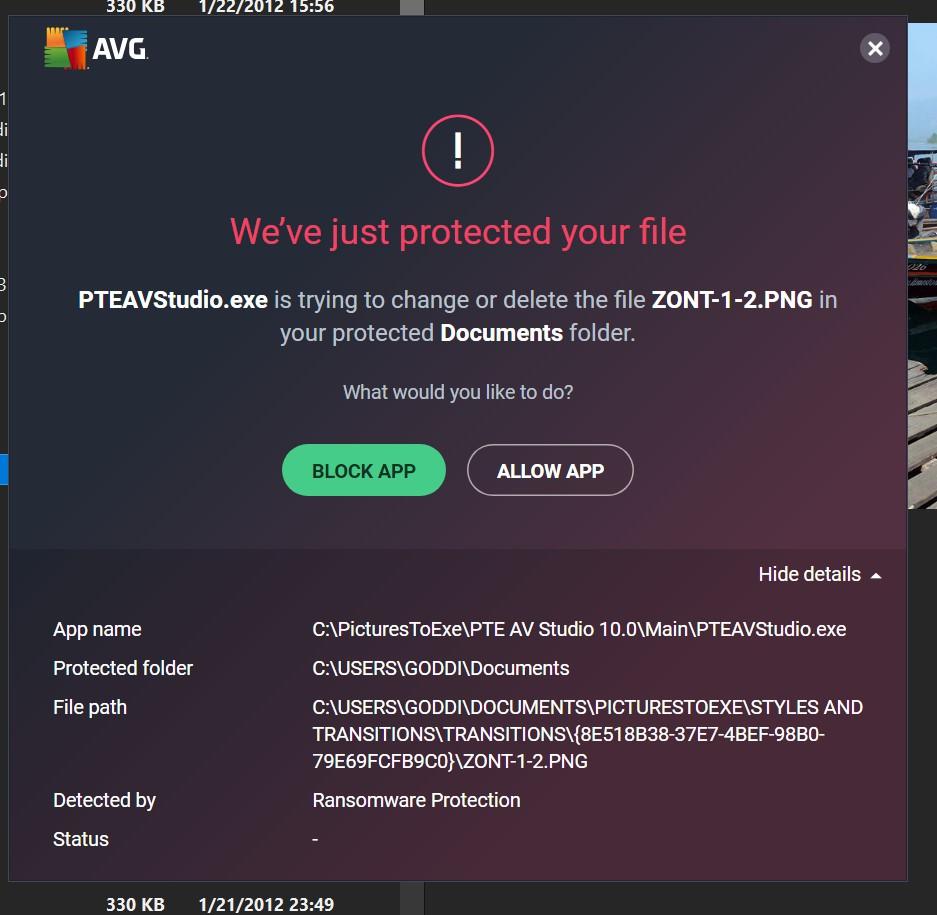
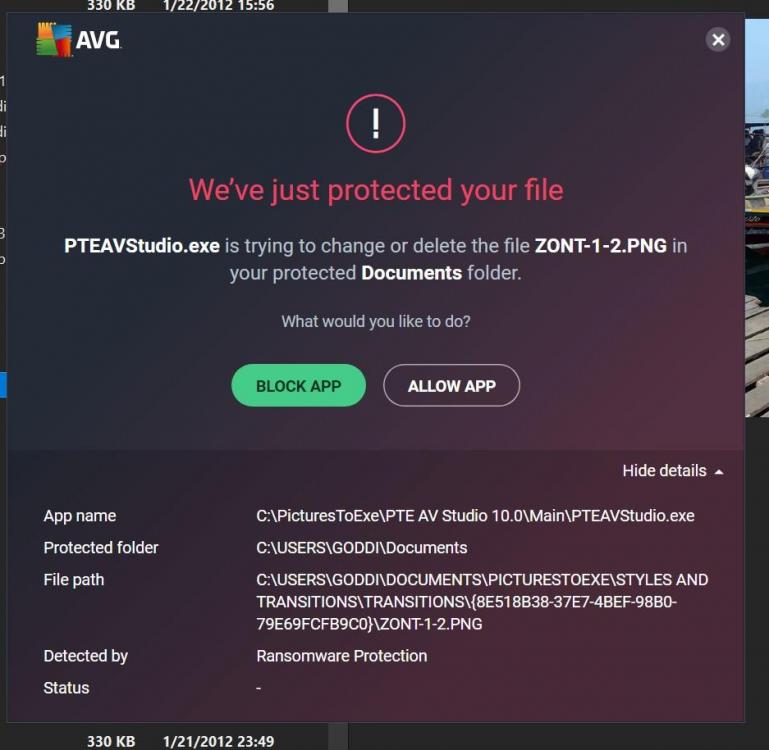
Greetings, Thanks for the transitions. But a couple strange things happened as I was importing the transitions. I downloaded them. No problems. But, as I was importing them, one by one, multiples of each transitions showed up. 7 or 8 or more showed up of many of them. Then, I got a notice, see below, that "PTEAVSTUDIO.exe is trying to change or delete the file....". I clicked on 'Allow App'. Never have seen this happen before. Should I be worried??? After I looked into my Transition list, all of the extra duplicates of these 10 transitions disappeared. Oh...and now I notice that the images used in the transitions do not show up....Maybe I should not have clicked on the 'Allow App' to delete the folder??? Gary
-
Jim, Here is one that I made of part of our road-trip in Scotland. Most all is video. PTE handles video very well and results are very good. These videos were from my GoPro mounted on the windshield of my car. I like adding video clips in all my shows and it is pretty seamless. Gary
-
Greetings, I had my first Zoom meeting yesterday. I was experimenting with using Zoom's virtual background. I can add a still image. I also tried a video virtual background using a PTE show. The PTE video shows very well except that the audio does not play. I Googled around and discovered that using a 'Virtual Audio Cable' (a downloadable software) should allow the audio to be heard. I gave this a try but have not been able to get the audio of the PTE show to play as a virtual video background. I thought it might be a useful tool for PTE users to have an interactive way of asking questions or showing problems. I am wondering if anyone has been successful in using the 'Virtual Audio Cable' in a ZOOM meeting to show a PTE video with its audio? https://golightstream.com/how-to-setup-virtual-audio-cables/ Gary
-
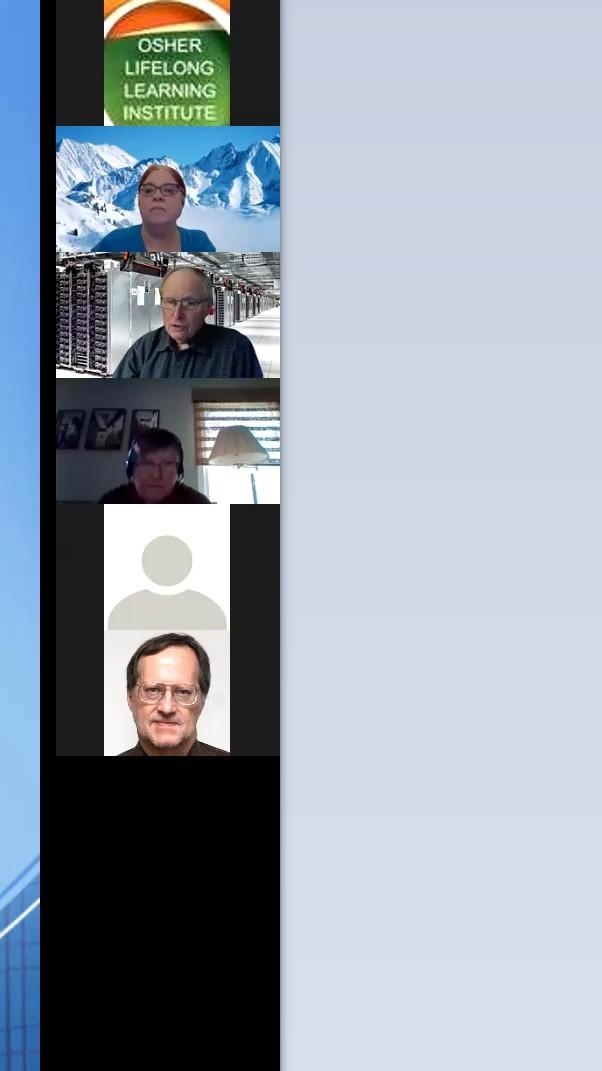
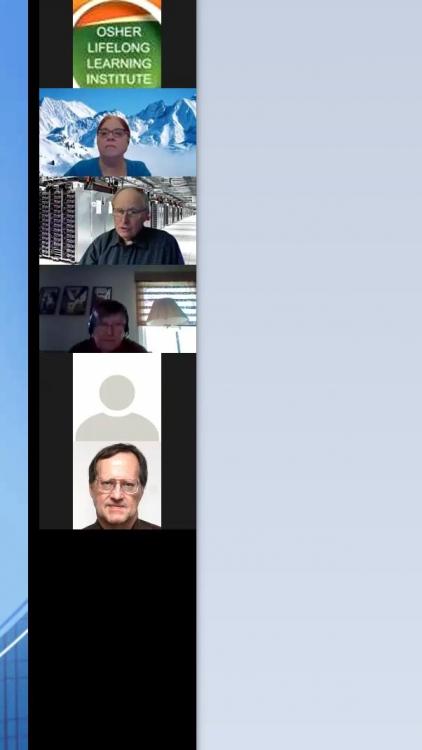
Greetings Paul and Jill, The good news is the person who I edited the Zoom video was happy with what I had done and didn't need any further work. However, Jill, I am trying to understand your instructions. It seems you are thinking the portions of videos to be blocked are full screen. In this video, they are all stacked on the right side. The moderator (the third section down; man with computer in the background) starts in the third section; then moves up to the second section; then moves back to the third section. The hard part is unblocking the second section at the right moment for the short time he has been moved up; and blocking the third section. Then, reblocking the second section and unblocking the third section when he is moved down. Just for fun, I will keep working on it but thanks for the help. I think it would be an easy thing to do by I just can't get my brain to wrap around the process. If only the keyframes could be spread out it might be easier to do this. But thanks for the info. Gary
-
Awesome...