goddi
-
Posts
3,596 -
Joined
-
Last visited
-
Days Won
27
Everything posted by goddi
-
Greetings, Is there a way to determine which Style was used with images/videos? If not, can there be some indication in the slide list to show the name of the style that was applied? Gary
-
Greetings, I think I got close but not the way I'd like. But my brain is not coming up with a better solution. Here is a far as I've got. I rotated the text vertically. It goes vertical but somehow I dropped the reversed text as it goes around to the back... Gary UExpress-Vertical.ptestyle
-
Greetings Bart, I gave it a try but I could not modify it to rotate top-to-bottom. Dave is much smarter than me. Just can't figure it out. Gary
-
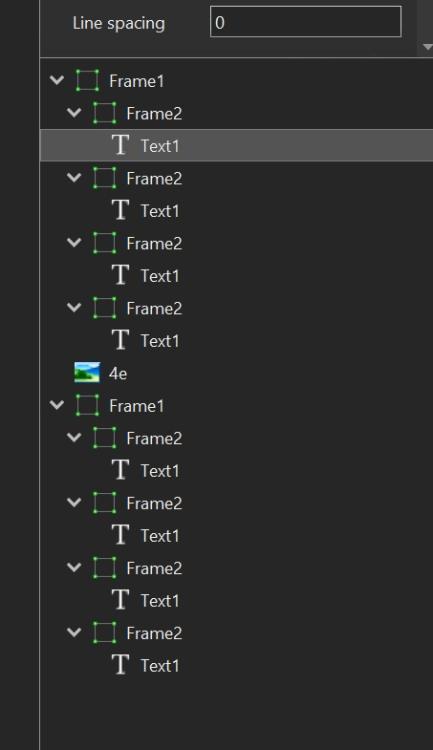
Greetings Dave, When I modified your Style, I deleted all the 'Text1' keyframes except the first 'Text1'. You had each letter of 'Text1' in its own keyframe. I am not sure why you did it that way. Did you do it for some other functionality? Like changing colors or sized of each letter within the 'Text1'? Or what other possibility? Just wondering...Gary
-
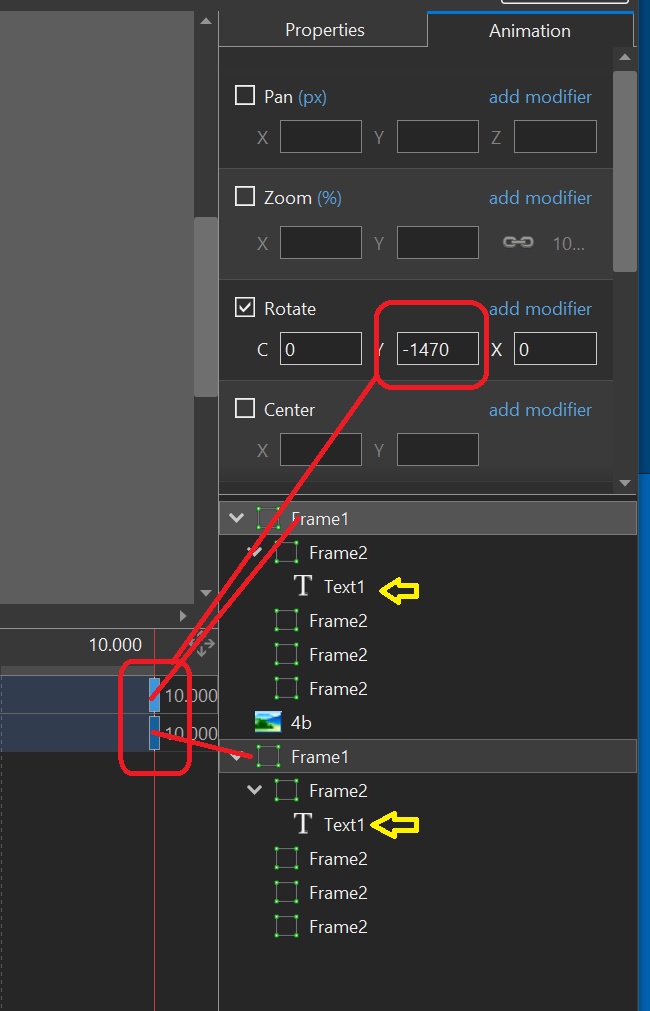
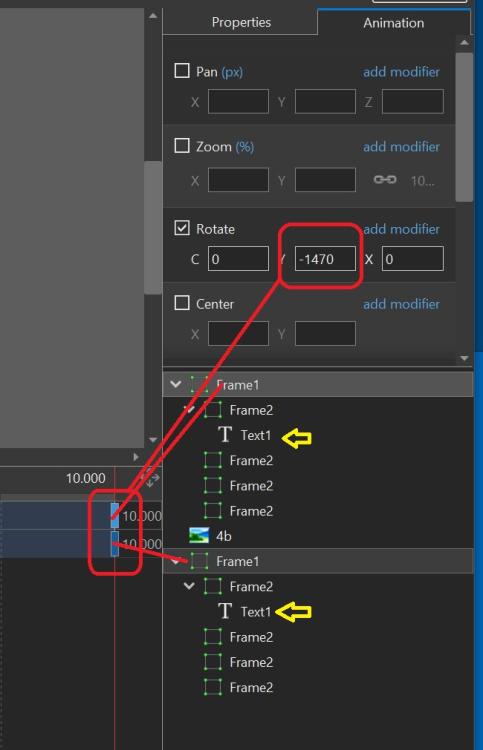
Greetings Bart, If you mean to make the text rotate in the opposite direction, just change the negative '-1470', to a positive number, '1470' (or whatever length you want). Gary
-
Thanks Dave, Very nice Style. I wanted to see if I could make the text rotate a bit more. So I tweeked it a bit. Here it is, slightly modified. I typed in the text in both of the 'Text 1' keyframes. I increased the Rotate animation for both of the 'Frame 1' keyframes to '-1470'. Then increase/decrease the slide's duration to adjust how fast the text rotates. I hope this makes sense. Just poking around. Gary Rotating Text-modified.ptestyle
-
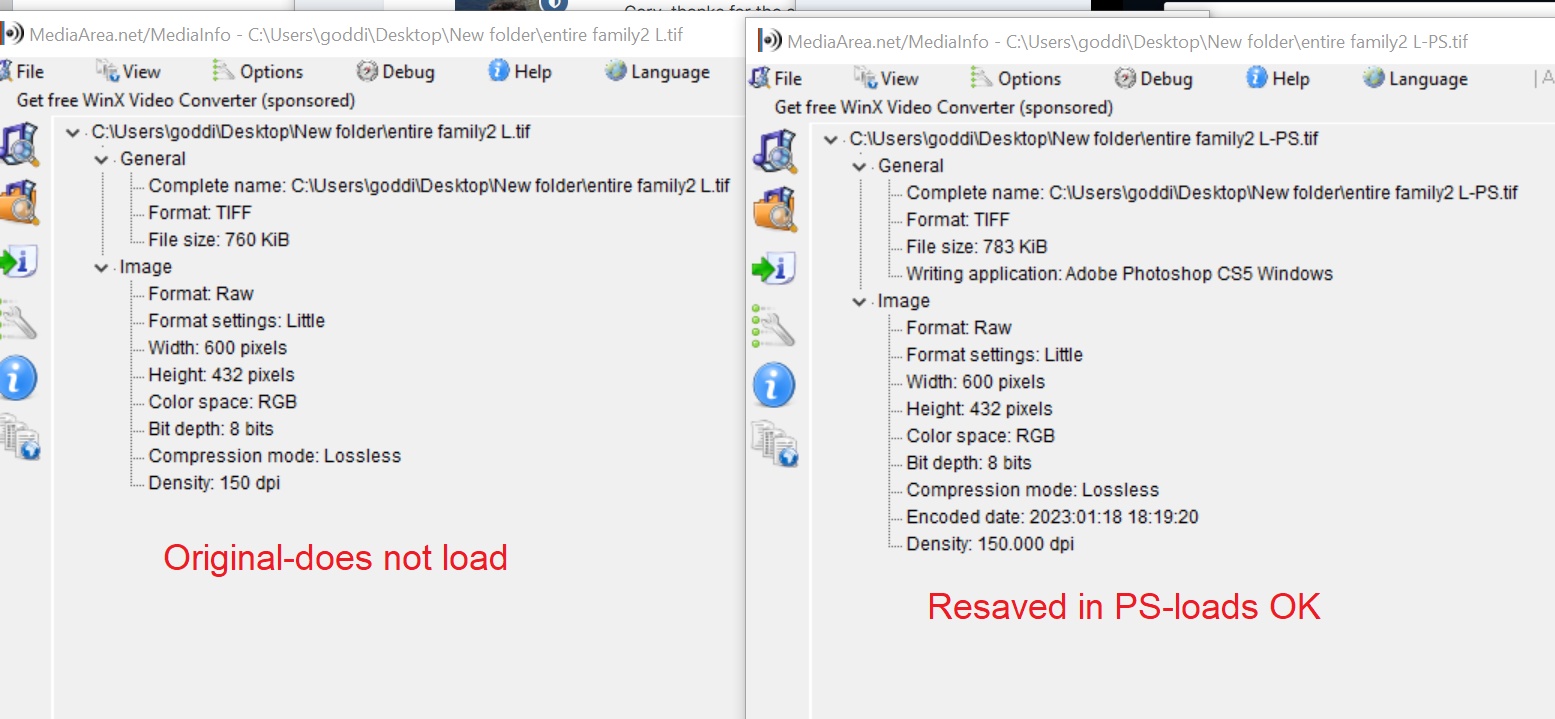
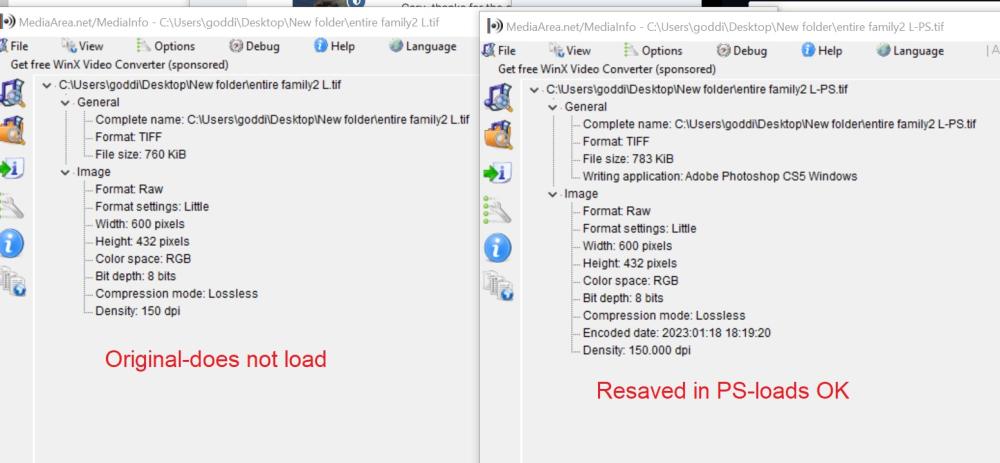
Thanks, Igor. I checked with my friend to see if he remembered how he created the image. All he can remember is that he must have scanned a print with a flatbed, but does not remember exactly how or with what. At least now we know what to do if this issue reoccurs. What is strange is that the MediaInfo does not show any difference between the original and being re-saved in PS. Thanks... Gary
-
Greetings, The question is that the file worked in V10, but not in V11. I did open it in PS and saved it as a jpg and it worked. So, why would this tif work in V10 but not V11. The person I am helping is a newbee so I don't think he or others would have figure it out since it had worked in his earlier version. Looking at them in MediaInfo, they look the same. And it works in other photo programs. So it is a curiousity that I I hope Igor can explain. Thanks... Gary
-
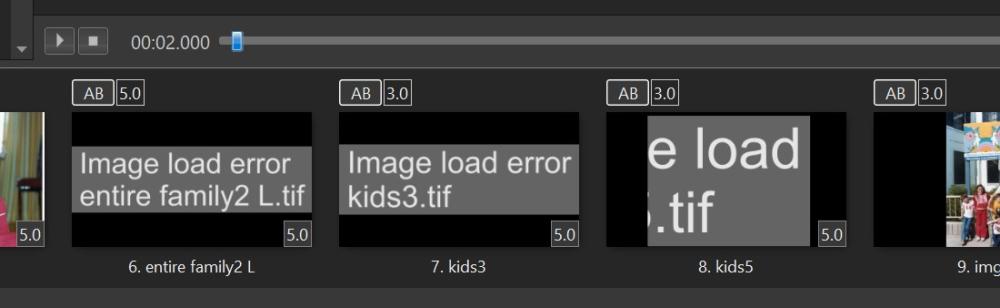
Greetings Igor, I've attached one of the TIF files. He is using Windows. I tried it in my Windows10, and it fails to load in my PTE V11, too. Gary entire family2 L.tif
-
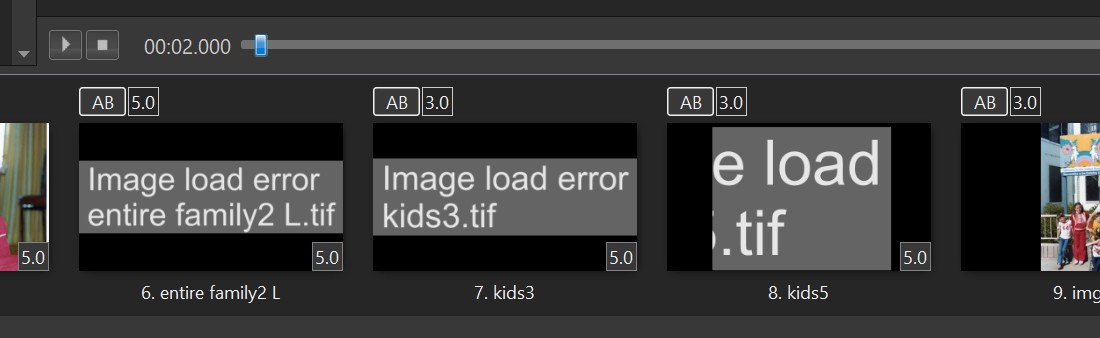
Greetings, I was helping a friend with his PTE project. He was using V10. He had some Tiff images and they loaded correctly. However, he then upgraded to 11.0 Pro. But the Tiff images would not load. Is this a bug? When I converted them to jpgs, they did load correctly. Gary PS I just noticed that the file extension is 'tif', not 'tiff'. Wonder if that is the problem. But they loaded in the V10. =====================================
-
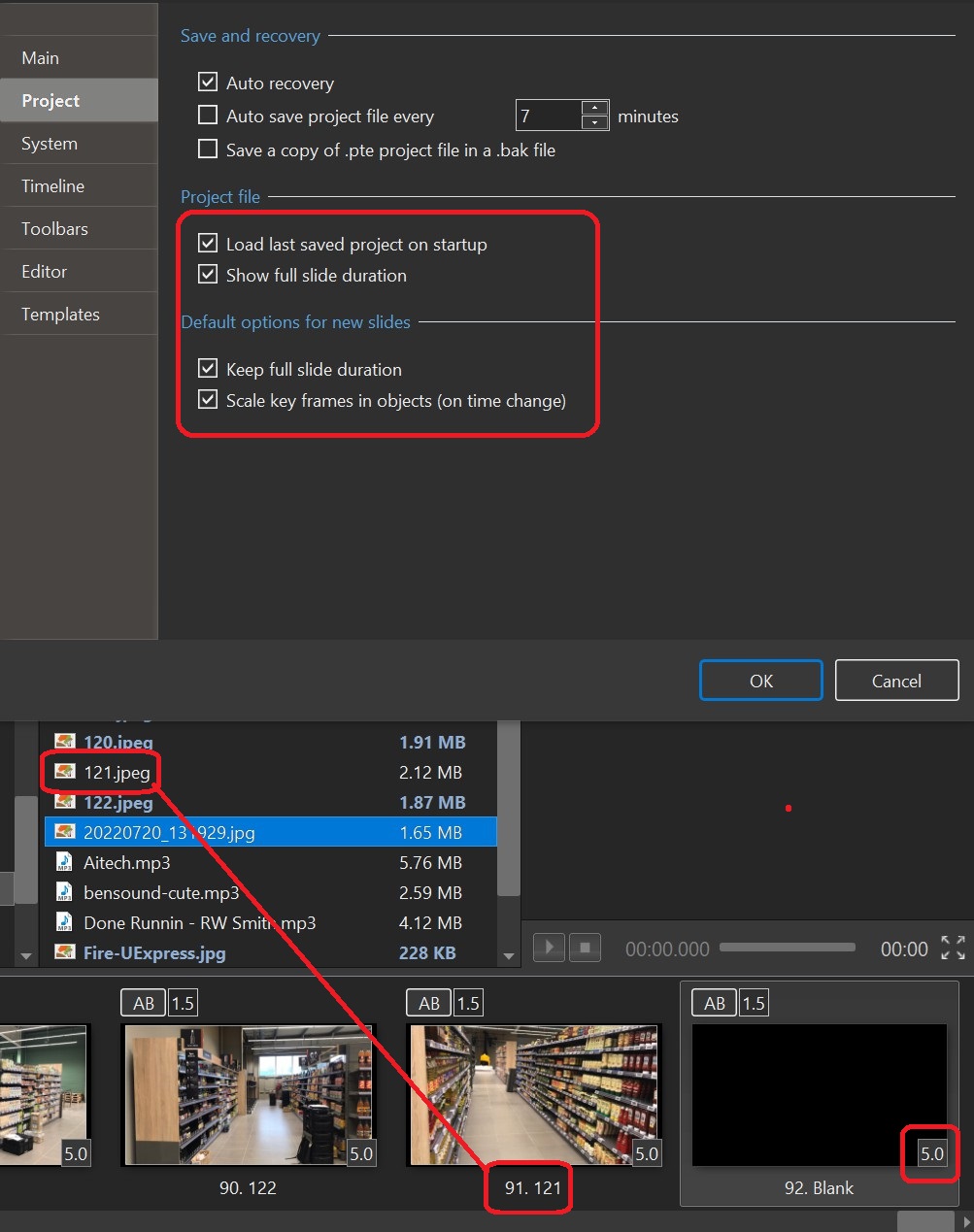
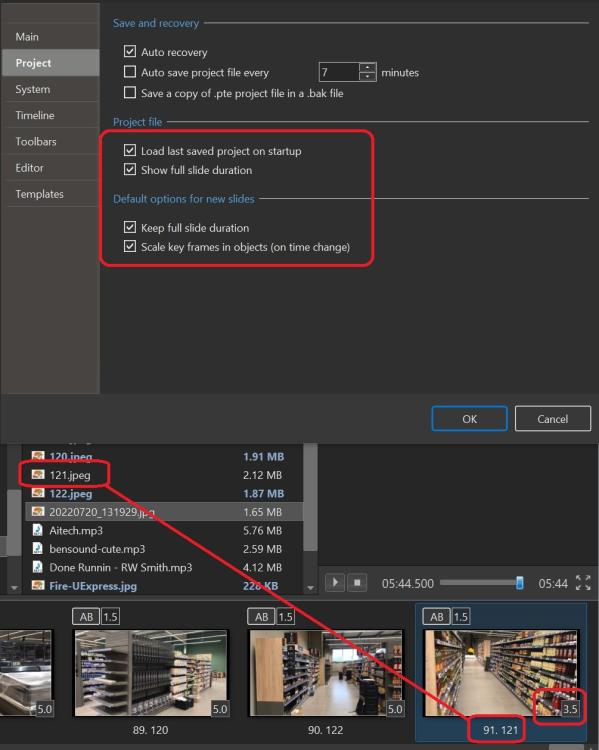
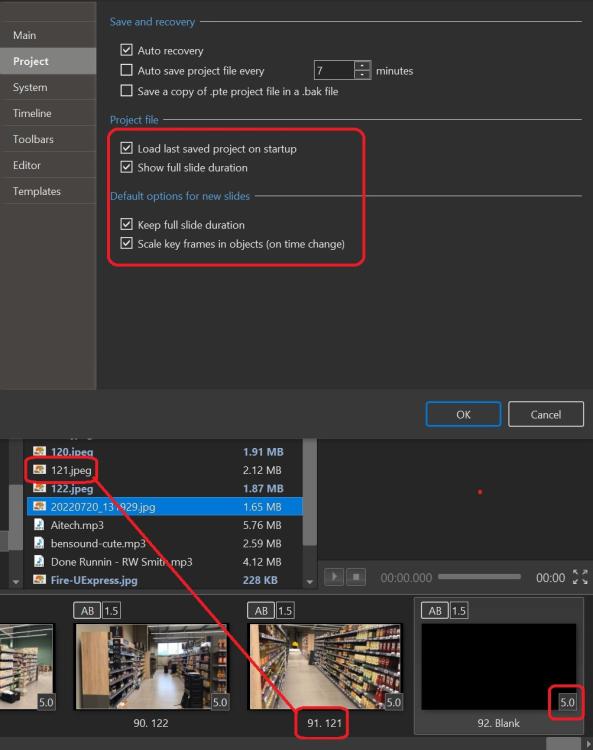
While in the project, just changing the last slide from an image slide to a blank slide produces the different results for the slide duration for the last slide. No real big deal, but just don't see why it does what it does. Never noticed in in previous versions. Gary
-
Yes, but with a blank slide, it shows 5.0. Why the difference? Gary
-
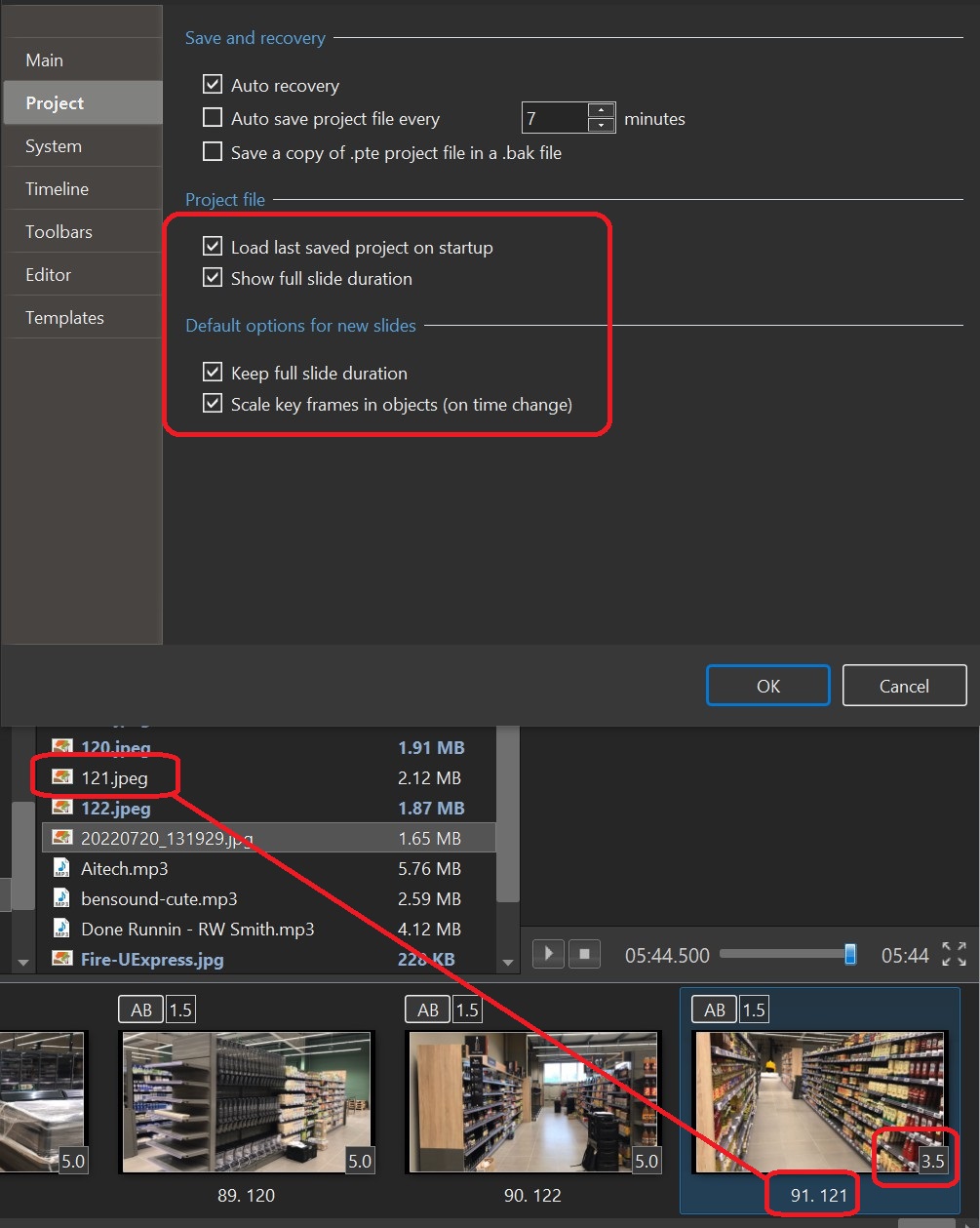
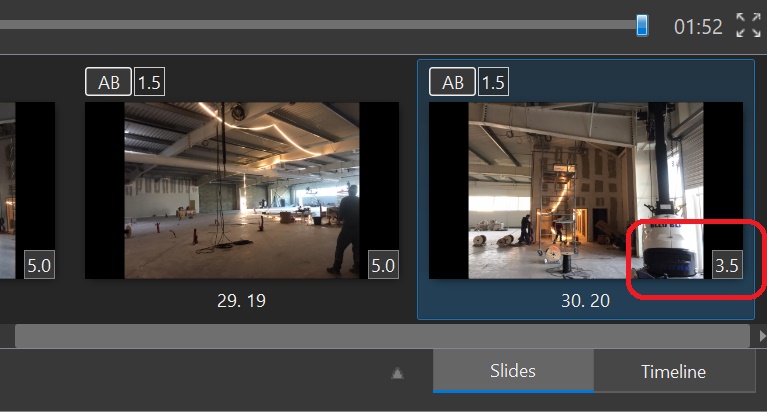
Greetings, It's been a while since making my last project so I don't remember what my setting were, especially since upgrading to the new version. But I still have a couple questions. I have the 'Show full slide duration' and 'Keep full slide duration' checked. With an image as the last slide, I get '3.5'. But with a blank slide, I get '5.0'. Why the different results? Also, I notice that even though I have slide #121 in the list, it is not 'blue'. I had added it a second time, removed it, and added it back. It only became 'blue' after I closed and re-opened PTE. It's a little hard to tell in these screenshots. Maybe just a temporary quirk, but strange. Gary ================================================
-
Greetings, I notice that the last slide always gets a 3.5 second duration, not what the default has been set to. Is there a setting that makes this happen? Ver 11.0 Build 3. Is there a way to make it return to the default? Why 3.5? Gary ===================================
-
Greetings, I have purchased and downloaded what I think is the latest Pro version 11.0. My version, shows 'Version:11.0 (64-bit). But I am confused when I see 'Release Candidate 4' . Is the 'Release Candidate 4' an update, since I installed 11.0 some time ago, or is it just referring to a Beta version? I updated what I have with the link below but the 'version' info did not change. Gary

-
V. 11.0 Beta 2 - Export Slides to Images-file size?
goddi replied to goddi's topic in PTE AV Studio 11 Beta
Greetings Igor, What is strange to me is that the original size is only 425KB but the export to a png will balloon the size up to 3.77MBs. That is a bit hard to comprehend how the size can become so large from such a smaller file. I do see that Photoshop will produce similar results if a small jpg is saved as a png. Never noticed that before. Thanks... Gary -
Greetings, I tried out the 'Export Slides to Images'. I'm just curious as to the file size of exporting a slide to jpg vs png. The original size of the slide is 425KB. When I export the slide as a jpg, the size is 668 KB. But when I export it as a png, the size is 3.77MBs. Just wondering why the huge difference in the size between the exported jpg and the png. Thanks...Gary
-
Greetings, The ability to Play the clip when in the Trim function is great. However, it does not help in setting the points of the trim. For example, if you drag the Start Time yellow triangle, as in the previous version, the Start Time will register the changes in its block. However, if you Play the clip and Pause at the point where you want to trim the beginning portion (the red triangle), as soon as you click on the yellow triangle move it to that spot, the red triangle moves back to the beginning point and you lose your where your trim point was. And the time in the Start Time block does not show the time of the trim point as you Play the clip. This holds true for trying to Trim the End Time. It would help if there was a way to click on each trim marker where it is Paused so that the Start Time and End Time would appear in their blocks. Or, at least, have the Start Time and End Time get saved in their blocks as the clip is played as it does if you manually move the yellow triangles. Gary
-
Super!!! Thanks, Igor. Gary
-
Greetings Jill, Yes, I forgot to mention that my concern was the size of the project after it was Published as an Mp4. Good to know it will not retain the part of the video clip that was not used. I don't make exe's anymore. Thanks... Gary
-
Greetings Jill, Question... If we use the 'Trim start of video' and then drag the following image/video to the point where we'd want the video to end, is the project going to retain the full size of the portion that was covered over by dragging in the following image/video or not? For example, if the video you want to trim is an hour long, but you only want a small portion of it, will dragging the following image/video effectively reduce the size of the final project or will that portion of the video just be 'hidden'? (And you don't want to use any of the rest of that hour long video in the project). Gary
-
I had forgotten the 'Trim start of video' would show up only when in the Timeline view. Thanks for the reminder. But the problem is it does not have 'Trim the end of video'. I have made this suggestion sometime ago to add 'Trim the end of video'. Yes, you can add the next Slide/Video to where you want the video to end, but it would just make more sense to be able to Trim the start and the end of a video. But better yet, be able to trim out pieces from the middle, as SeismicGuy suggests. I've tried LosslessCut to cut out middle portions of video clips and it works well, once you figure out the program... Gary
-
Yes, Tom. I've been there, done that. If you are not aware that it does not auto update the change in the video length, it can be frustrating. Auto update of the slide duration would be helpful. And being able to remove segments from the middle of the video would also be a welcome addition. Gary
-
Thanks Igor. Gary
-
Greetings, Hmmm.... after almost 100 have viewed my question, no responses. However, I think I can narrow down the problem. I notice that if you import a new style, it shows to which folder the style was saved. But if you re-import the same style (whether you were not sure if you already had done it or there was an update to that style), it just re-imports it and it does not show you where the style was imported to. If this is how it is working, it would be nice if the importing of styles always showed where the style was imported to, whether it is a new style or a re-import. Gary