Lin Evans
-
Posts
8,206 -
Joined
-
Last visited
-
Days Won
12
Everything posted by Lin Evans
-
Hi John, I don't have Camtasia 2 so I'm not certain whether or not it can export video as AVI with alpha channel, but if it can, then you can create your alpha channel video that way. Just download and install the free Huffyuv 2.2.0 codec and use it when creating your RGBA avi with alpha channel. http://www.free-code...oad/huffyuv.htm Essentially, the video with alpha channel works for video just like a png with transparency works for a still image. The actual creation of the video must be supported by the software being used so that the background is subtracted. Generally, when creating text you choose a solid color background of a color not found in the text itself. This color is then subtracted from the video by the software and when the file is output as an RGBA avi file, the background becomes transparent allowing whatever lies on the layer beneath to show through all areas where there is no text. Should it be the case that Camtasia 2 can't output RGBA avi video then I would strongly suggest downloading at least the demo of BluffTitler to try. BluffTitler is not expensive and is very powerful. ParticleIllusion SE which I use is no longer available and the pro version which is now available is prohibitively expensive unless you have a serious need for it ($389.00 USD). WonderShare, the developers of ParticleIllusion were bought out by GenArts and the less expensive version of ParticleIllusions was dropped. BluffTitler, on the other hand, is only @ $30 for the easy and @ $50 for the pro version. Highly recommended. If you download the above Huffyuv codec from the link, and go to the BluffTitler page here: http://www.outerspac...re.com/buy.html You can download a free trial of BluffTitler which will let you make RGBA avi videos and test them with PTE. They will have "Demo" written on them, but you can easily make a decision whether this is something you might want. Many of the available alpha channel videos on the web are not RGBA avi format so they are not amenable with PTE. The majority of them are probably .mov or FLV format which PTE will support in the future, but not at the present time. Best regards, Lin
-
Hi John, At the present time, PTE can only use an alpha channel video as implemented in an RGBA avi alpha channel video. The alpha channel feature can be found in a number of different formats including Flash flv, Apple's .mov, etc., but these other formats are not yet amenable to PTE. There are several application software programs which can be used to output text and effects including the alpha channel and use an appropriate codec to allow the creation of this avi format which works perfectly with PTE. Among these are two which I use: ParticleIllusion and BluffTitler. There is a free codec which you can download and use to create your video called HuffyUV 2.2.0 which supports alpha channel. I use this codec with ParticleIllusion and it is defaulted in BluffTitler for creating my avi videos with alpha channel. Supporting other alpha channel formats such as .mov and .flv is on the table for development with PTE but is not yet supported. To use an alpha channel avi right now with PTE you need to create your alpha channel video in avi format and I would suggest using the HuffyUV 2.2.0 codec. Many of my special effects have been created using this feature. In the new Slideshow Club demo's section, you can see the use of the avi alpha channel video in my flaming astroid which goes behind the icosahedron with multiple videos and the in front of the moon here: http://www.slideshow...mation-example/ I created this alpha channel video with ParticleIllusions using the HuffyUV 2.2.0 codec... Here's a link to an MP4 h.264 video using both ParticleIllusions and BluffTitler as a demo which I created long ago as a demo of PTE's alpha channel video capability: http://www.lin-evans.org/demo/testblufftitleralpha.zip Best regards, Lin
-
Hi Gary, Color management has no affect on sharpness other than control of adjacent colors which might have some subliminal effect but no real change in edge contrast which is essentially what USM does. All it does is make the actual colors correspond to the preset of the color space which could change hues and brightness of various colors depending on the settings of the display device. Best regards, Lin
-
Hi Igor, The color managed ProFoto image looks correct - the profile dll seems to be doing what is expected. This looks correct on each of my multiple systems and displays. Best regards. Lin
-
Animated GIF as constant dim overlay during show
Lin Evans replied to newsposter's topic in General Discussion
Hi, If you have an animated gif you want to use, just zip it and post a link and I'll show you how to do what you want to achieve. Let me try to explain what the issue is. There are practical and there are theoretical considerations being discussed here which, in some ways, confuse the issues. With video, it's possible to have a background video running continuously so that slides are sequenced while the background video remains without missing a beat. This is a feature of PTE. With animated gif files, the animated gif can't actually span multiple slides - that is the animated gif doesn't really continue to run as the slides change, it actually begins anew with each slide, but it can be made to appear that is is running continuously. The way it is made to appear to be running continuously has to do with the repeat sequence frequency versus the time of display of the slide. Since the animated gif can, through PTE's features, be made to function at any desired speed, a speed can be chosen which is an exact factor of the display time of the slide so that when a fade is used as a transition from one slide to the next, the background (or foreground) animated gif will also be faded in and out. But since the fade out and fade in sequences overlap one another perfectly, the appearance is that the animated gif is running continuously. So as the animation is fading out, for example, on slide one and simultaneously fading in on slide two. The net effect is to have the appearance of a continuous animation. The only caveat is that the animation speed must be such that the animation completes its animation in sync with the display time of the slide. By doing this, the animation appears in lock step from slide to slide and in effect, give the identical illusion as a video running continuously. Of course another approach is to simply convert the animated gif to a video file. There is software available to do this. Then the video can be run continuously. The down side is that as a video, the file size will be appreciably longer than if the same animated gif were used with each slide. The actual file size of repeating the same animated gif over 100 slides is equivalent to repeating it on one slide. Best regards, Lin -
Hi Charles, Perhaps I can help answer your questions. First, the executable file indeed does depend on the graphics card but whether this affects the "quality" of the slideshow depends largely on the nature of the show and the type of animations. The GPU (Graphical Processing Unit) or Video Card manipulates the memory to control the creation and display of images in a frame buffer. Some types of animations require much more power than others so how well the animations are displayed by the graphical environment depends on the nature and efficiency and design of the circuitry of this GPU as well as the amount of RAM available to work with. In my experience masks and large PNG files can seriously strain a less than optimal GPU. Sometimes this results in a variety of visual issues running the gamut from jerky motion to even the inability to actually display certain parts of the animation, especially when there is a very small amount of RAM on some older cards. An executable file is primarily a set of instructions which tells the computer to perform certain tasks. Having compiled these instructions into a file, when you "execute" this command set, your commands are sequenced and fed to the computer in the order you have programmed when you create your slideshow with PTE> There is no "flattening" of layers by the executable file. If PNG or GPU files were flattened, they would no longer function correctly, nor would your layered animations where one object passes in front of or behind another any longer work. Imagine what the result might be were you to attempt to have two objects converge on a single layer. It would be as if you and a friend attempted to occupy the same space at the same time. Your atomic structure would have to merge with another's and neither you nor the other person would remain the same. It would be as if you took two paint brushes, one with yellow paint and one with blue paint. If they occupy the same space at the same time, then you have green. So compiling instructions into an executable code does not change the instructions, it just handles them as a set of instructions and feeds these to the computer in the order you have determined when you created the PTE file by telling PTE what you wish to accomplish. The reason that your animations might function slightly differently from the "preview" to the "executable" has to do with internal instructions sets in the PTE code itself and is too complex to explain unless you understand all the internals of PTE's own executable code. Using the GPU rather than the CPU for rendering animations in real time means that the appearance of your slideshow, smoothness of animations, etc., is not unduly affected by factors which severely impact the central processing unit of your computer. How many programs running in the background and the amount of RAM being swapped in and out to run these possibly numerous files simultaneously isn't affecting your show because usually only one software program is being displayed at a time.With some of the newer and more complex operating systems such as Windows 8, and with a large display, this is not always the case, but for the most part even if multiple executable codes are running simultaneously, only one is being displayed on your monitor at a time. Because of this, the GPU is generally not as busy as the CPU thus it is a better candidate for handling your slideshow's memory requirements than the GPU. Slideshow software which does not use the GPU for this purpose (which is most slideshow software) will be adversely affected by how busy the CPU is. This means that one's slideshow will perform differently under different conditions. With hardware rendering (GPU rendering) no matter what is going on with the CPU, the show will generally be displayed without a great deal of compromise. Having said this, an optimized GPU is important if you have complex animations in your show. What may run beautifully with a powerful GPU might not do so with an older GPU or with older outdated video drivers or the wrong version of Direct X. The vast majority of notebook computers have much less power in the GPU. Primarily this is done to conserve battery life. Some of the newer and more powerful notebook computers have dual GPU capability. Unless one specifically selects the more powerful GPU the shared RAM and integrated graphics capability built into the CPU is defaulted. My suggestion would be to limit the complexity of your animations, masks, etc., if you need your show to be totally compatible with notebook computers in general. Best regards, Lin
-
Actually, AFAIK the popup feature already exists. If there is no text explaining what the icon does, when you hover the mouse cursor over it, you get a popup text block explaining. Or, am I missing something else that you are suggesting? Best regards, Lin
-
Hi Guys, For people coming from or familiar with video software, the arrows icon is commonly understood. For others, obviously not. I think rather than trying to reinvent the wheel, that we might take a chapter from camera manufacturers and create a Quick Start manual for PTE which explains all the icons and what they are for. There are already two icons to start preview from a given slide and several other ways. That's more than enough in my opinion. What we need is to make the new user aware of how everything works in a short, concise overview which can be easily translated into multiple languages and which is perhaps automatically downloaded with the original software. Just a thought... Lin
-
Hi Gary, Add your video in the audio track. Where the prompt says "Audio files" click on the down arrow to the right and select "Video files." Navigate to your video and insert it and you will then have full control over the audio which is automatically extracted from the video in synchronization with the original. You can use the full envelope controls just as if it were an audio. If you are actually using the video itself as a video, then set the audio to "Mute" in the Properties tab of Objects and Animations and the audio from the extraction will replace the embedded audio in the original video. Best regards, Lin
-
Hi Robert, I suspect that your issue may be related to colorspace as set up in Elements. PTE images are best viewed in sRGB and if your Elements images are manipulated and saved in sRGB then they should appear identical in PTE. If they are manipulated and saved as RGB or Adobe RGB or other available colorspace, then there probably will be significant differences viewing them with PTE. I don't have Elements to test this with, but that's essentially how it works with Photoshop so I'm assuming it would be the same with Elements. In Photoshop the colorspace is accessed by "Edit" "Color Settings" "RGB" then choose sRGB from the dropdown list... Best regards, Lin
-
Looks like a really good deal Tom. It has the same processor as my unit and 16 gig of RAM is probably more than sufficient. The video card can always be upgraded later if necessary. Best regards, Lin
-
Hi Guys and Gals, One useful suggestion I would make is to change the subject line from the original to something like "suggest PTE for this." The reason is that if left to the default, readers who only "scan" the thread will not know that you are suggesting PTE for the OP. If you have PicturesToExe or PTE in your response subject, then even those who do not thoroughly digest the thread will know that a number of people have suggested PTE. Users of competitive products have been using this ploy for years and it has worked very well for them. Imitation is the sincerest form of flattery.... If we do this religiously, the word will soon get around that PTE is THE product to have.... No matter what you say inside your thread, those who don't read it will never know that you are recommending PTE UNLESS you change the subject to reflect that. Best regards, Lin
-
Difficulties to manage very large files
Lin Evans replied to Tonton Bruno's topic in General Discussion
Hi Tonton, The large pano is simply too much of a load on your system resources. I resampled the original pano to 8000 pixels on the long side and everything runs smoothly on my 32 Gigabyte RAM 3 Gigabyte Video RAM system. Without resampling, the motion is "very" jerky even on this optimized system. The bottom line is that it isn't a PTE issue, but rather a resource issue. The original pano is just too much to handle with available resources. I noticed no degradation of image quality after resampling to 8000 pixels on the long side and resharpening. Even at your maximum zoom, you are not nearly at 1:1 on the original, so having the pano at the original size is superfluous in terms of image quality. My suggestion would be to resample your original down to about 8000 pixels on the long side, sharpen it and try again. i think you will be successful. Your integrated graphics may not be able to pan the large panorama smoothly, but this will not affect how others see the completed show assuming that their systems are up to the task. Best regards, Lin -
Difficulties to manage very large files
Lin Evans replied to Tonton Bruno's topic in General Discussion
Hi Tonton, I suspect David is correct. I think you have run into a GPU (video card) issue. What you are trying to do is really quite easy to do on my systems. Could you tell us which video card you are using and the amount of video RAM? Best regards, Lin -
Hi Igor, Please do! Lin
-
Hi Steven, Done! Both at dPReview and at Nikon Cafe... Best regards, Lin
-
Inserting Images-Different Results-(SOLVED)
Lin Evans replied to goddi's topic in General Discussion
Gary, If your mouse cursor is in different places when you release the switch on sequential selections, then the images will be deposited in those respective positions. That's why you can "drag" images in the timeline to different positions. You are asking to have your cake and eat it too! If you make your selections by holding down the CTRL key and left click on desired files, then right click and select "Add selected files to Project" then the images will be sequenced according to the default time. If you instead drag and drop them, they will be placed accordingly with the position of the cursor at the time you release the mouse switch and unless you know precisely where that position is, the times will appear random. They are indeed "not" random but rather the result of the position of the cursor when you "drop" the images. My suggestion would be to do it as Dave suggested and not try to reinvent the wheel here. It works as it is intended to work. Best regards, Lin -
I suspect the reason why the extension is not directly accepted is that the M2TS or MTS (same file, different extension) is also used in the AVCHD format which PTE doesn't yet support. There will be a new ffmpg library in the future (8.5) I think, and it will accept several different extensions directly. But for now it appears that we must manually change various extensions such as M2TS, MTS, MOD which are all MPEG-2 variants to get the PTE converter to accept them. If the M2TS extension were automatically accepted and the format was AVCHD, I suspect the converter would crash and to avoid this possibility, the developers elected to not automatically accept these extensions. Just a guess on my part... Best regards, Lin
-
Inserting Images-Different Results-(SOLVED)
Lin Evans replied to goddi's topic in General Discussion
Hi Gary, Because you can change the duration of a slide in the timeline by dragging it to a different position the timeline is an unreliable way to place new slides into your show unless you intend to drag them to an exact position vis the timeline. Do it from the slide list ...... There is no logical way to give you the flexibility PTE has without the risk of improper operator action. You "could" place your transmission in reverse on your auto when you want to go forward but that's not the proper way to achieve your goal. You "can" turn the key and actuate your starter motor with the engine already running in many cars, but the manufacturer doesn't expect the operator to do that. Just do it the right way and get on with making your slideshow - LOL Lin -
Hi Jeff, Excellent show !! Almost like actually being there I imagine! By far the best coverage of Iceland I've seen! Thanks, Best regards, Lin
-
Hi Mike, What this indicates is that you have two images overlapping one another in time. Click on the image with the red line and drag it to the right until the red goes away then check your image for display time and the chosen transition and make any necessary changes. Best regards, Lin
-
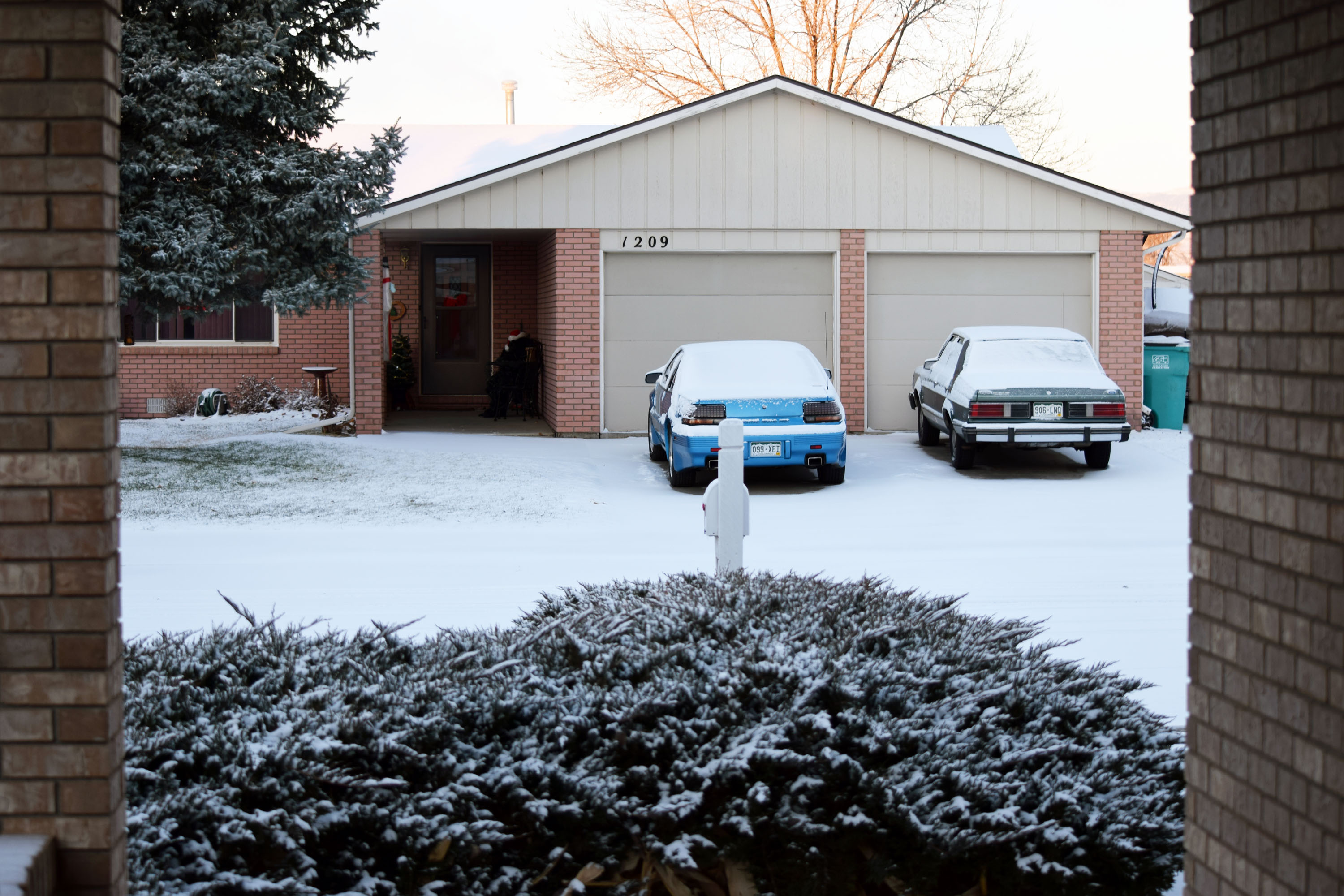
Well - I spoke too soon. Yesterday 60 F and sunny - shirt sleeve weather. This morning 15 F and this.... just a gentle reminder that it's still winter... LOL Lin

-
LOL - it was 60 degrees here today!! Love that little boat, the Elmarue ... Nice weather and great blind effect!!! Best regards, Lin
-
It looks great on my 30" 2560x1600 display. I'm not certain what actual resolution it's being shown at. Since there was zero download time it's really hard to know. Of course the subject matter was carefully chosen for optimal color and impact but the details were quite good. Not as good as an image displayed from one of my higher resolution cameras on the same display so perhaps the output was only HD 1920x1080, but still impressive. I'm wondering how they can display it without significant download time? It must be streamed directly... Best regards, Lin
-
One of the real issues which must be dealt with before that can become de jure is a major improvement in our ability to transmit this magnitude of information over the airwaves and networks. Rather than a linear increase in composite signal complexity, it's more logarithmic. Hopefully, we will be able to keep up so that this can become a reality, but I'm a little afraid it may be like broadcast 3D and get sidetracked for a few years. I agree - PTE shows would be amazing at 4K or even 8K if technology in the GPU and such can stay abreast. Best regards, Lin