cead
-
Posts
200 -
Joined
Everything posted by cead
-
Settings > Preferences > Main > Appearance . choose Light Frans
-
Thanks for this nice series, with beautiful nostalgic cards. I wish you a good Christmas and all the best for 2021. Frans
-
Hi Jill, Here no problems with VLC 3.0.11 Vetinari Regards, Frans
-
What is the difference between Nederlands and Nederlands 2 in the Language Settings ? (What differences ?) Frans
-
The black flash is barely noticeable on my PC. (So fast.) Tested with a project with various video clips and sound clips. Regards, Frans
-
Dom, They are again wonderful animations. The last two versions I find (my opinion) a bit restless because of the back and forth movement. Regards, Frans
-
Bob, See:
-
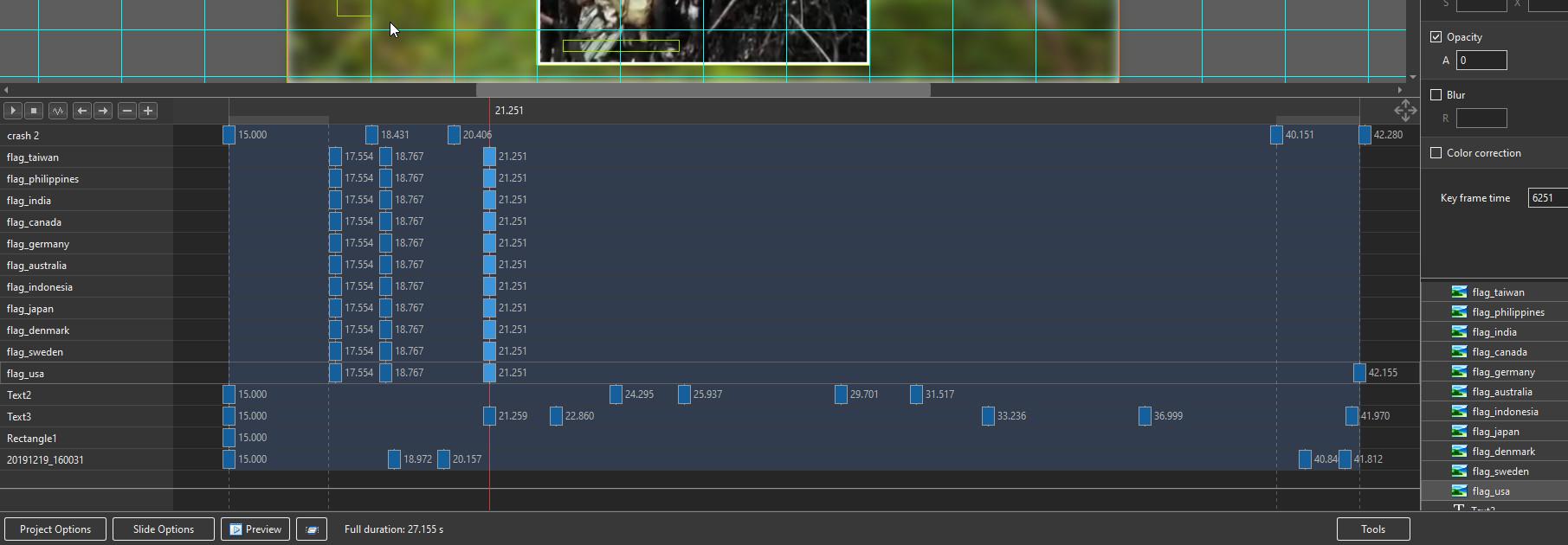
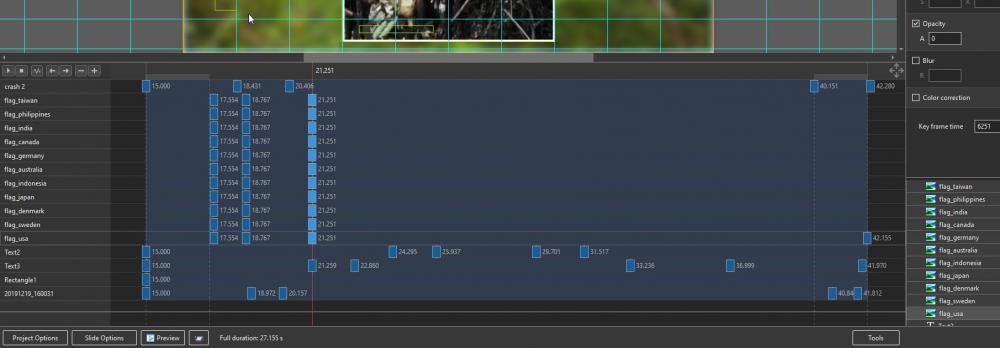
LS, Is it not possible to add or clone keyframes from the entire series selected keyframes at the same time? Only one keyframe (from where the cursor is) is added. Frans
-
Hello Igor, I know/understand now where the problem occurs. For my convenience, I always start the Forum with 'Unread Content', this is very slow. When I then browse in the 'Unread Content' this is very slow. (Scrolling forward is fast, back very slow.) I expected, and maybe wanted too much, sorry. 1) Going extremely fast; also browsing in the Forum, both forwards and backwards. 3) The online Menu also loads and scrolls like a fast train. Regards, Frans
-
Igor, browsing the forum website is still very slow !
-
Igor, With https://www.pteavstudio.com/forums/ I will come directly to the website (ok), but after that the delay will start for to go to (Activity) Unread Content. Browsing is also very slow.i (I tried with different browsers.) I did notice that when I go to Unread Content information on the site-line appears: https://www.pteavstudio.com/forums/discover/unread/, 'discover' is automatically added.
-
Hi Igor, It still takes a long time to reach the forum site, to reach a content is fast, but to return takes a long time. I use: https://www.picturestoexe.com/forums/discover/unread/ The help site works very quickly, even while navigating (browsing). Frans
-
Igor, In my opinion, the website of the forum has now become very slow.
-
Gary, I agree with you that would be a very welcome addition. Frans
-
Thank you for all your suggestions. I just overlooked it at the timeline. Frans
-
For a moment I forgot where I can change from % to dB in the audio track and vice versa. Don't find it in the Online help. Frans
-
A happy, prosperous and, above all, a healthy 2020 for the entire WnSoft team! Frans
-
Auto-checking for updates, not working [SOLVED]
cead replied to jmG-06100's topic in Troubleshooting
Igor, With me Auto Update work correctly . Regards, Frans -
Barry, Thank you, excellent explanation. Frans
-
DG Thanks for the quick solution ! Frans
-
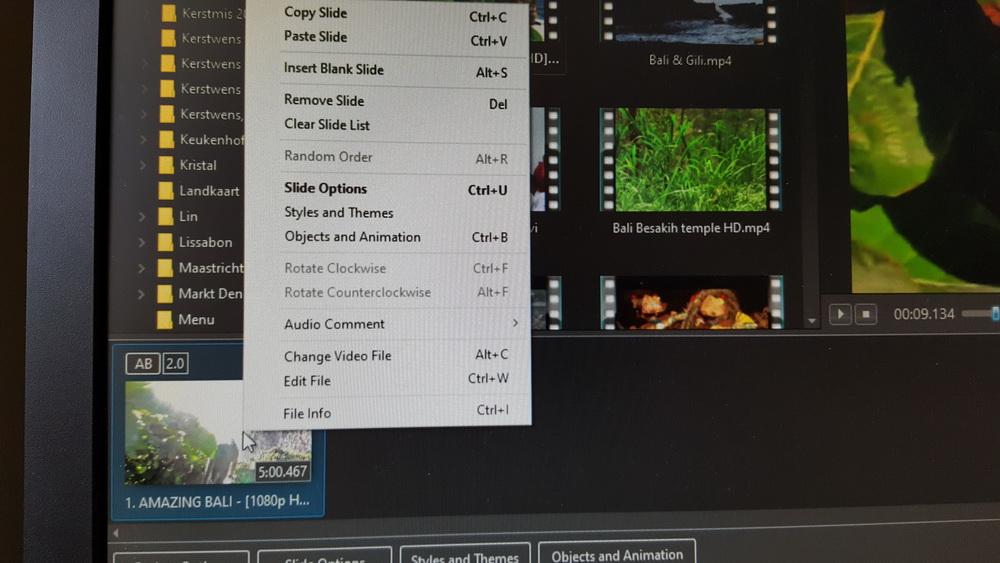
LS, How do I get into the page to Convert / Trim Video? When I right click on a video in the slide list, (as described in the PTE instruction manual) I do not enter the video converter, but in another help screen (see the attachment) What to do ? What I am possibly doing wrong ? Regards, Frans
-
Igor, Happy holidays; take your rest after all that hectic life. Regards, Frans
-
Very nice AV, Lin. Greetings, Frans
-
Onlangs is een Facebook-pagina geopend voor Nederlandse PTE-gebruikers: 'picturestoexe-gebruikers nederland' . A Facebook page has recently been opened for Dutch PTE users: 'picturestoexe-gebruikers Nederland' .
-
Hi Gary, Indeed strange that the, converted, file is displayed well with me. I have Win10 and GeForce GTX 1070 Ti. Regards, Frans