CorVdK
-
Posts
336 -
Joined
-
Last visited
-
Days Won
1
Everything posted by CorVdK
-
See
-
Quick Search in Styles and Transitions in V12
CorVdK replied to Igor's topic in PTE AV Studio 12 Beta
Works as intended. Useful feature, thanks. Greetings, Cor -
See Online Help: Dragging images into the Timeline View is NOT advised. This is best done in the Slide List View. The DROP point overrides the Project Options / Slide Duration default and can lead to confusion.
-
Works perfect. Lightning fast. Adding of e.g. "_2" to the duplicate e.g. picture name "IMG_3010.JPG" resulted in name of duplicate "IMG_3010_2.JPG" "We'll soon add support for creating project ZIP archives larger than 2 GB." Great!
-
Rather low volume of new sound effects [SOLVED]
CorVdK replied to CorVdK's topic in PTE AV Studio 12 Beta
Perhaps the "Integrated Loudness (LUFS)" and "True Peak (dB)" values are set significantly different (or not) for the music compared to the sound effects? Just a thought. -
Regarding the volume of the new special effects, I do have the impression that the volume is rather low, even at a setting of 200. Compared to the standard music volume (100), I think a sound effect should be audible above this volume. So, to be audible, the volume should be adjusted (setting higher than 200). Or the volume of the special sound effect should be at least as loud as the standard music volume (100), with the option of increasing it to 200, as is currently possible with the music. Greetings, Cor
-
It's good that past bugs are being addressed. Features should work as they should. As the feature indicates, a color correction filter should solve or at least improve the problem; one should be able to rely on it being done correctly. The hue, saturation, and brightness settings are useful to have, and although they work like Photoshop, for in-depth adjustments, they only become worthwhile when color profile management is also used. I don't think the average user is concerned with these, and those who are truly involved in photography will likely have made relevant adjustments in photo editing software before. Moreover, it's also possible to connect PTE to external editing programs for those who wish. Regarding your question, "I need to know how often this parameter (Saturation) was used this way in V11 or earlier by different users." The answer might be that these features (although undoubtedly very valuable in combination with other features in PTE) are used very little by the average PTE user. Probably also the reason why "the old bug" did not immediately receive much attention and remained somewhat under the radar. Greetings, Cor
-
Quick Search in Styles and Transitions in V12
CorVdK replied to Igor's topic in PTE AV Studio 12 Beta
Hello Igor, It was not me who posted a reply to this thread. The last reply I saw was from chanfi22. Greetings, Cor -
Thank you very much Igor for the explanation. Good to know.
-
Additional test: With version 11 opened separately, all transitions work perfectly. With version 12 opened separately, all transitions work perfectly. Apparently, I have a problem with the buttons not working properly when both versions are open on my computer. (I did this to compare and verify functions for the translation.) So the problem is solved when I don't start both versions at the same time. Sorry for the inconvenience.
-
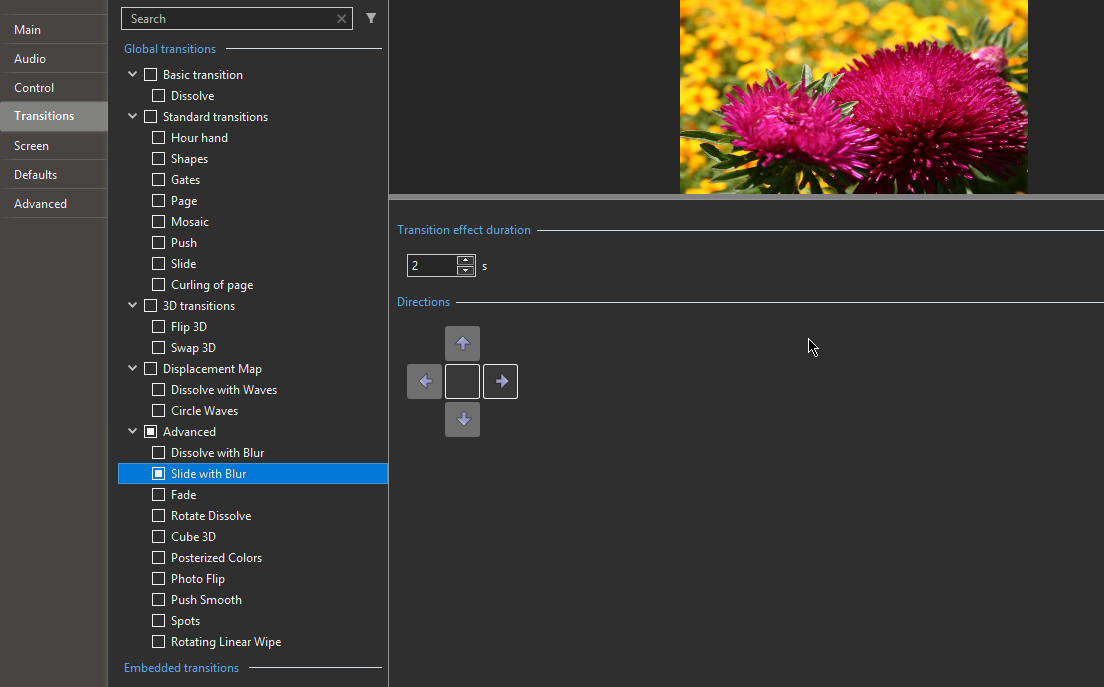
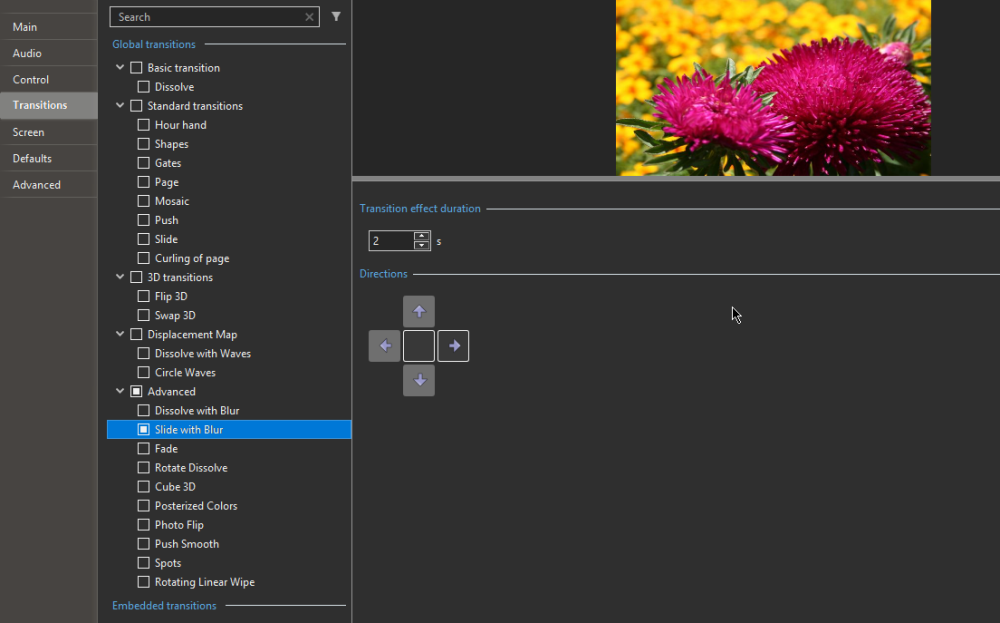
After activating a specific direction (clicking the button), for example to the right, the preview in project options shows a transition upward, left, or right, sometimes in the correct direction, sometimes not. Also the selected button gets stuck sometimes (I can not always deselect it), hence probably sometimes multiple directions being executed incorrectly, similar to a kind of random memory sequence. It's only the transitions with directional buttons that don't work well for me.
-
The new transitions in version 12 work quite well, in my opinion. But I have the impression that the transitions already present in previous versions don't respond well when clicking on the buttons. The buttons are difficult to click, and the transition doesn't follow the desired direction on the screen.
-
I tried with a JPG file. Your image of the plane is a PNG file, and indeed, only the lightness setting works there in v12. Greetings, Cor
-
Hallo Pascal, I see color in v11 and v12 with the same image and settings in Hue/Saturation. My impression is only a small difference in brightness (which actually shouldn't be the case of course). Greetings, Cor
-
Also Happy Holidays. Merry Christmas and a Happy 2025! Health, Love, Happiness,... Thank you for the Christmas present: PTE Video Optimiser, a wonderful addition to PTE AV Studio. I wish you and WnSoft Ltd. a lot of success with it. Cor
-
If I am right, Lightness is the perception of brightness, without color information, on a scale from black to white. So this must be what the parameter express.
-
Running slide shows from buttons
CorVdK replied to Barry Beckham's topic in Tutorials & Video Lessons
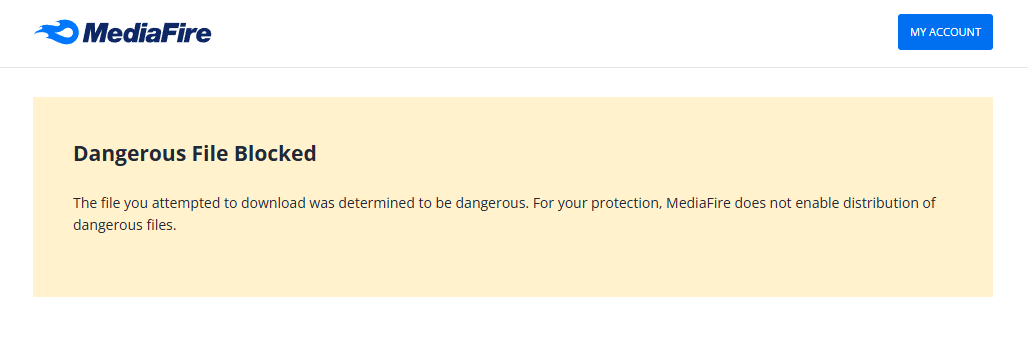
Message: Not possible to download!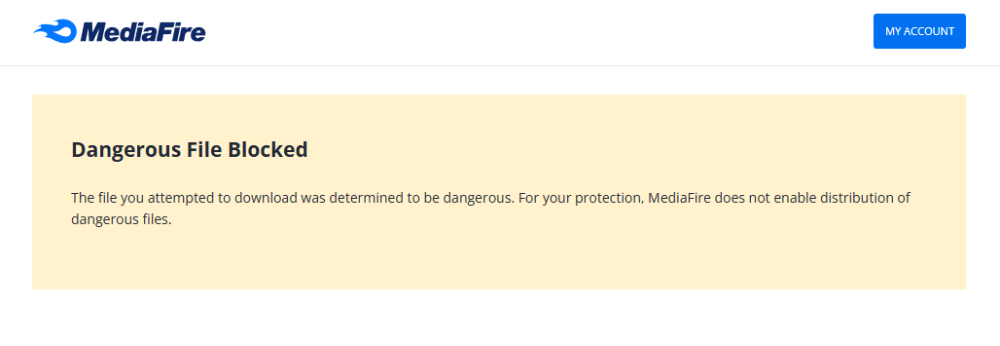
-
+1 as of jkb and jt49
-
Congratulations on your 25th anniversary. On March 19, 2003, I registered my first copy of your program. It was the start of making digital photo presentations for me, because I soon realized that analogue audiovisuals had become outdated. On October 21, 2004, I sent you the first Dutch translation, which was for version 4.30, and I have continued to do so ever since. How quickly it all happened, but how much joy and pleasure it was to keep discovering new things with the new versions. I wish you, Igor and the entire WnSoft team, all the best for the future. Cor
-
I totally agree with jt49.
-
Hallo Igor, Create backup in a ZIP is super handy, I use it all the time after every program session. Automatically rename the duplicate files is a good idea. But so far, personally I don't have a problem with it because I keep in mind that I don't use the same file names in a project. But please keep the date and hour indication of the ZIP archive folder. Thanks
-
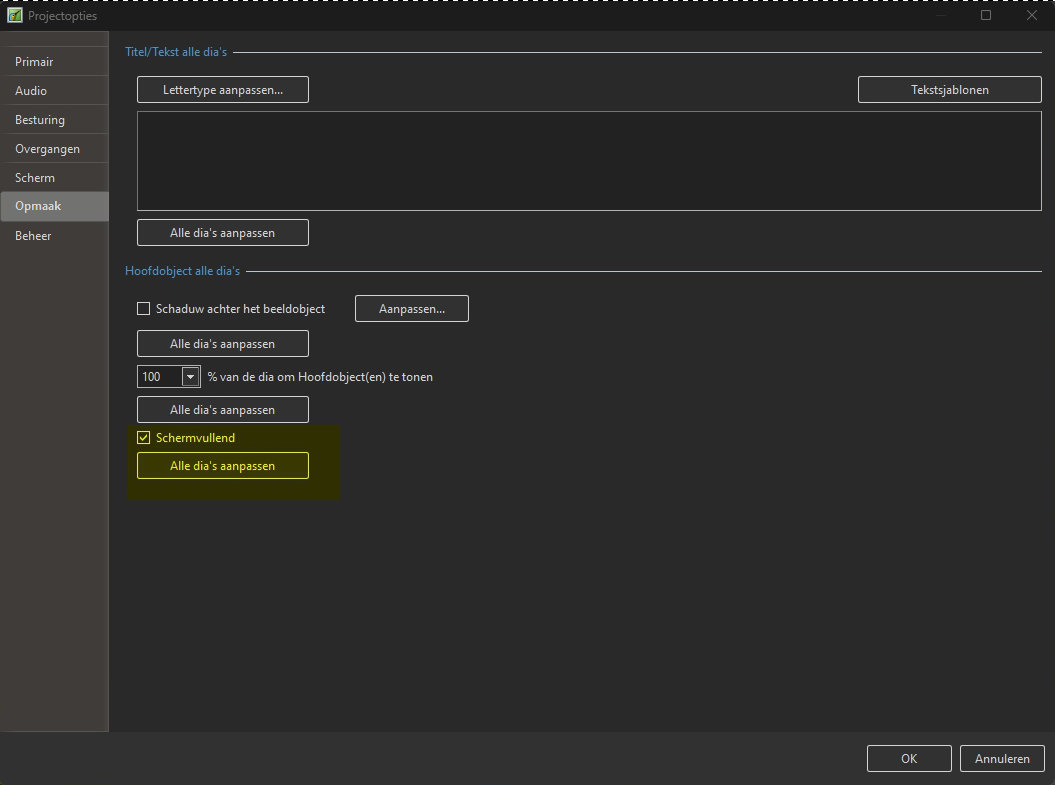
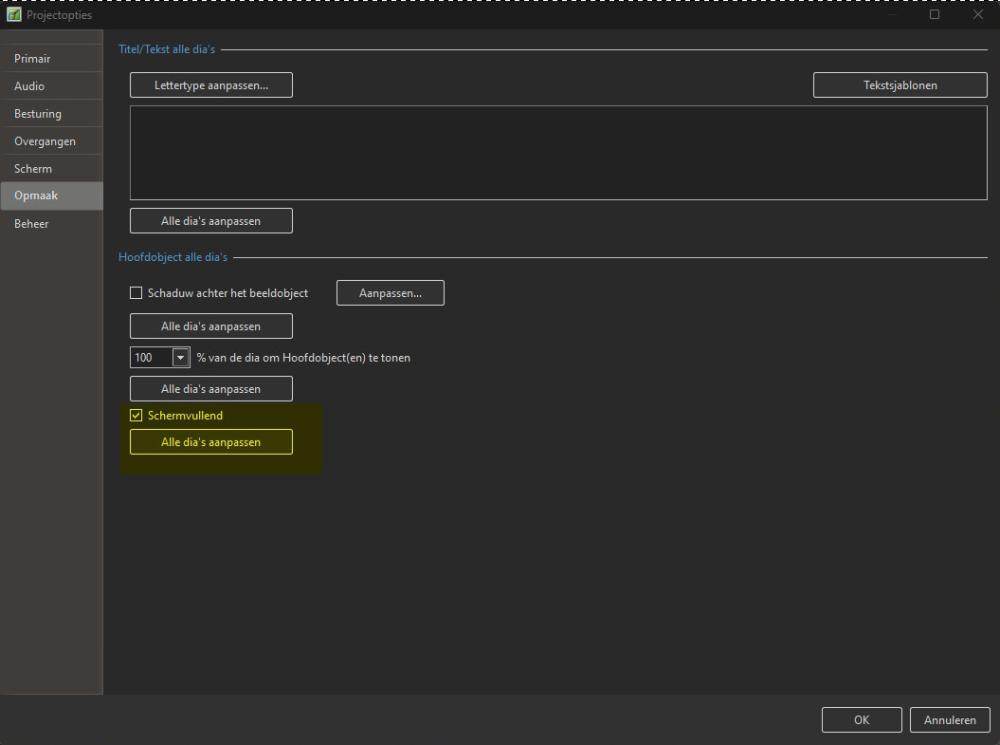
"Defaults" in Dutch means "Standaardinstellingen", way too long to fit in the window of Project Options. I had to make a choice here in the translation. I chose the word "Opmaak" in the sense of Graphic design (layout) and that is what happens in this tab. It is also a standard determination of the visual aspect of the objects of the slides. Here you can determine the "Opmaak" of the slides (including titles or texts, the size of the main object, displayed equal or smaller than 100 %, ...) and change the fit or cover aspect and ultimately determines how the object is displayed. FYI I only do the "Nederlands" translation and not the "Nederlands 2" translation. Greetings, Cor
-
I also noticed that projects, with video, made with PTE AV Studio 11 beta 8 & 9 show problems when rendering. 1) When playing the video in "Objects and Animation" and on the screen in the "Main Window", the playback stutters, the screen turns green and the program freezes. Only restarting helps, but the problem does not go away. 2) A created "exe file for PC" and a "save exe file for PC" with PTE AV Studio 11 beta 8 shows the same error as in 1) 3) When playing the exe it gives a jerky playback of some videos and after the jerky passage, the screen turns green and the exe freezes. Maybe important and solution: - I have never experienced similar problems with previous projects using PTE AV Studio 10.5 and using the same computer. - The mp4 file then generated from the same project shows no problems and plays flawlessly. - Just before the introduction of PTE AV Studio 11 beta 8 I updated from Windows 11 21H2 to Windows 11 22H2. After this update everything apparently worked without problems (including other software), even with PTE AV-Studio 11 I did not find the same problems anymore. - I made the relevant exes again and after the Windows update they play perfect, without the hitches, nor green screens, etc. This apparently solved the problem for me. Greetings, Cor
-
Schaltfläche: Thema User Defined/Customize [SOLVED]
CorVdK replied to Dirk1503's topic in PTE AV Studio 11 Beta
Indeed, see -
Thanks for your answer. It seems like a nice function with many possibilities. We'll hear it from you when it's updated and functional. Greetings, Cor