goddi
-
Posts
3,596 -
Joined
-
Last visited
-
Days Won
27
Everything posted by goddi
-
Greetings Barry, Can you clarify something for me? You say you see the video but not the images. The link to the MP4 was just for the MP4 video. Not sure what you meant by 'not images'. There should not have been any separate still images out side of the MP4 video. I'm just not sure what you see or not see. Since you don't have Facebook, you could not see my full Page, as I understand it. Sure, I would expect my mother to say nice things. I'd like to post in the Slideshowclub to get critical remarks but, as I've said before, the reduced upload size limitation leaves me out. Gary
-
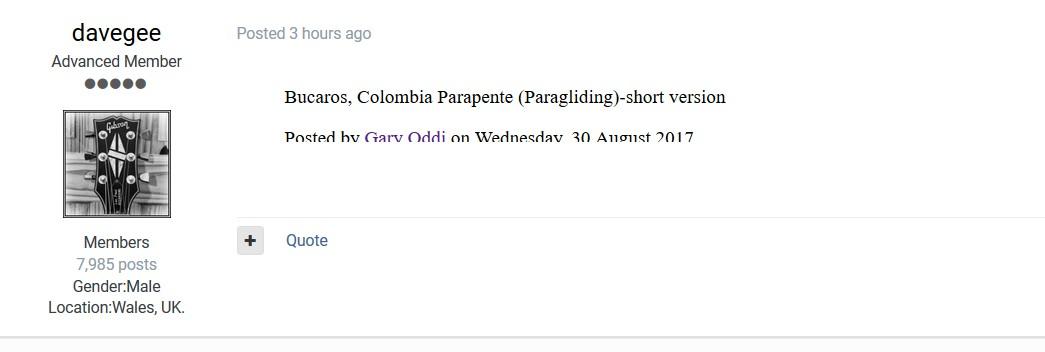
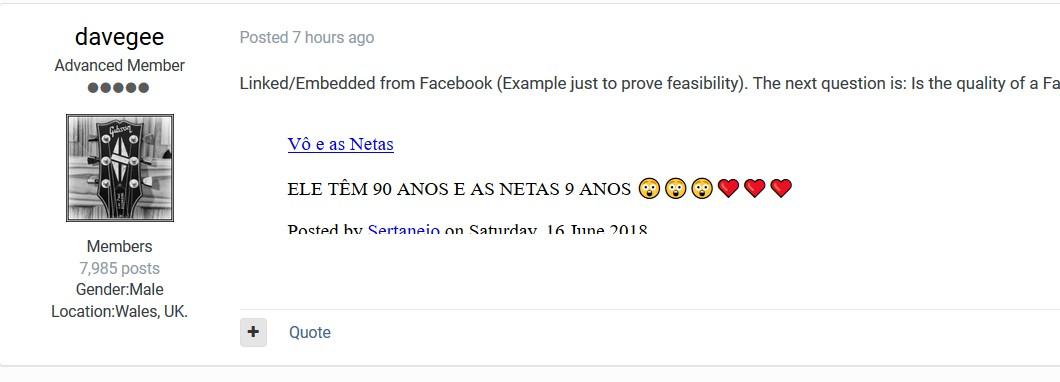
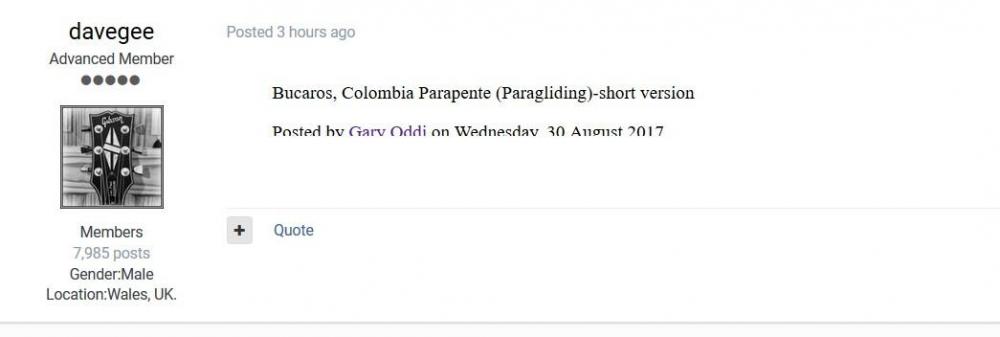
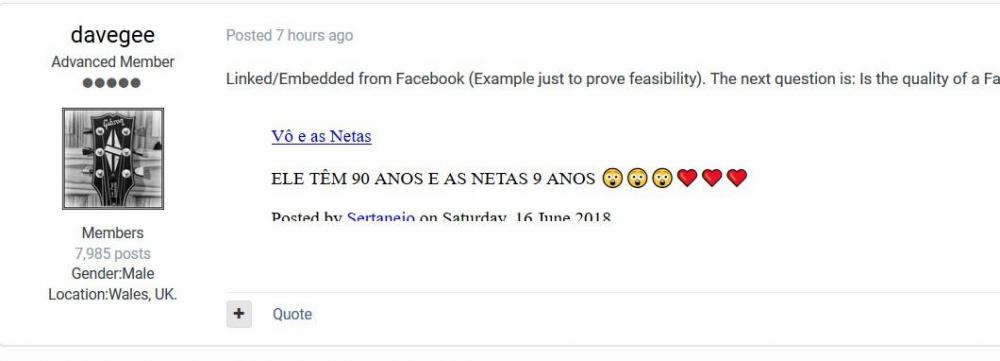
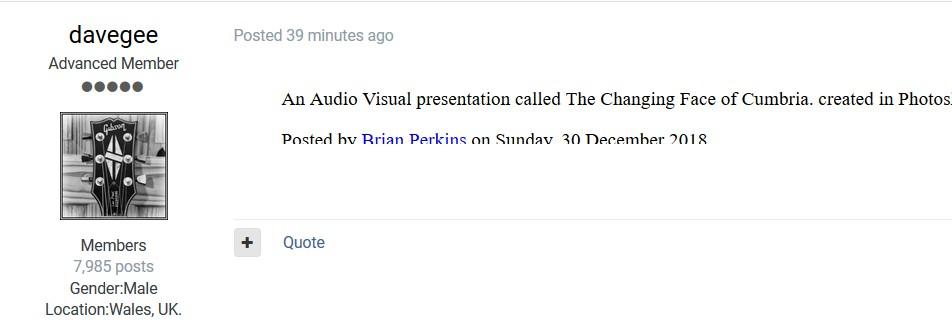
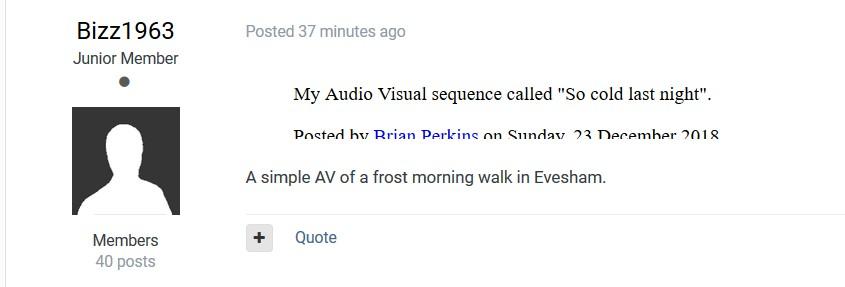
Greetings, Just started today. Lines in postings are missing the bottom of the text. And, they seem to be links but don't work. Here are some screen shots. Gary
-
Dave, No offense taken, but just wonder why you would say what you said since most every video can be considered a 'home' movie. It is usually something personal or from a personal experience. I'd say that every show (that is not instructional) on Slideshowclub can be considered a 'home' movie. When I make a show, it is not only for 'friends' as defined in Facebook. It is for people to enjoy. So I think any site, YouTube, Facebook or the Slideshowclub would be ideal. We make them and hope others would enjoy them and just want to find a way of displaying them in any media that works the best. Gary
-
Dave, Thanks for the info. But gee whiz. I didn't know we now have certain categories we have to avoid or adhere to. Yes, my PTE shows might be classified as 'home movies' but I look at them more as 'travelogues'. I enjoy traveling and like to share my experiences to encourage others to travel. They are not so much as 'home' but more about outside the home with adventure. So I should 'beware' and not upload my PTE shows??? Please advise on what type of shows we should be posting. I'd really like to fit better into the requirements. Gary
-
Thanks, Bert. Dave.... I just checked my YouTube 'Home' and now I see the 'Channel'. I haven't really used it or looked at it for a long time. I had tested this out some time ago and uploaded a few shows. But if you use YouTube, don't you have to inform your viewers to go to the site to see the newly added show each time? With Facebook, it automatically informs your 'friends'. I don't understand the fear of personal info on Facebook. I don't put anything other than my PTE shows on it. So there is more info out there in other places than Facebook. You have some control. So I am not sure what the apprehension is. Am I missing something? When someone goes to my YouTube link below, I'm not sure what they would see. Would it be my 'Channel' with the few shows I have posted there??? YouTube just seems a bit more complicated since I don't understand what I see vs. what a 'subscriber' or visitor sees, or does someone have to 'subscribe' to my 'channel'? For example, I don't understand what the difference is between the two links to my YouTube site, below. Which one do I send out for viewers? https://www.youtube.com/user/goddi2/featured?disable_polymer=1 https://www.youtube.com/channel/UCxD2GT0VXKttO7E3IPItxnQ/videos Gary PS Wouldn't YouTube have similar personal info as Facebook...? Really don't know.
-
Greetings Tom, Thanks for the reply. Interesting you (and I now see Dave did) could see the individual video link, but not my Facebook homepage. Did not know that was possible. But I don't understand what personal information might be on Facebook that makes people anti-facebook. I guess it depends on how much you put on the page. I don't put any personal info except email address and birth date (not sure why I put that). So there is probably less info about me on Facebook than most other places. Am I missing something? I understand the need to reduce our personal data out there, but, for me, I only use it for posting PTE shows, and not much else. Maybe I am living dangerously???? So maybe I can embed links to my individual Facebook shows on the Slideshow club site(?). Gary
-
Greetings, I have used Slideshowclub and YouTube and Facebook to post my PTE slideshows. Each as its pros and cons. Nice thing about Slideshowclub is the site is specifically pointed to users of PTE and a good place to see what other PTE users are creating. However, there is the need to download the show first and, as mentioned, you don’t get many, if any, comments. YouTube is a nice way of posting your slideshows but I have not found a way to easily keep them as a group on a single page. I am sure there is a way but I just have not yet figured it out. The good thing about YouTube is you don’t have to ‘sign up’ or register to see anything posted on YouTube. So, I went to Facebook. I have found this to be the easier solution. I can upload my slideshows as MP4s and keep all of my shows in my Facebook page. Quality is very good. I can get comments (from ‘friends’ registered on Facebook) and have control over most of what goes on with the page. And it can be only my postings on my page. It is easy to copy/paste a link to any of your Facebook slideshow postings to share with anyone (right-click on the specific video and select 'Copy video URL at current time'). The big problem with Facebook, however, is that you have to have established an account on Facebook in order to view my videos (I think). So if I send a link to a slideshow on my Facebook page to you, and you have never signed up on Facebook, I don’t think you can simply view the slideshow. Many of my friends don't want to deal with Facebook. For example, here is a link to one of my PTE shows on my Facebook page: https://www.facebook.com/gary.oddi/videos/10213069884976029/?t=0 And here is a link to my entire Facebook page: https://www.facebook.com/gary.oddi Let me know if you can view either links if you don’t have a Facebook account. Even though I have set the shows to ‘Public’, I think it is still only viewable for people with a Facebook account. I haven’t been able to test this theory out yet. The other problem with posting our shows on YouTube or Facebook is you have to be careful with the music you use. They will get after you for copyright infringement. That is the nice thing about Slideshowclub. You can use the music that you want without this problem. Background music is one of the most critical components of a show, I believe, so sometimes you have to compromise which music you use with YouTube and Facebook. But it is easier, for me at least, to post everything on Facebook for ‘friends’ to view. But I won’t be able to get real critical comments from PTE users, which would be helpful. One last thing. My Facebook page used to show the ‘number of views’ for each slideshow. Last week, the number of views disappeared. I haven’t figured out yet why this happened or how to get them back. If anyone knows, please let me know. Gary
-
smithrg... Speaking of Facebook, number of views of my posted videos suddenly disappeared a couple days ago. Any idea why or how to get them back? I've searched the web and asked 'Facebook' but found nothing. Has it happened to you? Gary
-
I've run into problems with music I have selected for slideshow posted to my Facebook page. But I have found that if I run my audio selections through this site, it can warn me if there is going to be an infringement problem with my chosen music. I've found it hard (...impossible) to battle Facebook/YouTube when you feel they are wrong when they zap your upload due to copyright problems. But I have found many sites to get non-copyrighted music to get it uploaded to Facebook with no problems. https://portal.audiblemagic.com/ Gary
-
Sure. I have found that it is easy to just upload them (as MP4s) to your Facebook page. I stopped using the Slideshowclub because the uploadable filesize was reduced so shows with videos were too big. I've put dozens of PTE shows on my Facebook site. You just have to be very careful about the music you choose for copyright infringement issues: https://www.facebook.com/gary.oddi Gary
-
Dave... Dang it...I had tried the Alt-Arrows. Maybe my eyed did not pick up the tiny movements. I see them now. Thanks much... Gary
-
Greetings, I used to (pretty sure) that I could reposition or move images while in O&A by holding down the Ctrl key and tapping the arrow keys. Now, it does not seem to work. Has something changed or am I doing something wrong? Yes, I looked in the Help and searched the Form but could not find the answer. Thanks... Gary
-
Greetings, Though I have made these suggestions in the past, I have not yet heard if they might make it into V10. So, here they are again: 1-Add the ability to establish a default folder for each project. So when you ‘Open Recent Project’ or ‘File Open’ a saved project, the File Tree and ‘File name’ windows will always populate with the project’s associated image/video files located in that default folder. 2-Add filename’s extensions to ‘Slides’ and ‘Timetable’. 3-Widen O&A’s ‘Properties/Name’ input box to see more of the entry. 4-Add horizontal sliders in the ‘File tree’ and ‘File name’ windows. 5-Add a ‘Length’ column in ‘File name’ window (to see length of videos). 6-Make the ‘Convert’ window to always show on screen and not just as icon in Tray. 7-Allow the ‘Border’ setting to be made Global, with ability to turn off individual borders. 8-Allow the O&A’s default ‘Border’ setting (currently 1.5) to be modified. 9-Add in the ‘Project Options/Audio’ an additional option to ‘Add/Extract Audio File from Video’ (not currently obvious). 10-Allow the ability to ‘Trim’ a video independently of other actions. Add the ability to insert ‘markers’ to help the Trim function. 11-Indicate in the ‘File name’ window the non-main files that are used in a project with some notation (i.e., color or italicize, etc.). 12-Allow info to be inserted with ‘Insert template’ information for non-main images. 13-Add ‘Rotate’ to the Frame function. 14-Create the ability to copy all of the O&A’s settings that were made to one slide to another slide (copy/paste). 15- Currently, if you have a video clip followed by an image file, you can move the image file to the left (when in Timeline view) to shorten (i.e., trim) the ends of the video clips (an easy way of trimming the end of the video clip). It would be helpful to be able to do this to the beginning of the video clip by being able to move the video clip to the left to ‘trim’ the beginning of the video clip. This would allow some fine tuning of the beginning of a video clip as you can with the ending of a video clip. 16-Insert a check box to allow the application of a Slide Style to not change the Full Duration and Transition time of a slide. Gary
-
Tom... Thanks....I will wait in line... Gary
-
After seeing your posting, I just checked my Windows update status and it shows '1803' and 'up to date'. Where is the 1809 update? This morning, an automatic 'update' occurred but it still shows '1803'. What am I missing? Gary
-
Igor, Will V10 have 'Rotate' in 'Framing'? Gary
-
Igor...But will you l leave in the 'trim' function, and, hopefully, add other functions for video clips??? Gary
-
Greetings, For those who use spreadsheets, a Style is like a 'macro': "An automated input sequence that imitates keystrokes or mouse actions. Used to replace a repetitive series of keyboard and mouse actions." Or "A single instruction that expands automatically into a set of instructions to perform a particular task." Gary
-
Tom.... I brought this same issue up recently... Gary
-
Yea, but I just don't see the 'big deal'. Too much of it would make me sea-sick. Gary
-
OMG!!!! Did Adobe just discover Zoomming and Panning for images???????????????? Gary
-
Igor...thanks. Gary
-
Greetings, I have created two styles that do the same thing (border, zoom) but one is for horizontal and one is for vertical images. If I apply the style for several vertical images (not in sequence), they all get moved together, so now they are out of the original sequence in the Slides. Same with selecting several horizontal images that are not directly in sequence. They get moved together too, now out of sequence. It this normal? To save time, I like to apply a style to a bunch of vertical (or horizontal) images that might not be in squence but I can't because they are move together in Slides. Is it something I've done or is this the way that styles work? Gary
-
Barry... Answered many questions! Thanks. Gary
-
Thanks, Tonton. But, for me, it works with 'Alt +F9'. Seems all the keyboard shortcuts use 'Alt'. Might be useful for games but a bit clunky for just screen captures. Gary