goddi
-
Posts
3,593 -
Joined
-
Last visited
-
Days Won
26
Everything posted by goddi
-
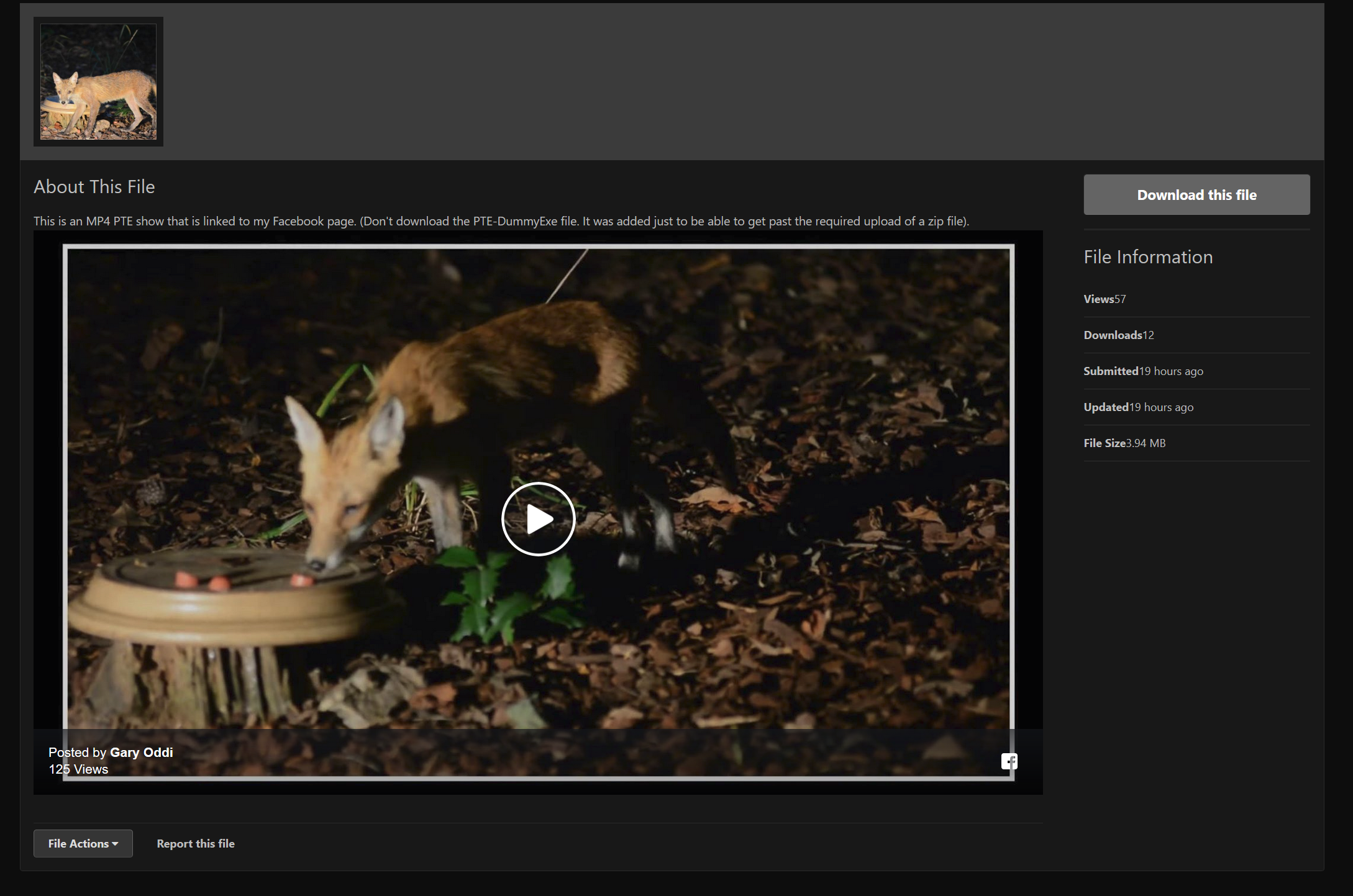
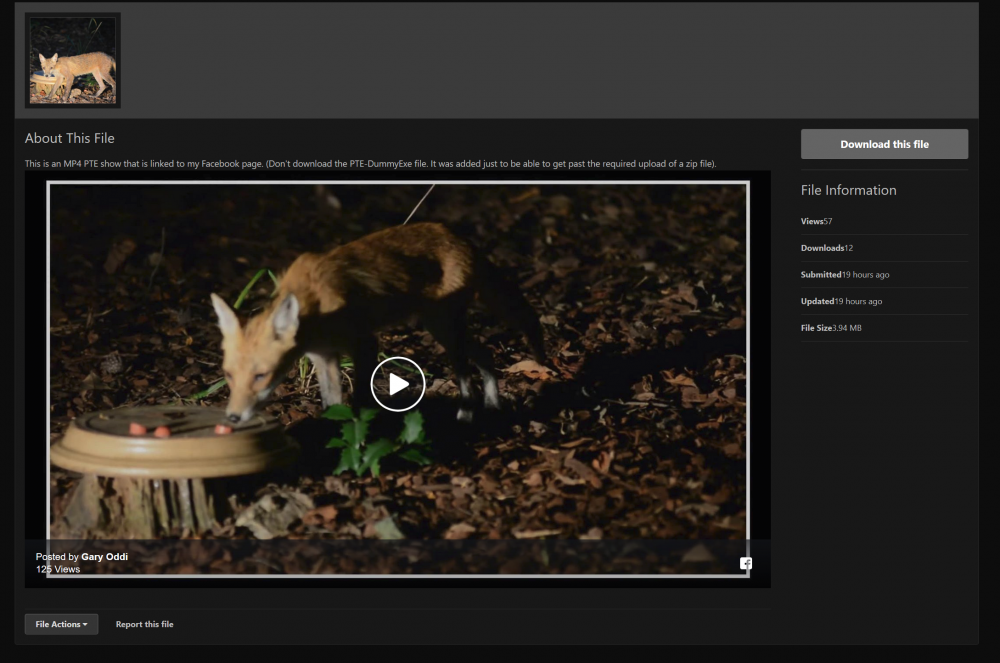
Greetings Wideangle... The show has been posted as an MP4 that should be playable right on the SCC page. No downloading needed. The link was pasted on the SCC page so it should just show up and you press the Play icon. So I don't understand what is going on. I had someone that I know who does not have a Facebook account and it played correctly. As far as quality and reliability, I have had no problems and the quality of the MP4s are no different than if I played the MP4 with Windows Media Player...so I don't see any quality difference. I have posted about 60 PTE shows on my Facebook page with no problems. So maybe someone who has Facebook and can post similar PTE MP4 shows can clear this up. I thought this would be an easy solution for posting shows that exceed the upload limitation. Maybe not... Gary PS This is what I see when I go to the SCC. Don't 'Download this file', just hit the Play icon.
-
Hmmm.... What exactly is going on? I tested the link with someone who does not even have a Facebook account and it worked. Please let me know what error message or whatever your got that is causing a problem. It should just play right on the SSC page. Nothing to download. I use Facebook because I seem to have more control over my postings. Gary
-
Thanks, Igor. It's been so long since I have posted a show, I forgot to add the link in the above notice. Gary
-
Greetings, I posted a show on the SSC, which is an MP4 linked to my Facebook page. It is playable on the SSC page, no need to download anything. Gary
-
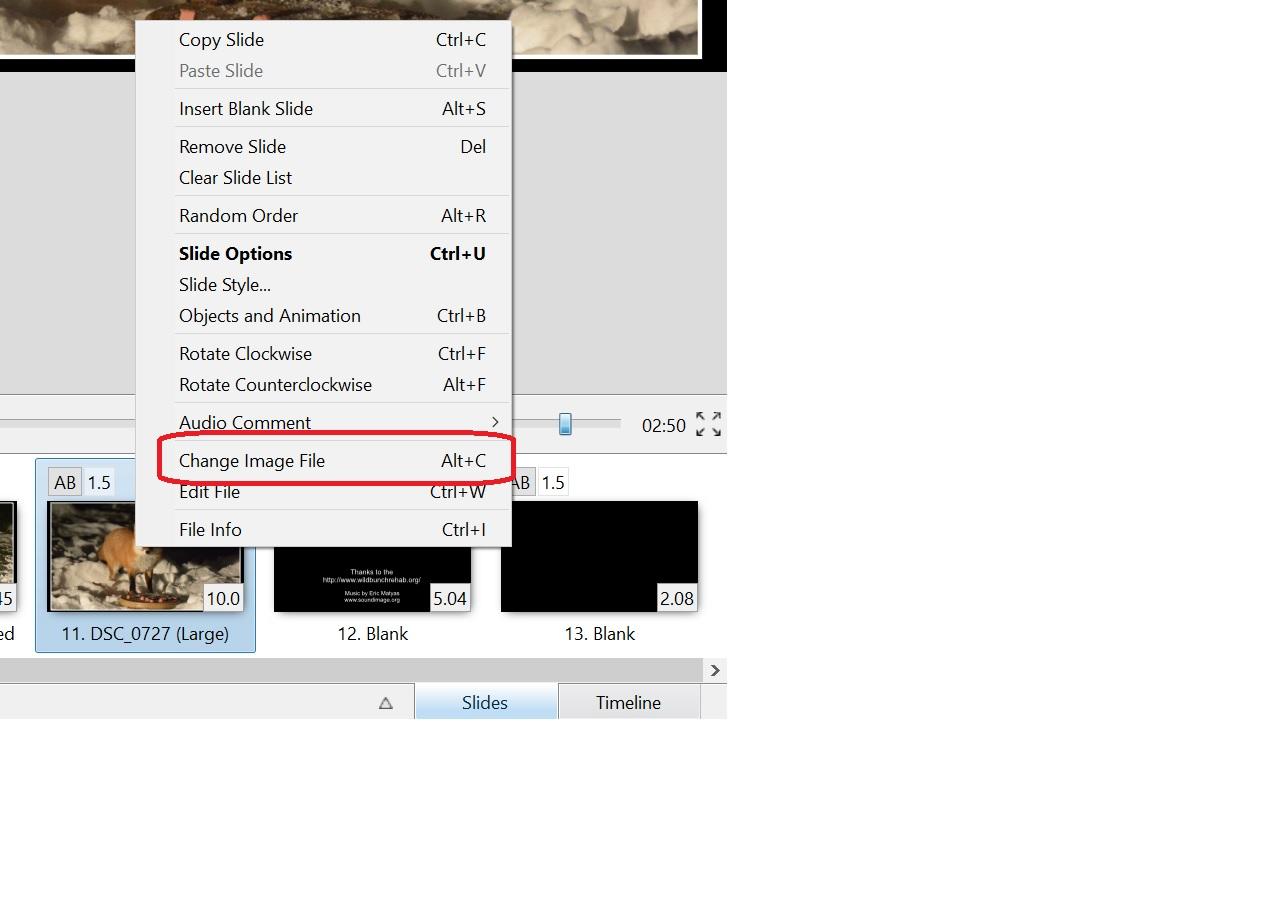
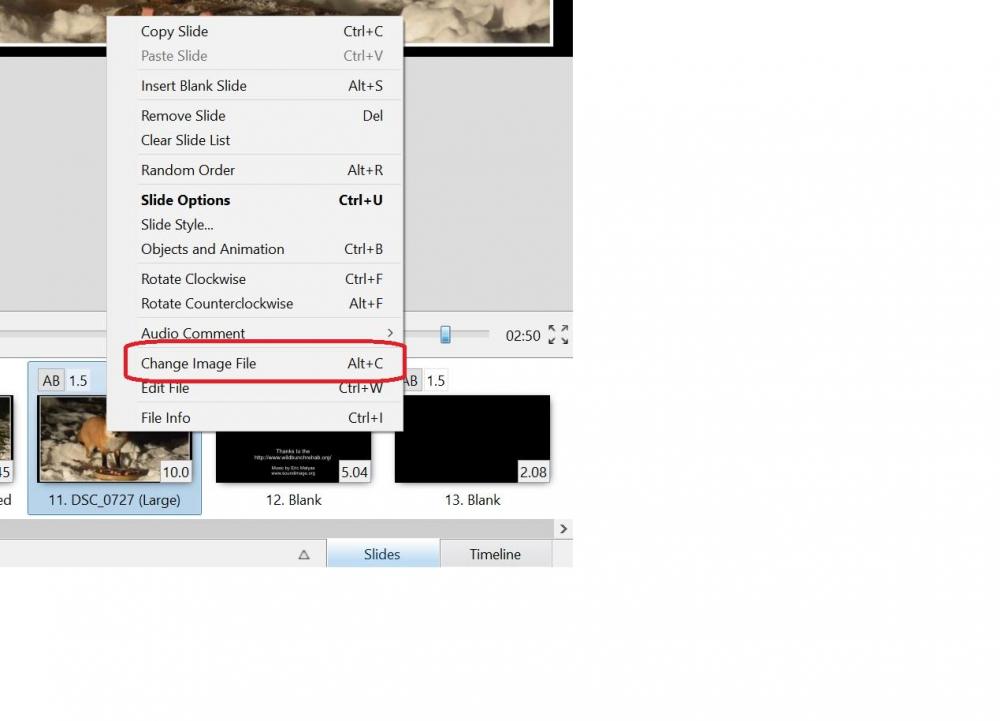
Greetings, Or...you can do this. Highlight the image in the Slides and then right-click on the image and select 'Change Image File'. Gary
-
Which browser are you using on your PC? If it is Firefox, just go to Tools, Options, Privacy & Security, Logins and Passwords, Saved Logins, Show Passwords... Gary
-
Thanks. It kinda sounds like it has been brought up before. So it is not just me. Seems like we should have a choice for the 'change' to reset to the new clip's length, longer or shorter, of the replacement clip. Ok...thanks...Gary
-
Greetings, I had put a video clip into the slides. But then I trimmed it down and just wanted to use 'Change Video File' to swap it. The trimmed video clip did swap but the playing length did not. The original length was about 1:48 and the new length is about :29. However the playing length stayed at 1:48 and did not reset to the new length of :29. I think I have done this before with not problems but now I can not see why the length is not automatically adjusting. The clip still plays for 1:48 with the portion after the :29 being just the last frame. Any ideas....? Yes, I understand I can just delete the longer clip and drag down the new shorter clip, but I'd like to know why the clip length does not reset to the new trimmed length. Should it? Gary
-
Greetings, I can’t disagree with any of the above postings. But I feel a bit weird about this idea without Igor bringing it up. Sort of like telling a mother to change the name of her baby because it does not seem to fit. I used to only create exe’s but now find I prefer mp4’s. Since I now have a larger screen, the exe’s fill the entire screen and they just are too big. So I prefer to create mp4’s where I can control the size within the screen and easier to give to friends or post on Facebook or YouTube, etc. Using the ‘AV’ in the title makes more sense but it would be interesting to hear from Igor about this. Maybe we should tell Microsoft to change ‘Windows’ to ‘Doors’….? (just kidding). But, then there is a ‘.av’ format (which I didn’t even know) and that could cause confusion (?). Gary
-
Dave, You might think my posting is not relevant, but indicating what a feature can't do, I believe, is also important. For example, Tomcatred55 apparently had no idea that rotation in a Frame could or could not be done, even though he does not see any need for it. Maybe others did not realize this. I was only trying to clarify my point and it seemed a good place to bring it up. Perhaps, after your postings, you should mention you don't want any other opinions about the subject. I didn't see any 'argument' on my part. And don't see what your beef is about follow-up postings as long as it has something to do with the topic. Gary
-
My point is that there is a need to be able to rotate an image that is inside a Frame without rotating the border. For example, what if the horizon of an image is not level and you have it inside a Frame (with a border and with a less than 100% zoom)? Instead of having to use an outside photo-editing program to make the adjustment, it would be easier to just do it in the Frame. So many additional possibilities for animation will become available. Gary
-
Nice demo. These quick and concise explanatory videos are great to see and learn from. The serious thing lacking from Framing is that fact you can't yet rotate an image in a frame. Still hoping Igor will fix it. Gary
-
Igor... I also like the ability to increase the number Recent Projects by modifying the apr.ini file. But, please, please, please give use the ability to 'Open Recent Project' and have the correct associated Files be that of the project that is just opened. I just opened an old project for 'Croatia' and the Files that were listed were for another project of 'Turkey'. This is so annoying to have to browse around to repopulate the Files for the opened project. Thanks... Gary
-
Greetings, I don't shoot RAW but I happened to have a few that were taken in 2006 with an old Nikon D70. So I just tried to open one in Photoshop. So I have CS5 and Camera Raw 6.7. When I try to open the NEF in CS5, it first opens it in Camera Raw, and then I click on its 'Open Image' and it then opens in CS5. Not sure what camera you have. Maybe that's the problem but my old D70's RAW seems to work in CS5. Gary
-
Using VisiSketch Pro - Utilisation de VisiSketch Pro
goddi replied to Lin Evans's topic in Tutorials & Video Lessons
Greetings, I am a bit confused about this VisiSketch Pro program. I don't see a link where it can be downloaded. I Googled around and could not find a VisiSkitch Pro site. When I do find something about it, I see 'CaptiveAlivePro'. When I tried to 'visit' a link to the VisiSketch Pro homepage or to purchase it, I get a blank page. What am I missing? Here is the closest site I can come to 'VisiSketch': https://captionsalivepro.software.informer.com/download/ Gary -
Dave, The problem that I was having with the 'blocking' of the embedded videos caused a bit of confusion for me. After I fixed it, I now I see that you embedded my video in one of your above postings and it played. Before, I could not see that happening. Since I got rid of the 'blocking' or 'tracking' thing, the embedded videos now show up in the Forum. Gary
-
Igor... I see the problem! For some unknown reason, I see that there was some 'blocking' added to the Forum page. Maybe something to do with 'tracking' that I might have inadvertently added. Not sure. But since you mentioned 'stopped to show embedded videos', I looked around and unticked the 'blocking' icon. I have no idea why this just started to happen. But when I unticked the 'blocking' icon, the embedded video showed up. Thanks for the help. Solved. Gary
-
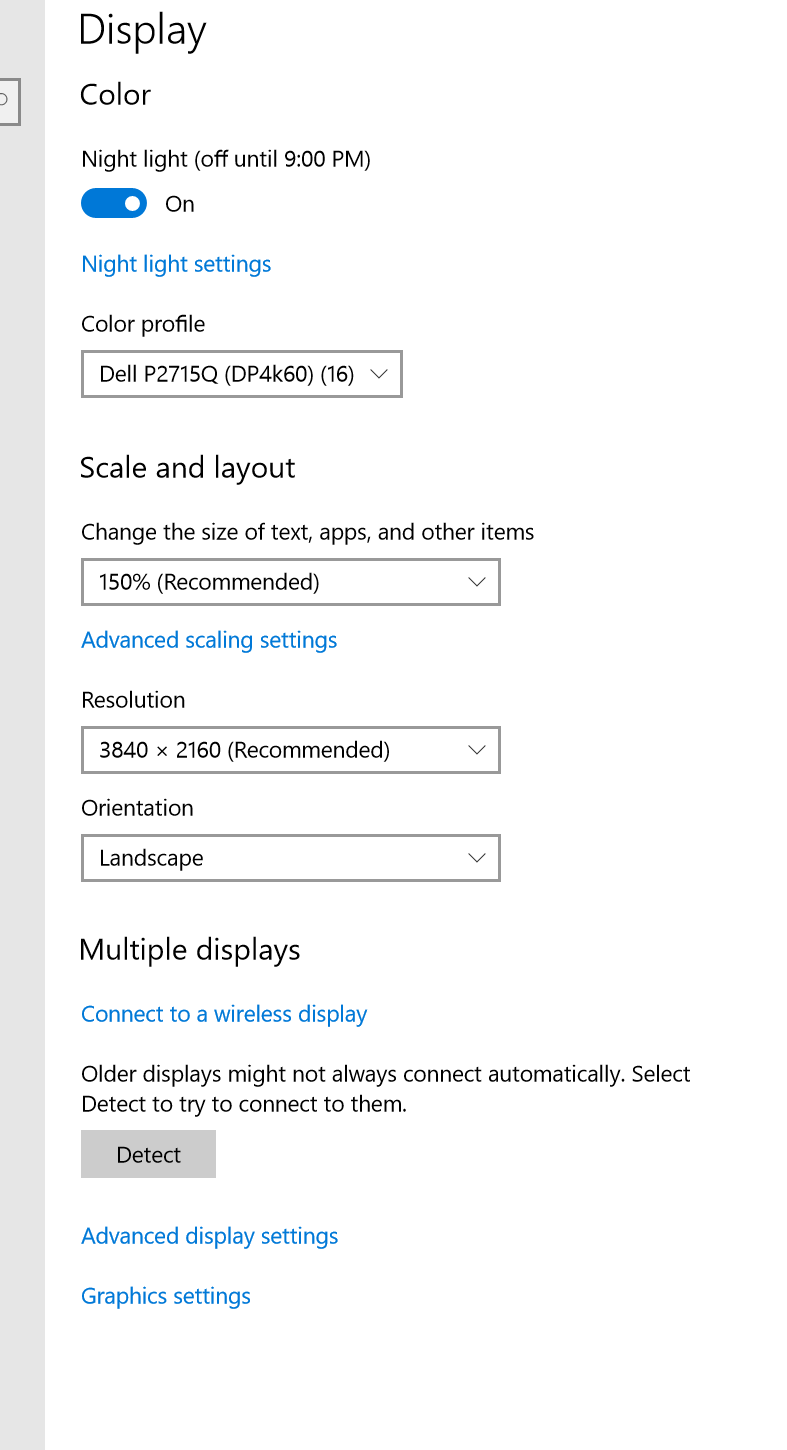
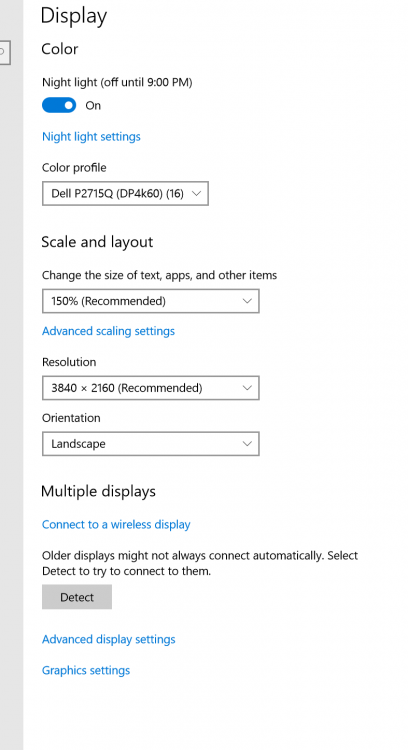
Igor, Here is a link to a page that shows the problem. Look at the very first posting. I haven't changed any settings on my PC. Just started yesterday. Here is a screenshot of my display settings. Gary This is what I see on my PC:

-
I tried it but it did not change anything. Still there. Gary
-
Super...Thanks... Gary
-
Barry, Ok, I think I see what is going on. With either link, the MP4 does not play. I see the second link is requiring you to Log In. Ok, you can't. With the first link, it only 'presents' the cover image, but, still does not play the MP4 video. When Bert said he saw the video, I guess he meant just the cover image, but it did not play. Ok...thanks all for the test. So even if I put a link in the SSC, as Dave shows, it would not be playable. Oh...just found a link for videos in Facebook that says 'Embed'. Got a different link. I pasted it into my browser but it did not work at all. Would this type of link work in SSC? Probably only for putting into a webpage? <iframe src="https://www.facebook.com/plugins/video.php?href=https%3A%2F%2Fwww.facebook.com%2Fgary.oddi%2Fvideos%2F10214048050269550%2F&show_text=0&width=560" width="560" height="315" style="border:none;overflow:hidden" scrolling="no" frameborder="0" allowTransparency="true" allowFullScreen="true"></iframe> Thanks..., Gary
-
I use Firefox. No problem until today. On a desktop PC, Win10. They look OK when I get the individual email notification, but not once when I get into the Forum. Gary
-
Dave... No, I just have not tried it yet. But it is too bad we would have to go through these extra steps when all that has to be done is increase the upload size for the SSC. Igor said he would but it has not been done. Most people would not know about this unless they happen to read these posts. Gary
-
Greetings Barry, Can you clarify something for me? You say you see the video but not the images. The link to the MP4 was just for the MP4 video. Not sure what you meant by 'not images'. There should not have been any separate still images out side of the MP4 video. I'm just not sure what you see or not see. Since you don't have Facebook, you could not see my full Page, as I understand it. Sure, I would expect my mother to say nice things. I'd like to post in the Slideshowclub to get critical remarks but, as I've said before, the reduced upload size limitation leaves me out. Gary
-
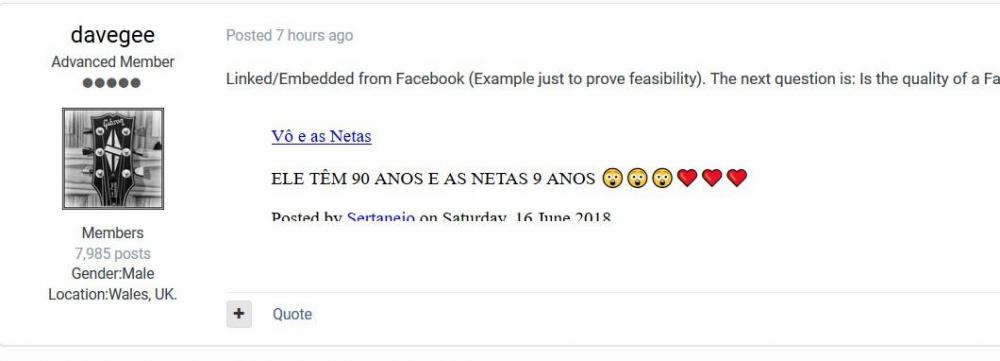
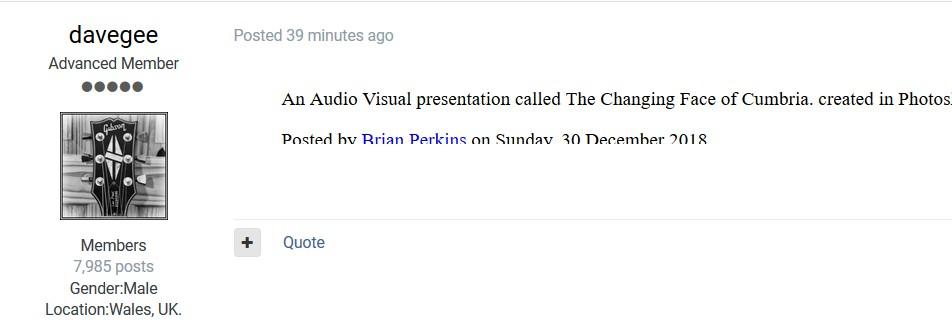
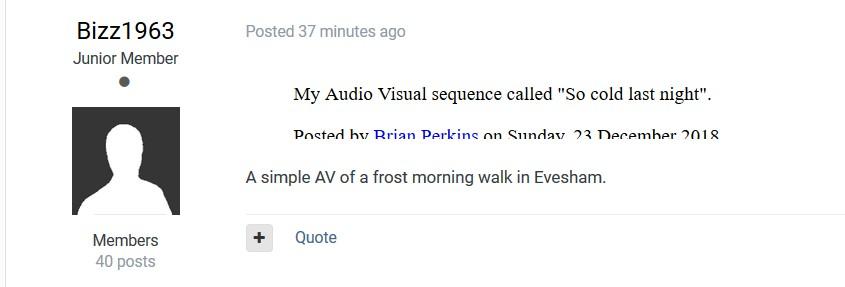
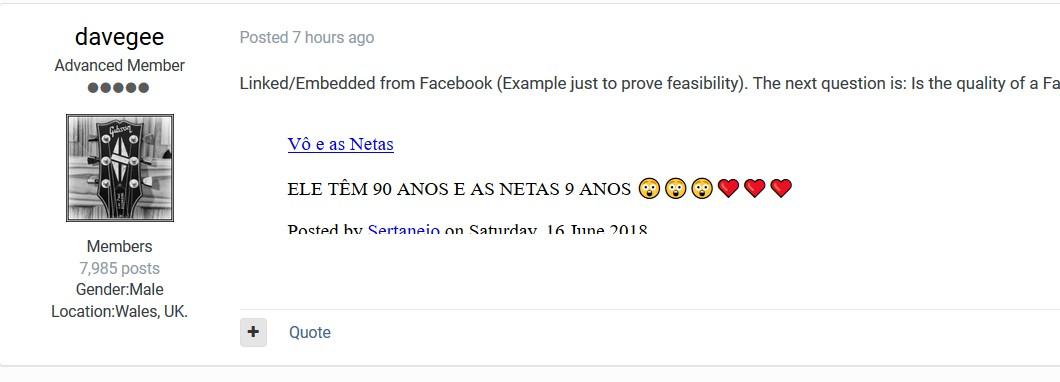
Greetings, Just started today. Lines in postings are missing the bottom of the text. And, they seem to be links but don't work. Here are some screen shots. Gary