Rosemary A
-
Posts
428 -
Joined
-
Last visited
-
Days Won
5
Everything posted by Rosemary A
-
Thanks Jill, The transition problem was as I downloaded the 10.5 version into PTE 11 and started to play the show. I hadn't touched transitions at all. I shall just redo the show in PTE 11. It will be good experience. Perhaps it will get rid of the gremlins! Rosemary
-
Yes I have slide styles. I only started working on this particular show because thanks to Barry's video, I wanted to mute the music whilst listening to waterfalls in Geiringer Fjord. The transition problem appears to be that although I have chosen Basic transition Dissolve the program thinks I have chosen Dissolve With Waves or circle waves. I haven't figured out what the other strange ones are yet. Thanks Jill, Rosemary
-
Thank you Jill. This is the first time that I have used a previous show of PTE with version 11. In the end I just removed the complete audio track and that seemed to work fine. Now whilst playing back with the revised audio I am finding random transitions (mostly displacement maps) coming in where I had the default transition selected in the original show. This happened to me before with PTE 11 where random transitions appeared - rather like the Wizard in Producer. Not necessarily a program fault more likely the operator! Rosemary
-
Hi, I have somehow got duplicate audio in my timeline and cannot delete it. I have tried moving the end point to the left but that does not do anything. The duplicates remain. The show was made with 10.5 version which is now overwritten by PTE AV Studio 11. Any ideas? Rosemary
-
Happy New Year to Igor and his team and to all forum members. I hope 2023 brings peace and joy to everyone. Rosemary
-
Merry Christmas & happy New Year to you all
Rosemary A replied to Alex55's topic in Styles & Templates
Thank you Alex for this Christmas show and for all your contributions throughout the year. I appreciate them all. Happy Holidays and a healthy 2023 Rosemary -
Oh dear, we have been there, done that! Hopefully part two is more successful. I enjoyed the show though. Did you learn any new words towards the end? Happy holidays to you both and keep your sense of humour! Rosemary
-
Beautiful in every way. Thank you for sharing. Rosemary
-
I agree with Nelson. I use the buttons alot and really appreciate the ability to change colour etc. Thank you WnSoft team Rosemary
-
Thank you Alex for your generosity. What a great way for displaying portraits. I love the music too! Rosemary
-
Applying multiple displacement maps to an image
Rosemary A replied to Rosemary A's topic in PTE AV Studio 11 Beta
Thank you Jill. That looks what I am trying to achieve. I shall play around some more tomorrow. Rosemary -
Applying multiple displacement maps to an image
Rosemary A replied to Rosemary A's topic in PTE AV Studio 11 Beta
Hi Jill, Thank you for your advice and it is well taken. I had asked on the Beta Topics Section but no one answered. It is probably because I am not asking the correct questions. Bad Dancer had given me an example of ripples on a lake where he had 3 areas with ripples. I was trying to achieve that. I have followed Barry Beckhams tutorial and that was great but there is only one "ripple" area. -
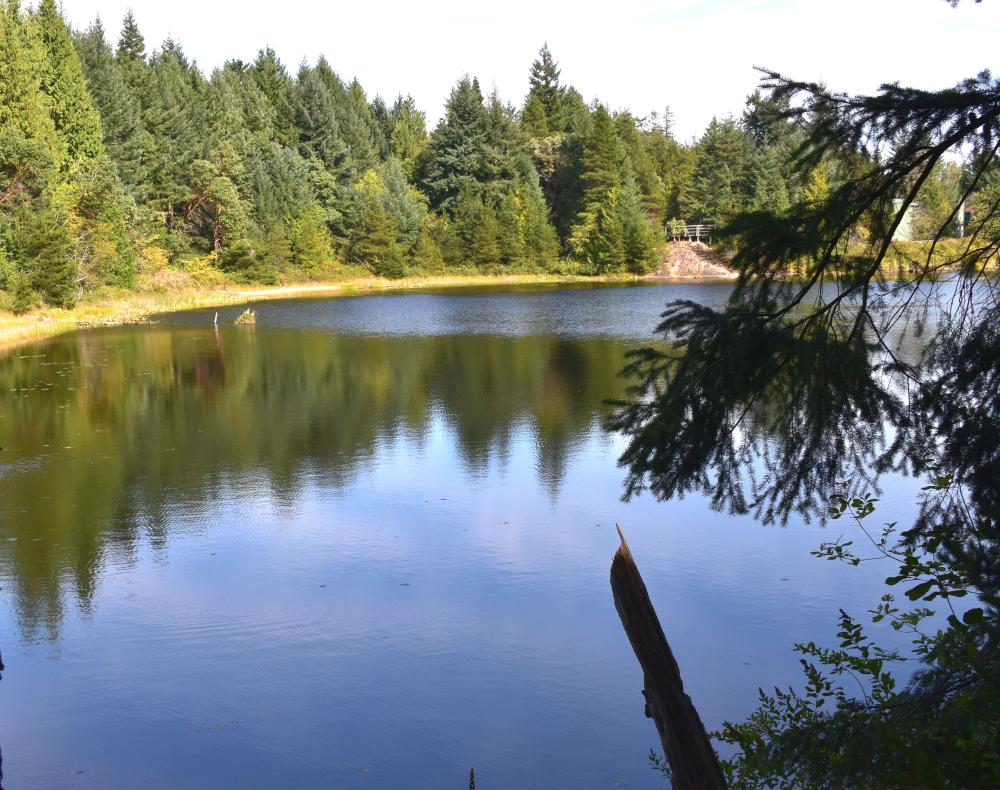
Not a new subject - sorry. I have been trying to achieve Bad Dancer's example of having multiple displacement maps in one image but I am making a mess of the results. How do you achieve the different areas to apply the maps to? I would be most grateful if someone could explain the procedure to me.
-
Hi Mur, Thank you. I have followed Barry's tutorial and I agree it is excellent. I think my problem is the application of several masks and where to apply the displacement maps. Barry starts with a blank slide but in this case I have several places to apply the ripple effect. Rosemary
-
Hi Everyone, I have to admit defeat with the displacement maps. Would someone please give me a short tutorial as to what steps I must take to achieve the rippling water? Which maps to use from step 1 etc Displacement map or Mask templet adapted to the shape required for the ripples. Rosemary
-
Thank you everyone. All this work while I was having my beauty sleep! I am looking forward to trying out your method this afternoon Bad Dancer. Thank you. No doubt there will be questions! I am excited about being able to apply movement to water. Rosemary A
-
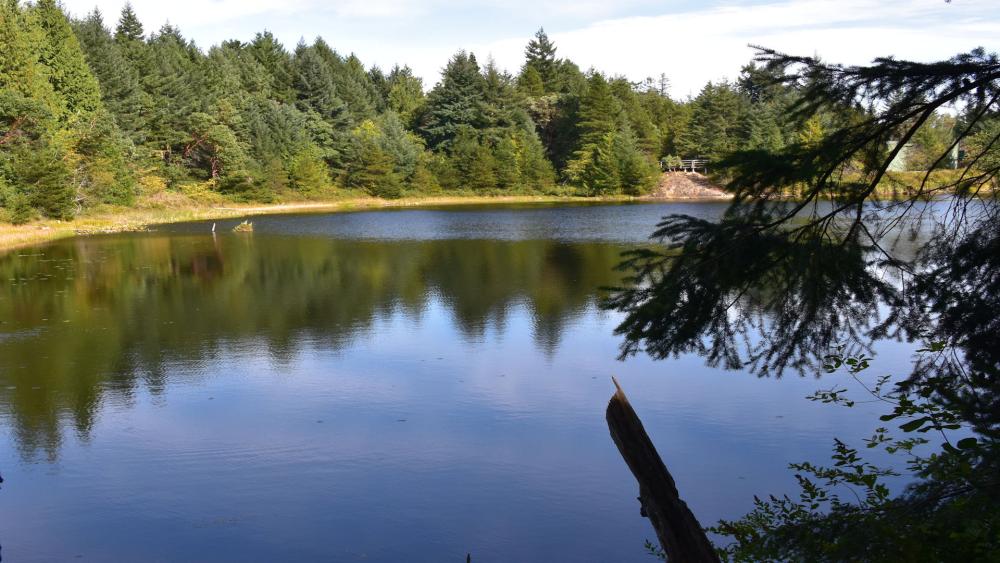
Thank you Mur. I still have a lot to learn! Can you explain how I can get gentle movement on a lake for example or is that another subject? Rosemary A
-
Great news. Thank you. Rosemary
-
First impressions about Version 11 (Beta)
Rosemary A replied to Igor's topic in PTE AV Studio 11 Beta
WOW Alex 55, You really make this program zing with your ability, knowledge and imagination. Thank you for your generosity in sharing your work. Rosemary -
Thank you so much Jill. I had looked through my ever increasing number of slide styles and couldn't find Quick Slide Style! Rosemary
-
Thank you Jill. I use your method all the time too but I still feel that it would be so much easier to just set the text size at the beginning of the show and the text size would be maintained. I have yet to try the new Quick Slide Style. Where is it? I have PTE 11 Beta. Rosemary
-
Thank you Igor for getting back to me. I do use option A just now but still would like the ability to set the text size at the beginning of the show and the program maintains that text size. Is it possible to change the default Zoom to a smaller number and the program maintains that size until changed? Obviously I no nothing about programming. It would be interesting if other PTE users would like this feature or is it just me. Rosemary
-
I have played around with Beta 11 and am very impressed with all the new features. Thank you. My only regret is the inability to set the size of the text at the beginning of the show and PTE retains that size throughout the show. The text box defaults to 15 which is too large so each text entry has to be adjusted in subsequent slides. I use a lot of text! Rosemary
-
Thank you Tonton. Great idea. Rosemary
-
Thank you Alex. These styles are most useful. I am in awe as to how you can keep track of all the content as you build the slides. Rosemary