Rosemary A
-
Posts
428 -
Joined
-
Last visited
-
Days Won
5
Everything posted by Rosemary A
-
Thank you VBL2007 for yet another set of fun frames and masks. Now can I ask a further question from anyone. How do you get the circle to rotate? I have tried Rotate 360 but that doesn't seem to activate the diamond circle. Diamond Circle.pte
-
I think you mean Rosy in your comment. I wish I had Rosy's knowledge of the program. Good luck with your new drivers. Rosemary
-
Congratulations Mark. Well done. Rosemary
-
OUT AND ABOUT IN THE YORKSHIRE DALES
Rosemary A replied to Lakelandlass's topic in Slideshows & AV Shows
Thank you for sharing this beautiful show. I loved the slow pace therefore giving time to view the pictures. Spectacular countryside. Rosemary A -
Hello, again jienese. How can I thank you for your patience and the tutorial. My mistake was that I was not unchecking all of the videos. I hope you can view the results of your hard work and kindness. Rosemary https://studio.youtube.com/video/UFxOXfEWHz4/edit
-
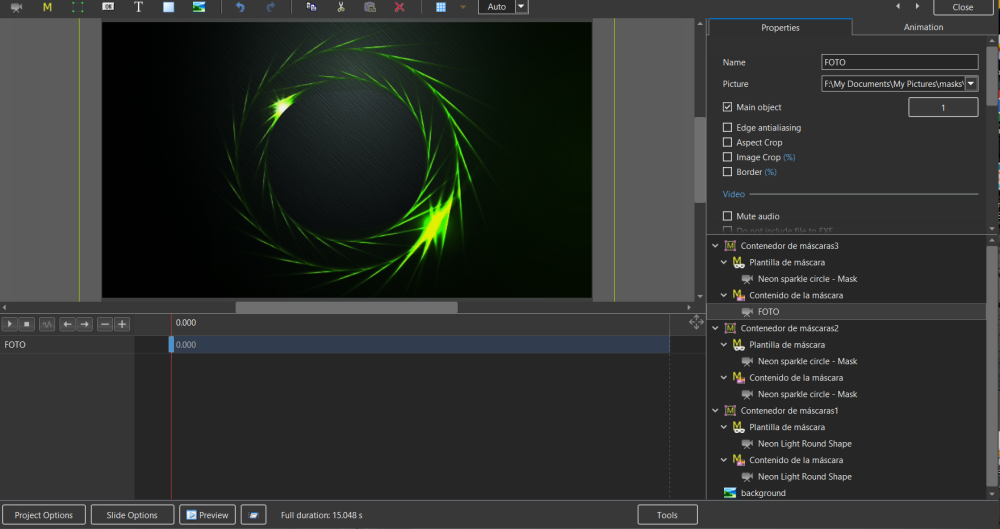
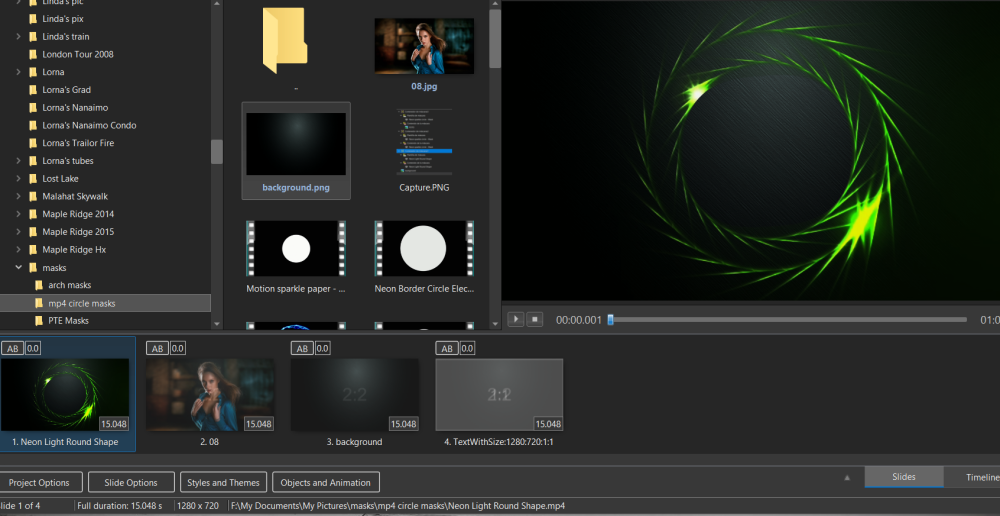
Thank you jienese, I had not made the Photo as the main object but now I have. I attempt to make the slidestyle but all I get is the attached. I have tried using a blank slide as background, the photo and your background but with no luck. Rosemary
-
Thank you Davegee. My problem is making the style in the first place. I select the slide, tools,and then create slidestyle. The resulting slide style is nothing like the original example sent by jienese. Rosemary
-
Thank you jienense for the example. I can see that I have a lot of learning to do! Your example really helps. As an aside is it possible to make slidestyles from my finished effect? I tried with your example but it didn't work Thanks again, Rosemary
-
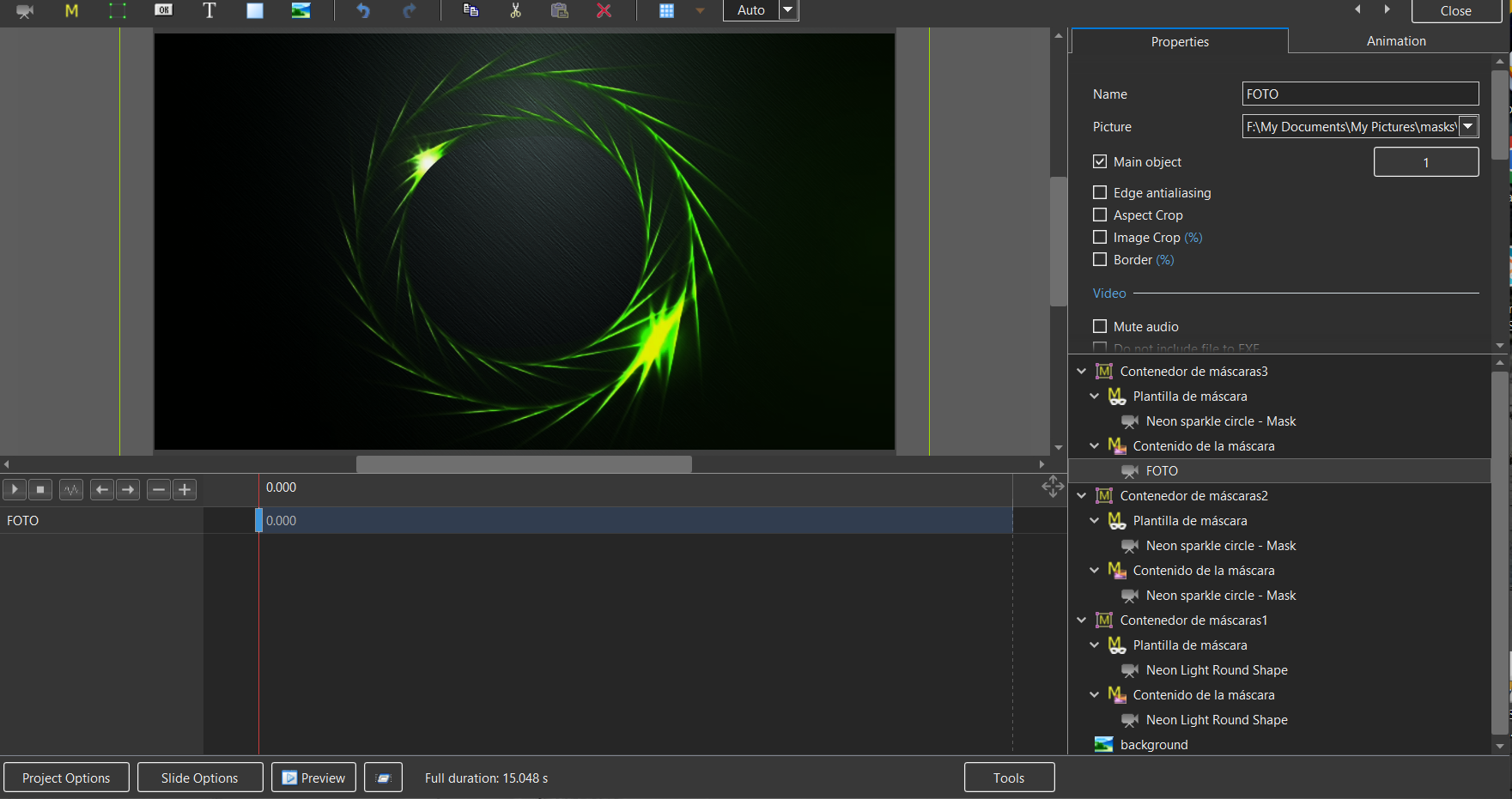
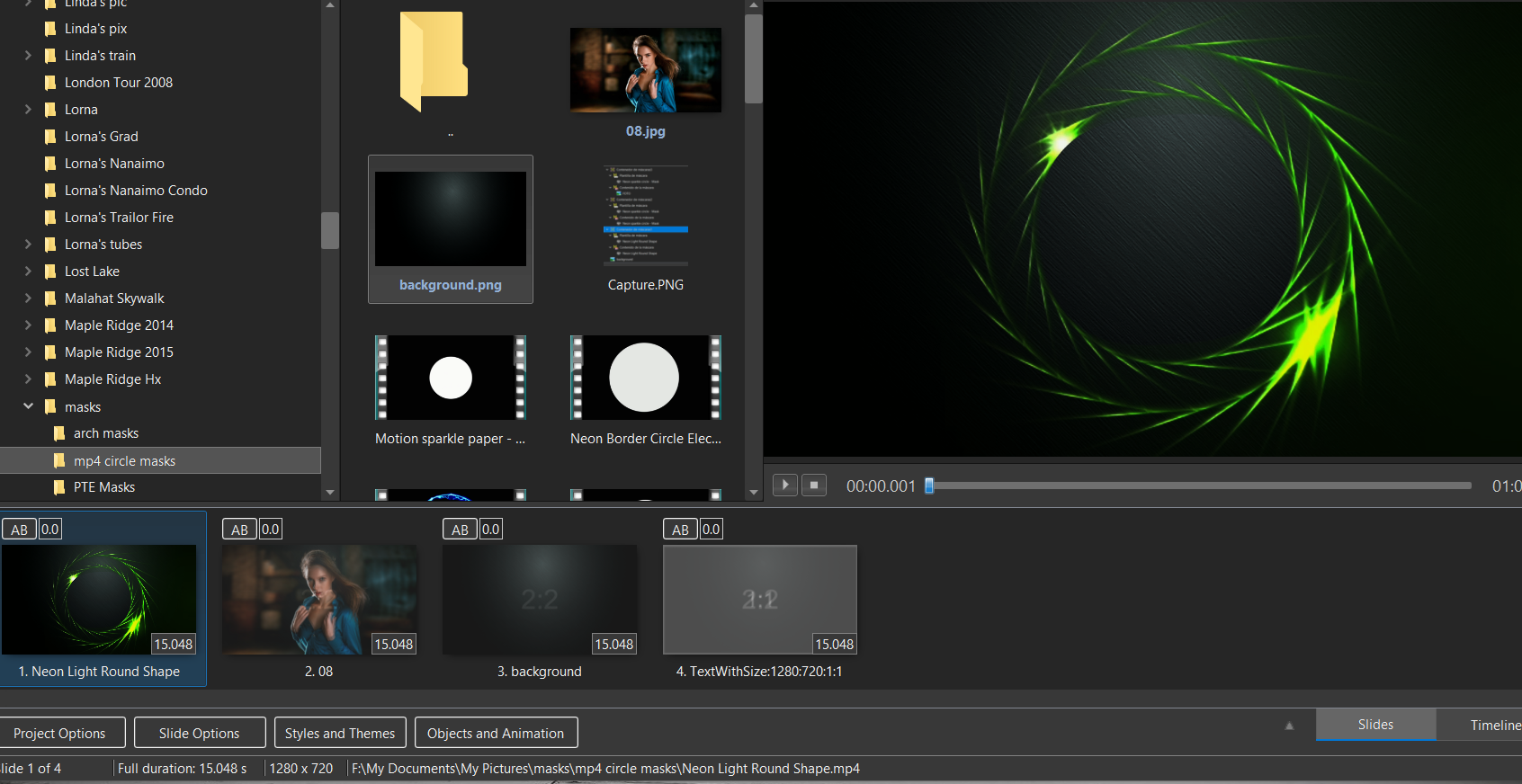
I am sorry, but I have to admit defeat. I have tried to apply these masks in the usual way but I am obviously missing something. Would someone please explain how to apply the masks or give me a screen shot of the O&A screen with a fractal mask applied? For example "Neon Light Round Shape" Thank you so much. Rosemary
-
Thank you for these. I shall have fun trying them out. Rosemary
-
Thank you Rosy, Dave and Jienese. I now have a fairly good idea of how masks work and how to apply them. I feel that not all the masks that I have are compatible with PTE Av Studio but most are. Rosemary
-
I am still playing around with masks. Could some kind person explain how to use the masks donated by forum members. I have tried to import one or two but I am having little success. I have tried all three mask options but am obviously missing some important step. Thank you, Rosemary
-
Wideangle, Thank you. I don't know what was going on but, as you suggested, it imports as a style. Silly me. Rosemary
-
Hi AleAle5025, What file format is your book download in? I can't open it. I have Windows 10. Your demo book looks great thank you. Rosemary
-
Thank you for sharing this Alex. It amazes me how you can keep track of all the different components! Great job and I love the music. Rosemary
-
Thank you Barry for this most useful tutorial. Rosemary
-
Thank you so much Jinese and jt49 for answering my query and also for making the video of instructions. I am going to try and follow it. I appreciate your kindness. I am glad to say that your English is much better than my non existent Spanish or any other language. Rosemary
-
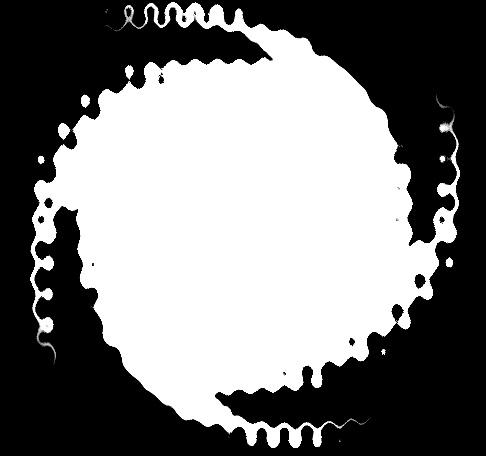
Now for a really basic question. How do I get the mask to show white? No matter how I try with the circular mask template I get a transparent circle. How do I get it white? Thank you again. Rosemary
-
Javier and Dave, a huge thank you for your help and for the styles. I can now convert the Proshow examples to play in PTE. Should keep me quiet for a while. I hadn't thought of creating the border by expanding the mask. Simple when you know how. Rosemary
-
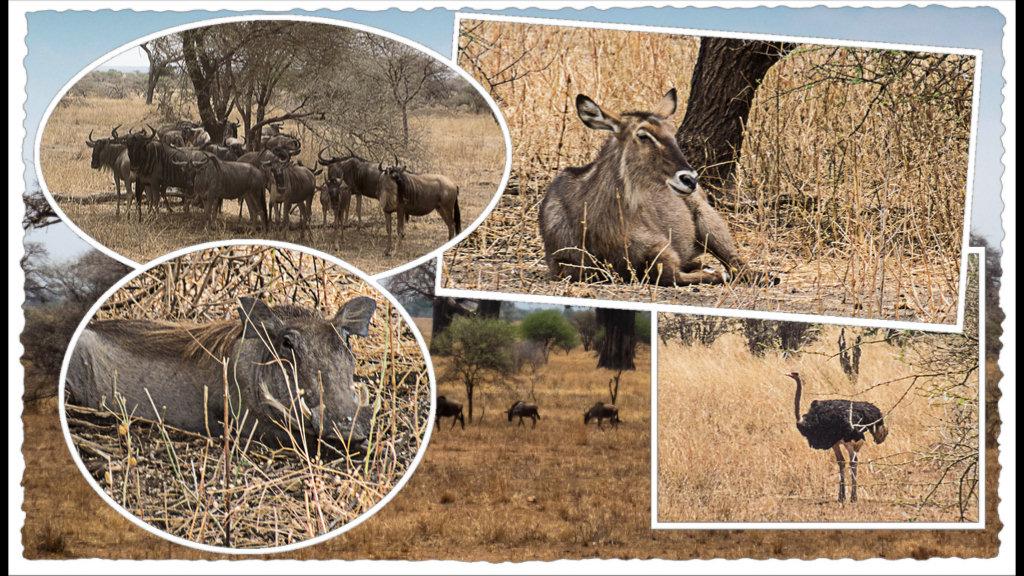
Thanks Dave. I have been able to get 3 images using masks. Can't figure out how to get a border around the insert pictures or some sort of a division. I am just surprised that this can't be easily achieved in PTE. Remember I am a novice but trying! My image editor has templates for postcard like images and I could use those but this is a challenge. Rosemary
-
Thank you for trying to help jienense. Your method will get me one image on the background but I would like to have 3 or 4 images just like a postcard. I suspect it requires multiple masks which I haven't figured out how to achieve yet or if it is even possible in PTE Av Studio. Rosemary
-
Thank you for the suggestion. I shall give it a try.
-
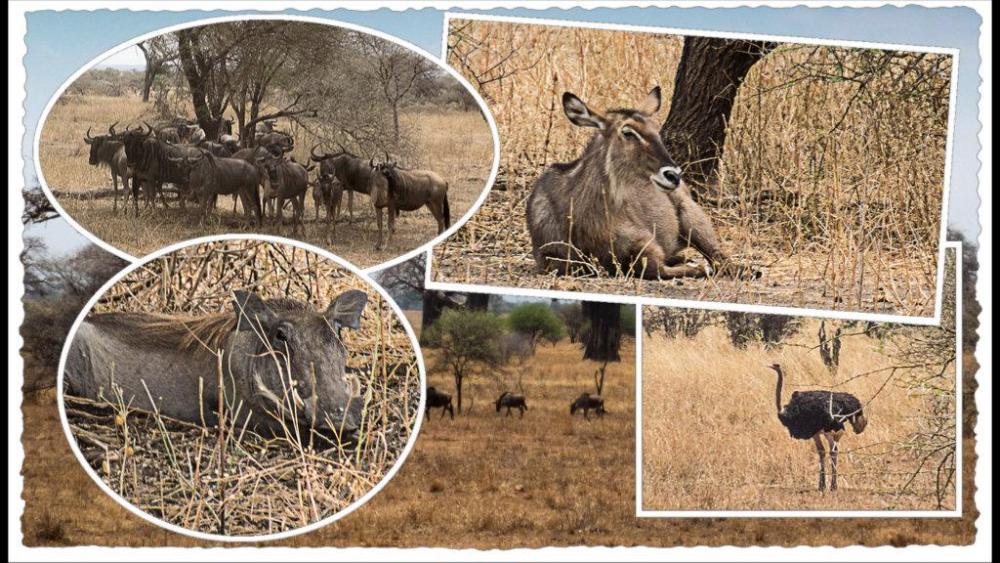
Hi everyone, I have a lot of postcard styles from Producer which I used a lot. Is it possible to make them in PTE. I am aware that it involves masks but I am lost! Thank you, Rosemary
-
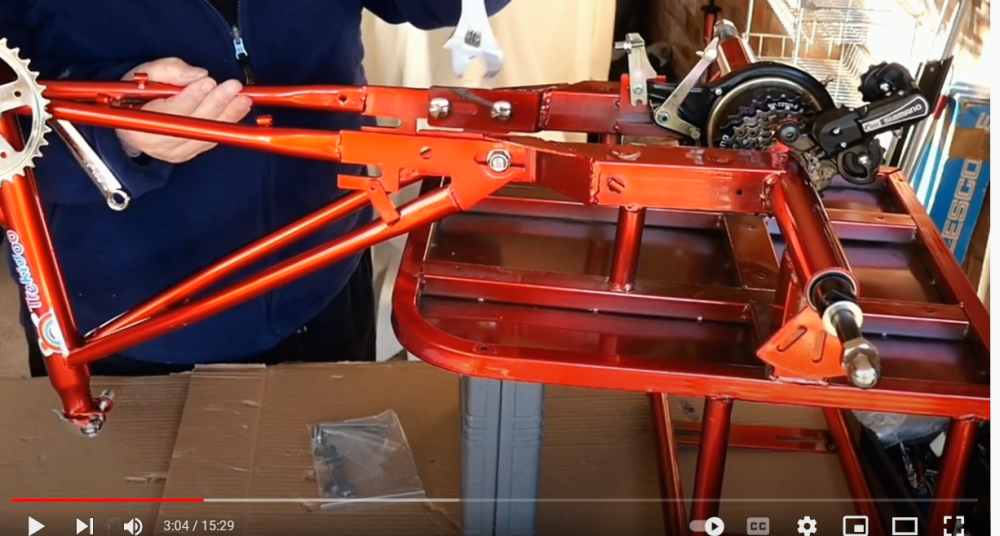
Great news about the bolt. There is usually something missing from the kits! Enjoy your rides on it. Rosemary
-
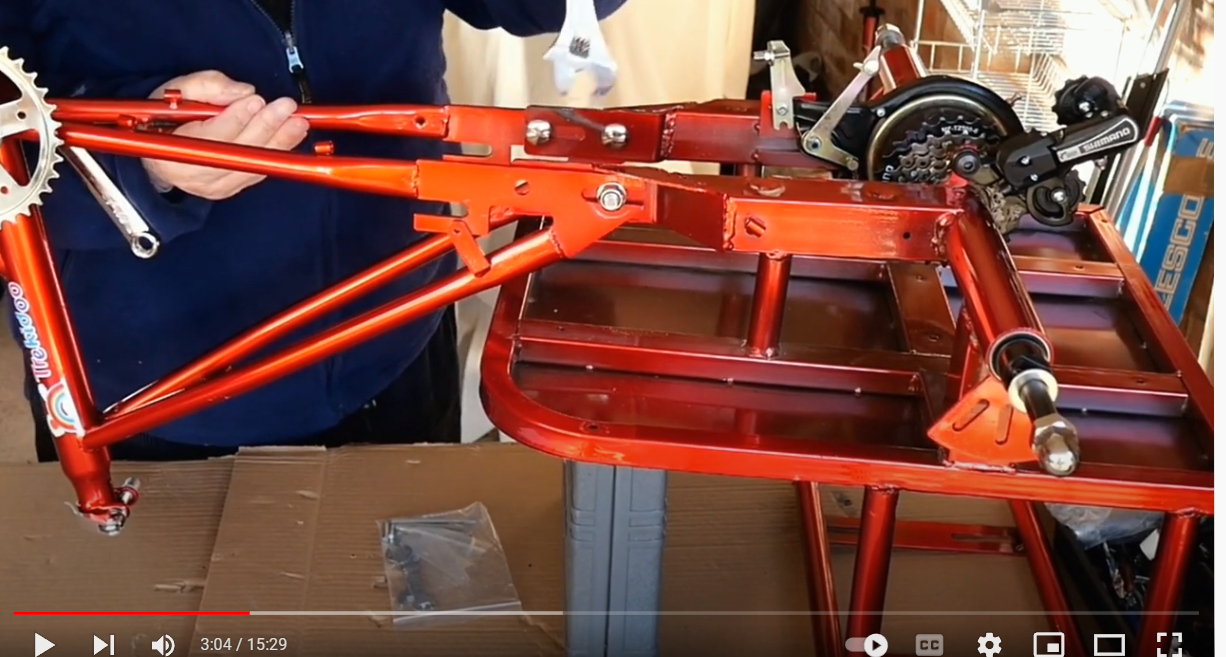
Rosy I enjoyed your show. Your Tridoo Pedal Rickshaw looks a lot of fun. One concern I had as I watched the seat area being attached to the mainframe is that one side was secured by 2 bolts and the other only had one securing it to an open ended slot. I hope there are two bolts each side. ( Can you guess that I was the safety first person when I was working!) Rosemary