davegee
-
Posts
9,365 -
Joined
-
Days Won
60
Everything posted by davegee
-
....and taking that to its logical conclusion.... Pr4_Sep19-2015_10-00-27.zip DG
-
Denis, Just playing around - no frames and no Keyframes. Project3_Sep19-2015_8-45-14.zip DG
-
Thanks for your Kind words. I now look forward to your next (or should that be FIRST) Contribution to this forum. All that I have seen from you so far in your many roles and alter egos is criticism without examples. I don't suppose that will change any time soon. I might put a warning on anything I post in future to the effect that it (whatever it might be) is not for the Ultra Advanced workers such as yourself. Best wishes, DG
-
This one has Blur on the image (65%). Zoom6Slideswith2TransBlur.ptestyle This series has been "developed" by applying a Style, making some adjustments and then Saving again as a different name. DG
-
Nice, Denis. DG
-
I think that we will probably have to agree to disagree over the flexibility point It depends how your tailor you master Style for any particular project. However, I will agree that what would improve the application of Styles (Batching) would be a degree of "additive" behaviour. I think that is could be possible, but as usual the folk round here will want more, more, more. DG
-
You can. For Batch - read Style. Make your adjustments on a single slide. Save it as a Temporary Style. Apply the Style to the rest of the "batch". DG
-
"a Style which will animate an Image over several slides" (with or without Transitions)..... ....it does what it says on the tin..... ...... it animates a background image over several slides and allows for foreground objects to be added (and Animated) in individual slides. Can we not each have different ways of acheiving the same goal? We don't have to make calculations using Exel etc etc etc.....PTE will provide the necessary calculations. We have to apply them, until Igor provides this feature and I, for two, would welcome it. In the meantime I just enjoy a challenge. The Video approach would also, I am sure, work equally well, but I have my usual reservations about quality and file size. DG
-
Do you mean like this: Animated Cube.ptestyle Add 6 16:9 images to Slide List and apply the Style. It is based on your Experimental Cube Style and the original Style contains some errors which I think are producing some "edge effects". I just added the Masks and images. DG P.S. Edge errors corrected - Please download again
-
You two are going to get on like a house on fire!! DG
-
Here's a Style which shows that it is possible to create a Style which will animate an Image over several slides. Add a single image to the Slide List and Apply the Style. You can vary the slide duration of the GROUP of slides but not indivdual slides in the group because the rate of zoom will then change. Zoom6Slides.ptestyle More info on Slide styles: http://docs.picturestoexe.com/en/slide-styles/main DG P.S. Here is the same Style with Transitions. Zoom6Slideswith2Trans.ptestyle DG
-
John, Here's a STYLE that demonstrates something along the lines that you describe. ZoomBG.ptestyle The Main Image is used as a Background image and is Blurred and converted to B+W. Add as many images to the slide list as required - highlight them all and apply the Style. All parameters are fully adjustable in Objects and Animation. You can make changes to the slide in Objects and Animation and resave as a different style. There is some further info on Styles here: http://docs.picturestoexe.com/en/slide-styles/main Warning: Using something like this on ALL slides in a presentation is not advisable. DG
-
Extremely interesting new Firmware Update for the Olympus OMD-EM1: http://www.olympus-global.com/en/news/2015b/nr150915omde.jsp DG
-
New firmware announced 15/09/2015: http://downloadcenter.nikonimglib.com/en/index.html DG
-
Publish as mp4 and "Add photo or video" from your hdd. Be patient - it takes a while:) I "think" that's how I did it? DG
-
Ffoto, The latest version of PTE is 8.0.17. Have you tried that?? http://www.picturestoexe.com/forums/index.php?/topic/17226-picturestoexe-8/ DG
-

Cut-off Markers don't change with duration change
davegee replied to ckirbysr's topic in Troubleshooting
If you place one or both on a "Cardinal Point" it sticks and will move with a change of Slide Duration. If they are not on "Cardinal Points" then the behaviour is different. The behaviour is not related to the setting of "Scale key frames in objects (on time change)". DG -
Cut-off Markers don't change with duration change
davegee replied to ckirbysr's topic in Troubleshooting
OK - I understand now. DG -
Cut-off Markers don't change with duration change
davegee replied to ckirbysr's topic in Troubleshooting
Terry, The positions that you have highlighted are determined by the transition times of the current slide and the following slide. If Key Frames are placed on these points then the result of a change of Slide Duration is determined by the setting of "Scale key frames in objects (on time change)" in Slide Options / Main Tab. Search for information on these topics in the Online Help. DG -
Screen shot of the message, please? DG
-
Slide Show Club display issue - Resolved
davegee replied to Barry Beckham's topic in Troubleshooting
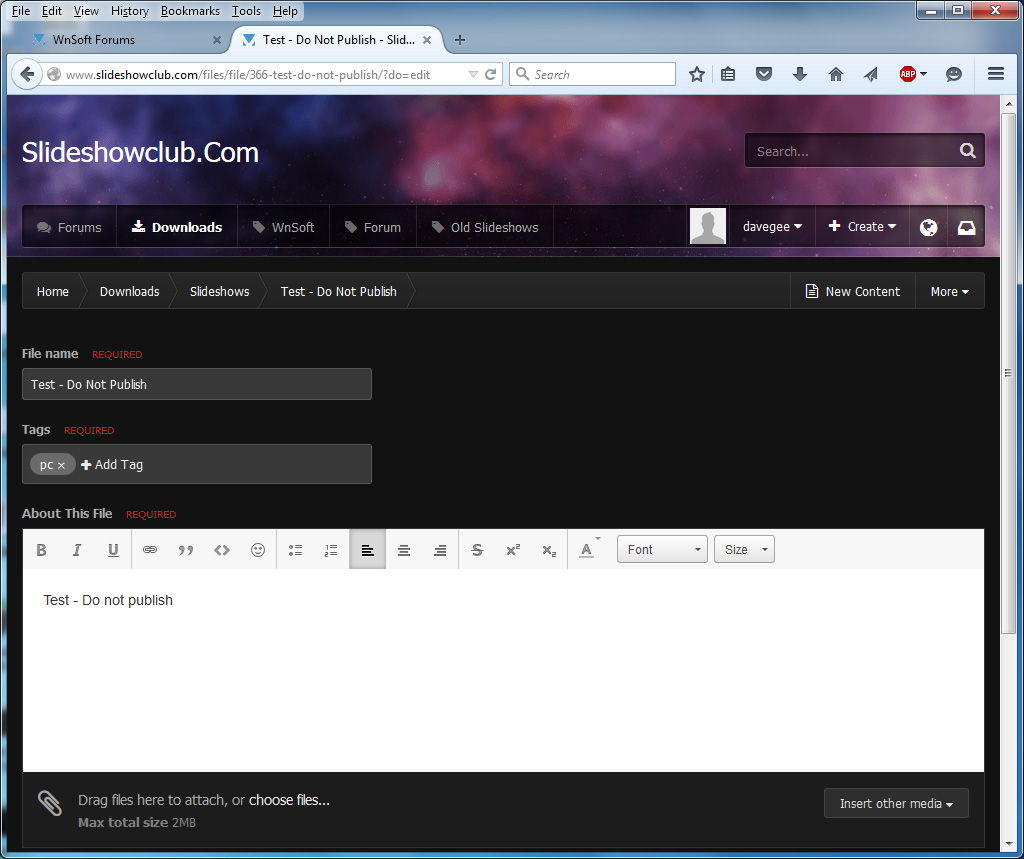
Barry, I have just uploaded a test file and went into the Edit function. My text was there and in Black. My first reaction when I saw your post was that the text in the Edit Box had defaulted to White and possibly changing this would have made the text show. Anyway, it all works OK (for me) in W7 and Firefox. DG
-
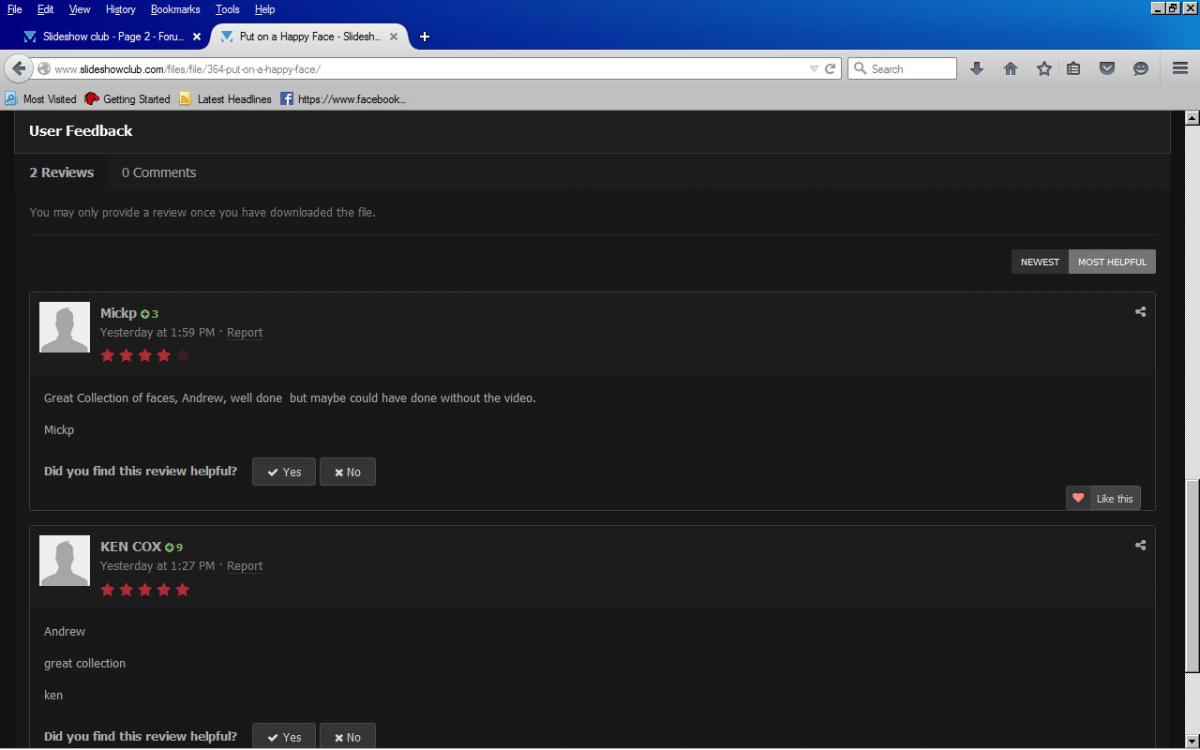
Click on where it says "5 comments". DG
-
Bert, Can you show a screen grab of what you ARE seeing?? DG
-
I have closed down both pc's but on this Kindle I just opened "In Memorium" and was able to read Bert's comment. Same as on pc's. DG
-
I just scroll down: DG