Igor
-
Posts
13,675 -
Joined
-
Last visited
-
Days Won
288
Everything posted by Igor
-

Custom transition - Invalid floating point operation [SOLVED]
Igor replied to tom95521's topic in Troubleshooting
Tom, jt, We fixed this problem. Please try the updated version: http://www.wnsoft.com/files/test/picturestoexe-setup.exe If everything is OK, we'll publish this version as 8.0.13 -
Custom transition - Invalid floating point operation [SOLVED]
Igor replied to tom95521's topic in Troubleshooting
Hi Tom, We reproduced this problem on Windows 8.1 and we're working on the solution right now. -
Custom transition - Invalid floating point operation [SOLVED]
Igor replied to tom95521's topic in Troubleshooting
Thanks! I'll check up on Windows 8.1 tomorrow. -
Custom transition - Invalid floating point operation [SOLVED]
Igor replied to tom95521's topic in Troubleshooting
Tom, Thanks for the test project! I still can't reproduce this problem. Please can other member check this project? -
Hello Larry, I apologize for this problem! Please try the following: 1. Uninstall PicturesToExe 8. 2. Download new version 8.0.12 from WnSoft website: www.wnsoft.com/files/picturestoexe/picturestoexe-setup.exe 3. Install PicturesToExe 8 again. At first run, if the program will suggest you import settings from previous versions, please IGNORE this action. If it doesn't help, please check your computer with antivirus. If you have connected network drives or USB hard drive, try to temporarily disconnect them. Maybe your computer is overheating due to dust? Just a guess. If it possible, please check temperature of your CPU and video card.
-
Custom transition - Invalid floating point operation [SOLVED]
Igor replied to tom95521's topic in Troubleshooting
Hi Tom, Please can you send me all project files? Create a backup in a ZIP archive. Do you see this problem, if you start a new project and add this custom transition? -
Bert, Please add PC file to "The Bannack Album" publication on Slideshowclub.
-
Hi, Microsoft has published a recent update KB3013455 for Windows Vista. This update caused visual problems with fonts in many programs. For example: http://answers.microsoft.com/en-us/windows/forum/windows_vista-windows_update/kb3013455-ms15-010-causes-font-corruption/8640d38d-19bd-46b6-9af0-6213c05107d3 In PicturesToExe you can observe missing letters in Text objects. This problem doesn't affect Windows 7, 8 or XP. Solution: Uninstall update KB3013455 in Windows Update center, or wait for the new update from Microsoft. Note: This problem doesn't affect to existing executable slideshows, because PicturesToExe converts text captions to vector data.
-
Hi, If you have Windows Vista please read my message here: http://www.picturestoexe.com/forums/index.php?/topic/18295-problem-with-text-fonts-in-windows-vista-solution/
-
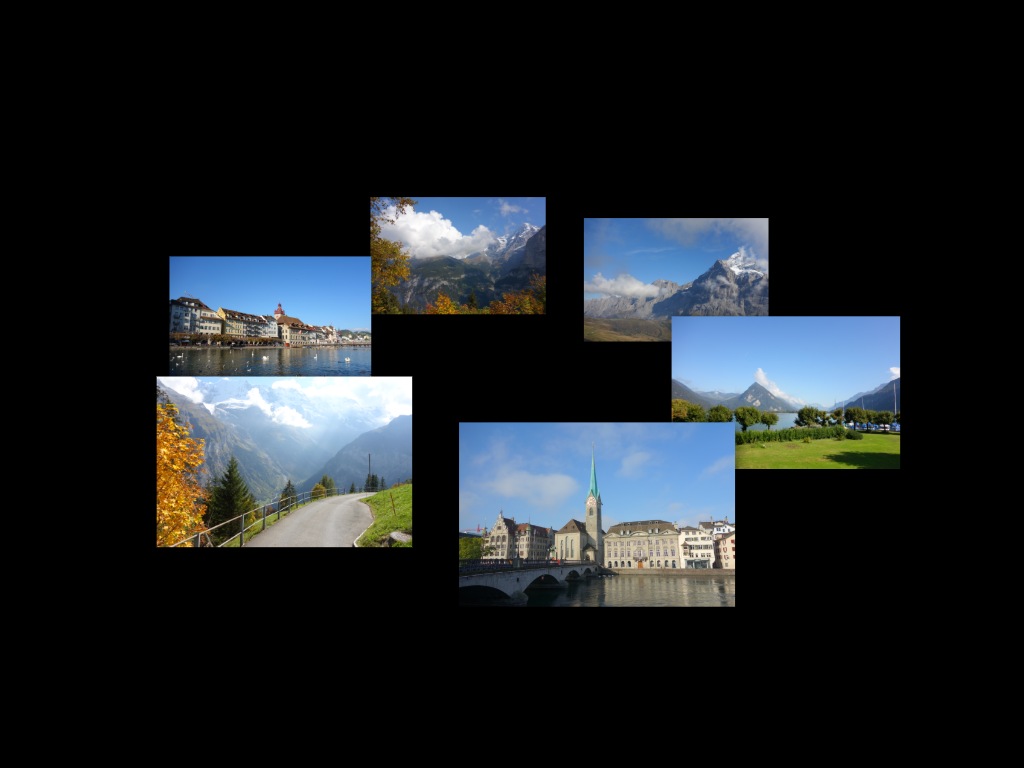
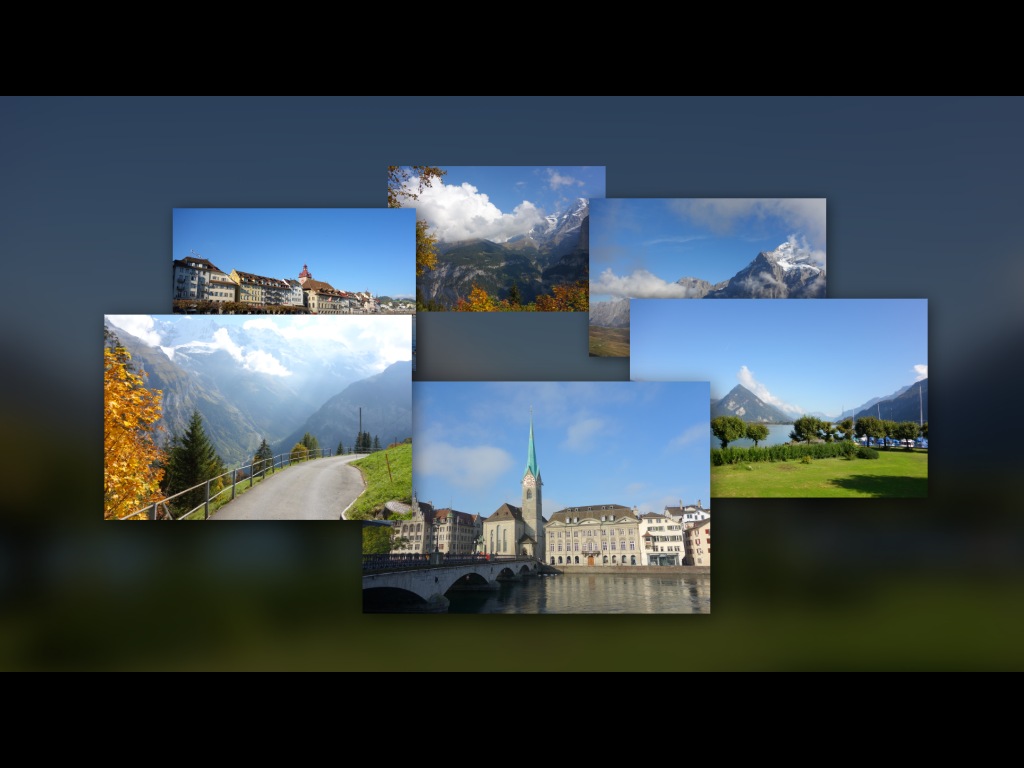
Hi, I created a customizable version of A Simple Carousel of Images by Dave Gould. You can adjust size of border, opacity of a background and size of images. Advanced Carousel.ptestyle
-
Try the following: 1. Create a MP4 video in PicturesToExe/ 2. Add this MP4 file to a slide in your project. 3. Create EXE file & run it. 4. Compare colors. Settings of a video card does not affect to video clips added to PicturesToExe and you can compare colors.
-
Hi Bert, There is only subtle difference in colors between MP4 video and EXE file. However colors should not be oversaturated in a video file. Please check color settings for video output in the control panel of your video card (Nvidia Control Panel or AMD Catalyst Panel). Set "Saturation" to zero and turn off all color enhancers ("Auto contrast", "Auto colors" "Super picture", etc). These color settings affect all video players.
-
Roger, Please send me this project. We'll check up. What video card installed in your computer? There should be no significant changes betwee v8.0.1 and v8.0.11.
-
Congratulations, Mark! Thanks for this information.
-
Hi, Please try a beta version of PicturesToExe 8.0.12: http://www.wnsoft.com/files/test/picturestoexe-setup.exe This version fixes a problem with the power saving settings of a display in Windows 7 and 8. The problem occured when Windows is configured to turn off a power of a display after a time of inactivity. When this value is short (5 minutes, for example) and you watch an executable AV show the display could be turned off. This update solves this problem. An alternate solution for old executable shows - increase time value in the power saving settings of the display or simply move a mouse cursor to activate the display again.
-
Bob, What version you had before this update to 8.0.11? The change in v8.0.11 for OpenType fonts could not affect to this problem. I'll send you personal message, please read it.
-
It's strange problem, because Invision Power Board is a very popular engine for forums and many people use it. Personally I never had any problems with the forum. Please use the latest version of your favourite web browser. This problem can be related with your antivirus & security software which deletes cookies.
-
Hi, 1. Please download a test show which I created in PicturesToExe 8.0: http://www.wnsoft.com/files/test/TestShow-8011.exe Can you run it on your computer? 2. Try to uninstall PicturesToExe and re-install the program again. Will it help? 3. Try to temporarily de-activate Norton antivirus and create an EXE file in PicturesToExe. Will it work now? 4. If you still have this problem, create an EXE file and upload to Dropbox or Mediafire.com. Give me a download link. I'll check up that file. Thanks in advance,
-
Hello Hans, I installed Panda Gold on my PC and preview in PicturesToExe works fine. Please try to temporarily de-activate Panda antivirus to check if this program affects to PicturesToExe.
-
Barry, 1. Please try Ctrl+Shift+ mouse wheel as advised above. 2. I'm afraid it can be done only in future. 3. Do you mean "silence" as virtual audio clip? Or add silence INSIDE existing audio clip?
-
Barry, I'm glad that this problem was resolved successfuly
-
Barry, The second problem is strange. If it will occur again, please ask customer to take screenshots or photos from the screen to see what text was entered.
-
Hi, Try to use Google 2-Step Verification. This system allows to create individual passwords for devices and applications which use Google services. Then create a special password for PicturesToExe. More details: https://www.google.com/landing/2step/
-
Dave, Thanks!
-
Hello Denis, Thanks, we'll fix this problem in future version 9.0 and probably in the next update of version 8.0.